




WordPress Tutorial Page 56
The "WordPress Tutorials" feature takes you in-depth understanding of WordPress, from the basic installation, theme and plug-in configuration, to SEO optimization and site security, covering all aspects of the core knowledge and practical skills needed to build a site. Whether you are a novice or an experienced developer, you can find the appropriate tutorials to help you easily master the use of WordPress and advanced operations.
arrange in order

Zero Code Implementation: Publishing Beautiful Product Showcase Pages with Blocksy Theme
With Blocksy and Gutenberg, you can quickly create product showcase pages for WooCommerce stores and brand websites with no programming knowledge.

How e-commerce sites use site weight to assess SEO effectiveness
Explain how e-commerce websites can evaluate SEO effectiveness with the help of website weight, combining keyword rankings, page performance and traffic trends, and judging optimization effects scientifically.

Elementor Free Templates Guide to Adding Popups, Forms & Rotating Images
Teach you how to add popups, forms and rotating images to Elementor free templates, with free plugins to achieve commonly used page interactive effects, suitable for newbies.

What are the best CDN services for WordPress? Comparison of the world's leading solutions
Choose the right CDN service for your WordPress site, compare Cloudflare, BunnyCDN, QUIC.cloud and other solutions to help you improve access speed and stability.
Common Problems and Solutions to Elementor's Safety Model: Addressing Design Challenges
What should I do if my Elementor page fails to load, the editor is white screened, or the style is messed up? This guide analyzes in detail how to use Elementor Safe Mode, the causes of common failures and precise solutions to help you efficiently troubleshoot website problems.

How to add a site-wide bulletin board with Blocksy Content Blocks?
Use Blocksy Content Blocks to quickly add WordPress site-wide bulletin boards with no plugins or code, responsive and conditional display support.

Astra User Registration Welcome Message Setup Tutorial (Free Plugin Program)
When building a membership or eCommerce site with Astra Theme, how to set up a registration welcome page, automated emails and login welcome message? This tutorial teaches you to implement full welcome message functionality with free plugins like WooCommerce, WPCode and User Registration.

Elementor Fonts Not Displaying? Complete Troubleshooting and Quick Fix Guide
Detailed analysis of why Elementor fonts are not displaying, from CORS, mixed content to caching issues, providing a complete troubleshooting and fixing solution.

How to Analyze Competitive SEO Strength with Website Weighting Tools
Analyze the SEO performance of competing products by using website weighting tools to understand outbound link quality, keyword rankings, traffic, and content strategy to help you optimize your own SEO strategy.
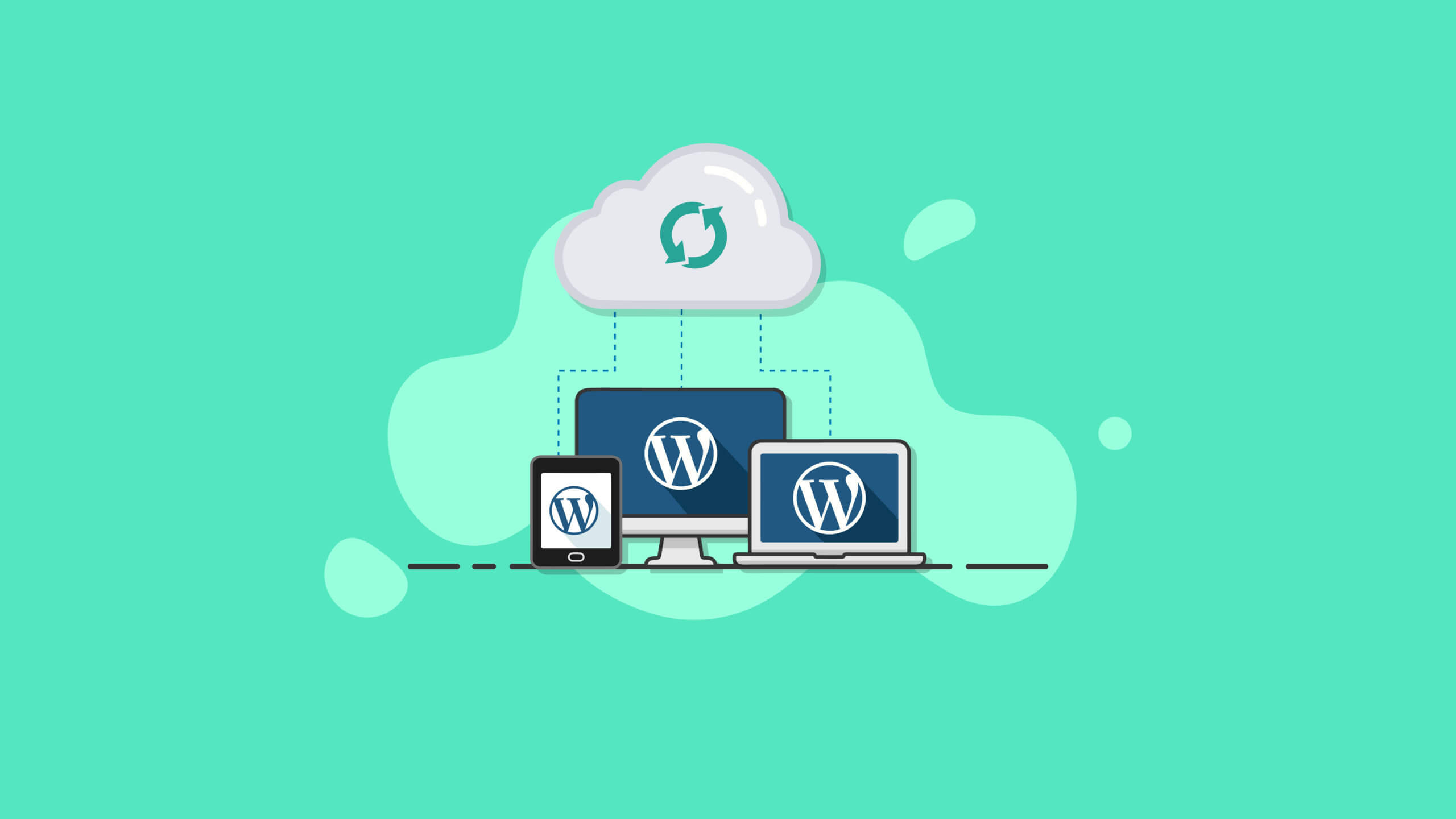
Best Practices and How-To's for Regularly Backing Up Your WordPress Site
Learn how to set up automatic backups and develop a backup strategy to ensure WordPress site security and data integrity with backup plugins like UpdraftPlus.
Enhancing UI/UX Design with Elementor Safe Mode: Ensuring Effective and Functional Designs
Learn how to optimize your WordPress site's UI/UX design with Elementor Secure Mode, solving common problems such as plugin conflicts and cluttered layouts, and building a high-quality page experience that is both beautiful and functional.

Optimizing SEO for Online Course Platforms with Rank Math (for LearnDash, Tutor LMS)
Use Rank Math to optimize courses, tutor pages and structured data for WordPress online education platforms to boost natural rankings and traffic on LearnDash / Tutor LMS websites.

Customizing WoodMart Login Registration Popup Styles Tutorial
Learn how to customize the WoodMart theme login registration popup style by adjusting the colors, buttons, input boxes and fonts to create a more unified visual effect.
Elementor Secure Mode Support for Large-Scale E-Commerce Sites: Ensuring Stability at High Traffic Volumes
In-depth analysis of how Elementor's security model helps large-scale e-commerce websites maintain stable operation in high-traffic scenarios, covering design troubleshooting, plug-in conflict handling, performance optimization, and deployment recommendations to help build an efficient e-commerce experience.

How to Efficiently Optimize Your Website for SEO in SEMrush Free Trial Period
Take advantage of the SEMrush free trial to complete website SEO optimization: keyword research, competitive analysis, content strategy, and outbound link tracking to improve search rankings and traffic performance.

Stripe's Fraud Prevention Mechanism Explained: How to Secure Payments
Explore how Stripe helps merchants prevent fraud by securing and complying with online payments through encryption, Radar, 3D Secure, and rejection protection.

WordPress website loading slowly? Practical Optimization Advice Revealed
Teach you step-by-step to optimize your WordPress website speed, including cache settings, image compression, CDN usage and database cleanup, to improve your visitor experience and search ranking.
How to build a two-column timeline layout with Avada
Use Avada Builder to build a two-column timeline to easily display the parallel progress of two projects or departments. Ideal for project management, course planning, corporate publishing, and other scenarios to improve page visualization and readability.

How to Reset WordPress Password with WP-CLI
Learn how to quickly reset your WordPress password using WP-CLI for VPS environments. Manage WordPress from the command line to increase efficiency and save time.

Avada Timeline Module Application Scenario Analysis and Industry Application Guide
In-depth analysis of Avada timeline module functional advantages and industry application scenarios, covering the official website of enterprises, educational platforms, news topics and other types of websites content display strategy.

How to troubleshoot a server configuration issue where the Elementor editor won't open?
Elementor editor can not open may be closely related to your server configuration. This article explains the key PHP parameters that affect the loading of Elementor, REST API status and extension dependencies, and provides practical troubleshooting and optimization suggestions to help you quickly restore the editor function.
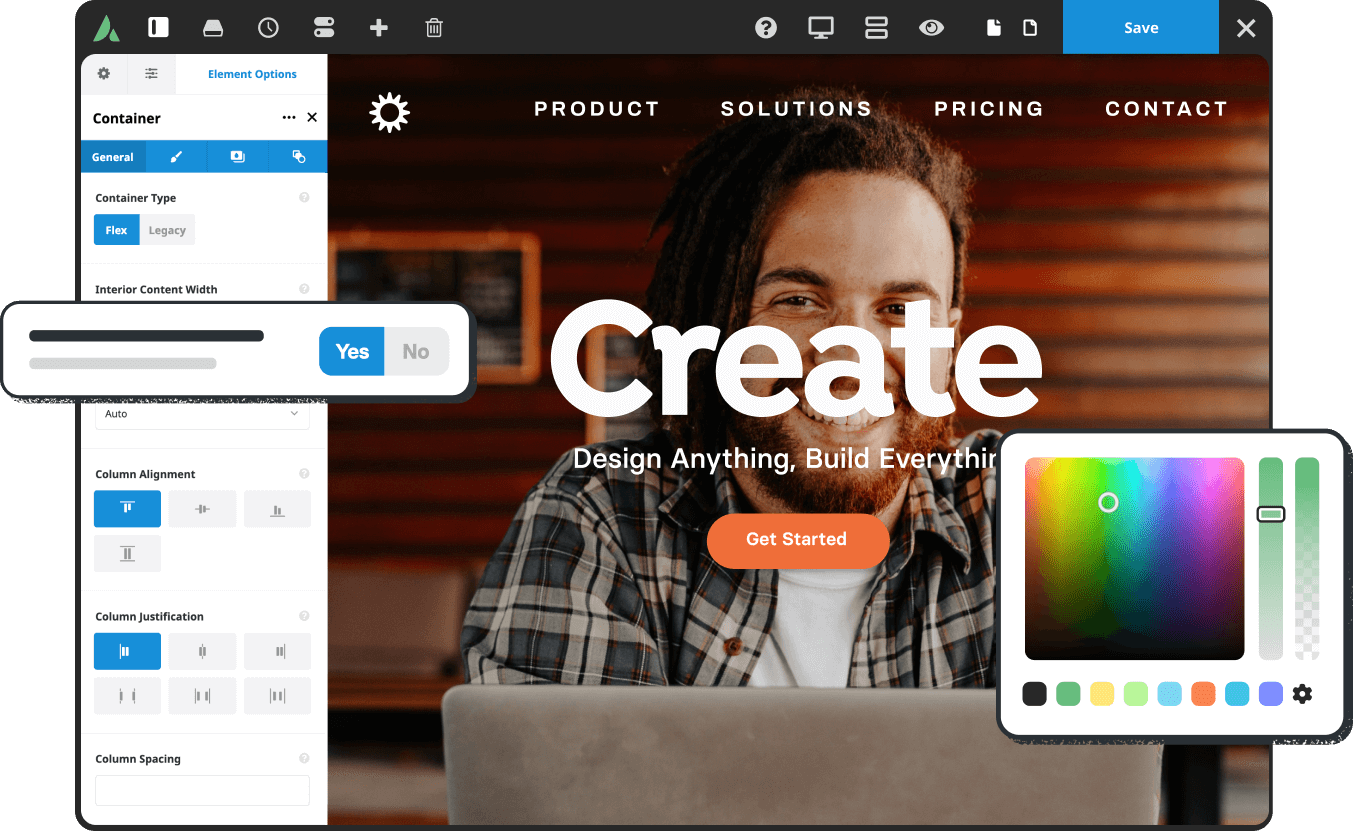
How to customize Avada Timeline color styles
Learn how to use the Avada Timeline module to customize colors, unify your brand's vision, and enhance the aesthetics and presentation logic of your pages, with practical examples of color matching.

The 3 easiest ways to use the SEMrush feature.
0 basic can also get started! Details SEMrush Three simple functions to easily complete keyword research, site diagnosis and competitive analysis.

WordPress vs. Drupal's SEO capabilities: which is better for search rankings?
Who is better at SEO, WordPress or Drupal? This article comprehensively compares the performance of the two CMS in URL control, structured data, multi-language support, on-page performance and other key dimensions of SEO, to help you make the most appropriate technical choices for your website ranking goals.

Complete Guide to Installing WordPress Plugins with WP-CLI
This tutorial explains how to install, enable and manage WordPress plugins using WP-CLI. Learn how to simplify the plugin installation process via the command line for developers.
How to show food product upload history with Avada timeline?
Learn how to use the Avada Timeline module to showcase food product upgrades and create more storytelling and visually appealing restaurant brand pages.

Using the WPCode plugin to create code snippets for front-end calls to custom fields
Learn to use WPCode plugin in the front-end call WordPress custom fields, do not change the template can also display the subtitle, price and other content, suitable for beginners to quickly master.

How to Add SEO Metadata & Structured Data in Gutenberg Editor
WordPress Gutenberg Editor SEO tutorial on how to set up SEO metadata and structured data using Yoast SEO with Rank Math to improve rankings and get rich summaries.

How to Create Beautiful Graphic Layouts in Gutenberg
Learn how to use the WordPress Gutenberg editor to create beautiful graphic typography, from basic blocks to advanced techniques to create professional page layouts that enhance the user experience and visual impact.

SEMrush Cost Optimization: Team Multi-User Solutions & Money Saving Tips
Details on how to save your team's budget and increase efficiency of use by choosing the right SEMrush solution, multi-user seat management, and alternative tools.

 简体中文
简体中文  English
  日本語
日本語  Français
  Español



