


WordPress Tutorial Page 72
The "WordPress Tutorials" feature takes you in-depth understanding of WordPress, from the basic installation, theme and plug-in configuration, to SEO optimization and site security, covering all aspects of the core knowledge and practical skills needed to build a site. Whether you are a novice or an experienced developer, you can find the appropriate tutorials to help you easily master the use of WordPress and advanced operations.
arrange in order
Elementor Secure Mode Support for Large-Scale E-Commerce Sites: Ensuring Stability at High Traffic Volumes
In-depth analysis of how Elementor's security model helps large-scale e-commerce websites maintain stable operation in high-traffic scenarios, covering design troubleshooting, plug-in conflict handling, performance optimization, and deployment recommendations to help build an efficient e-commerce experience.

How to Efficiently Optimize Your Website for SEO in SEMrush Free Trial Period
Take advantage of the SEMrush free trial to complete website SEO optimization: keyword research, competitive analysis, content strategy, and outbound link tracking to improve search rankings and traffic performance.

Free Elementor Templates Guide for Optimizing Mobile Pages
Teach you to optimize mobile web page layout, buttons, and loading speed with free Elementor templates to improve your reading and browsing experience on mobile.
Astra + Gutenberg: a simple way to customize the login registration block
Use Astra with Gutenberg to quickly create beautiful, secure front-end login and registration forms for e-commerce and membership sites without programming.

How to Install WP-CLI on Linux
This article describes in detail how to install WP-CLI on a Linux system, covering the process of downloading the Phar build file, checking the file for executability, turning it into an executable, and testing the installation process, allowing you to manage your WordPress website more efficiently from the command line.

How to Personalize Content Display with Blocksy Content Blocks + Conditional Logic
Use Blocksy Content Block + Conditional Logic feature to display personalized content for different users, such as sign-up guides and exclusive member offers, to improve conversion and user experience.
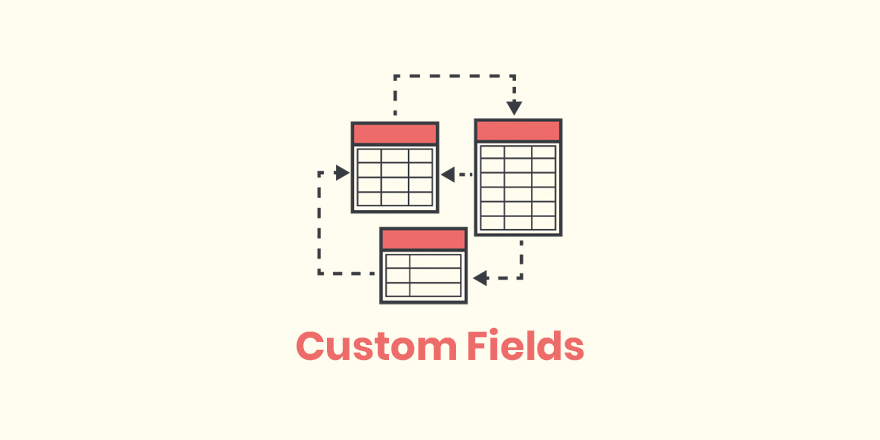
What are the fields that WordPress hides by default? Is it possible to restore the display?
Learn what WordPress default hidden fields do, how they are displayed, and useful tips for using plugins to view hidden fields.

Logged in users see hidden information? Easy to fix with code (for WooCommerce product pages)
Want to add "Login User Only" content to your WooCommerce product pages? This tutorial teaches you to use simple code to determine the state of the user, to realize the exclusive information display, without plug-ins, fast online.
Integration of weight lookup and SEO tools to improve optimization efficiency
Learn to integrate weighting queries and SEO tools, from trend determination to problem targeting, to establish an efficient website optimization workflow to improve keyword performance and search rankings.

Stripe's Fraud Prevention Mechanism Explained: How to Secure Payments
Explore how Stripe helps merchants prevent fraud by securing and complying with online payments through encryption, Radar, 3D Secure, and rejection protection.
WordPress website loading slowly? Practical Optimization Advice Revealed
Teach you step-by-step to optimize your WordPress website speed, including cache settings, image compression, CDN usage and database cleanup, to improve your visitor experience and search ranking.

How to Install the TranslatePress Plugin - A Quick Start Guide for Multilingual WordPress Websites
Want to make your WordPress website support multi-language switching? This tutorial shows you how to install and setup the TranslatePress plugin to build visual, multilingual, auto-translating websites step by step, without coding basics.
How to build a two-column timeline layout with Avada
Use Avada Builder to build a two-column timeline to easily display the parallel progress of two projects or departments. Ideal for project management, course planning, corporate publishing, and other scenarios to improve page visualization and readability.
TranslatePress Conflicts with Other Plugins? How to Troubleshoot Compatibility Issues
Using TranslatePress to do multi-language station encountered plugin conflicts or page abnormalities? This article teaches you how to quickly troubleshoot compatibility issues, solve the page does not display, language switching errors and other common failures, so that the site back to normal operation.

What does the free version of TranslatePress do? What is the difference between it and the paid version?
Detailed comparison of TranslatePress free version and paid version of the functionality of the differences between personal blogs, corporate websites and cross-border e-commerce reference, to help you choose the most suitable multi-language plug-in program.

Blocksy child theme update guide: does the parent theme upgrade affect customization settings?
When using Blocksy child theme, the parent theme update will not affect your customization settings in the child theme. This article analyzes the theme structure relationship, update mechanism and best practices to help you feel free to customize and upgrade.

WoodMart Footer Modification Guide: Structure Layout and Style Optimization
Comprehensively explains how to modify the style and structure of the WoodMart footer, covering layout settings, style beautification, responsive optimization and HTML Block practical tips.
How do I use Stripe to share account collections across multiple sites?
Learn how to use one Stripe account to unify collections and billing across multiple sites, improving cross-site payment efficiency and security.

How does TranslatePress set up multilingual content for WooCommerce products?
Detailed tutorial teaches you how to set up WooCommerce product multilingual content with TranslatePress to realize complete translation of title, description, variants, etc., and easily open cross-border e-commerce.
Building an Internationalized WordPress Website with Different Domains and Subdomains
This article describes in detail how to build an internationalized WordPress website with different domain names and sub-domains, including the advantages and disadvantages, implementation, applicable scenarios and SEO optimization suggestions to help enterprises expand the global market.
How to Reset WordPress Password with WP-CLI
Learn how to quickly reset your WordPress password using WP-CLI for VPS environments. Manage WordPress from the command line to increase efficiency and save time.
![TranslatePress How to do after switching language page jump incorrectly? [Detailed solution guide] - Photon Flux | Professional WordPress repair service, worldwide, fast response!](https://www.361sale.com/wp-content/uploads/2025/06/20250625110347862-image.png)
What should I do if the page jumps incorrectly after switching the language of TranslatePress? Detailed solution guide
Solve TranslatePress switch language jump error problems, including jump to the home page, 404 page, language does not correspond to the causes of common failures and practical solutions.

Elementor Load Failure Common Causes Explained and Quick Fix Guide
Elementor load does not come out how to do? This article analyzes in detail the common reasons for Elementor load failure, including plugin conflicts, theme incompatibility, server restrictions, etc., and provides safe mode troubleshooting, cache cleanup, PHP configuration optimization and other quick fixes to help you efficiently recover ...
How to add a full price shipping alert to your cart page using Blocksy content blocks
Teach you how to use Blocksy content block to add "Free Shipping Alert" on WooCommerce shopping cart page, no plugin and code, improve user experience and order conversion.
WordPress website building cost analysis: personal website building budget in 2025
Detailed analysis of the cost of building a website with WordPress for individuals in 2025, covering domain names, hosting, themes, plug-ins and other budgetary elements to help webmasters reasonably plan the cost of building a website.
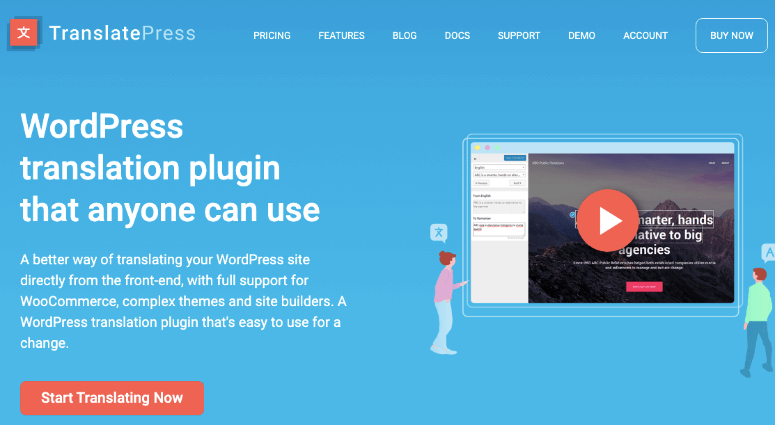
How does TranslatePress set up different menus for different languages?
Learn how to set up exclusive menus for different languages in TranslatePress, including the menu translation function and conditional menu plugin, to enhance the professionalism and user experience of your multilingual website.

Avada Timeline Module Application Scenario Analysis and Industry Application Guide
In-depth analysis of Avada timeline module functional advantages and industry application scenarios, covering the official website of enterprises, educational platforms, news topics and other types of websites content display strategy.
How do I manage post custom fields with a plugin without writing code?
Learn how to use the ACF plugin to easily add and manage custom fields in WordPress without programming and improve your website content structure and management efficiency.

How to troubleshoot a server configuration issue where the Elementor editor won't open?
Elementor editor can not open may be closely related to your server configuration. This article explains the key PHP parameters that affect the loading of Elementor, REST API status and extension dependencies, and provides practical troubleshooting and optimization suggestions to help you quickly restore the editor function.
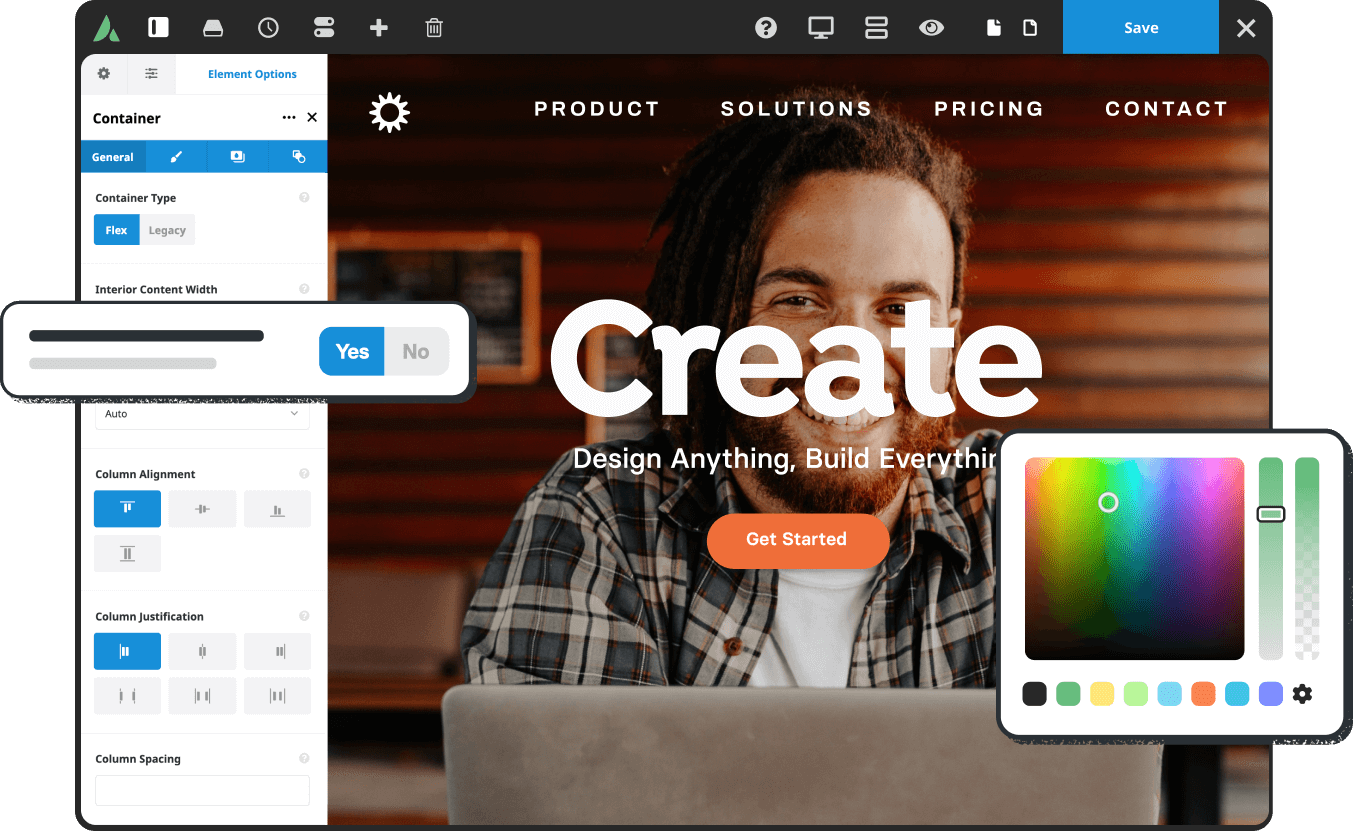
How to customize Avada Timeline color styles
Learn how to use the Avada Timeline module to customize colors, unify your brand's vision, and enhance the aesthetics and presentation logic of your pages, with practical examples of color matching.

 简体中文
简体中文  English
  日本語
日本語  Français
  Español



