


WordPress Tutorial Page 73
The "WordPress Tutorials" feature takes you in-depth understanding of WordPress, from the basic installation, theme and plug-in configuration, to SEO optimization and site security, covering all aspects of the core knowledge and practical skills needed to build a site. Whether you are a novice or an experienced developer, you can find the appropriate tutorials to help you easily master the use of WordPress and advanced operations.
arrange in order
How to Create a Personal Blog with WordPress: Hottest Features and Plugins for 2025
Learn how to build your personal blog with the new 2025 WordPress features and plugins to improve SEO, interactivity, and user experience to help your blog succeed.

Five Risks of Using Illegal Versions of Elementor Pro, a Web Security Issue That Can't Be Ignored
Using an illegal version of Elementor Pro poses multiple risks such as security breaches, lagging updates, missing features, etc. Be aware of these potential hazards to ensure your website's security.

The 3 easiest ways to use the SEMrush feature.
0 basic can also get started! Details SEMrush Three simple functions to easily complete keyword research, site diagnosis and competitive analysis.

How to display more friendly on mobile when there are too many fields? Scrolling and Collapsing Tips Explained
When displaying a large number of custom fields on mobile, the page may look crowded and confusing. This article introduces a variety of WordPress no-code field collapsing and scrolling display methods to improve structural clarity and readability.

Plugin conflict causing Elementor loading exception? One Click Troubleshooting and Solution
Elementor can not be loaded out is likely to be due to plug-in conflicts. This article analyzes in detail the common types of conflicts, specific performance and troubleshooting methods, and provide a key to enable safe mode, console log analysis and caching plug-in exclusion settings and other solutions to help you quickly restore editor functionality ...
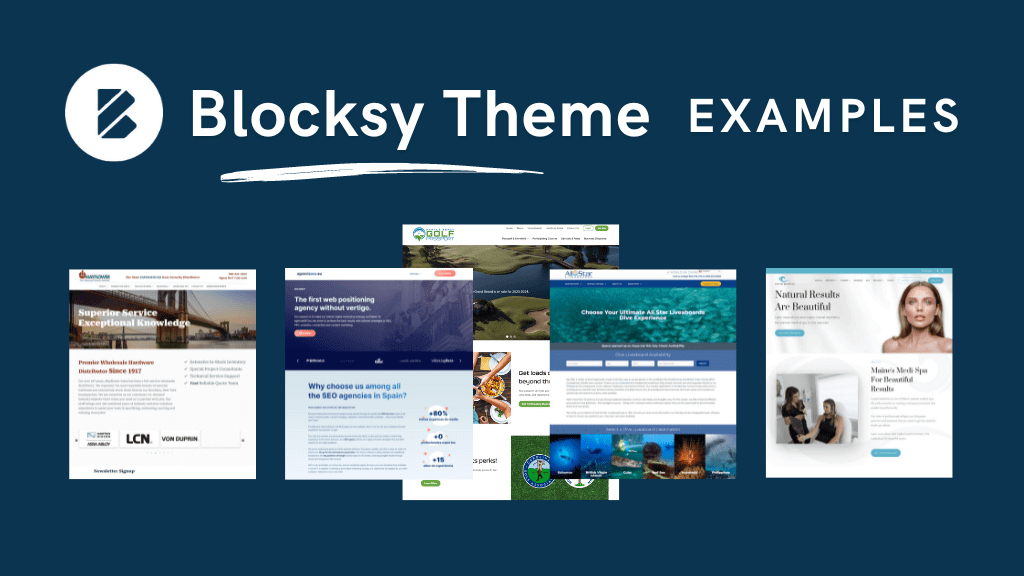
How to control the display order of Blocksy content blocks? Priority settings in detail
Learn how to control the display order of multiple content blocks through Blocksy's prioritization feature to improve the efficiency of WordPress website layout management, suitable for all theme users.
WordPress vs. Shopify: How to choose a personal e-commerce site
Compare the two major e-commerce platforms, WordPress and Shopify, to help you choose the most suitable personal e-commerce website builder according to your needs and improve the efficiency of your e-commerce operation.

WordPress vs. Drupal's SEO capabilities: which is better for search rankings?
Who is better at SEO, WordPress or Drupal? This article comprehensively compares the performance of the two CMS in URL control, structured data, multi-language support, on-page performance and other key dimensions of SEO, to help you make the most appropriate technical choices for your website ranking goals.

Which is easier for newbie website builders to use?Comparison of the difficulty of getting started with WordPress and Drupal
Newbie site should choose WordPress or Drupal? This article in-depth comparison of the two CMS platform installation process, interface, page design, plug-in ecology and learning threshold, to help you quickly determine which one is more suitable for you to start the road to building the site.

What's so expensive about SEMrush? From data to functionality
Get an in-depth look at SEMrush's depth of functionality and data accuracy to understand why it's priced well, who it's for, and how it stacks up against other SEO tools.

How to enable automatic translation on TranslatePress?
It explains in detail how to enable TranslatePress auto-translation function, and comprehensively compares Google Translate and DeepL to help you efficiently build a multi-language website.

Complete Guide to Installing WordPress Plugins with WP-CLI
This tutorial explains how to install, enable and manage WordPress plugins using WP-CLI. Learn how to simplify the plugin installation process via the command line for developers.
Zero code to create a personalized website: Blocksy subtheme plugin recommendations
Can you use Blocksy child theme without knowing code? In this article, we recommend plugin combinations for newbies to help you easily achieve page customization and functionality to build a personalized WordPress website.

How to show food product upload history with Avada timeline?
Learn how to use the Avada Timeline module to showcase food product upgrades and create more storytelling and visually appealing restaurant brand pages.

How to Verify CDN Enablement in WordPress
Determine if a CDN is in effect through resource paths, response headers, tools and console to help WordPress sites confirm acceleration and whether static resources are connected to a CDN.

Using the WPCode plugin to create code snippets for front-end calls to custom fields
Learn to use WPCode plugin in the front-end call WordPress custom fields, do not change the template can also display the subtitle, price and other content, suitable for beginners to quickly master.

Elementor White Screen or Infinite Loading Ultimate Fix Collection
White screen or infinite loading problem in Elementor editor? This guide provides a complete set of troubleshooting and fixing methods from plugin conflicts, cache settings, server configuration, REST API to console errors.
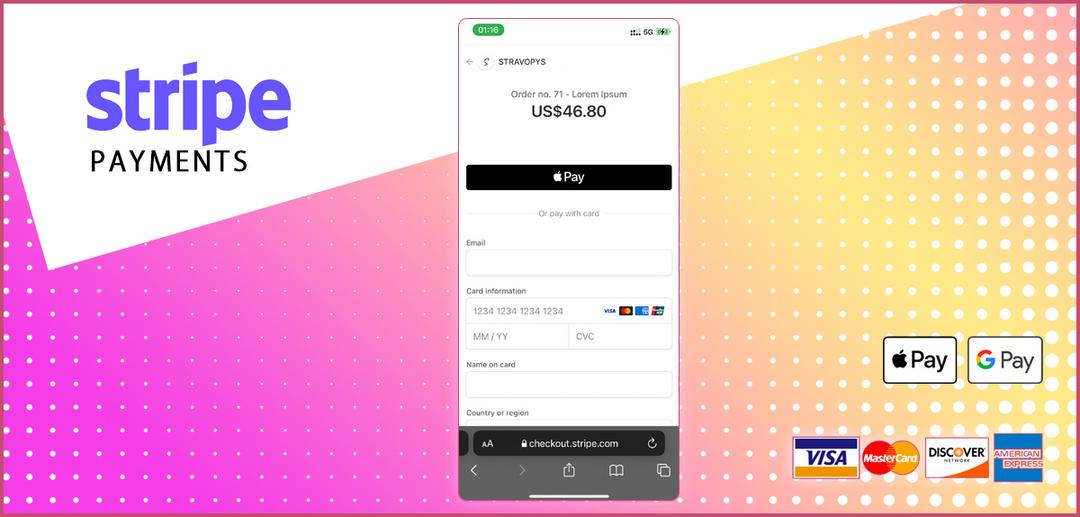
What countries and currencies are supported by Stripe Collections?2025 Latest Analysis
2025 Update: What countries and currencies are supported by Stripe Collections? Learn about account registration, settlement currencies, multi-currency collections and fees to help your global business collect.

Astra template setup sidebar with full-width page toggle
Learn Astra theme to switch sidebar and full-width layout, quickly set up different page structures, and improve the efficiency of WordPress website design.

How to Add SEO Metadata & Structured Data in Gutenberg Editor
WordPress Gutenberg Editor SEO tutorial on how to set up SEO metadata and structured data using Yoast SEO with Rank Math to improve rankings and get rich summaries.

How to install a theme using WP-CLI
Explains the whole process of installing WordPress themes using WP-CLI, from preparing the environment, finding themes, to installing and enabling them, suitable for both developers and efficient operation and maintenance scenarios.

How to Create Beautiful Graphic Layouts in Gutenberg
Learn how to use the WordPress Gutenberg editor to create beautiful graphic typography, from basic blocks to advanced techniques to create professional page layouts that enhance the user experience and visual impact.

A Guide to Choosing WordPress Hosting for Personal Websites in 2025
Choose the right WordPress hosting plan for your personal website, from shared hosting to cloud hosting, with a comprehensive comparison of the top 2025 recommendations to help you build your website with ease.

SEMrush Cost Optimization: Team Multi-User Solutions & Money Saving Tips
Details on how to save your team's budget and increase efficiency of use by choosing the right SEMrush solution, multi-user seat management, and alternative tools.

What to do if you have too much information in a field? Use Tab Tabs for Grouping
Learn to use Tab Tabs on WordPress pages to display field content in groups, make the information structure clearer, and improve the professionalism of the page and reading experience.

Weight Query: Mastering the Key Indicators for Search Engines to Evaluate Websites
Master the core indicators of search engine evaluation website, understand how content quality, external links and structural optimization affects the performance of website weight, help to improve the overall SEO effect.

Yoast SEO with robots.txt: How to properly configure crawler rules?
Want to optimize WordPress SEO? Edit the robots.txt file with Yoast SEO to correctly configure the crawler crawling rules, guide search engines to crawl important pages, and improve website inclusion and ranking results.

Blocksy Content Block Tutorial: quickly create high converting subscription popups
Detailed tutorial teaches you how to create professional subscription popups using Blocksy content blocks with no code and easy to use to boost website conversions and subscribers.

WoodMart product variant toggle image setup tutorial
Use WoodMart theme to easily realize the automatic display of corresponding images when switching product variants to improve user experience and conversion rate.

How to optimize meta information presentation for different devices (desktop/mobile) with Rank Math
Learn to use Rank Math to optimize Meta Title and Description for both desktop and mobile display, improving search click-through rates and overall SEO performance.

 简体中文
简体中文  English
  日本語
日本語  Français
  Español



