


WordPress Tutorial Page 74
The "WordPress Tutorials" feature takes you in-depth understanding of WordPress, from the basic installation, theme and plug-in configuration, to SEO optimization and site security, covering all aspects of the core knowledge and practical skills needed to build a site. Whether you are a novice or an experienced developer, you can find the appropriate tutorials to help you easily master the use of WordPress and advanced operations.
arrange in order

How to do long-tail keyword optimization for independent websites
Long tail keywords are a very important factor when you are optimizing your website. They usually refer to keyword phrases that consist of 3 or more words that have lower search volume and lower competition, but they tend to be more relevant and actionable. This means...

How does Elementor paginate a loop
The layout of the loop will determine how many items appear on any single page of the loop. If there are more items in the loop than can fit on a single page, you will need to define a paging style. By default, loops are not paginated, which means that the loop displays items on only one page. Defining pagination...

A Deeper Look at Headless WordPress: Benefits, Challenges, and a Detailed Setup Guide
What is Headless WordPress? Before we dive into Headless WordPress, let's understand the concept of a headless CMS (Content Management System). A traditional CMS, such as WordPress, usually has both front-end and back-end functionality. This means that it not only...

How to Showcase Blog Posts on WordPress Pages and Boost SEO Results
Learn how to improve your website's SEO ranking and user experience by displaying blog posts on dedicated pages with WordPress. This article describes ways to use default settings, the Gutenberg editor, and plugins to help you choose the most appropriate display method.

Creating Multilingual Websites with WordPress Multisite
WordPress Multisite allows users to create a network of connected WordPress sites and manage all of them from one control panel. They share many resources, such as plugins and themes, thus simplifying the building and maintenance of all websites. We will cover WordPress ...

How to change the site logo and menu with Elementor
Update Site Logo, Description, Logo, and Site Icon To update a site's logo, site description, logo, and site icon, follow these steps: 1. On the My Elementor Dashboard > Sites page, hover over the site card for the site you want to edit and...
Quick Fix for "Missing Temporary Folder" Error in WordPress: Detailed Tutorial and Solution
In this article, we will take an in-depth look at the "Missing Temporary Folder" error encountered by WordPress and provide you with detailed steps to fix it. With the guidelines in this article, you can easily fix the "Missing Temporary Folder" error and restore WordPress to its normal functionality. What is "Missing ...

How to Enable Multiple Domains in WordPress
WordPress is able to meet the needs of various types of websites, such as managing multiple independent websites on a single WordPress instance with separate domain names for each, you can enable the multi-site multi-domain feature of WordPress. Let's take a look at how to enable WordPress...

How to Install and Configure WooCommerce Plugin in WordPress Guide
WooCommerce is an open source e-commerce plugin designed specifically for WordPress. It transforms WordPress websites into fully functional online stores that support a variety of e-commerce features. Today we are going to talk about WooCommerce pages. Installation and Configuration: Install Wo...

How to implement forms in a static website
Websites vary in design, purpose and complexity, but are generally categorized as static or dynamic. Static websites are pre-rendered and offer the same content to all visitors. They have a simple structure, are usually easy to manage and load quickly. On the other hand, dynamic websites use server-side coding...

How to Change WordPress User IDs
In the process of using WordPress, some users are deleted, ID is empty, then want to register behind the user, use these unoccupied ID, how do we go to modify it? Then this article, will introduce the following if the modification of WordPress user ID. Just funtio...

Full Explanation of WooCommerce Email Settings: Optimizing Your Online Store Notification System
WooCommerce offers a variety of built-in email features to help you better manage and operate your online store. This guide will go over the email settings in WooCommerce, including the following: Email notifications built into the WooCommerce plugin Setting up send...

How to Submit Chinese Website to Baidu Maps: Detailed Step-by-Step Guide
When your website content and update a part, also well optimized, that how to submit the Chinese site of the Baidu map? Of course, the English site can also be, please follow the steps below: With the submission of Google Maps is almost the same, we go to the "Baidu search resource platform (Baidu Webmaster)". The map ...

How Speculative Loading Can Improve Page Speed on WordPress Websites
Today, web pages are filled with images, videos and interactive elements designed to enhance the user experience. However, these things can slow down the loading time of a web page. While technology is always advancing, one goal remains constant: performance. Everyone wants their web pages to load at lightning speed...

Featured 12 WordPress Live Chat Plugins to Help Boost Customer Interaction and Sales Conversion
This article introduces 12 of the most popular WordPress live chat plugins, including Tidio, LiveChat, Zendesk Chat, and more, that boost customer satisfaction, drive more sales and conversions, and help organizations manage customer communications efficiently.

Three ways to teach you to install WordPress themes
One of the great things about WordPress compared to other content management systems (CMS) is that it allows you to change themes easily, making it simple to customize the look of your website without having to write code. So how do you install a WordPress theme for your website? In this article, we'll cover a few common installation methods...

Detailed Guide to Displaying Cart Item Totals in WooCommerce with Elementor
How can I display the total number of current items in my WooCommerce cart using the Elementor editor in Wordpress? We'll be using the Elementor Icon List element, and this method works for most other elements as well. Here's what we're going to accomplish: By this...

WooCommerce Getting Started Guide: Adding External/Associated Products
In WooCommerce, external/affiliated products are products that are not sold directly in your store and are usually linked to other websites. In this way, you can offer more choices to your customers and also earn referral commissions. In this article, we'll go over how you can link products in WooCo...

How to use Rank Math breadcrumb feature to display all category levels
Rank Math is a powerful WordPress SEO plugin with breadcrumbs to help users understand where they are in the site and improve the user experience. Especially for WordPress websites with multiple category levels, enabling Rank Math breadcrumbs and displaying...
Detailed Steps on How to Troubleshoot Elementor Display Errors
Elementor is a powerful page builder plugin, but sometimes you may encounter display errors while using it. This article will detail the steps on how to troubleshoot and resolve Elementor display errors to help you quickly restore your site's normal display. Step 1: Check the plugin...
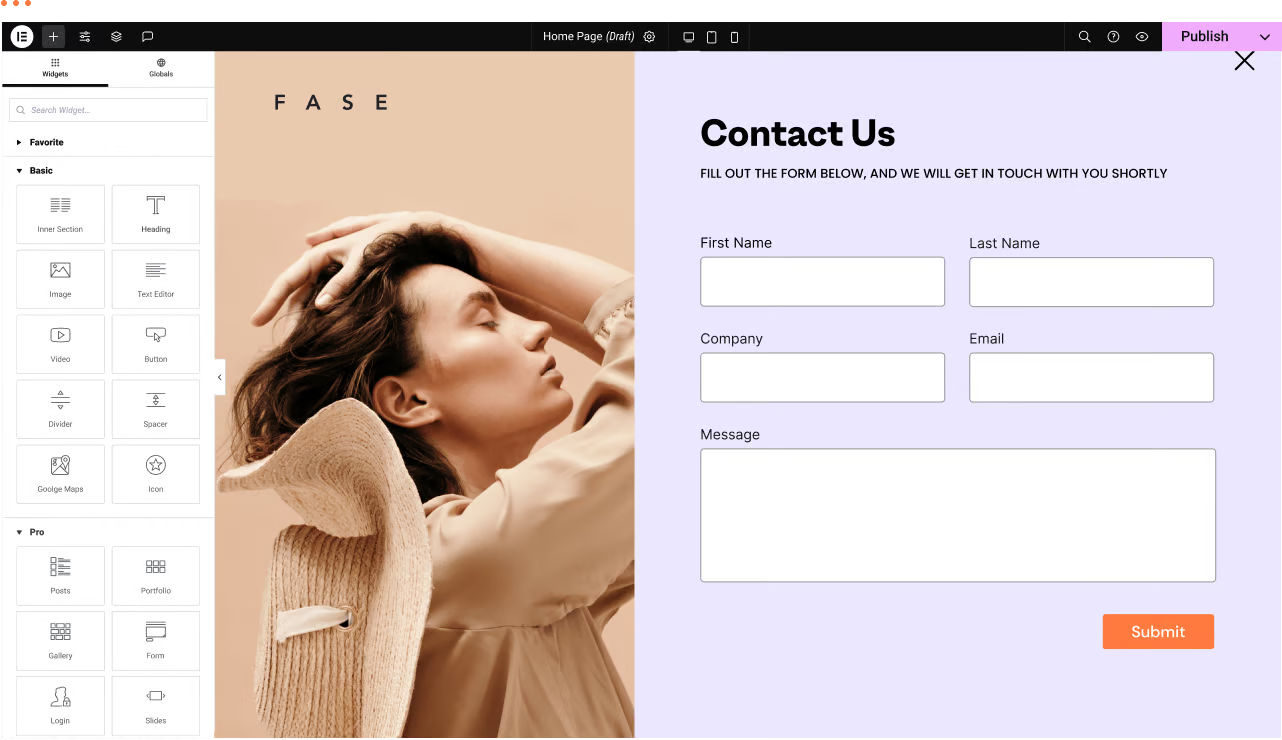
WordPress Troubleshooting: Page Not Found or 404 Page Error
We have a WordPress website with the Elementor editor. Sometimes there are malfunctions, for example: a page not found or 404 page error when trying to navigate to a certain page. Let's analyze the reasons and how to fix it! Possible reasons ...

How to Optimize WordPress Product Category Sorting
In WordPress, product category ordering is an important factor in determining how users browse and discover your products. If your product categories are in a confusing order, customers may have trouble finding the products they want, which can affect conversions and sales. In this article, we will introduce several simple and effective wo...

How to Boost User Engagement and Brand Impact with WordPress Chat Room Plugin
Why Add a Chat Room to Your WordPress Website Adding a chat room to your WordPress website has the following benefits: Builds a community: chat rooms provide a space for visitors to discuss and help build an active community atmosphere. Live support: chat rooms can be utilized for real...
Understanding the "Add to Cart" Click Counter in WooCommerce: Increasing Conversions
For running a WooCommerce store, knowing how many visitors actually clicked on the "Add to Cart" button can provide valuable insights into the attractiveness of product pages and the path to conversion. By implementing an "Add to Cart" click counter, an additional...
How to Avoid and Solve Duplicate Content Problems on WordPress Websites
Duplicate content is a common and headache-inducing problem during SEO optimization. Not only does it affect how search engines rate your site, it can also lead to a drop in rankings. Here's a look at how to avoid and fix duplicate content issues in your WordPress website to ensure the site stays at its best...

How to disable page scrolling when Elementor Lightbox is opened via CSS
Elementor Lightbox is a popup display feature that allows websites to display relevant content in a popup window on the current page when an image, video or link is clicked. In this tutorial, you will be shown in detail how to disable the page when Elementor Lightbox opens...

WooCommerce Payment Gateway Guide: How to Choose, Setup and Manage a Payment Gateway to Ensure the Success of Your Online Store
In this guide, we'll go over how WooCommerce payment gateways work, which ones to choose, and all the best practices. How do WooCommerce payment gateways work? On WooCommerce, payment gateways can be downloaded and added to the store's wor...

How to Automatically Watermark Images in WordPress
Why add watermarks to images in WordPress? Watermarks are semi-transparent logos, text, or patterns that cover an image. Watermarks are designed to be obvious but subtle so that users are not disturbed when viewing photos, but cannot download and use the files without purchasing...

How to Clear WordPress Cache to Fix Media Library Image Not Loading Issue
When using a WordPress website, many users may experience issues with media gallery images not loading. This issue is usually related to caching. Clearing the cache is one of the effective ways to solve this problem. In this article, we will detail how to clear WordPress cache to help users solve the media...

How to Set Template Conditions with Elementor: Enhancing Customization and SEO for WordPress Websites
With Elementor, you can create beautiful web pages and easily customize the layout and display of your website by setting template conditions for different pages. This article will detail how to set template conditions in Elementor to make your WordPress website more flexible...

 简体中文
简体中文  English
  日本語
日本語  Français
  Español



