


WordPress Tutorial Page 72
The "WordPress Tutorials" feature takes you in-depth understanding of WordPress, from the basic installation, theme and plug-in configuration, to SEO optimization and site security, covering all aspects of the core knowledge and practical skills needed to build a site. Whether you are a novice or an experienced developer, you can find the appropriate tutorials to help you easily master the use of WordPress and advanced operations.
arrange in order

12 Useful Tips to Speed Up WordPress Without Plugins
How to make your WordPress site run faster without using plugins? While using WordPress performance plugins may seem like a good solution, these plugins can cause other problems such as security risks or code becoming bloated. It's now entirely possible to make your website run faster without using any...

How to Add Age Verification Popup on WordPress Website with Elementor?
If the content of your website is not suitable for minors, then you can introduce an age verification popup. How to quickly add such a popup to your Elementor website is necessary to ensure that your visitors are properly taken care of. Follow the steps, it's easy to do! Why...

Can YouTube Shorts Make Money? Detailed Explanation and How to Make Money
YouTube Shorts is a short-form video service that YouTube is launching in 2020 to compete with platforms like TikTok and Instagram Reels.YouTube Shorts provides a platform for creators to upload short videos up to 60 seconds in length. So...
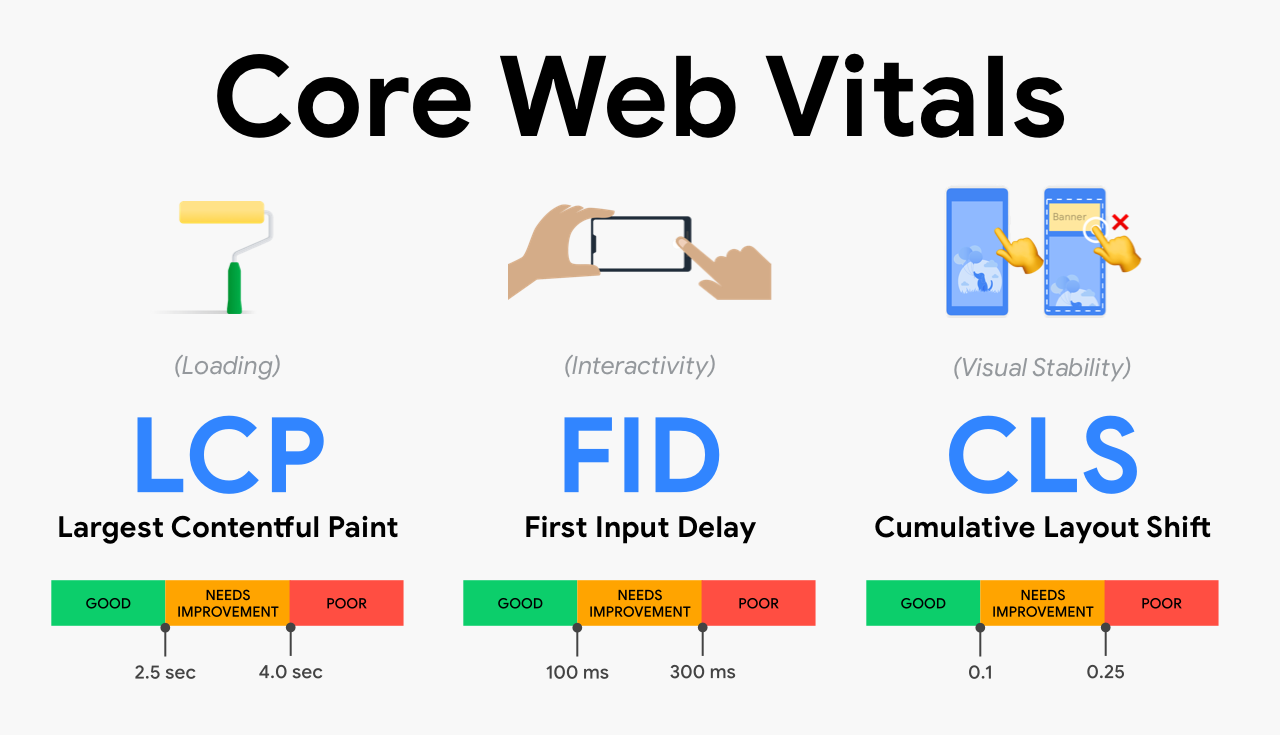
How Do Core Web Vitals Truly Improve After Converting WordPress Images to WebP?
This article provides an in-depth analysis of the actual role of the WebP image format on WordPress websites. Starting from the calculation logic of Core Web Vitals, it focuses on explaining the real impact of WebP on LCP, INP, and CLS, and provides reproducible best practices for its correct implementation. This helps webmasters avoid unnecessary...

Is the domain name of a website important for SEO
The domain name of your website is very important for SEO. A good domain name can help you rank higher in search engine results, thus attracting more traffic and visitors. Here are some reasons on how domain names affect SEO: Domain age: search engines prefer stable...

How to buy Elementor Pro cost-effectively and avoid the pitfalls smartly
With Elementor Pro, the process of building a website is as easy as playing with a jigsaw puzzle. So, how to save money on Elementor Pro and avoid stepping on the pitfalls at the same time? Here are some experiences summarized by our team using Elementor Pro to edit web pages; all are more practical and shared here...

Elementor Display Errors: Case Studies and Practical Fixes
Elementor is a very popular WordPress page builder plugin, loved by users for its intuitive drag-and-drop interface and rich functionality. In this article, we'll explore the common causes of Elementor display errors and provide practical fixes to help you quickly resolve these issues...

Optimizing the WooCommerce Checkout Page: How to Increase Sales Conversions with Plugin Custom Forms
This article will provide you with a detailed guide on how to customize the checkout page using the free WooCommerce plugin to speed up the checkout process and increase sales by optimizing the form. A. What is WooCommerce Checkout Page By default, WooCommerce raises...

Comprehensive Guide: How to Export and Manage Customer Data from WooCommerce
When running an online store, accessing and utilizing customer data is critical to optimizing operations and developing effective marketing strategies.WooCommerce provides the ability to export customer information, allowing you to access this data in the form of a CSV file.CSV (Comma Separated Values) is a widely...

Elementor Font and Color Settings Explained: How to Optimize Your Website Design with Global Styles and Custom CSS
In this post, we explore how to set fonts and colors with Elementor to ensure that your website maintains a consistent style while retaining flexibility for the sections that need it. Default Settings for Elementor Fonts and Colors In Elementor, you can enable or disable...

WordPress Password Protected Pages: 2 Easy to Follow Methods
Why Password Protect WordPress Pages When you don't want the public to have access to the content of specific pages in your WordPress website, then password protection plays a key role. Some tools allow website owners to restrict access to entire WordPress pages or only...

How to Easily Display Templates on WordPress Websites Using Elementor Shortcodes
Elementor is one of the most popular page builders. It offers many powerful features, one of which is the use of shortcodes. With shortcodes, you can easily embed and display Elementor templates anywhere in your WordPress site. In this article, we'll talk more about...

How to Bulk Update Products in WooCommerce
Updating your product catalog is crucial to running a WooCommerce store. What would you do if you needed to add new sizes to all the t-shirts in your store, or raise the price of all the mugs? Manually changing them one by one is not only a hassle but also very time-consuming. Good thing WooCommerc...

How to Add Google reCAPTCHA to Elementor Login Forms to Improve Website Security
What is Google reCAPTCHA? WordPress reCAPTCHA is a security tool available for WordPress website use and on Elementor. reCAPTCHA helps you differentiate between real users and automated programs (such as bots) on your website. It does this by displaying a small test...

Astra Theme Installation Guide: Quick Start & Difference Between Regular & Pro Versions (01)
In this installment, we'll take you through the Astra theme, a popular WordPress theme that is not only easy to install, but also offers a wealth of customization options, making it a popular choice for many webmasters. In this article, you will learn how to install the Astra theme and get a preliminary understanding of its pu...
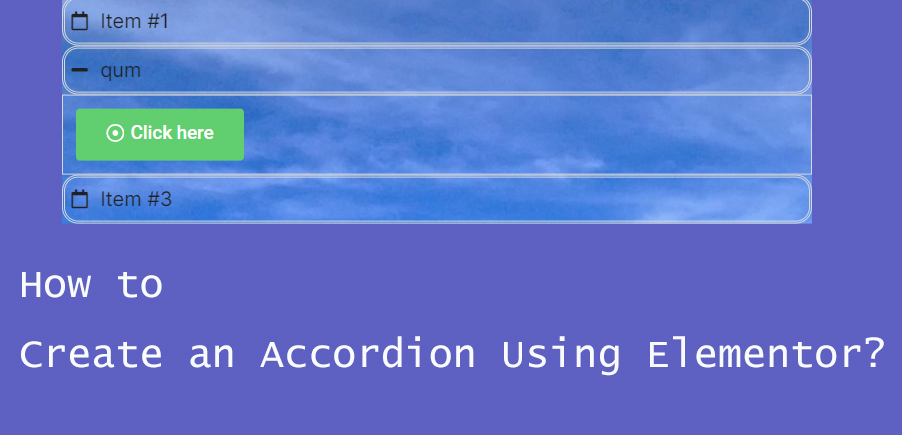
How to Create Accordion Widgets with Nested Elements in Elementor: The Ultimate Guide to Enhancing User Experience
To improve the user experience, web developers often use "Accordion widgets" (accordions) to organize content. Accordion widgets can be used to show and hide content in a hierarchical fashion, making the page look cleaner and improving the user interaction experience. With nested meta...

How to Optimize Responsive Design for Mobile to Enhance Ecommerce User Experience with WooCommerce
In the era of mobile e-commerce, users are more and more inclined to shop and transact on mobile devices. Therefore, for e-commerce platforms, optimizing the mobile experience has become a crucial part.WooCommerce, as a powerful e-commerce platform, has many advantages and features...
How to Quickly Fix "jQuery Undefined" Error in WordPress
The "jQuery undefined" error is a common JavaScript error in WordPress that usually occurs when the jQuery library fails to load correctly. When a web page loads in the browser, the JavaScript code relies on jQuery for interactive functions (e.g.,...

WooCommerce Store SEO Boosting Guide: 11 Must-Have Tips
When running a WooCommerce store, it's critical to prioritize search engine optimization (SEO). A solid WooCommerce SEO strategy can increase your search visibility, making it easier for consumers to find and buy from your store. SEO-optimized online stores are your...

The Ultimate WordPress SEO Guide for Newbies
Improving WordPress SEO is important to attract more website traffic. But I've found that most WordPress SEO tutorials are too technical for newbies. So I came up with a different SEO tutorial that could be a clear, actionable introduction to the most effective Word...
5 Best Translation Plugins for Elementor Websites: A Detailed Guide
Elementor serves as a powerful WordPress page builder, however, the page builder alone is not enough to make a website available in multiple languages. A powerful translation plugin is required to achieve this goal. In this article, we'll dive into five of the best Elementor...

Comprehensive Guide: How to Create, Configure and Optimize Coupons in WooCommerce
For eCommerce stores, coupons are an important marketing tool to help boost sales. This guide will take you through the details of how to create, setup, test and optimize coupons in WooCommerce. 1. How to Create Coupon Codes in WordPress WooCommerc...

How to Choose and Optimize the Best Video Format for Your WordPress Website
Factors to Consider When Choosing a WordPress Video Format Compatibility Your WordPress website may be accessed by a variety of devices, so it is necessary to choose a video format that will play properly on a variety of browsers and devices to ensure that all visitors will be able to view your...

5 Creative Ways to Use Accordion Widgets: How to Embed Charts, Images, and More in Elementor
Web developers often use "Accordion widgets" (accordions) to organize content. Accordion widgets can show and hide content in a hierarchical fashion, i.e. a collapsible box, which makes the page look cleaner and improves the user interaction experience. With nested meta...

Template website vs. self-built website platform: exploring the options for SEO optimization and long-term development
When it comes to building a website, choosing the right platform is critical to its success. Two common choices are to use a template website and a self-built website platform (such as WordPress). However, when making the choice, we need to consider search engine optimization (SEO) for the website's...

WordPress Bulk Modify Post Publishing Time
Bulk modifying the posting time of a post is an important and useful feature in WordPress administration. Why modify the time? Batch modifying the post publishing time can optimize the order of post content display, so that the post publishing time of a certain board can be advanced or pushed back. First of all, I...
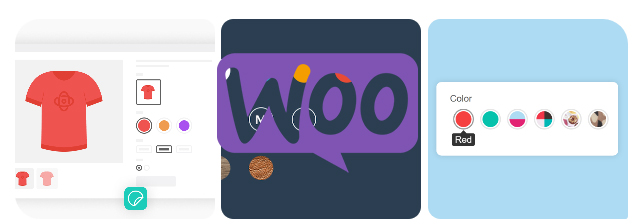
How to Add Attributes to Products in WooCommerce
Whether it's apparel, electronics, or other goods, attributes enable your customers to select products by color, size, material, and many other dimensions.WooCommerce also supports creating variants for different attributes, which means you can set prices for different combinations of products, inventory, and...

WooCommerce Blocks: Add WooCommerce functionality to your WordPress site!
WooCommerce Blocks help webmasters create customized store pages, showcase your products and add advanced eCommerce features like filtering and searching, and more, all without writing a single line of code. By default, many blocks come with WooCommerce, but several...

How to fix Elementor widget panel not loading issue
When you are using Elementor Widget Panel fails to load and keeps displaying a rotating 'Loading' icon, you can find out the reason for the problem by doing the following. Possible reasons: The widget panel fails to load probably because of the following reasons: Insufficient memory With other plugins...

The use of site group SEO to promote special products: F brand, adult products, erotic products success stories to share
In recent years, more and more people have started to pay attention to the concept of station group, especially in the field of stream casting and SEO, and related articles are coming out, but the quality of these articles varies a lot. In this article, I will share my own personal experience in the practice of station group, which applies to some special products, such as f...

 简体中文
简体中文  English
  日本語
日本語  Français
  Español



