


WordPress Tutorial Page 75
The "WordPress Tutorials" feature takes you in-depth understanding of WordPress, from the basic installation, theme and plug-in configuration, to SEO optimization and site security, covering all aspects of the core knowledge and practical skills needed to build a site. Whether you are a novice or an experienced developer, you can find the appropriate tutorials to help you easily master the use of WordPress and advanced operations.
arrange in order

How to Set Template Conditions with Elementor: Enhancing Customization and SEO for WordPress Websites
With Elementor, you can create beautiful web pages and easily customize the layout and display of your website by setting template conditions for different pages. This article will detail how to set template conditions in Elementor to make your WordPress website more flexible...

How to Perform Multilingual SEO on Your WordPress Website
Appealing to a global audience starts with having a website that supports multiple languages, both for content and search. Learn how to do multilingual SEO (Search Engine Optimization) on your WordPress website and make sure it's visible to users around the world. Simply translating your website...

How to efficiently use wordpress loops and query loop blocks to optimize website content presentation
What is a WordPress Loop? The WordPress Loop is the main PHP code structure used in WordPress to display post and page content. It is a block of PHP code used to retrieve posts, pages, and other types of content from a database and...

How to Quickly Find Out What Themes a WordPress Site is Using
As a web developer or freelancer, finding WordPress themes you like and borrowing them for your own projects is a great way to boost your website design efficiency. In this article, we'll detail a few simple and effective ways to help you figure out what a WordPress website uses...

WooCommerce Subscription Reminder Email Guide: Boosting Customer Satisfaction and Repeat Purchases
Importance of Subscription Reminder Emails After setting up a WooCommerce subscription, it's a good idea to create subscription reminder emails. These automated messages remind customers when a subscription is about to be renewed and help you and your customers in several ways: Reduce administrative hassle: remind customers to renew their...

How to Configure Google Search Console to a WordPress Website: A Detailed Guide
What is Google Search Console? Google Search Console (GSC) is a free tool provided by Google that allows website owners to monitor and manage their website's performance in Google search results.GSC is a key tool for improving your website's search visibility. It...

Three Efficient Ways to Utilize WebP Images in WordPress
WebP is an innovative image file format designed for the web. With the WebP format, image file size can be reduced by 25-34%, which is a significant optimization compared to traditional PNG and JPEG formats without sacrificing image quality.WebP images not only help to accelerate Wor...

4 Ways to Add WordPress Anchor Links to Improve User Experience and SEO
Anchor links are very useful in web design. Not only do they help users quickly navigate to specific parts of a page, but they can also enhance the overall user experience and even have a positive impact on SEO. With anchor links, visitors can be directed to jump from one part of the page to another...

How to Customize and Optimize URLs in WordPress
How to Customize and Manage URL Addresses in WordPress In WordPress, the last part of the URL address is called the "slug", which is used to refer to a specific page, post, category, or tag.The setting of the slug is crucial for SEO optimization and user experience. In this article, we'll go over...

How to Add Wishlist Icons to Elementor WooCommerce Product Listings: A Detailed Guide
Adding a wishlist feature can help you increase customer engagement and boost conversions. The wishlist feature allows customers to save products that they desire but have not purchased yet, and return to your store to make a purchase at a later date. This post will detail how to do this by using the Elementor page...

How to do a good job of website internal link optimization
Internal website link optimization is the process of improving the accessibility and ranking of a website by creating links between different pages within the website to help search engines better understand and index the content of the website. Here are some suggestions that can help you do a good job of optimizing your website's internal links: Determine the keywords:...
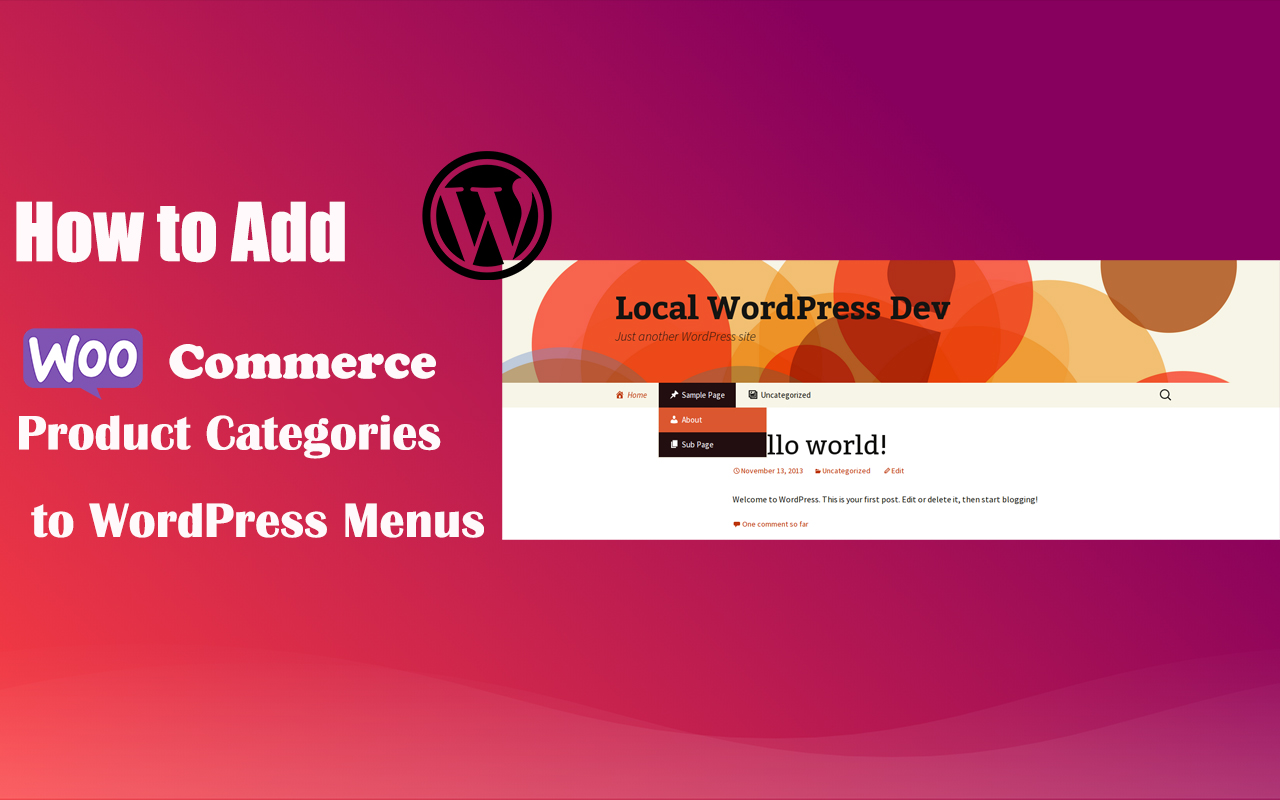
How to Add WooCommerce Product Categories to WordPress Menus to Improve User Experience and Conversions
When running a WooCommerce store, it's important to help users quickly navigate to product categories. By adding product categories to the main WordPress menu, you can simplify the user experience and make it easy for users to find the products they need. In this article, we'll detail how to add WooCommerce ...

How to Create and Optimize an Efficient Knowledge Base on WordPress Using Plugins
In this step-by-step script, we'll explore how to build a knowledge base on WordPress.A WordPress knowledge base is a collection of articles and FAQs that provide users with information and solutions when using the platform. By using plugins, it is easy to create and maintain a...

Fade-in Text Animation Tutorial with Elementor
In website design, text animation can bring users a more attractive and interactive website experience. In this article, I will introduce how to implement line-by-line text fade-in animation effect in Elementor. Why use fade-in animation? Fade-in animation can not only make the page content...
How to Easily Add Custom Code in WordPress Without Breaking Your Site
In WordPress web development, custom code is an important tool for enhancing functionality and optimizing site performance. However, many WordPress users feel uneasy about directly modifying their theme's functions.php file or creating site-specific plugins because even a small mistake...
WordPress Membership Plugin Review: Simple WordPress Membership and Top 3 Alternatives
Comprehensive review of Simple WordPress Membership plugin, analyzing its core features, pros and cons, and recommending 3 best alternative plugins, including AovUp Membership, WP-Members and WooCommerce Memberships, to help you choose the most suitable solution for membership management....

Detailed Tutorial: How to Submit Your WordPress Website to Google News Successfully
How to Submit Your WordPress Website to Google News (Step-by-Step Tutorial) Do you want your WordPress website to appear in Google News? Getting your website in Google News can spike your website traffic and help you attract a new audience...
Things to keep in mind before changing WordPress themes
After deciding to change your WordPress theme, there are some very important things to keep in mind. 1. Make a note of all WordPress theme customizations Some WordPress webmasters customize WordPress themes by adding code snippets directly to the theme file. Code snippets...

Top WordPress Plugin Guide: Optimize Your Blog Posts to Improve User Experience
With WordPress plugins, blog posts can be extended with functionality and aesthetic appeal. These plugins provide additional functionality and personalization options. This article will guide readers through a series of plugins to help with content management, facilitate user interaction, refine your blogging experience and optimize SEO...

How to Create Full-Screen Inactivity-Triggered Countdown Popups with Elementor to Boost User Conversions
Full-screen pop-up window used to attract the user's attention in a very effective way, especially in promotional activities, calls to action and other timely response to the need for users to respond to the scene. This article will detail how to use Elementor to create a full-screen pop-up window, the pop-up window will be in the user does not ...
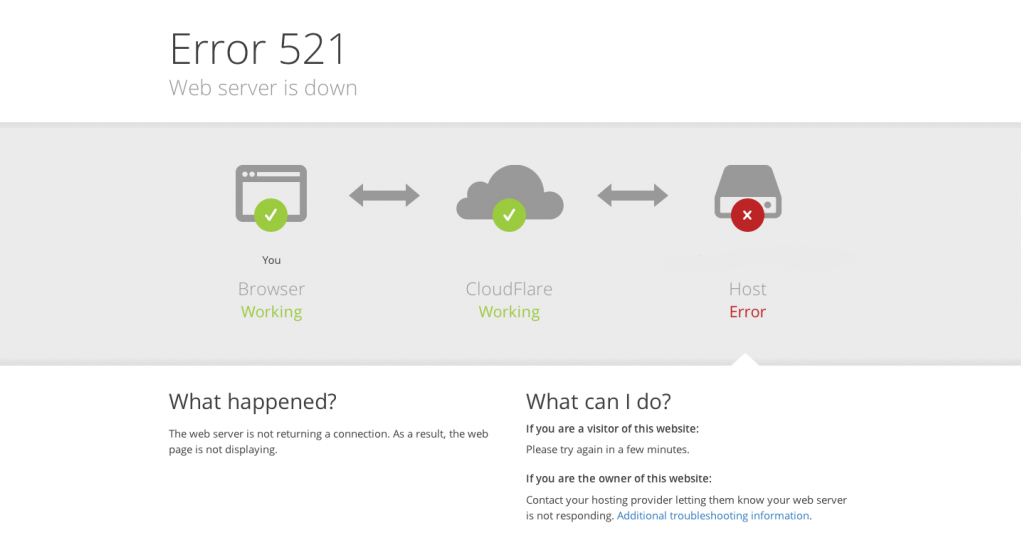
When accessing the website, a Cloudflare 521 error appears. What does this indicate about the server?
This article systematically analyzes the true meaning behind Cloudflare's 521 error, detailing common causes and standard troubleshooting procedures from server operational status, firewall blocking, port monitoring to HTTPS configuration anomalies. It helps webmasters quickly pinpoint issues and restore website access.

How can I increase the weight of my website?
To increase the weight of the site, you need to implement a series of effective strategies and techniques, the following are some specific methods: Optimize the content of the site The quality of the content of the site is an important factor affecting the weight of the site, so optimizing the content of the site is the key to improve the weight. To do this, the following points need to be noted:...

How to Fully Backup and Restore a WooCommerce Database: Keeping Your Store Data Safe
Learn how to backup your WooCommerce database and restore your data easily with manual, plugin, hosted service and command line methods. Protect your store data from losses due to data loss.

How much does a website domain certificate SSL affect SEO?
Website domain certificates (SSL certificates) have a big impact on SEO. Here are a few reasons why:Security:SSL certificates provide encrypted communication, securing data between a website and its visitors. Search engines, especially Google, will prefer websites that use SSL certificates because it...

What should you look for when you need to modify the database in Magento?
In Magento, if you need to make changes to the database, you can usually do so by following these steps: In the Magento backend, navigate to System > Settings > Advanced > Developer, find the Debugging tab, and change the "Enable template paths..." to "Enable template paths...". "In the Magento backend, navigate to System > Settings > Advanced > Developer, find the Debugging tab, and change the "Enable template path..." to "Enable template path...".

What are the common commands for linux?
Linux is a Unix-based operating system that provides many powerful command-line tools and commands. Here are some common Linux commands: File and directory manipulation commands: ls: List files and subdirectories in a directory cd: Change the current directory pwd: Display the current directory's...

Mastering the Gutenberg Editor: Practical Tips and Advanced Features (03)
In this post, we're going to continue our deep dive into WordPress' Gutenberg editor, highlighting some advanced features and useful tips to help you further improve your content creation. From adding anchors and custom styles to Blocks, to using different types of re...

Detailed Guide: How to Install and Manage Custom Fonts on a WordPress Website
On WordPress, in addition to using the standard fonts provided by the platform, you can also install custom fonts to better suit your design needs. This guide will detail how to install fonts from Google Fonts and how to upload your own font files, allowing you to teach yourself on WP...

How to Create Custom Page Templates in WordPress
Learn how to create custom page templates in WordPress, build unique page layouts, optimize user experience and SEO performance with the Full Site Editor (FSE) and Elementor Page Builder, no programming skills required!

How to Find Products by WooCommerce Product IDs
In WooCommerce, each product is assigned a unique Product ID.This article will detail how to find the ID of a WooCommerce product and provide you with simple steps and usage scenarios. Why do I need a Product ID? Product IDs are WooCommerce ...

 简体中文
简体中文  English
  日本語
日本語  Français
  Español



