


WordPress Tutorial Page 79
The "WordPress Tutorials" feature takes you in-depth understanding of WordPress, from the basic installation, theme and plug-in configuration, to SEO optimization and site security, covering all aspects of the core knowledge and practical skills needed to build a site. Whether you are a novice or an experienced developer, you can find the appropriate tutorials to help you easily master the use of WordPress and advanced operations.
arrange in order

How to Create and Manage a Multilingual Knowledge Base with the Translation Plugin
Why Multilingual Support is Critical for International Business In today's globalized world, businesses have customers and potential team members all over the world, speaking different languages. While many can communicate in English, providing multilingual support can significantly enhance the customer experience and become a competitive...
WordPress 301 Redirects: Best Practices for Fixing Dead Links and Improving User Experience
If a user clicks on an invalid link, they may encounter a 404 error page, which not only affects the user experience, but may also have a negative impact on SEO. To solve these problems, 301 redirects are a simple and effective way. In this article, we'll give you details on how to wo...

Recommended: a selection of popular WordPress slideshow plugin
WordPress is a powerful website platform that offers many themes and plugins, including plugins for creating slideshows. While WordPress comes with basic slideshow functionality, if you need more customization options or want a more professional look, you'll likely need to use...

WordPress source code - jquery (jquery-1.10.2.js)
1 /*! 2 * jQuery JavaScript Library v1.10.2 3 * http://jquery.com/ 4 * 5 * Includes Sizzle.js 6 * http://sizzlejs.com/ 7 * 8 * Copyright 2005, 2013 jQuery Foundation, Inc. and othe....

How to Create Interactive Custom Maps on WordPress Using Google My Maps
Google Maps with basic interactive features added to your website, Google My Maps is a much more appropriate tool. This article will detail how to create and embed an interactive map on your WordPress website using Google My Maps. What is Google My...

How to Block IP Addresses in WordPress
Every webmaster or administrator has run into a headache: the comment section is bombarded with spam like crazy, but those spammers always seem to find a way to get around all kinds of protection. The good news is that IP blocking can help you solve this trouble. An IP address is the name of every...

The Ultimate Guide to Fully Optimizing Elementor's Website Speed: Improving Performance and User Experience
Learn how to optimize the speed of WordPress sites built on Elementor to improve performance and user experience. This guide covers CSS optimization, cache settings, database cleanup, image compression, and other advanced techniques to help improve search engine rankings and reduce load times.

How to Insert or Edit Links in WordPress Content Editor
A link is a word, group of words, or image that you can click on to go to a new page. In WordPress, inserting and editing links is a key part of improving user experience and site navigation. Below are detailed steps and methods to teach you how to add links to posts, pages and widgets. ...

WordPress.com to WordPress.org: Website Migration Methods and Tips
Want to make your website more free and powerful? Migrating from WordPress.com to WordPress.org is a key step! Want to give your website more control, more customization options and richer functionality? Then try migrating from WordPress.com to WordPress.org! We have you...

How to boost natural traffic to a new website quickly?
For a new website, you want to quickly enhance the natural traffic need to consider a number of factors. The following is a more comprehensive program: confirm whether the site has been included in the search engine First of all, you need to confirm whether the new site has been included in the search engine. If it has not been...

How to remove the "Powered by: Elementor" message from Elementor forms
What is Elementor Forms? Elementor Forms is a powerful form builder that allows you to create custom forms on your WordPress website without writing any code. With Elementor Forms, you can easily create contact forms, registration forms,...

Mastering the Elementor Editor: A Comprehensive Guide to Using it from Toolbar to Canvas
For your convenience, the top toolbar of Elementor editor provides many functions. You can easily access these features by simply clicking on the top toolbar, making your editing work more convenient and efficient. Editor Controls The following table lists each editor on the toolbar...

Common Problems and Solutions after WordPress Website Migration
When migrating a website, you may encounter a number of issues, common ones being, for example, mixed media errors (after migrating from http:// to https://), or missing images and other data. This guide will help you resolve these issues and ensure that your website works properly after migration. Solving...

What if I get a fatal error after updating or installing Elementor?
After updating or installing Elementor or Elementor Pro, the website goes down with a fatal error and you cannot access the WP admin backend. How to solve this situation? Don't worry, let's take a look at it together! Gain access to the website Login using the email link Check your...
How to Efficiently Decorate & Layout BoxShop Themes: A Comprehensive Guide (04)
Welcome to this tutorial! Today we're going to dive into how to decorate and layout the BoxShop theme, which is a powerful and flexible WordPress theme. Unlike previous themes, this time we will focus on how to use WPBakery Page Builder in the backend to...

WordPress Self-Learning: How to Fix WordPress RSS Feed Errors
Most Common WordPress RSS Feed Errors Most common WordPress RSS feed errors are caused by improper formatting. WordPress outputs RSS feeds in a strict XML markup language. A missing line break or an extra tab can cause WordPres...
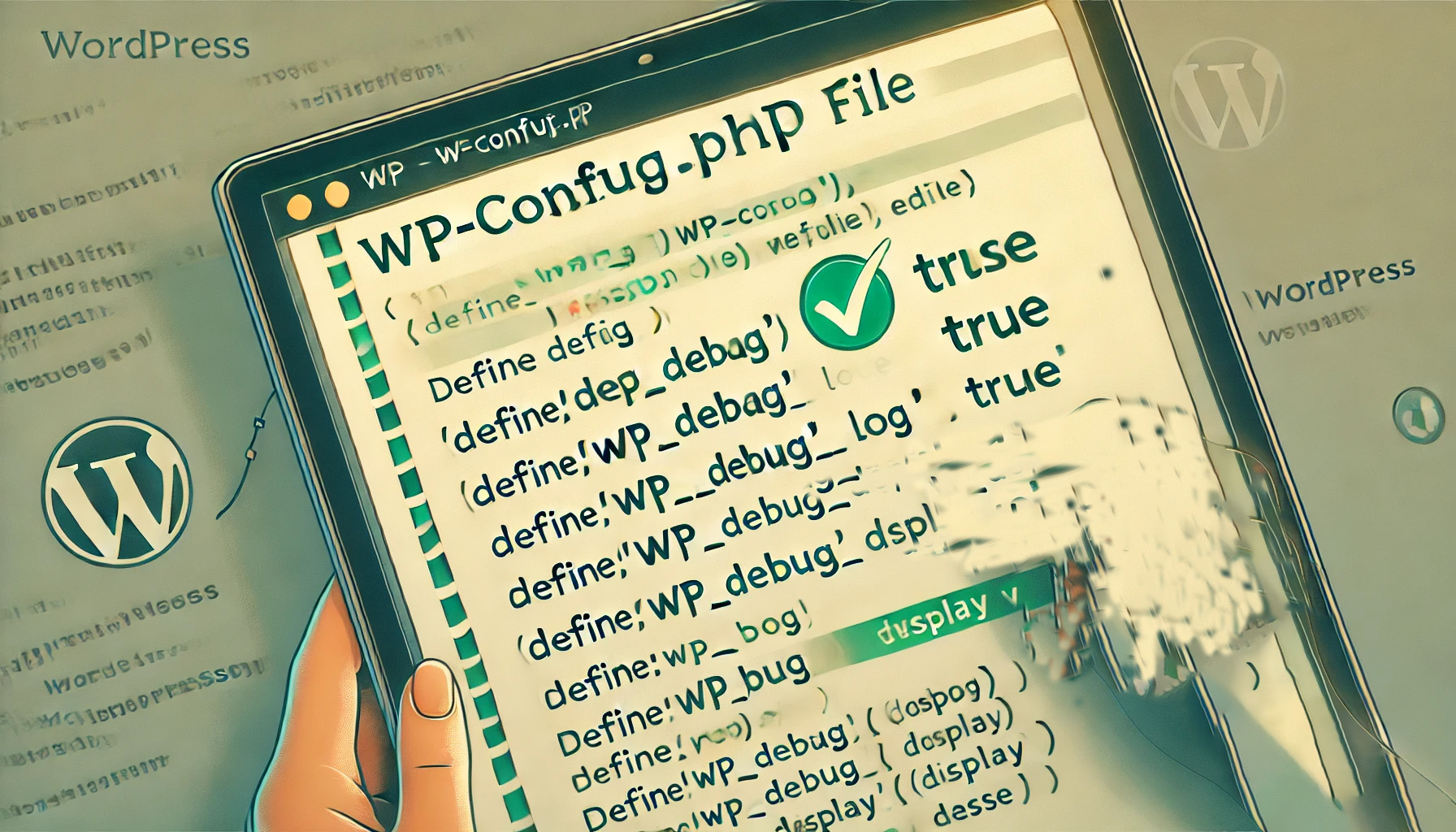
How to Enable and Use the WordPress Debug Log: The Complete Guide
When managing a WordPress website, it's relatively common to encounter a white screen, a feature failure, or a page loading problem. At this point, WordPress debugging is very important. WordPress has a built-in debugging tool that enables debugging logs to catch errors and help me...

How to Set Up Accounts and Privacy in WooCommerce
WooCommerce is an open source e-commerce plugin designed specifically for WordPress. What about when we use WooCommerce, we want to set up accounts and privacy. So, how do we set it up? Let's take a look down together! Click WooCommerce > Settings page...

Possible SEO Implications of Using Elementor Pro Crack
Elementor Pro is one of the most popular plugins among WordPress website builders, attracting many website developers and designers with its powerful features and user-friendly interface. However, due to its paid model, some users choose to use the cracked version of Elementor Pr...

How to Create and Add Anchor Links in WordPress: A Detailed Guide
Anchor links, also known as jump links or skip links, improve navigation and user experience on longer or text-heavy WordPress pages and posts by reducing scrolling. They allow users to quickly jump to specific sections of content on the same page by clicking on a link. In this guide,...

Mastering WPBakery Page Builder: a basic guide to easily renovating Basel themes (07)
In the last installment of the tutorial, we explained in detail how to use the row (ROW) in the WPBakery Page Builder editor. In this installment, we will focus on the setup steps and related functions of Column (Column) to help you better grasp how to edit pages in the front-end of the website...

Submitting a sitemap to improve site crawling speed: a comprehensive WordPress tutorial
Submitting a sitemap is an important step in improving your website's SEO performance and speeding up Google's crawling and indexing of your website's content. By submitting a sitemap to Google Search Console, you can better manage your website's performance on search engines. What is a sitemap...
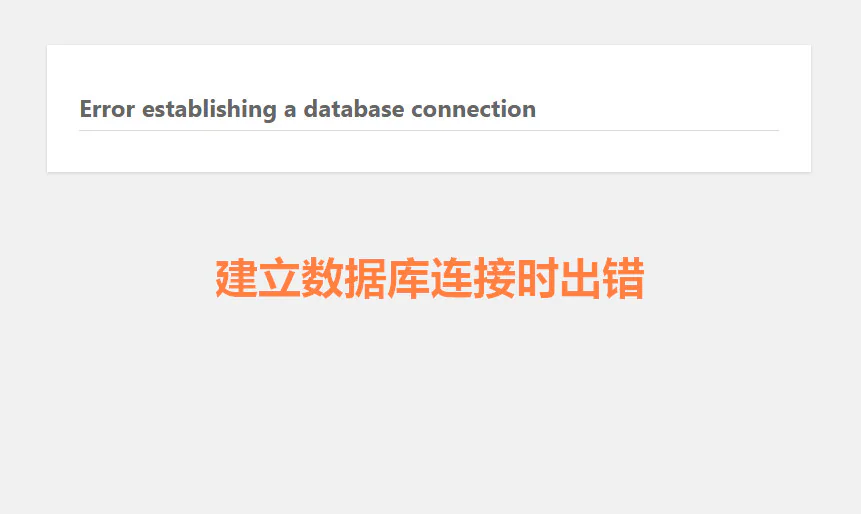
How to diagnose database connection errors through log files
"Database connection error" is one of the common problems in the operation of websites and applications, especially when managing multiple databases. Many webmasters don't know where to start to troubleshoot the problem of "Error establishing database connection". However, log files are the solution to this...
The Essential WordPress Pre-Launch Checklist: Ensuring Optimal Performance and Security
List of items that must be checked before a WordPress website goes live Build a website using WordPress, WordPress can utilize plugins and you don't need to have a foundation in code to build a website. However, knowing how to use WP and skillfully utilizing WP are two completely different concepts. Here's what to share with you when I...

How to Create Professional Coming Soon and Maintenance Pages with WordPress Plugins
What is a WordPress Coming Soon page? A WordPress Coming Soon page ("Coming Soon" page) is a page that is displayed when a website is not yet fully built or is undergoing maintenance. Such a page serves several main purposes: Informational notification: to inform visitors...

How to develop a sound operational strategy after the website is completed
The purpose of developing a website operation strategy is to increase the exposure of the website and user engagement, thus promoting the development of the website. The following key points need to be considered when developing a website operations strategy: Key Point Description Target Users Determine the target users of the website, including the user's age, gender, job...
How to Enable WebP Images on WordPress
A quick step-by-step guide to enabling WebP images on your WordPress site WebP is an image file format developed by Google to replace JPEG, GIF, and PNG.It supports lossy and lossless compression, as well as transparency and animation. Using optimized WebP images can shorten...

Enhance WordPress CTA Button Interactive Animations to Increase Conversions Quickly
The CTA (Call-to-Action) button is a crucial element in the process of optimizing your website for conversions. It directs the visitor to take an action, such as signing up, making a purchase, or subscribing. Adding the right interactive animation can greatly increase the user's click-through rate. In this article, we will give you...

How to install and setup WP Super Cache for newbies?
A website that can be accessed quickly allows for an enhanced customer experience. It also facilitates SEO and improves the ranking of the website, Google search engine now makes the website speed as an important ranking factor. WP Super Cache is a popular plugin that...

How to Fix WordPress Not Sending Emails Issue
I don't know if you have encountered WordPress website can't send email, contact form submission disappeared, important notification email did not deliver and so on. In fact, the problem does not lie in WordPress, but in the way the website sends emails. Let's see what are the...

 简体中文
简体中文  English
  日本語
日本語  Français
  Español



