


WordPress Tutorial Page 81
The "WordPress Tutorials" feature takes you in-depth understanding of WordPress, from the basic installation, theme and plug-in configuration, to SEO optimization and site security, covering all aspects of the core knowledge and practical skills needed to build a site. Whether you are a novice or an experienced developer, you can find the appropriate tutorials to help you easily master the use of WordPress and advanced operations.
arrange in order

Beginner's Guide: How to Fix Common WordPress Errors
Many newcomers to WordPress will encounter some common WordPress errors. So, how do we go about troubleshooting WordPress errors? Don't worry, we will teach you how to troubleshoot the error step by step. 1. Study the error message Usually,...

How to Change and Customize Permalinks in WordPress
Changing and customizing the structure of permalinks in WordPress is an important but infrequent operation. Changing the URL structure without proper planning can result in 404 errors, which can negatively impact visitor experience and SEO. In this detailed article...

What is Elementor's Text Editor Widget?
What is a text editor widget? A text editor widget is a versatile tool for adding and customizing text content on your website. It uses the TinyMCE WYSIWYG editor, similar to the classic WordPress visual editor. It is possible to seamlessly add headings,...
What a blog post that is easily indexed by Google includes
Having high quality blog posts that are easily indexed by Google is essential for natural traffic to any website. Being indexed by Google not only improves the online visibility of your website, but also brings you more traffic and leads. However, creating such an easily indexed blog post...
WordPress Page Password Protection: Why It's Important and How to Achieve It
WordPress is the world's most popular Content Management System (CMS) and has become the platform of choice for many websites due to its flexibility and wide range of features. However, with the growing number of Internet security threats, it has become crucial to protect website content from unauthorized access...

How to Enhance Shopping Experience with Block Checkout in WooCommerce 8.3
Checkout with Blocks Starting with WooCommerce version 8.3, newly installed stores have optimized cart and checkout blocks enabled by default. These blocks are newly designed to provide a smoother checkout experience, following industry best practices. If you'd like to have these blocks on your self...

How to Add Dark Mode to Your WordPress Website with Elementor
Adding a dark mode to your website is important to provide a better user experience and make your website more accessible.Elementor is one of the most popular page builders for WordPress and it is easy to add a dark mode in just a few simple steps. Why add dark mode...

Fluent Forms: The Ultimate Convenient WordPress Forms Plugin Fully Explained
Fluent Forms is an extremely handy WordPress forms plugin that lets you easily create all kinds of forms with a simple drag and drop operation. Whether you want a simple contact form or a more complex payment, quiz or calculator form, Fluent Forms makes light...

How to Effectively Manage and Remove WordPress Blocks to Improve User Experience
During the WordPress website management process, you may encounter situations where you need to delete, hide or manage blocks. In this article, we will detail how to effectively manage and remove blocks in WordPress in different scenarios to improve the user experience and editing efficiency of your website. Why remove...

How to Customize WordPress Login Page: A Detailed Guide to Enhance Brand Image and User Experience
By default, visitors to your site see the same login page that administrators use. While this page is fully functional, the design is very simple, leaving a lot of white space with the WordPress logo right in the center. It's great for supporting your brand or providing visitors with the ability to use...

Recommended: popular WordPress category management plugin
In WordPress website building, categories are an important tool to help manage and organize content. By using categories effectively, your website visitors can easily find the information they are interested in.The WordPress Categories plugin enables you to better control and improve these categories, making your web...

How to Create and Maintain an SEO Friendly Website
Why do you need to have SEO friendly website? Neglecting SEO is equivalent to passing up the opportunity to turn your website into a valuable asset. Therefore, SEO should be prioritized when developing your online marketing strategy.This will not only help your website get better search engine rankings, but also...

What are the several ways to set up a WooCommerce product?
WooCommerce is an open source e-commerce plugin designed specifically for WordPress. Can make our WordPress site to achieve online shopping features; online shopping and involves the product settings, we go down together to see how the product should be set. Product settings Click Wo...
WooCommerce Inventory and Order Management Guide: Taking Full Control of E-Commerce Operations
When using WooCommerce for e-commerce website management, inventory and order management is the key to ensure the smooth operation of your business.WooCommerce provides a lot of built-in features to help merchants manage inventory and orders easily. WooCommerce provides many built-in features to help merchants easily manage inventory and orders.

SEO from pizza making: an analogy you'd never think of
Do you love pizza? The beauty of pizza is that each topping blends together harmoniously to create an irresistible flavor. In fact, it's very similar to what we do when creating a great SEO strategy. Today, let's go through the pizza...

WordPress website form inquiry function completely optimized operation steps
For WordPress websites that specialize in international trade, especially for corporate clients (B2B), the form inquiry feature is critical. This feature has a direct impact on the conversion rate of potential customers from just browsing website content to actually initiating a business inquiry. In short,...

How to fix WordPress website "Err Too Many Redirects" error?
When using WordPress to build a website, you may sometimes encounter the error "Err Too Many Redirects". This error is because the site is caught in a cycle of non-stop redirects, resulting in the page can not be loaded properly. This may be due to some plugins or settings out of the problem...

WordPress Top Admin Bar Missing Problems and Solutions
Experiencing WordPress admin bar loss issues? This guide details how to fix this issue by checking user configurations, theme files, plugin conflicts, and more to help you quickly restore the normal display of your site's admin bar.

Is it still necessary for independent website sellers to invest heavily in SEO now? If so how?
SEO (Search Engine Optimization) is still very important for indie sellers as it can help improve the ranking of a website on search engine results pages, thus increasing exposure and traffic to the website. While social media and paid advertising can now bring in traffic as well, s...

Choosing an e-commerce platform: a comparison of Magento and WordPress security and order processing capabilities
E-commerce is becoming increasingly important in modern business, so organizations need to choose an e-commerce platform that suits their needs. Security and performance are two key factors when choosing an e-commerce platform. This article will discuss why Magento is suitable for handling large volumes of orders and high flow...

How to Boost Your WordPress Site's First Content Drawing (FCP) Score and Speed Up Page Loading
First Content Painting (or FCP for short) is a key metric used by Google to measure how fast a web page loads, recording the time it takes from when a user starts loading a page to when the first piece of content on the page appears. For WordPress website owners, FCP can show how well a website is running...

How to Send WordPress Emails with Free SMTP Server
I don't know if you guys have noticed that the default PHP email feature of WordPress doesn't work well. It often sends important emails directly to the spam folder, or even not at all. We ourselves use an SMTP server to make sure we get our emails every time. But...

The number of visits exceeded the server's carrying range caused the server to crash, how to solve the problem?
In the digital age, servers are the heart of business operations. They host websites, applications, data processing, and other critical tasks. However, when the amount of access exceeds the server's carrying capacity, it can lead to performance degradation or even server crashes. Server crashes not only affect user experience, but also...

Optimizing WordPress Website Load Speed: A Comprehensive Guide to Improving Elementor Performance (Part II)
For WordPress website loading speed: Improving Elementor performance can be improved by optimizing the following 10 areas: 1. Optimize Server and Basic Configuration Before doing any speed optimization, make sure that your server and PHP/MySQL version are in the best condition. Now that Elementor...

How to add special effects with the Elementor CSS Transform control
Elementor is a very powerful page builder that allows designers to create beautiful, fully functional web pages without programming knowledge. In addition to its intuitive drag-and-drop interface, Elementor offers several advanced design tools such as CSS Transform controls...

How to improve website weighting? Seven Key Factors and Optimization Methods
In today's Internet era, website has become one of the important channels for enterprises and individuals to promote and display. And in the search engine, website weight is an important indicator to measure the ranking and credibility of the website, so it is crucial to improve the website weight for SEO optimization. This article will introduce the impact of website weight...

How to Fix the "Are you sure you want to do this?" in WordPress error
Many of you WordPress folks, have you ever seen the "Are you sure you want to do this?" error? This is one of the most common WordPress errors, and there are a variety of reasons why this can happen. Let's take a look! What causes the "Are you sure you...

How can cross-border e-commerce platforms use social media and online marketing to gain global traffic?
Several ways in which cross-border e-commerce platforms can gain global traffic through social media and online marketing include: Utilizing social media platforms for marketing and promotion: cross-border e-commerce platforms can open accounts on major social media platforms, publish content related to their products, and attract fans and through...

WordPress Guide: Steps to Setting Up a Multi-User Admin Site
WordPress developers and webmasters can use user roles to set detailed permissions for each person to operate in a WordPress site, such as setting role A to publish only specific kinds of products, role B to publish another kind of product, and role C to publish blog posts exclusively.Wor...
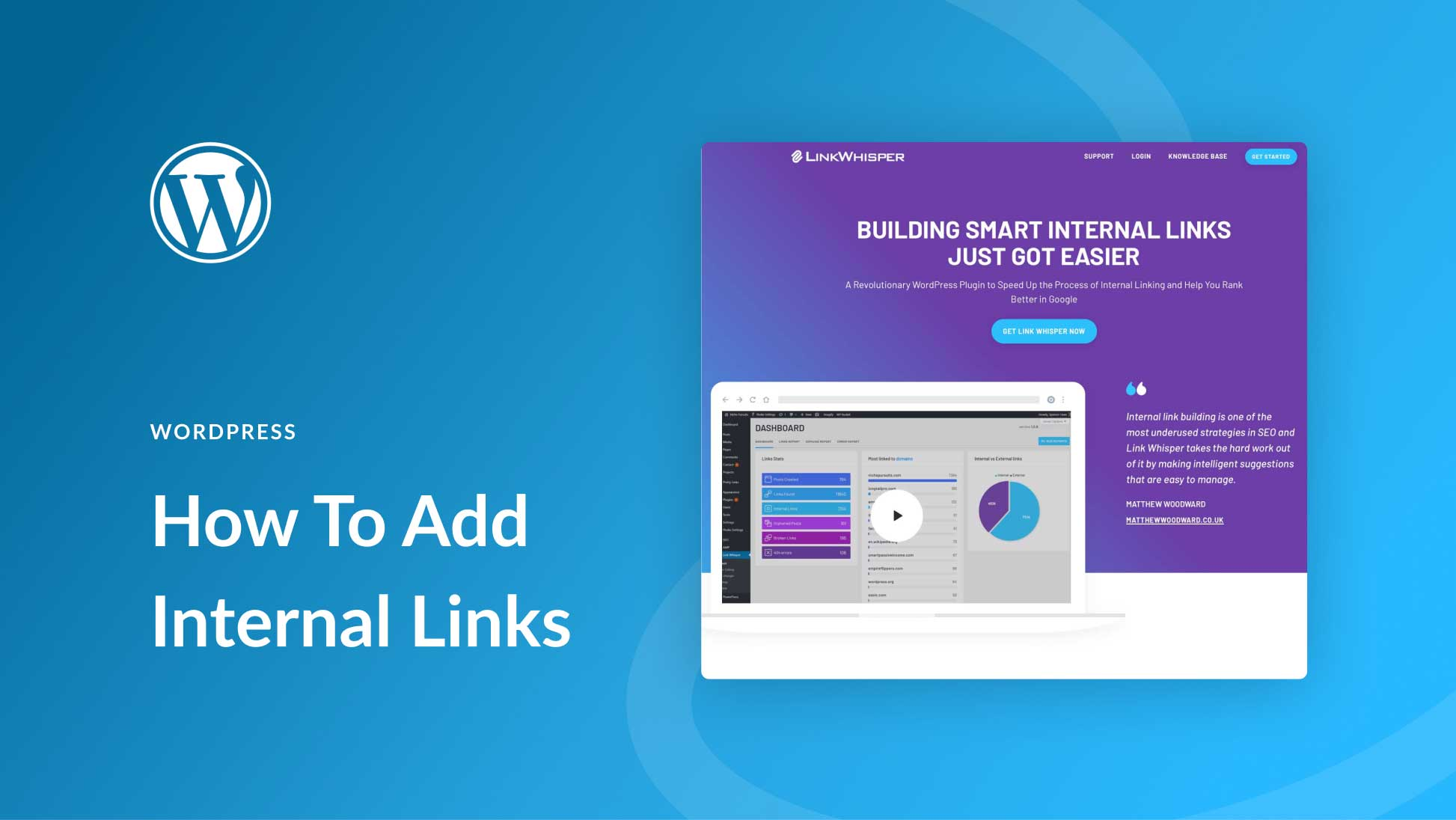
How to Add and Manage Internal Links in WordPress: A Comprehensive Guide
Adding and managing internal links in WordPress is a crucial step in improving your website's SEO and user experience. Not only do internal links help improve the accessibility of your website, but they also enhance the relevance of pages to each other, which in turn improves search engine rankings. In this article, we will delve...

 简体中文
简体中文  English
  日本語
日本語  Français
  Español



