


WordPress Tutorial Page 97
The "WordPress Tutorials" feature takes you in-depth understanding of WordPress, from the basic installation, theme and plug-in configuration, to SEO optimization and site security, covering all aspects of the core knowledge and practical skills needed to build a site. Whether you are a novice or an experienced developer, you can find the appropriate tutorials to help you easily master the use of WordPress and advanced operations.
arrange in order

WordPress Top Admin Bar Missing Problems and Solutions
Experiencing WordPress admin bar loss issues? This guide details how to fix this issue by checking user configurations, theme files, plugin conflicts, and more to help you quickly restore the normal display of your site's admin bar.

Comprehensive Guide: How to Create and Customize User Registration Forms in WordPress
Learn how to create user registration forms in WordPress, covering enabling the built-in registration functionality, customization with plugins, code development, and best practices for optimizing user experience and form security.
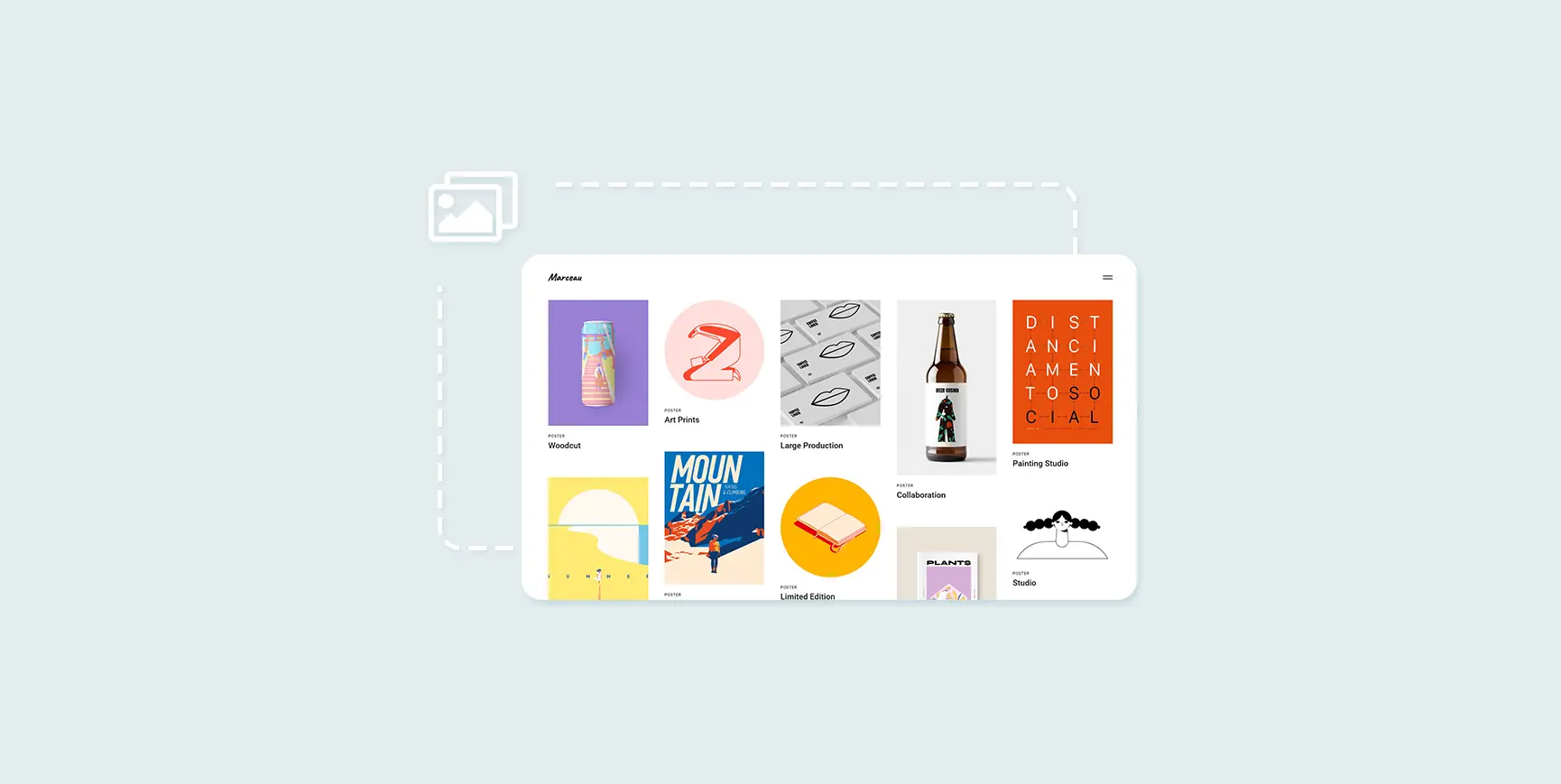
How to Create and Optimize Gallery in WordPress with Gutenberg Gallery Block
Gutenberg Gallery Block is a popular WordPress tool for photographers, artists, bloggers and businesses that makes creating galleries easy, intuitive and requires no coding knowledge. If you want to enhance your website with professional, stylish galleries...
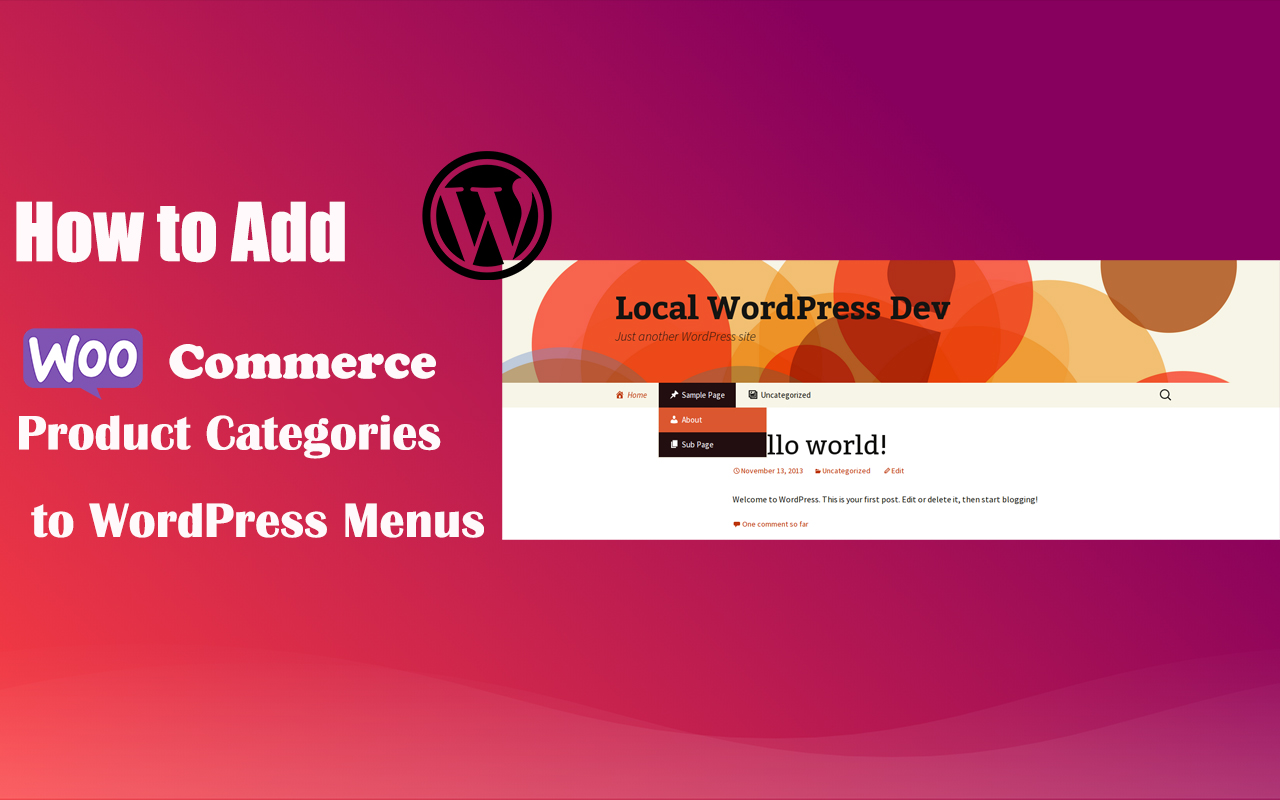
How to Add WooCommerce Product Categories to WordPress Menus to Improve User Experience and Conversions
When running a WooCommerce store, it's important to help users quickly navigate to product categories. By adding product categories to the main WordPress menu, you can simplify the user experience and make it easy for users to find the products they need. In this article, we'll detail how to add WooCommerce ...

5 Practical Ways to Add Custom CSS in WordPress and FAQs
Adding custom CSS to WordPress is a very practical way to give you complete control over the look and feel of your website. Custom CSS is a very flexible and powerful tool in WordPress website customization, helping you to have fine control over your website's visuals, cloth...

How to Effectively Manage and Optimize Product Reviews in WooCommerce
Learn how to disable product reviews in WooCommerce or turn off reviews for specific products. We also provide tips for managing and optimizing the display of reviews to help improve user experience and page aesthetics.

The Complete Beginner's Guide to Troubleshooting WordPress Errors
This article details how to troubleshoot and fix common WordPress errors, including white screen of death, database connection errors, plugin and theme conflicts, and more. With this guide, you can quickly resolve issues, ensure your website runs smoothly and improve user experience.

 简体中文
简体中文  English
  日本語
日本語  Français
  Español



