



WP Theme Decoration Page 29
WP Theme Decoration Knowledge Platform focuses on providing high-end professional WordPress theme design and optimization knowledge. Through detailed tutorials, practical tips and the latest industry trends, we help users master all the skills of customizing WordPress themes to improve the visual effect, functional performance and SEO performance of their websites.
arrange in order

WoodMart Theme WooCommerce Estimate Delivery Feature Setting
This article details how to enable and configure the WooCommerce Estimated Delivery feature in your WoodMart theme. By setting delivery dates, configuring shipping zones, specifying skip dates, and more, stores are able to provide customers with accurate delivery time expectations, increase shopping transparency and optimize...

How to Translate a WordPress Website Using Loco Translate Plugin with WoodMart Theme Integration
This article describes how to use Loco Translate plugin to translate WoodMart theme, including plugin installation, language settings, storage location selection and text translation steps. With Loco Translate, no need to modify the code to complete the theme localization, improve the site's multi-language adaptability ...

How to Create a Mega Menu with Elementor Builder and WoodMart Themes
This article describes how to create powerful and flexible mega menus with the Elementor builder and WoodMart theme. It includes creating navigation menus, setting up dropdown menus, adding full-width mega menus, customizing sizes, adding labels and setting up rotating product displays to help enhance web...
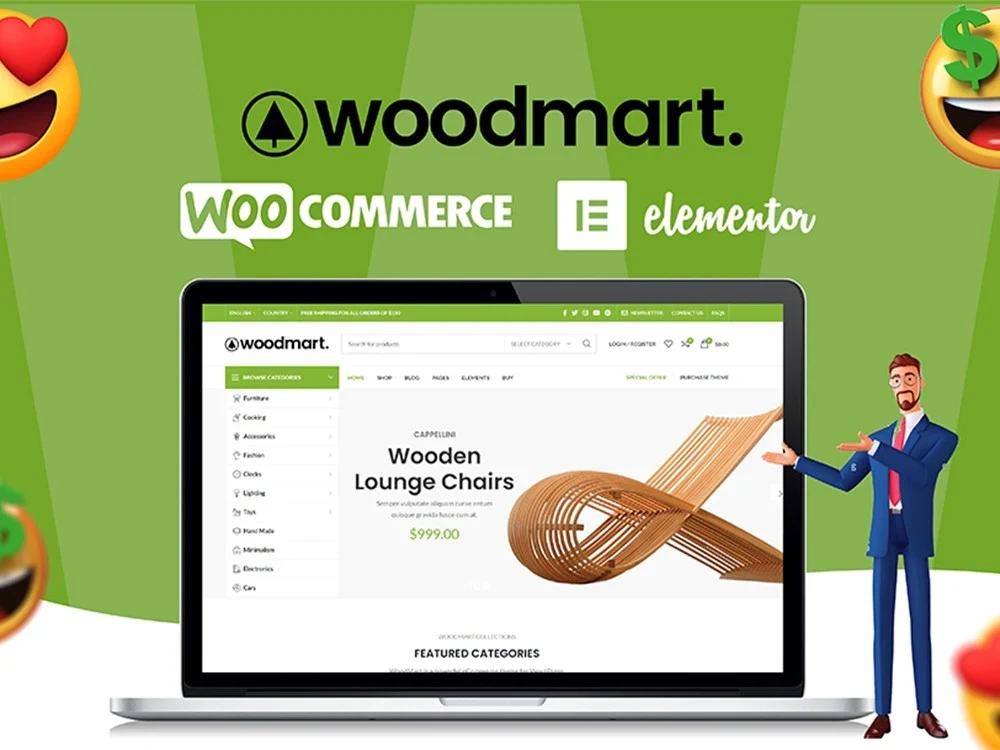
WoodMart Theme Menu Customization Tutorial
Learn how to edit and customize menus in the WoodMart theme. This article details how to create, add menu items, adjust the order, set styles, and enable responsive menu features for clear and easy-to-use website navigation.
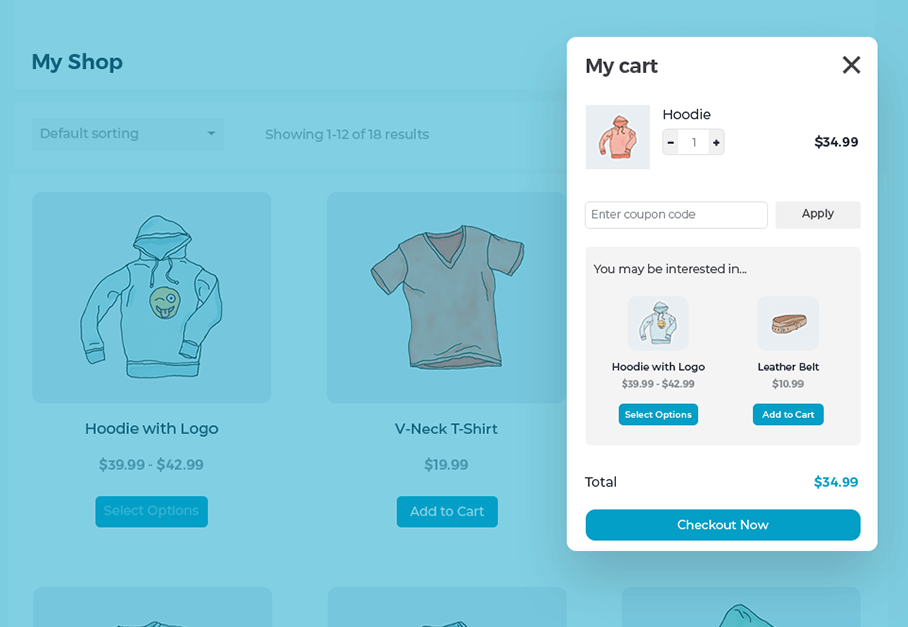
Create a Popup WooCommerce Cart with the WooCommerce Fast Cart Plugin
WooCommerce Fast Cart plugin makes shopping more convenient, supports pop-up shopping cart, fast checkout and recommended products features, reduces bouncing, optimizes the shopping process and improves the order completion rate.

Kadence Tutorial: How to Make Giant Dropdown Menus with Kadence Themes
Learn how to create mega dropdown menus using the paid version of the Kadence theme. This article provides detailed steps, including installing the plugin, configuring Mega Menu, using the WooCommerce shortcode, and more, to help you create a professional WordPress site navigation.
Astra Theme Integration with Beaver Builder Explained
Astra theme integrates perfectly with Beaver Builder to provide a flexible visual page building experience. This article describes in detail the installation, configuration and optimization methods to help users create a personalized website, while improving the loading speed and interactive experience.
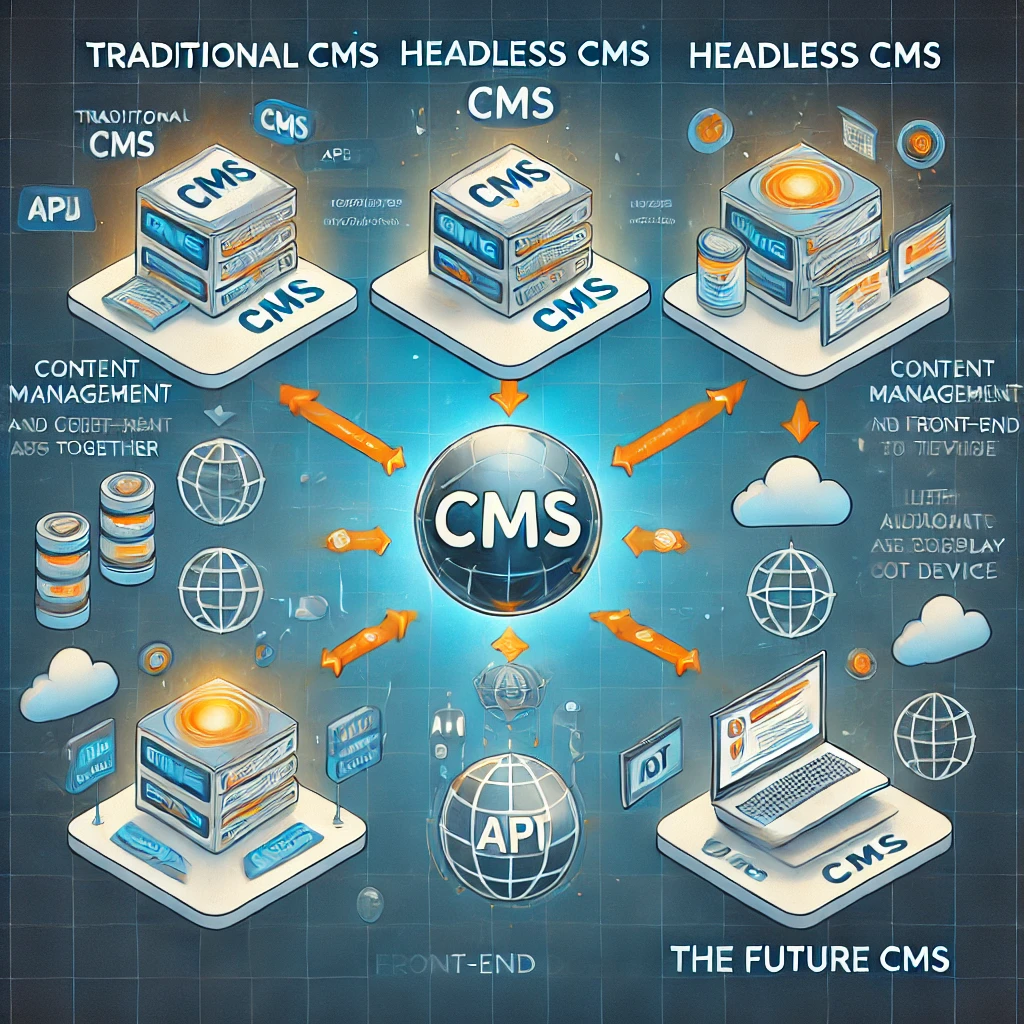
The Future of CMS: Will Headless CMS Replace Traditional Open Source CMS?
Headless CMS has received a lot of attention for its flexibility and cross-platform capabilities. Will it replace traditional open source CMS and become the mainstream of content management in the future? This article compares the characteristics of the two, analyzes market trends, and discusses the future direction of CMS development.
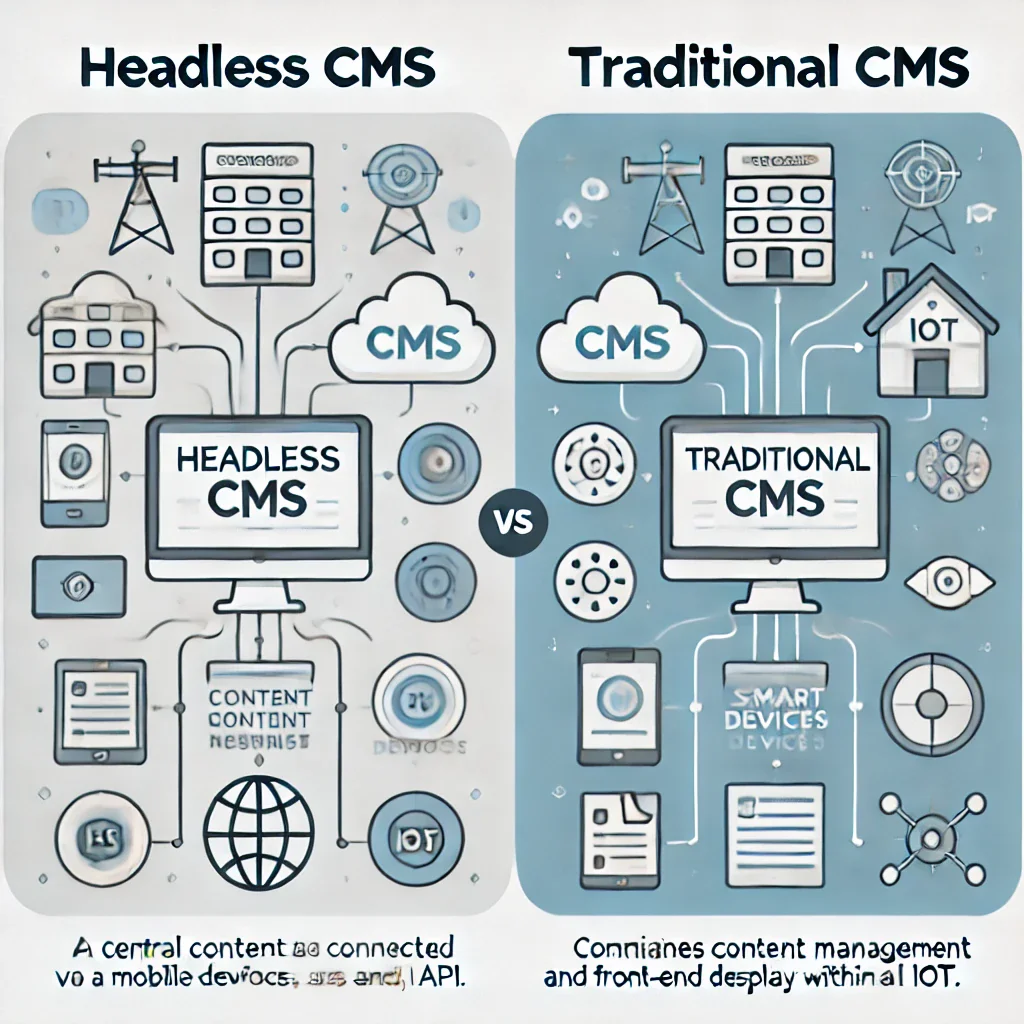
What is Headless CMS and how does it differ from traditional open source CMS?
Explore the core differences between Headless CMS and traditional CMS, and learn about the features, scenarios, advantages and disadvantages of each to help you choose the best content management system for your needs, whether it's for your website, mobile or smart device.
How to Optimize Astra Theme for Mobile Devices: A Detailed Tutorial
Learn how to optimize the Astra theme for mobile and improve the presentation of your website on mobile and tablet devices. This article covers detailed steps from installing the theme to optimizing headers, buttons, menus, and many other parts of the site to help it adapt to various screen sizes.

Astra Theme with GTranslate Plugin Multilingual Website Builder Tutorial
Learn how to implement multi-language support in an Astra theme WordPress website using the GTranslate plugin. This article describes key features such as plugin installation, setup, SEO optimization features, automatic language switching, and custom button styling to help websites improve their global access experience.
How to Boost Brand Professionalism and Remove Default Logos with Astra Theme's White Label Feature
Learn how to fully customize your brand identity using the Astra theme's white label feature. This article details how to remove the Astra default branding and replace it with your own brand name to improve the professionalism of your website and provide customization to your clients.





