




WP Theme Decoration Page 28
WP Theme Decoration Knowledge Platform focuses on providing high-end professional WordPress theme design and optimization knowledge. Through detailed tutorials, practical tips and the latest industry trends, we help users master all the skills of customizing WordPress themes to improve the visual effect, functional performance and SEO performance of their websites.
arrange in order

Kadence Tutorial: How to Create Opt-Out Intent Popups to Boost Website Subscriptions
Learn how to add exit intent popups to your WordPress website using the kadence Blocks and kadence Conversions plugins, and in this way boost email subscription rates, enhance email marketing results, and drive website growth.

Kadence Tutorial: How to Use Kadence Hooked Elements to Achieve Page Freedom Customization
Learn how to use the Kadence theme's Hook Elements feature to insert custom content blocks, notification bars, and HTML code into your WordPress website for page personalization and efficient management.

Kadence Tutorial: Creating Professional Forms in WordPress with kadence blocks
Learn how to easily create and manage forms in WordPress using Kadence Blocks advanced form blocks. Learn how to add form fields, customize styles, integrate with email marketing platforms and use redirection features with this tutorial.

Kadence Tutorial: Using Kadence Blocks to Create FAQ Structures for WordPress Websites
Add a FAQ structure to your WordPress website with the Kadence Blocks plugin to display frequently asked questions and increase your placement and traffic in Google search results.

Complete guide to installing the WoodMart theme and enabling Gutenberg blocks
Learn how to enable Gutenberg blocks in WoodMart theme to enhance page editing flexibility. Includes steps to activate the theme, install Gutenberg editor, import pre-built website templates and more to help you build a personalized e-commerce website efficiently.

Kadence Tutorial: Easily Publish WordPress Websites with Kadence Starter Templates
Learn how to quickly build and publish a feature-rich, professional-looking WordPress website using Kadence Themes with Kadence Starter Templates. Easily create an e-commerce website or personal blog that meets your needs by choosing a template, installing plugins and customizing page settings...

Kadence Tutorial: How to Create and Set Up Notification Bars in Kadence Themes
Learn how to create and set up notification bar in Kadence theme. Easily increase website conversions, advertise promotions or direct users to sign up by adding countdown timers, text content, buttons and setting the notification bar position and expiration time.
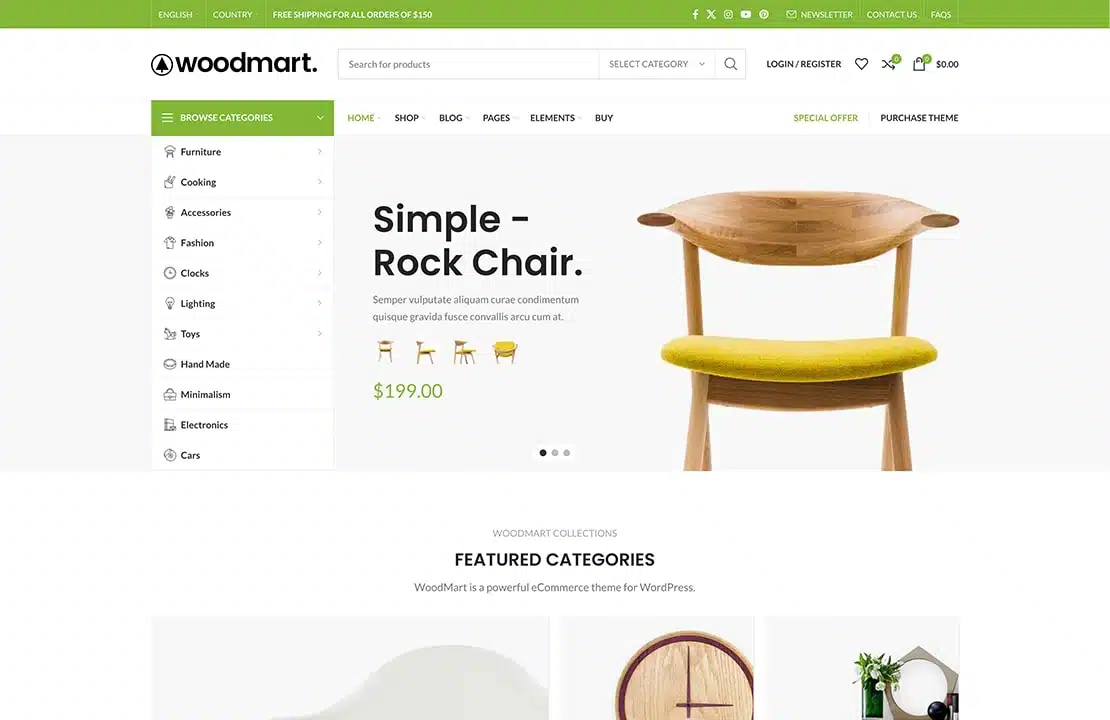
WoodMart Theme: Header Builder to create and customize website headers
This article details how to create and customize website header in Frontend mode using Header Builder for WoodMart theme. Use flexible editing methods, template selection and JSON data import to help you quickly design a header layout that meets your needs.
A guide to using the dynamic discount feature in WoodMart themes
This article details how to enable and configure the dynamic discount feature in WoodMart theme, which helps WooCommerce merchants to set different price discounts based on the purchase quantity and show them to customers through discount forms. By setting discount rules, priorities and conditions, merchants can increase sales...

Kadence Teaching: A Complete Guide to Kadence Theme Sidebars
Learn how to add and manage sidebars in Kadence Theme, this article includes site-wide and individual page sidebar settings, WooCommerce sidebar configuration, and how to enable sticky sidebars to make your WordPress website layout more flexible and interactive.

WoodMart Theme WooCommerce Product Grid with Rotator Feature
Understand the WooCommerce product grid and rotation features of WoodMart theme, support custom product display, optimize page layout, and enhance the visual effect of the store. Master product filtering, paging, sorting and rotation configurations for a more flexible and efficient online sales experience.
Slider Settings Guide in WoodMart Theme
WoodMart theme provides lightweight slider feature to quickly create smooth image rotation effect. This article describes how to set up a slider in WordPress, manage slideshows, adjust animation effects, optimize the layout, and through Elementor or WPBakery Page Builder to add ...





