




WP self-taught website builder Page 17
At Photon Academy, we specialize in providing high quality WordPress instruction to help you master every aspect of WordPress from basic to advanced. Our courses are designed to allow students to get hands-on and understand the power of WordPress, whether it's building a personal blog or a business website.
arrange in order

The Complete Beginner's Guide to Troubleshooting WordPress Errors
This article details how to troubleshoot and fix common WordPress errors, including white screen of death, database connection errors, plugin and theme conflicts, and more. With this guide, you can quickly resolve issues, ensure your website runs smoothly and improve user experience.
How to Fix WordPress Admin Ajax 400 (Bad Request) Error
Learn how to fix Admin Ajax 400 (Bad Request) error in WordPress. This article will cover the common causes of this error, such as invalid URLs, browser caching, plugin conflicts, etc., and provide solutions that will help you get your site back to functionality quickly.
Tutorial on using the ACF plugin: creating field groups
Learn how to create and manage field groups in WordPress using the ACF plugin, mastering how to add fields, select field types, set field labels and field names, and configure location rules. Provide your website with powerful custom field functionality to improve content management and editing effectiveness...
How to Fix Common SSL Issues in WordPress
This guide provides a comprehensive analysis of how to fix common SSL/HTTPS issues in WordPress, including mixed content errors, too many redirects, invalid certificates, etc., to help you quickly optimize your site's security and user experience.

Complete Guide to Adding Custom Domains in Site Mailer
Learn how to add custom domain names to Site Mailer and enhance customer trust by setting up a personalized outgoing address. Detailed instructions include DNS setup, CNAME record creation and validation process.
WordPress Membership Plugin Review: Simple WordPress Membership and Top 3 Alternatives
Comprehensive review of Simple WordPress Membership plugin, analyzing its core features, pros and cons, and recommending 3 best alternative plugins, including AovUp Membership, WP-Members and WooCommerce Memberships, to help you choose the most suitable solution for membership management....

Tutorial on the use of the ACF plugin: adding fields to categorized terms
Learn how to add custom fields to WordPress category terms using ACF (Advanced Custom Fields) and implement HTML customization by modifying template files such as category.php and taxonomy.php to enhance site functionality and design.
How to Show Personalized Content to Different Users in WordPress
Want to show personalized content to different users in your WordPress website? This article shares three ways to use OptinMonster, If-So Dynamic Content plugin and FunnelKit to easily implement user-customized content display and improve conversion rate and user experience.

How to Change the Default Text Selection Color in WordPress
Learn how to easily change the WordPress default text selection color through theme settings or CSS code to make your website design more aesthetically pleasing, improve user experience, and maintain brand color scheme consistency.

How to Fix WordPress Theme File Editor Missing Issue: Complete Guide
Understand the common causes of WordPress theme file editor loss, including security settings, plugin conflicts, and configuration issues, and learn detailed repair steps and alternative theme customization methods to quickly restore file editing functionality.
Tutorial on using the ACF plugin: adding fields to menu items
Learn how to add custom fields to WordPress menu items using the Advanced Custom Fields plugin and modify the HTML output of menu items with the wp_nav_menu_objects filter to personalize the navigation menu even more.

How to Add a Mega Menu to a WordPress Website: A Step-by-Step Tutorial
Learn how to add a mega menu to your WordPress website using the Max Mega Menu plugin. This tutorial provides a step-by-step guide to help you create feature-rich, visually appealing navigation menus that enhance user experience and website usability.

How to Import HTML Files into WordPress: A Step-by-Step Guide to Three Simple Methods
A detailed step-by-step guide that teaches you how to import HTML into WordPress, including how-to's for the Classic Editor, Block Editor, and Page Builder, to help you easily retain your design, optimize your development, and achieve deep customization.

How to use the WordPress get_post_meta function: a complete guide and practical examples
Learn how WordPress get_post_meta function works, basic syntax and use cases to easily retrieve custom field data for more powerful and dynamic website functionality.
What is WordPress Website Optimization?
Understand how to optimize WordPress themes, plug-ins and hosting configurations to comprehensively improve website performance, master Core Web Vitals metrics, performance testing tools and optimization techniques to create a fast-loading and efficient website.
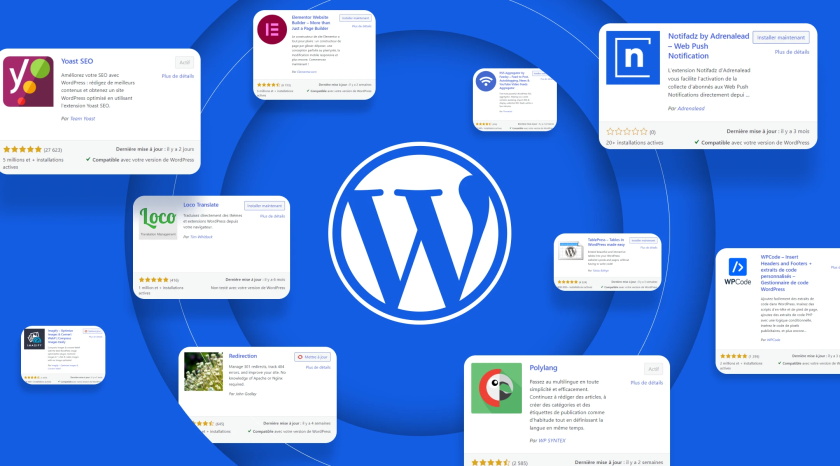
WordPress Sidebar Ads Management: How to Create Custom Ad Widgets
Learn how to create custom ad widgets in WordPress for efficient management and optimized placement of sidebar ads, support Google AdSense and other ad alliance codes, and improve traffic cash flow.
How to import users into WordPress using a CSV file: a detailed and comprehensive tutorial
Detailed tutorial teaches you how to batch import users to WordPress via CSV files, including common scenarios, plugin recommendations (WP All Import), import steps and precautions to help you efficiently manage user data.
Tips for Efficient Multisite Management: WordPress Maintenance in Detail
Managing multiple WordPress websites can be a headache: you need to keep the core software, themes, and plugins up to date, and you need to monitor the site's security and performance at all times. And as the number of sites you manage increases, the workload and complexity grows exponentially, especially for individuals or small teams...

How to Showcase Blog Posts on WordPress Pages and Boost SEO Results
Learn how to improve your website's SEO ranking and user experience by displaying blog posts on dedicated pages with WordPress. This article describes ways to use default settings, the Gutenberg editor, and plugins to help you choose the most appropriate display method.

How to Fix Cloudflare Error 521 in WordPress: Simple Solution
Learn the causes and fixes for Cloudflare Error 521, including server overload, DNS misconfiguration, firewall blocking, SSL certificate issues, and more, with effective preventive measures to protect your website's normal operation and SEO performance.
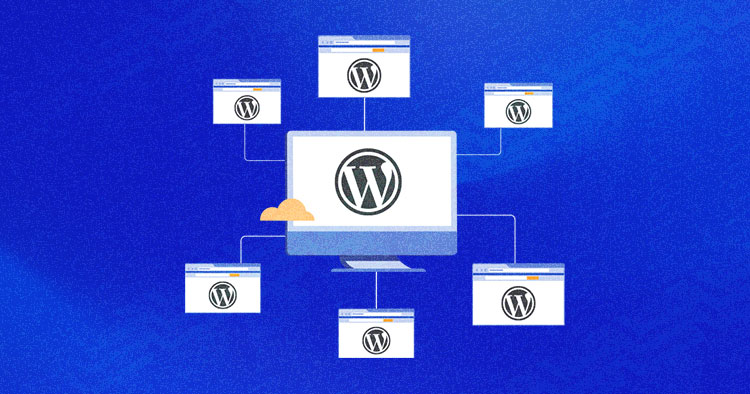
How to Revert a WordPress Multisite to a Single Site
Learn how to migrate WordPress multisite sub-sites to a single site, this article explains in detail the two methods of manual migration and the use of Prime Mover plugin, suitable for both technicians and novices, to help you easily complete the separation of the site and data migration.
How to Increase WordPress Maximum Upload File Size: The Complete Guide
Learn how to check and increase the maximum upload file size limit for WordPress. This article explains in detail how to modify the .htaccess file, functions.php file, php.ini file, as well as the use of plug-ins or multi-site settings to increase the upload size of a variety of methods, suitable for different technical ...

Comprehensive Analysis: How to Edit HTML in WordPress to Optimize Website Design and Functionality
Learn detailed steps and tips on how to edit HTML in WordPress, including pages, posts, widgets, and converting HTML templates to WordPress themes to enhance website design and functionality.

Take control of WordPress categories: delete categories without worry, SEO without dropping links
Learn how to properly remove categories in WordPress to avoid impacting site structure, SEO, and user experience. Get tips on how to deal with broken links, setting up 301 redirects, and category URL changes.
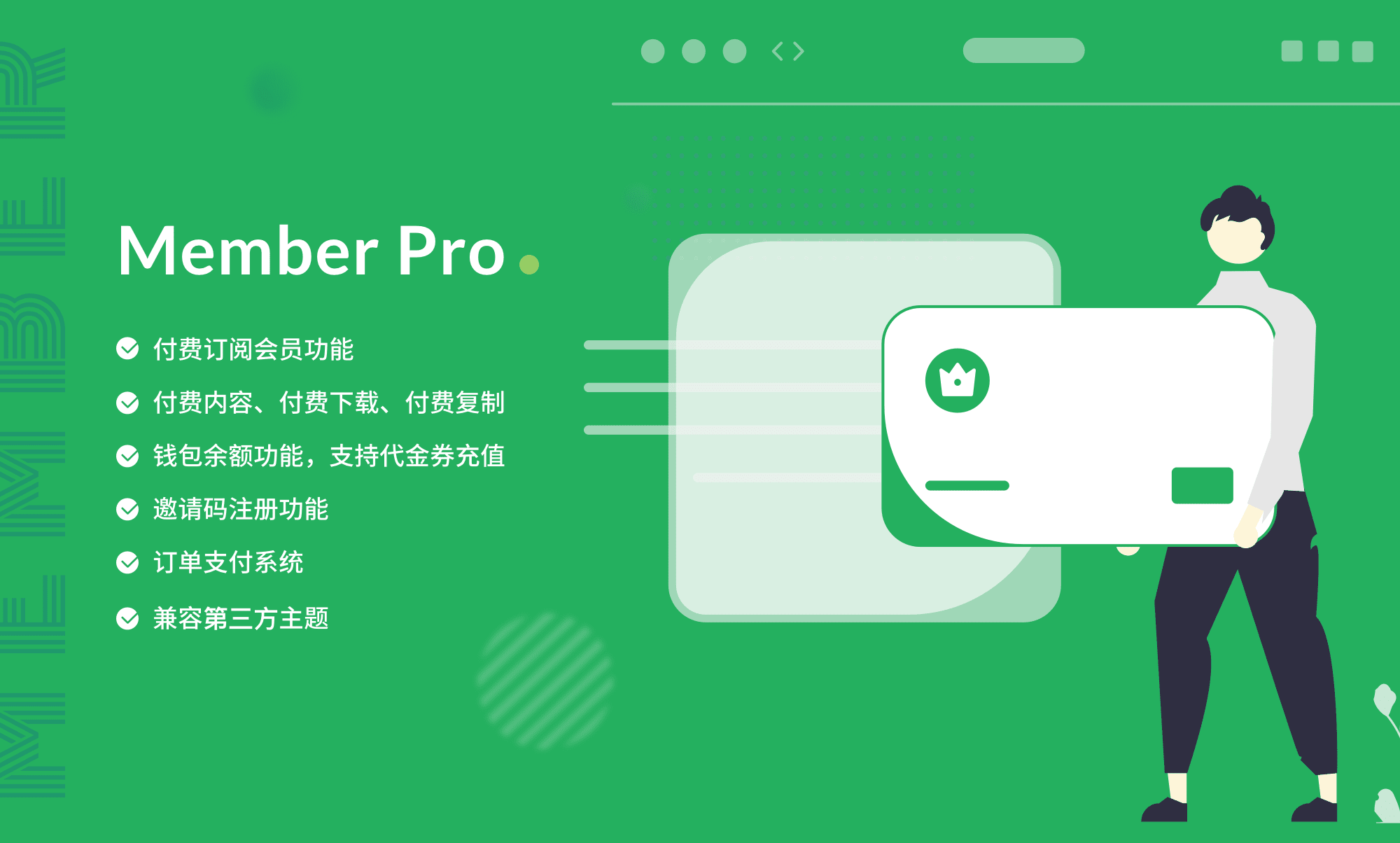
Total WordPress Membership Management: WPCOM Member Pro
WPCOM Member Pro plugin provides comprehensive member subscription, content payment, resource download and social login functions for WordPress websites, helping content creators and educational platforms to realize content cash and enhance user stickiness.

WordPress Image Rotation Tutorial: Creation, Optimization & Best Practices
Learn how to create professional image rotations in WordPress using the WP Carousel plugin. Optimize image rotation with detailed steps and best practices to improve user experience and website interaction, easily done without coding.

WordPress Button Shortcode Guide: Plugins, Custom Code and Design Optimization Explained
Learn how to easily add stylized buttons in WordPress through shortcodes, plugins, and the Gutenberg editor. This article details button implementations, design optimization tips, and FAQs to help you improve your site's interactivity and visual appeal.

WordPress Twenty Twenty-Five Theme: All Features and Comparison with Old Themes
Learn about the latest updates in WordPress 6.7, especially the newly launched Twenty Twenty-Five theme. This article takes a deep dive into the theme's responsive design, highly customizable features, and blog optimization to help you build a better WordPress website.

How to Troubleshoot and Fix WordPress 403 Forbidden Error: Common Causes and Solutions
This article analyzes the causes and solutions of WordPress 403 Forbidden error, including file permission settings, plugin conflict troubleshooting, .htaccess file repair and other steps to help you quickly restore the normal operation of the site and avoid the error.

WordPress App Passwords Explained: A Guide to Generating, Using, and Managing Security
Comprehensively analyzes the definition, generation, usage scenarios, and security management techniques of WordPress application passwords, helping users and developers efficiently utilize the REST API for content management and third-party integration.

 简体中文
简体中文  English
  日本語
日本語  Français
  Español



