




WP self-taught website builder Page 18
At Photon Academy, we specialize in providing high quality WordPress instruction to help you master every aspect of WordPress from basic to advanced. Our courses are designed to allow students to get hands-on and understand the power of WordPress, whether it's building a personal blog or a business website.
arrange in order

Drupal or Joomla for Enterprise Websites: A CMS Selection Guide for 2025
Comprehensive comparison of the two open source CMS in terms of security, scalability, ease of use and other aspects of the performance, to help enterprises find the most appropriate content management solution.

How to Reset WordPress Password with WP-CLI
Learn how to quickly reset your WordPress password using WP-CLI for VPS environments. Manage WordPress from the command line to increase efficiency and save time.

Building an Internationalized WordPress Website with Different Domains and Subdomains
This article describes in detail how to build an internationalized WordPress website with different domain names and sub-domains, including the advantages and disadvantages, implementation, applicable scenarios and SEO optimization suggestions to help enterprises expand the global market.

Rank Math vs. Semrush Content Scoring Mechanism: Who's Better for Your SEO Efforts?
An in-depth analysis of the content scoring logic of Rank Math and Semrush, two SEO tools, to help webmasters and content creators choose a more appropriate optimization method.

What does the free version of TranslatePress do? What is the difference between it and the paid version?
Detailed comparison of TranslatePress free version and paid version of the functionality of the differences between personal blogs, corporate websites and cross-border e-commerce reference, to help you choose the most suitable multi-language plug-in program.

How to Personalize Content Display with Blocksy Content Blocks + Conditional Logic
Use Blocksy Content Block + Conditional Logic feature to display personalized content for different users, such as sign-up guides and exclusive member offers, to improve conversion and user experience.
TranslatePress Conflicts with Other Plugins? How to Troubleshoot Compatibility Issues
Using TranslatePress to do multi-language station encountered plugin conflicts or page abnormalities? This article teaches you how to quickly troubleshoot compatibility issues, solve the page does not display, language switching errors and other common failures, so that the site back to normal operation.

How to Install the TranslatePress Plugin - A Quick Start Guide for Multilingual WordPress Websites
Want to make your WordPress website support multi-language switching? This tutorial shows you how to install and setup the TranslatePress plugin to build visual, multilingual, auto-translating websites step by step, without coding basics.
What are the fields that WordPress hides by default? Is it possible to restore the display?
Learn what WordPress default hidden fields do, how they are displayed, and useful tips for using plugins to view hidden fields.

Logged in users see hidden information? Easy to fix with code (for WooCommerce product pages)
Want to add "Login User Only" content to your WooCommerce product pages? This tutorial teaches you to use simple code to determine the state of the user, to realize the exclusive information display, without plug-ins, fast online.

Free Elementor Templates Guide for Optimizing Mobile Pages
Teach you to optimize mobile web page layout, buttons, and loading speed with free Elementor templates to improve your reading and browsing experience on mobile.
Astra + Gutenberg: a simple way to customize the login registration block
Use Astra with Gutenberg to quickly create beautiful, secure front-end login and registration forms for e-commerce and membership sites without programming.
Determine if your WordPress site requires a CDN for the region you are visiting?
Analyzes access distribution, loading speed, traffic conditions, and other factors to help you determine if a WordPress site is a good candidate for a CDN.

How to Install WP-CLI on Linux
This article describes in detail how to install WP-CLI on a Linux system, covering the process of downloading the Phar build file, checking the file for executability, turning it into an executable, and testing the installation process, allowing you to manage your WordPress website more efficiently from the command line.

Practical Guide to Customizing Tab Content on WooCommerce Product Detail Page (e.g. Adding "After Sales Service", etc.)
Teach you to use code to add custom tabs for WooCommerce product detail page, such as "After-sales service", no plugin, simple and efficient, support a variety of content display.
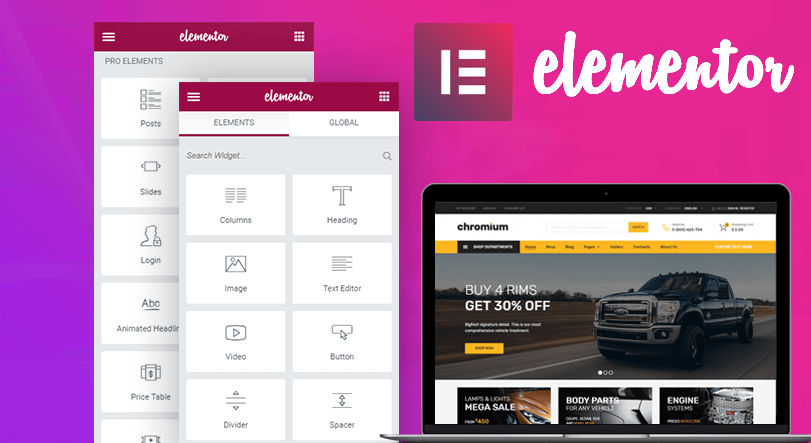
Free Elementor templates to implement video background design tutorials
Quickly add video backgrounds with free Elementor templates to optimize visual effects and enhance web appeal and page presentation.

Is the combination of content farms, AI writers and Rank Math accelerating the "homogenization" of content?
Is the combination of AI writers, content farms, and the Rank Math plugin making web content homogenous? This article dissects the reasons behind homogenization and countermeasures to help you write more recognizable articles.

Create an interactive timeline page with Avada, are you using these hidden features correctly?
Explain the 8 hidden tricks of Avada Builder for building interactive timeline pages to help you create visually flexible and powerful content displays.
Best Practices and How-To's for Regularly Backing Up Your WordPress Site
Learn how to set up automatic backups and develop a backup strategy to ensure WordPress site security and data integrity with backup plugins like UpdraftPlus.
Astra User Registration Welcome Message Setup Tutorial (Free Plugin Program)
When building a membership or eCommerce site with Astra Theme, how to set up a registration welcome page, automated emails and login welcome message? This tutorial teaches you to implement full welcome message functionality with free plugins like WooCommerce, WPCode and User Registration.

CDN with Lazy Load Performance Improvement in WordPress
Combine CDN and Lazy Load technology to optimize WordPress loading speed, reduce hosting pressure and improve access efficiency. Suitable for graphic blogs, e-commerce display and other high-performance needs of the site.
Where are the custom fields displayed? Enabling Meta Box Display in the WordPress Editor (Detailed Beginner's Guide)
Newbie to the graphic explanation of the role of WordPress custom fields, open method, display location and the use of the proposal, adapted to the block and the classic editor, support for Elementor, ACF, Pods and other plug-ins call.
How does Astra Register & Login prevent spam registrations? Plugin Recommendations (Free Programs)
When building a membership or e-commerce site with Astra, it's crucial to prevent spam signups. In this article, we recommend 4 free plugins, including CAPTCHA verification, email activation, brute force login prevention and cloud protection solutions to help you quickly build a secure and efficient registration system.

Best Practices for Pointing Multiple Domains to the Same WordPress Website
How to point multiple domain names to the same WordPress website correctly? This article explains 301 redirects, primary domain settings and SEO-friendly operations to help you operate steadily.
ACF vs. Meta Box: which is better for complex field management?
An in-depth comparison of the functionality, scenarios and flexibility of ACF and Meta Box plug-ins for field management, to help select the best solution for complex structures.

Customize Astra login page URLs for improved security and branding
Customizing the Astra login page URL not only improves the security of your WordPress site, but also creates a more branded and professional login experience.

Will users come back if they encounter a 502 while shopping online?
Does a 502 Bad Gateway error on an e-commerce site during a shopping session affect user return visits? The article analyzes behavioral patterns, brand trust, response methods, and other key influences.
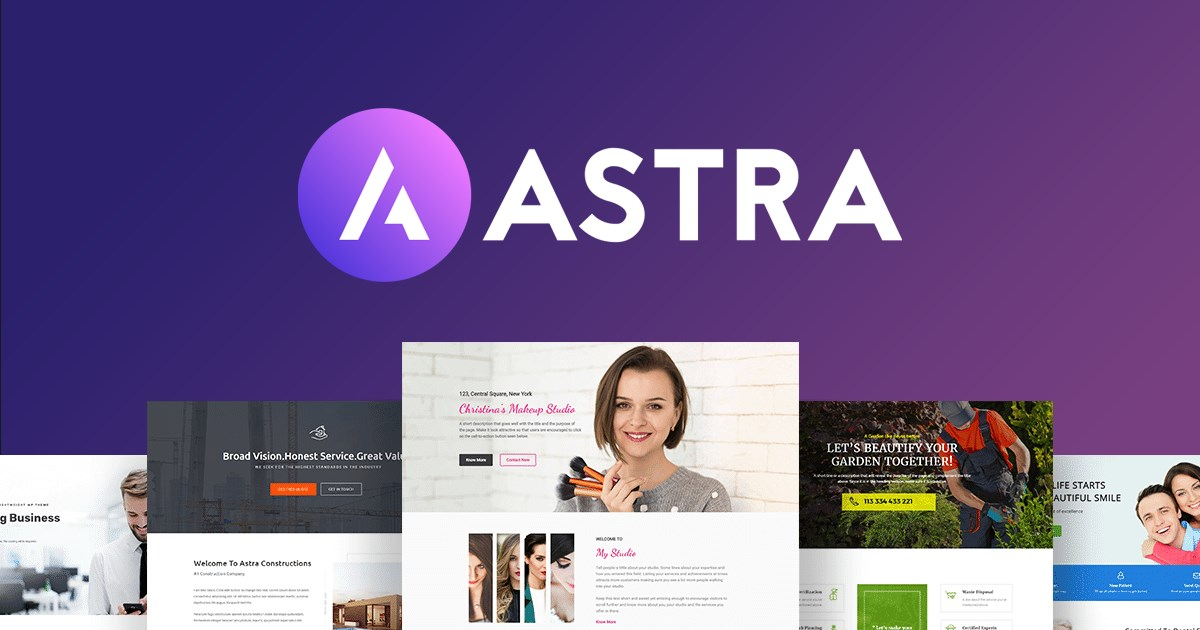
Astra Login Registration FAQs and Solutions
Compile the common problems and solutions when Astra theme works with WooCommerce to implement user login and registration, and quickly optimize the account page and user experience.
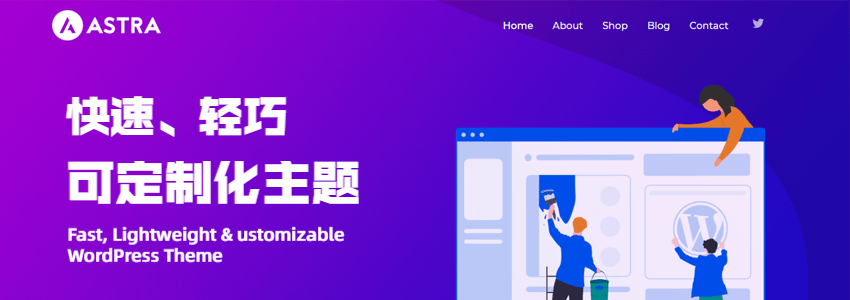
How does Astra work with WooCommerce to add user login functionality? The Complete How-To Guide
Use Astra and WooCommerce to add user login functionality without code, support registration, login and more, setup in minutes, suitable for e-commerce sites.
How to Add a Compliant and Aesthetically Pleasing Cookie Consent Popup for WordPress
Learn how to add compliant cookie consent pop-ups to your WordPress website to ensure compliance with GDPR and CCPA requirements, while improving user experience and website trust.

 简体中文
简体中文  English
  日本語
日本語  Français
  Español



