




WP self-taught website builder Page 20
At Photon Academy, we specialize in providing high quality WordPress instruction to help you master every aspect of WordPress from basic to advanced. Our courses are designed to allow students to get hands-on and understand the power of WordPress, whether it's building a personal blog or a business website.
arrange in order
Elementor Loads Slowly: Optimizing Images and Media Files to Improve Loading Speed
Elementor page stuttering, slow preview? This guide explains how to optimize image compression, lazy loading, WebP format and video resources to improve loading performance and editing experience.
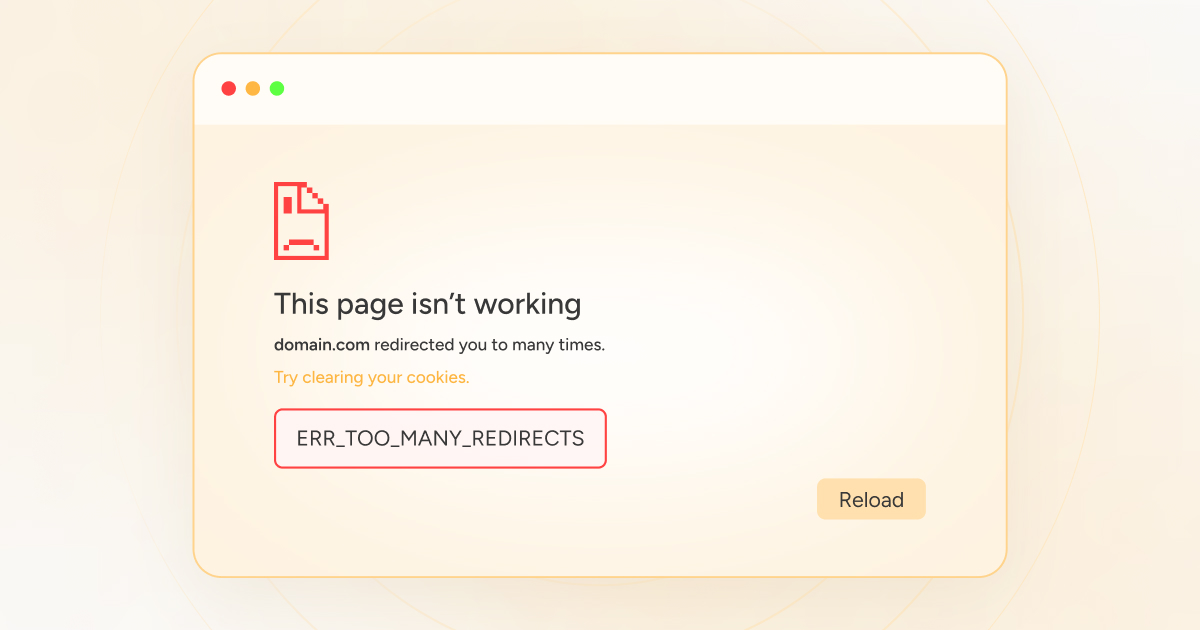
What to do with err_to_many_redirects? A complete guide to fixing it even for newbies
WordPress page jump error? This guide teaches you to solve the problem of "ERR_TOO_MANY_REDIRECTS" redirects too much, even newbies can quickly fix it!

Digitizing traditional product manuals: How WordPress can become a new venue for brand knowledge output?
How to digitize product manuals? This article introduces a new path for organizations to build a knowledge platform with WordPress, enabling online documentation, search support and multilingualism.

Elementor Safe Mode and Cross-Browser Compatibility: Ensuring the Perfect Experience for All Users
Learn how to diagnose browser compatibility issues with Elementor's Safe Mode, along with practical optimization strategies to ensure website consistency and performance across all major browsers and devices.

How to Add Text, Images, and Media Files to the Gutenberg Editor
The complete guide teaches you to add text, images, and videos to the WordPress Gutenberg editor to make content creation more intuitive and efficient.

How to Insert Links and Buttons in Gutenberg: A Practical How-to Guide for WordPress
Graphic explanation of how to add text links, image links and buttons in the Gutenberg editor to improve page navigation and user interaction experience.

WordPress multi-site functionality comprehensive analysis and application scenarios
Detailed explanation of WordPress multi-site functionality, suitable for site groups, sub-sites, language versions and other scenarios, an article to understand the method of building and managing multiple sub-sites.
Frequently Asked Questions and Solutions for the Gutenberg Editor
Summarize common problems and solutions of Gutenberg editor, help you quickly troubleshoot loading failures, wrong styles, block anomalies and other editing faults.
Configure SEO data and indexing permissions for attached pages such as PDFs using Rank Math
WordPress auto-generated attachment pages may affect the site SEO. this article describes how to use Rank Math to set up indexing permissions and redirection of PDF and other media pages, to avoid low-quality content being included.

WoodMart product details page customization tutorial: layout and template full analysis
Comprehensive introduction to how to use WoodMart theme to customize product detail pages, including layout switching, custom templates with advanced component combination display methods.
How to use the "Link Suggestion" function in Rank Math to improve the structure of your site
In-depth explanation of how to use Rank Math's "Link Suggestion" function and optimization techniques, helping webmasters to efficiently build in-site link structure, improve article relevance and overall SEO performance.
Practical Ways to Add Online Customer Service and Chat Features to WordPress
Introduces a variety of ways to add online customer service and chat features in WordPress, supporting plug-in access, social tools embedded and professional system integration.

Quickly Deploy Website Bulletin Boards, Holiday Sale Banners with Content Blocks
With Blocksy Pro's Content Blocks feature, you can quickly create flexible bulletin boards and holiday promotional banners in your WordPress website for efficient, timed, targeted content display without writing code, suitable for all webmasters and marketers...

How to implement Loop Grid in WordPress with Elementor + HappyAddons
Comprehensive explanation of the Elementor Loop Grid and HappyAddons combination of installation, template creation, layout design, query configuration and style adjustment, so that WordPress sites easily realize the grid content display

WordPress how to set download permissions for different users (e.g. members can only download materials)
Explain how WordPress controls file download permissions by user roles for paid content, education, e-commerce and other website scenarios.

Why are more and more organizations choosing WordPress to manage their product and profile content?
This article explores why organizations prefer WordPress to build their product, case and profile content systems, from content control to plugin ecosystems.
WordPress website how to bulk import product information and quickly online
Learn how to batch import product information using WooCommerce's built-in import tools and powerful plugins to save time and increase efficiency. Go live quickly and optimize SEO to increase conversions and sales.

WordPress Website Acceleration Practical Tips: 5 Ways to Improve Loading Speed
Solve the problem of slow loading WordPress website, from caching, images, plugins to CDN optimization, to improve the overall website operation efficiency and open speed.
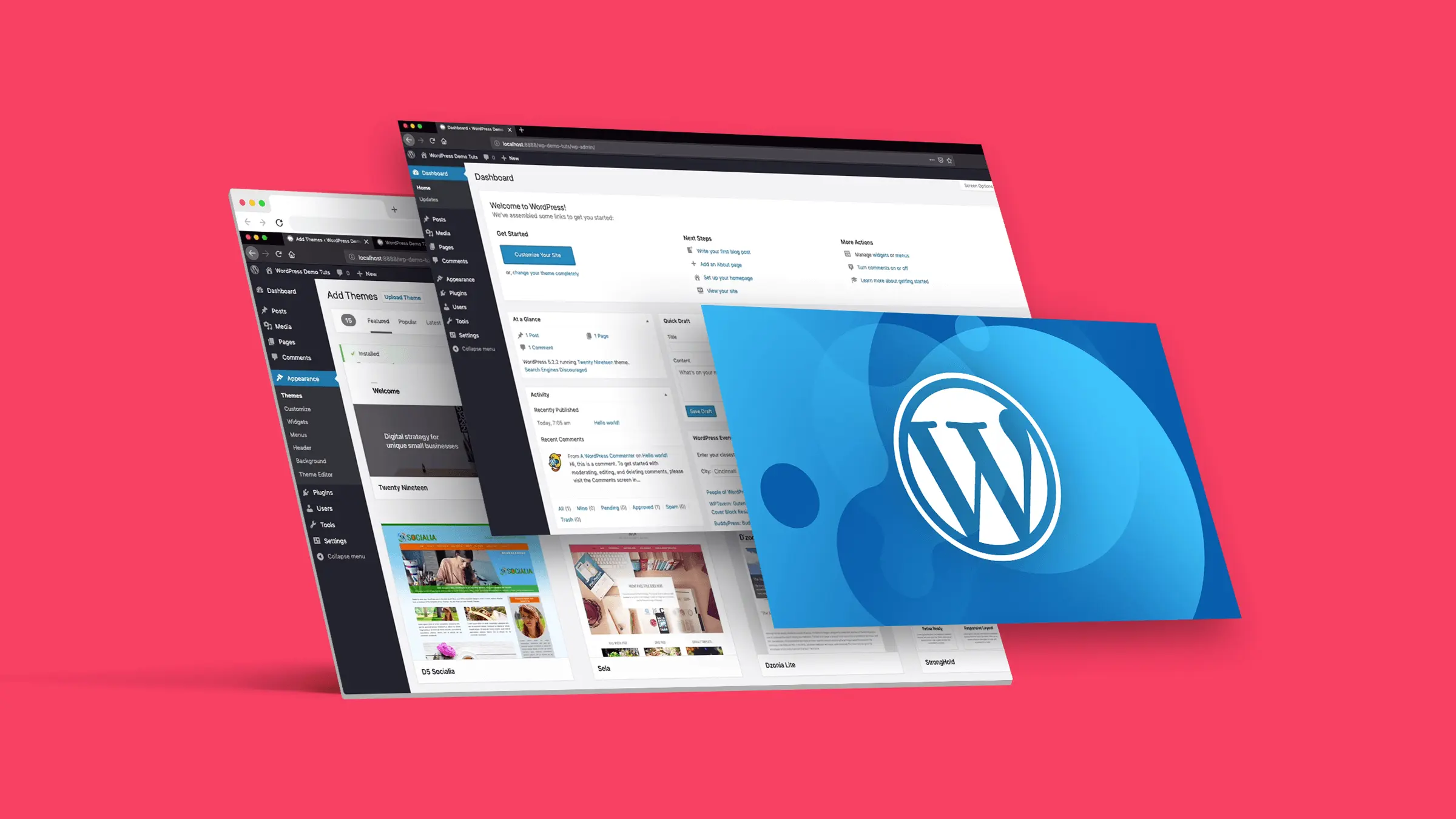
Deep Content Drives Growth: Why WordPress is the Publishing Platform of Choice for Knowledge-Based Brands
In-depth analysis of WordPress' advantages in structure management, SEO adaptation, content deposition, etc., to provide an efficient publishing and accumulation platform for knowledge-based brands.

Creating a Download Center with WordPress: The Complete Way to Easily Publish Literature, eBooks, and PDF Files
Building a download center does not have to be complicated, this article describes how to use WordPress to build a clearly categorized, flexible permissions, support statistics file distribution platform.
Product pages are no longer just showcases: how WordPress supports multimedia and storytelling
Modern product display is no longer stuck in the graphic list, WordPress helps enterprises to build multimedia fusion, story-driven content-based product pages to enhance conversion and trust.

Blocksy Pro Content Blocks Explained: A Key Tool to Improve WordPress Website Flexibility
Take a deep dive into Blocksy Pro's Content Blocks feature and learn how to quickly create bulletin boards, promotional banners, and custom content modules without code for precise placement, optimized experience, and increased site flexibility.

Comparative Analysis of WordPress, Wix and Shopify Website Building Platforms
WordPress, Wix, Shopify Which platform is right for you? From the difficulty of operation, functionality expansion to e-commerce performance, a comprehensive analysis of the key points of building a website selection.

WordPress automatic classification and tag management practical method of full analysis
How to Automatically Categorize and Tag WordPress Posts? This post organizes TaxoPress and WPForms operation tips to manage content structure easily.

Content Ecommerce Tips for WordPress Blogs to Drive Merchandise Sales
Bandwagon conversions through WordPress blogging? This content e-commerce real-world article shares topic selection strategies, writing structure and recommendation tips to help boost merchandise sales.
How to Add Anchor Links in Elementor (Step-by-Step Tutorial)
This tutorial explains how to set up anchor links in Elementor, which allows visitors to quickly jump to a specific area of the page in 3 steps, improving the efficiency of page interactions.

WordPress vs Traditional Web Development: Core Differences Comparison
Compare the core differences between WordPress and traditional web development in terms of speed, scalability, content management, and cost structure to help newcomers choose the right way to build a website.
How to Seamlessly Restore Figma Designs to WordPress Pages (Full Tutorial)
Detailed tutorials teach you how to accurately reduce Figma designs into WordPress pages, covering layout structure, font colors, responsive settings and practical tips.

Basic Guide to WordPress Security Settings: Preventing Website Attacks
From account passwords and login restrictions to plugin protection, this article teaches you to do the most basic security settings for your WordPress site to prevent malicious attacks.
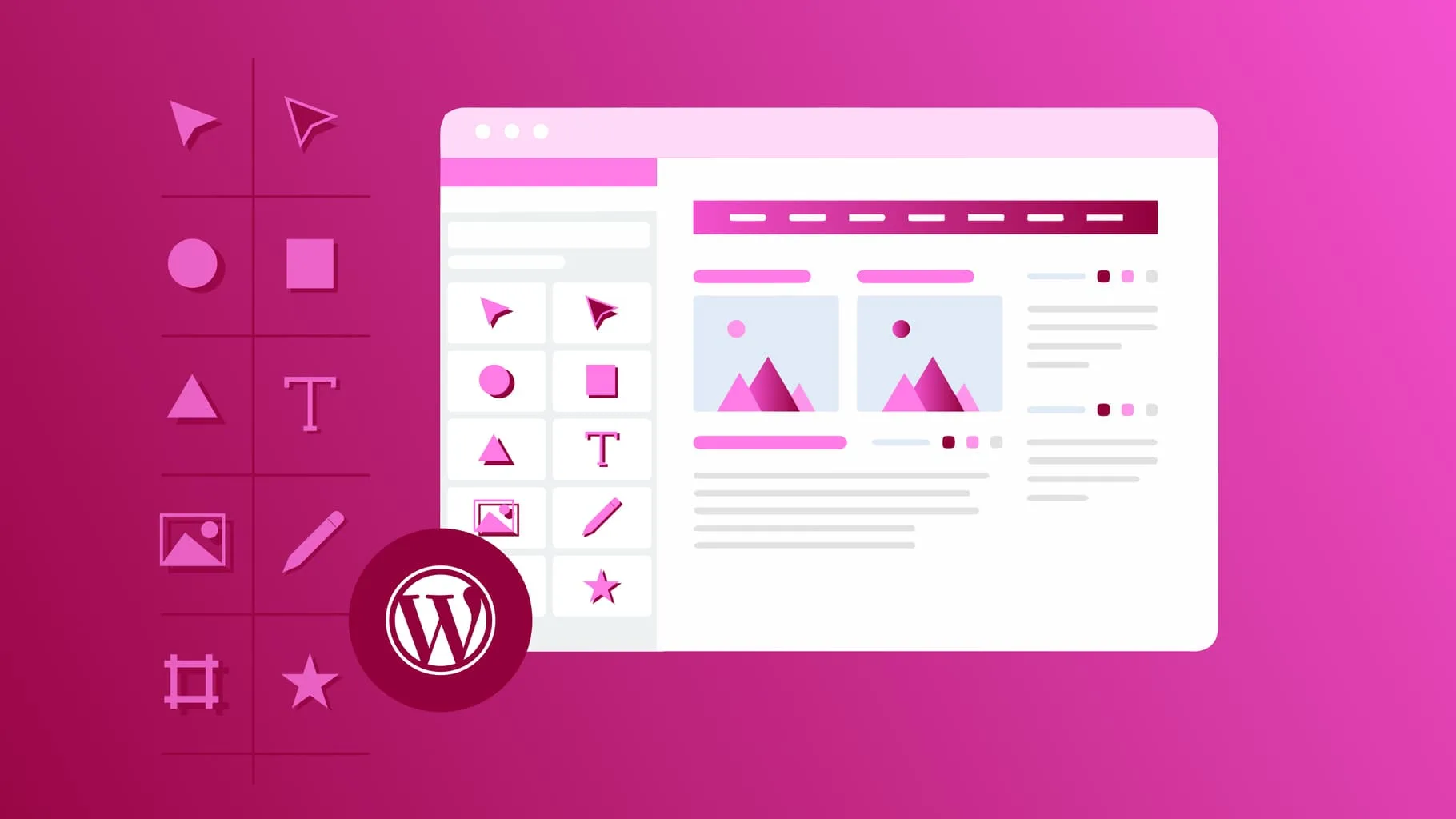
How to Add Age Verification to WordPress with Elementor
Use Elementor with HappyAddons plugin to easily add age verification functionality to WordPress websites, adapt to mobile and improve content access control.

 简体中文
简体中文  English
  日本語
日本語  Français
  Español



