




WP self-taught website builder Page 24
At Photon Academy, we specialize in providing high quality WordPress instruction to help you master every aspect of WordPress from basic to advanced. Our courses are designed to allow students to get hands-on and understand the power of WordPress, whether it's building a personal blog or a business website.
arrange in order
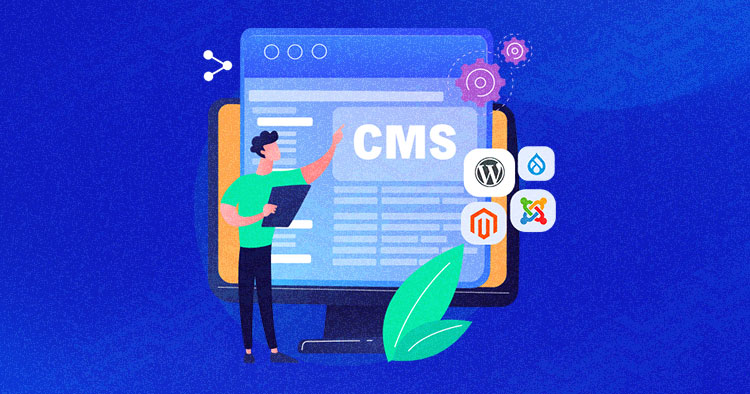
Comparison of the five major open source CMS platform: which best suits your site needs?
Comparison of mainstream open source CMS such as WordPress, Drupal, Joomla, etc., to help you choose the most appropriate platform according to the goal of building a website, and efficiently build a website.

Blocksy Theme Gutenberg Page Setup Tutorial: Single Page Custom Header, Structure & Footer
Introducing the Blocksy theme's page setup feature in Gutenberg, which makes it easy to implement separate visual layout for service pages, feature pages, and other pages.

Complete Guide to Blocksy Theme Mobile Header: Off Canvas Area and Menu Settings Explained
Detailed introduction to Blocksy mobile header configuration methods, Off Canvas area features and advanced menu options, suitable for building responsive navigation layout.

A Practical Guide to Image Optimization in 2025: Building Faster, Lighter WordPress Websites
Master 2025 image optimization techniques to improve WordPress site speed and performance, covering format selection, size control, compression tools, lazy loading & responsive image solutions.

Adding Multi-Language Support to WordPress Websites with WPML (for Blocksy Theme)
Learn how to combine the WPML plugin and Blocksy theme to implement multilingual support for your WordPress site, including instructions for installation, translation setup, and advanced language switching.

Complete method of displaying a list of posts with Blocksy Post shortcode
Learn how to use Blocksy theme [bloxy_post] shortcode to insert a list of posts on any page, support style customization and paging control, no plugin can achieve flexible layout.

Blocksy Tutorial: Using MetaBox to Create and Beautify Custom Post Types (CPT)
The tutorial explains how to use MetaBox to create WordPress custom post types and combine it with Blocksy theme custom archive and one-page styles to easily create well-structured content modules.
WordPress Links Unclickable? Deeper Analysis of CSS and Hierarchy Problems and Solutions
This article provides an in-depth look at the common causes of unclickable links in WordPress websites, especially issues related to CSS hierarchies, and offers detailed solutions to help developers and webmasters quickly locate and fix such issues to improve the user experience and functional integrity of their websites.

Free Elementor Translation Plugin: How to make your website multilingual?
Learn how to use free Elementor translation plugins like Polylang, TranslatePress, Weglot, and GTranslate to help you easily add multi-language support to your WordPress website, boosting your user experience and global reach.
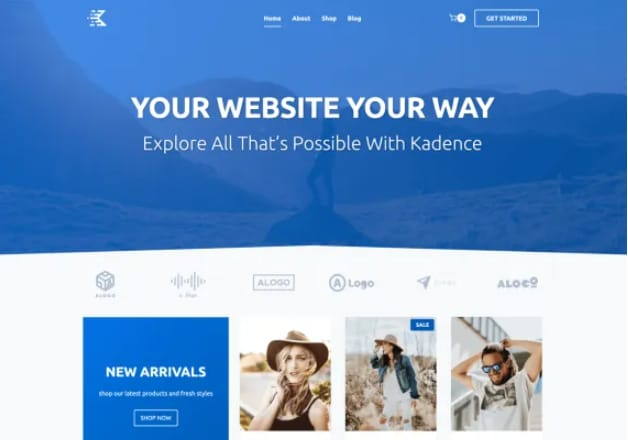
Kadence Theme Free Edition Explained: Why it is one of the most lightweight WordPress themes?
Find out why Kadence Theme Free Edition is known as the lightest, fastest and highly customizable WordPress theme for blogging, e-commerce, and business websites to go live quickly, compatible with Gutenberg and WooCommerce.

How to Create a Custom 404 Page with Blocksy Pro
Learn how to create custom 404 pages with Bloxy Pro to improve your website's user experience and retention rate through interesting design, interactive elements and brand presentation. Simple steps to make users want to continue browsing your site even when they encounter an error page.
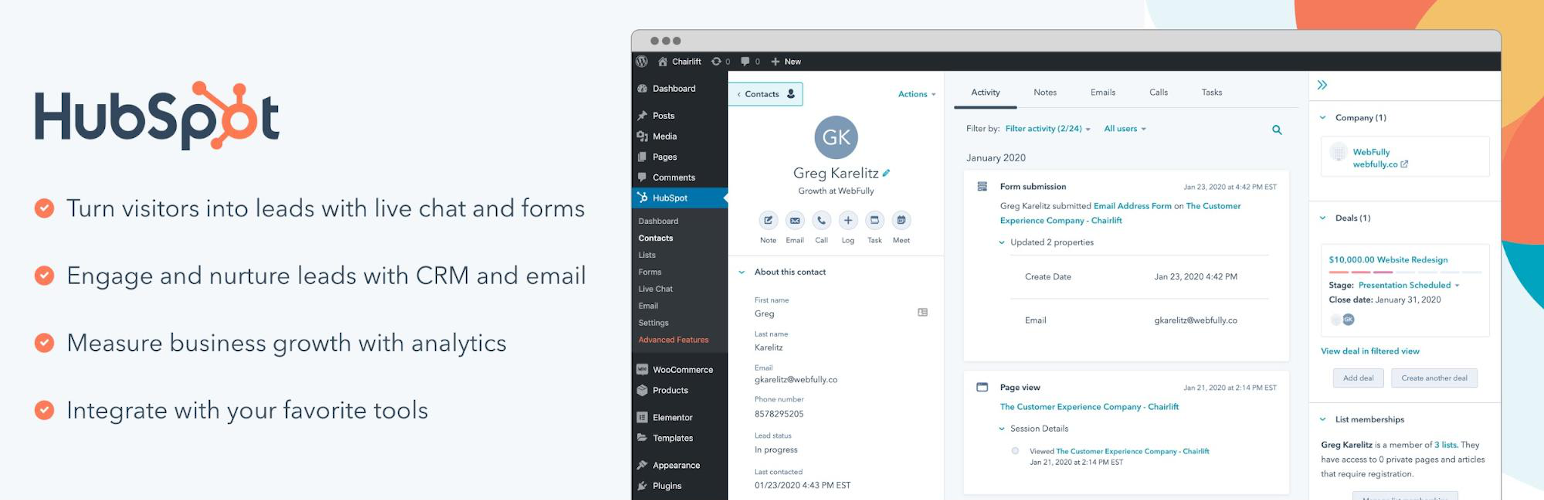
WordPress CRM Plugin Comparison 2025: Features, Ease of Use & Pricing Analysis
An in-depth analysis of the best WordPress CRM plugins for 2025, covering features, ease of use & pricing, to help organizations choose the best CRM solution to improve customer management and sales effectiveness.
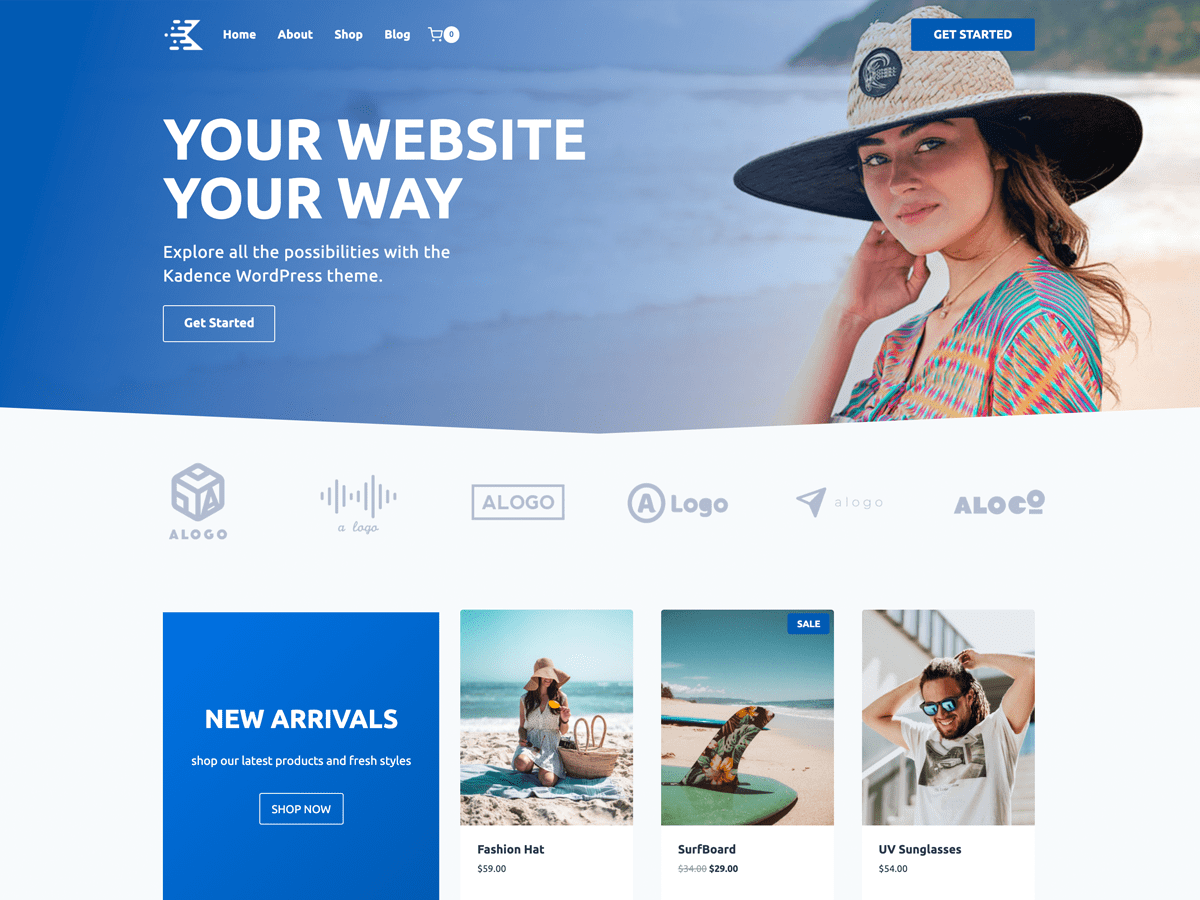
Speed up your website with Kadence Theme: Create a blazing fast online experience!
Learn how to build fast-loading websites with Kadence Theme to enhance the online service experience by optimizing performance, SEO, delayed loading, and other techniques that will help you improve user retention and website speed for an efficient and responsive online platform.

Blocksy tutorial: a comprehensive analysis of the use of each header element and settings
A detailed introduction to all the header elements and their usage in Blocksy Header Builder, to help you create a flexible and beautiful WordPress custom header structure.

Blocksy Tutorial: Using Content Blocks to Create Advanced Dynamic Menus
Use Blocksy Pro's advanced menu features, combined with Content Blocks and the Gutenberg editor, to customize and build interactive menu content and upgrade your site's navigation experience.

Blocksy Tutorial: Creating Custom One-Page Templates with Content Blocks
Use Blocksy's Content Blocks feature to build WordPress post detail page templates, customize structure and content, and work with the Gutenberg editor for a high degree of design freedom.

Blocksy Tutorial: Creating Exclusive Archiving Templates to Enhance Content Presentation
Learn how to create custom archive templates with Blocksy's Content Blocks feature, with the freedom to control post cards and full-page structure, adapted to blogs with custom content types.

Blocksy tutorial: using Account Header Element to achieve the front of the site login and registration function
Learn how to build frontend login and registration functionality using Blocksy account header elements with WooCommerce support, custom jumps, social login and CAPTCHA integration for all types of WordPress websites.

Blocksy Tutorial: Anchor Navigation Effects and Menu Highlighting
Learn to use the Blocksy theme and the Gutenberg editor to implement anchor jumping and menu highlighting in WordPress one-page sites, suitable for creating highly interactive landing pages and showcase pages.

Blocksy Blog Archive Page Complete Customization Guide (with Header Area, Card Layout, Pagination Animation, etc.)
Comprehensive introduction to Blocksy theme blog archive page setup tips, including the title area, card layout, paging style and scrolling animation, to help you quickly create a beautiful and practical blog homepage.

Blocksy Pro Content Block Hands-on Tutorial: Implementing Automatic Ad Insertion (Google AdSense Support)
Learn how to use the Blocksy Pro content block feature to efficiently insert static ads and Google AdSense into WordPress websites for WooCommerce malls and content blogs without modifying the page structure.

Customizing Hero Blocks with Blocksy Pro Content Blocks: Full Tutorial
Customize and replace the default post Hero blocks with Blocksy Pro's Content Blocks feature, and use Gutenberg for dynamic content loading and modular layouts to easily build professional template structures.

Blocksy Multilingual Tutorial: How to Translate Content Strings in a Website
Learn how to use the WPML plugin to translate content strings in Blocksy themes, including buttons, menus, placeholders, and more, to create complete and consistent multilingual WordPress sites.

Blocksy 2 Custom Fields Guide: Building Dynamic Content Templates with Dynamic Data Blocks
With Blocksy's Dynamic Data Block, you can quickly display ACF custom field content in article lists and product cards to automate page data rendering.

Enhance your e-commerce experience by customizing the "Order Confirmation" page with Blocksy 2
Learn how to customize personalized order confirmation pages for your WooCommerce store with Blocksy 2's Custom Thank You Pages module to enhance customer experience and create more marketing opportunities.

WordPress Common Security Vulnerabilities Inventory and Fixing Strategy Guide
Get an in-depth look at common WordPress security vulnerabilities, including SQL injection, XSS attacks, file upload vulnerabilities, and more, with detailed strategies for fixing them. Learn how to protect your site from attacks by updating plugins, strengthening password management and permission settings, and other measures.

Adding Variation Swatches to WooCommerce Products with blocksy 2
Learn how to improve the intuitiveness and aesthetics of your WooCommerce store product displays with blocksy 2's variant color palette feature. Use visual options such as images, colors, and buttons to enhance user experience and increase conversions.

Blocksy 2: Reinventing the e-commerce experience and optimizing the product information hierarchy
Learn how to customize the product information layer in Blocksy 2, control the show and hide of each element, optimize the design of e-commerce pages, and improve website flexibility and customizability.
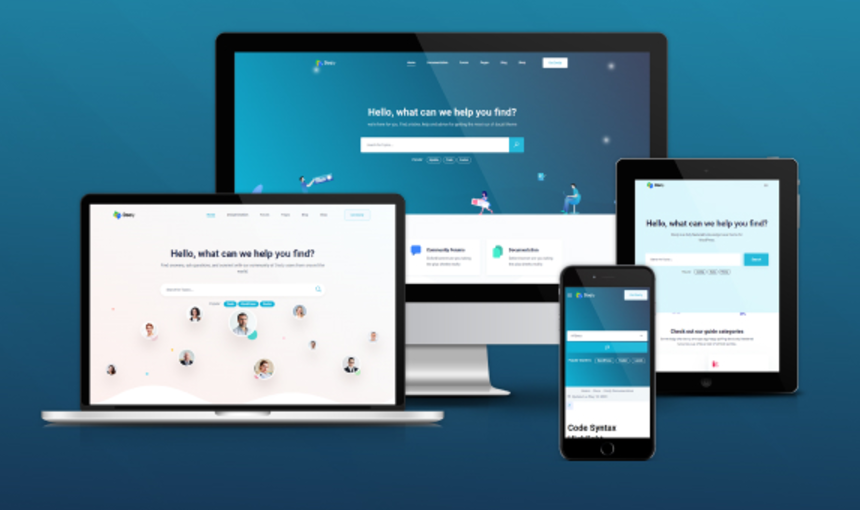
Best WordPress Knowledge Base Themes: How to Choose the Right Support Platform for You
Learn how to choose the right WordPress Knowledge Base theme to optimize user experience and improve customer support efficiency. Build an efficient knowledge base platform with powerful search functionality, SEO optimization, responsive design and multi-language support.

Choosing the Best Plugins for WordPress: five must-have post-installation plugins
Explore five must-have plugins after installing WordPress, including Yoast SEO, Akismet, Elementor, UpdraftPlus, and WP Super Cache.These plugins help you optimize your site's SEO, security, speed, and user experience.

 简体中文
简体中文  English
  日本語
日本語  Français
  Español



