




WP self-taught website builder Page 32
At Photon Academy, we specialize in providing high quality WordPress instruction to help you master every aspect of WordPress from basic to advanced. Our courses are designed to allow students to get hands-on and understand the power of WordPress, whether it's building a personal blog or a business website.
arrange in order
How to Fix 413 Request Entity Too Large Error in WordPress
What causes the WordPress 413 Request Entity Too Large error? This error occurs when an attempt to upload a file exceeds the maximum file upload limit for a WordPress site. The web server will not be able to upload the file and will see the "413 Request Entity Too Large" error...
How to Fix Destination Folder Already Exists Error in WordPress
What causes the Target Folder Already Exists error in WordPress? When installing a plugin or theme, a "Destination folder already exists" error occurs in WordPress, but the folder for those files already exists. WordPress will then cancel the installation and display the following error...

How to Check and Resolve WordPress Plugin Conflicts: A Comprehensive Guide
Plugin conflicts are one of the most common technical issues when managing a WordPress website. This post will give you details on how to check for and resolve WordPress plugin conflicts to ensure your site is always running smoothly. What is a WordPress Plugin Conflict? A plugin conflict is when...
Create Mobile-Friendly WordPress Sites Without Plugins
With internet users around the world increasingly relying on mobile devices to access the web, it has become an essential task to ensure that your WordPress website runs smoothly on all screen sizes. While there are many plugins on the market that can help achieve this goal, these plugins usually increase web...
Enhancing WordPress Security: A Guide to Changing Database Table Prefixes
By default, WordPress assigns a prefix to all tables in the database during installation: wp_. While this may seem like a small, inconsequential detail, this default prefix may actually make your site more vulnerable to attacks. In this article, we'll dive into...
Customizing the WordPress Admin Dashboard: a comprehensive guide to enhancing the website management experience
In order to improve administrative efficiency and user experience, it is important to customize your WordPress admin dashboard. By hiding unnecessary items, adjusting the admin screen layout, and optimizing the color scheme, you can create a more organized and efficient workspace. This guide will detail how to customize...
How to Customize the Background Color of WordPress Block Editor (Gutenberg)
Want to change the Gutenberg editor background color in WordPress to match the site branding colors and showcase the site culture. Detailed tutorial today it's here! Why should I change the background color of the block editor in WordPress? Want to change the background color of...
How do I clear the cache in WordPress?
Recently, I received a private message from a reader. He is just learning WordPress and asked us how to clear the cache in WordPress. All, today a tutorial dedicated to talk about "how to clear the cache in WordPress". What is the WordPress cache?...

Visual Slideshow Design with WPBakery Page Builder
WPBakery Page Builder is a powerful visual editor that allows you to easily design and customize slideshows. This tutorial will guide you how to implement a visual slideshow design using WPBakery Page Builder. 1. Install WPBakery Page Builder First...
How to Enable WordPress Debug Mode to Fix Site Errors
Why should I enable WordPress Debug Mode? Sometimes, WordPress plugins, themes, or custom code (such as PHP or JavaScript) can cause conflicts on a website. It can lead to different errors and the website may not work properly. Now, it is possible to stop at any time...
Why should we always use the latest version of WordPress for our WordPress website?
Hello everyone! Today there is no tutorial, but mainly an answer to one of the most frequently asked questions by our readers in our community. The question is "Why should we always use the latest version of WordPress for our WordPress website? Why should we update WordPress WordPress is free,...
How to Easily Sort Posts in WordPress with Drag and Drop Features and Plugins
By default, posts are displayed in Wordpress in chronological order from newest to oldest. Sometimes we may want to reorder them, such as putting important announcements, promotions, or the latest blog posts at the top of the home page. If you want to reorder posts in WordPress...

Detailed Guide: How to Customize and Reorder WordPress Admin Menu via Plugin or Code
When we work with WordPress websites, the backend admin menu is an important part of an administrator's daily operations. However, the default admin menu may not fully meet everyone's needs. In this article, we will detail two methods: using a plugin and manually reordering through code...
How to create WordPress multisite with different domains
WordPress Multisite allows you to create multiple websites with a single WordPress installation. You can even assign each site its own domain name. What is WordPress Multisite? WordPress Multisite is a core WordPress...
How to Quickly Fix "jQuery Undefined" Error in WordPress
The "jQuery undefined" error is a common JavaScript error in WordPress that usually occurs when the jQuery library fails to load correctly. When a web page loads in the browser, the JavaScript code relies on jQuery for interactive functions (e.g.,...

How to Add a Table of Contents to WordPress: a Complete Guide to Improving Readability and SEO
Adding a table of contents to a long WordPress post not only improves readability but also enhances the overall structure of the site. A table of contents provides readers with clear navigation and helps them quickly locate the content they are interested in. In this post, we will detail how to add a table of contents in WordPress...
WordPress Multisite vs. Multidomain: How to choose the best way to manage it?
In many business scenarios, one website may not be enough to fulfill all the needs of a client. For example, when there are multiple brands, selling customized products for different regions, running a chain of organizations, or managing a network of blogs, there may be a need for multiple related websites. At this point, how to effectively manage this...

5 Practical Ways to Add Custom CSS in WordPress and FAQs
Adding custom CSS to WordPress is a very practical way to give you complete control over the look and feel of your website. Custom CSS is a very flexible and powerful tool in WordPress website customization, helping you to have fine control over your website's visuals, cloth...

Tutorial on the use of the ACF plugin: adding fields to categorized terms
Learn how to add custom fields to WordPress category terms using ACF (Advanced Custom Fields) and implement HTML customization by modifying template files such as category.php and taxonomy.php to enhance site functionality and design.
What is WordPress Website Optimization?
Understand how to optimize WordPress themes, plug-ins and hosting configurations to comprehensively improve website performance, master Core Web Vitals metrics, performance testing tools and optimization techniques to create a fast-loading and efficient website.
Tips for Efficient Multisite Management: WordPress Maintenance in Detail
Managing multiple WordPress websites can be a headache: you need to keep the core software, themes, and plugins up to date, and you need to monitor the site's security and performance at all times. And as the number of sites you manage increases, the workload and complexity grows exponentially, especially for individuals or small teams...
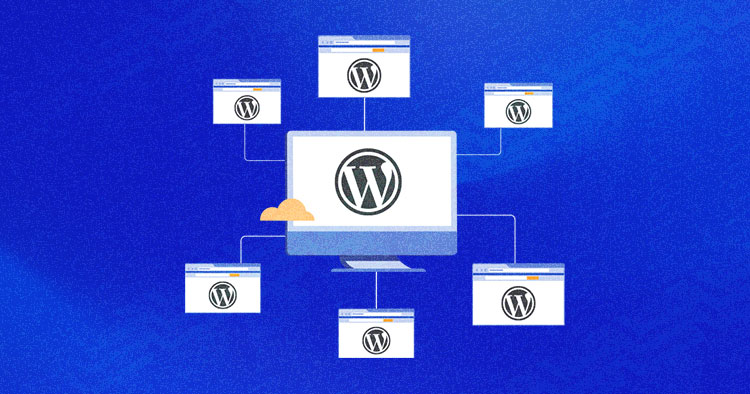
How to Revert a WordPress Multisite to a Single Site
Learn how to migrate WordPress multisite sub-sites to a single site, this article explains in detail the two methods of manual migration and the use of Prime Mover plugin, suitable for both technicians and novices, to help you easily complete the separation of the site and data migration.
How to change domain name in WordPress?
Want to change your domain name in WordPress? This article provides detailed steps, including backing up your website, changing URLs, setting up 301 redirects and notifying search engines to ensure the migration process is completed smoothly!
How to Create Custom Widgets on WordPress
Learn how to create and customize WordPress widgets, add personalized content modules, and enhance site features such as social media dynamics, navigation tools, and search bar display. Detailed steps and tips to easily optimize your website layout!

How to Prevent DDoS Attacks from Affecting Your WordPress Site: A Comprehensive Protection Guide
Learn about the definition of DDoS attacks, their impact and how to protect your WordPress website. This article provides effective identification methods, protection measures and best tools to ensure website performance and security.

Best WordPress Slideshow Plugin - Enhance Website User Experience
Learn about and choose the best WordPress slideshow plugins to enhance the user experience of your website. This article rounds up a few popular responsive slideshow plugins to help you optimize your website results and improve interactivity.

How to Fix "Cookie Blocked Due to Unexpected Output" Error in WordPress
A comprehensive guide on how to fix WordPress "Cookie Blocked Due to Unexpected Output" error, covering common causes, troubleshooting steps and solutions, including plugin conflicts, theme issues and debug mode settings.

How to add CAPTCHA to a WordPress website to prevent bot attacks?
Detailed guide teaches you how to set up CAPTCHA on your WordPress site to stop bot attacks and spam. Covers CAPTCHA types, installation steps, best plugin recommendations, and how to improve site-wide security.
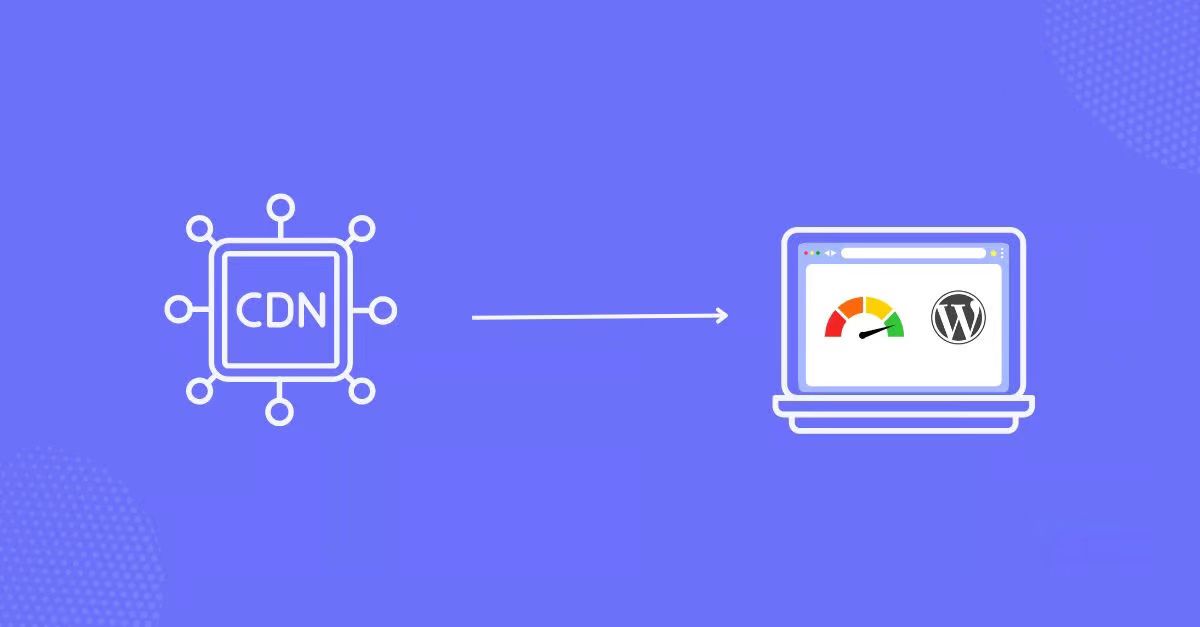
Best WordPress Image CDN Plugins Recommended to Improve Website Loading Speed in 2025
A comprehensive breakdown of the best WordPress image CDN plugins for 2025 to help improve site load speeds, optimize image quality, and boost SEO rankings. From Cloudflare to BunnyCDN, find the plugin solution that best fits your needs.

How to Fix Blurry Images in WordPress: 6 Effective Methods
Blurry images in a WordPress website can affect the visual effect and user experience. This article introduces 6 effective fixes, including uploading high-resolution images, choosing the right image format, optimizing image thumbnails, and using the appropriate image optimization plugin, to help you resolve the image...

 简体中文
简体中文  English
  日本語
日本語  Français
  Español



