




WP self-taught website builder Page 8
At Photon Academy, we specialize in providing high quality WordPress instruction to help you master every aspect of WordPress from basic to advanced. Our courses are designed to allow students to get hands-on and understand the power of WordPress, whether it's building a personal blog or a business website.
arrange in order
502 Common Troubleshooting Steps for Bad Gateway Errors
The 502 Bad Gateway error is a common HTTP status code indicating that a server received an invalid response from an upstream server while acting as a gateway or proxy. This error is commonly seen in load balancer, proxy server or reverse proxy setups and affects website accessibility and user...

How to Fix 503 Service Unavailable Error in WordPress: Detailed Guide
Seeing a 503 Service Unavailable error on your WordPress site? This is a frustrating issue because it doesn't provide any specific reason for the error. In this article, we will show you how to fix 503 Service Unavailable error in WordPress. 503...

Simple Strategies to Improve WordPress Website Loading Speed
According to Kissmetrics, 79% of buyers are unlikely to make another purchase if they're not satisfied with your site's speed and performance. Even worse, 44% of shoppers will share their negative online experiences with friends, which may deter new visitors from browsing your site. Web ...

A Comprehensive Guide to Securing Your Business WordPress Website
For organizations that use WordPress, it's critical to keep customer information safe and protect digital systems from online threats. At a corporate and organizational level, it's important to secure multiple WordPress sites. This is not just a small task, but requires careful planning, thorough...

Comparison of the 7 Best WordPress User Registration Plugins
There are many options to choose from when looking for the best WordPress user registration plugin for your website. Creating a signup form is one of the key steps to improving user engagement, and using the right plugin can make the process easier and more effective. In this article, we'll detail seven of the best...

Advantages and disadvantages of WordPress passwordless login and other ways to protect your website
In the modern web environment, it is vital to protect the security of your website. Using passwordless login can greatly enhance the security and user experience of your website, but it also has its limitations. Below are the main advantages and disadvantages of password-less login as well as other effective ways to protect your website. For your WordPr...

How to Reset WordPress Administrator Password
WordPress is the world's most popular content management system, with over 43% websites built using it worldwide. As powerful as WordPress is, users occasionally forget their login credentials for managing their websites. In this article, we'll cover a few quick ways to recover your WordPress administrator password...

WordPress User Authentication Plugins Comparison and Selection
WordPress user authentication is one of the important features of any website, especially for sites that need to protect user data and ensure secure access.WordPress, the world's most popular content management system, offers a number of plugins to enhance user authentication features. We compare in detail and...
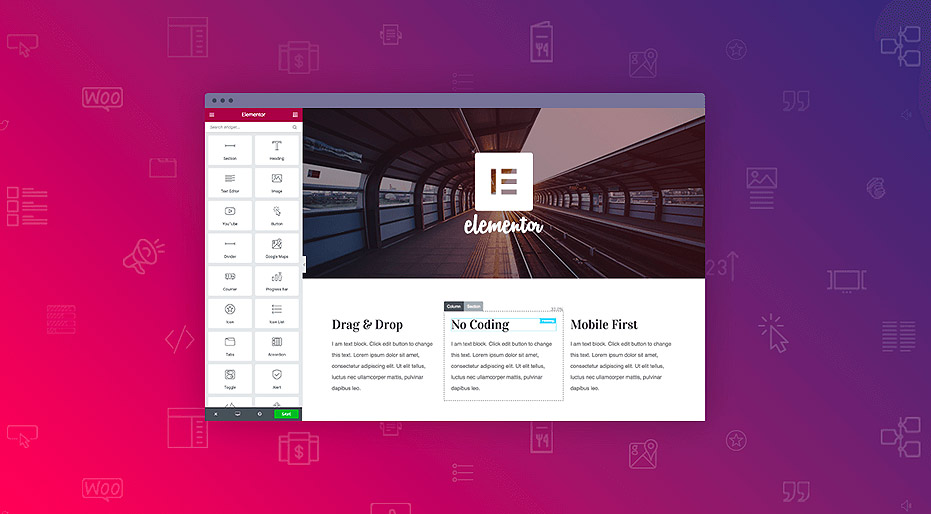
WordPress Elementor Prompts Error Cannot Save 500 Solution Guide
The 500 Internal Server Error is a common server error that is usually caused by a website's server environment. This error can cause a website to be inaccessible and affect the user experience. In this article, we will explore the common causes of the 500 error and provide solutions, especially for those using Elemen...
How to Insert or Edit Links in WordPress Content Editor
A link is a word, group of words, or image that you can click on to go to a new page. In WordPress, inserting and editing links is a key part of improving user experience and site navigation. Below are detailed steps and methods to teach you how to add links to posts, pages and widgets. ...

How to Optimize WordPress Themes for Better Performance
WordPress is a powerful content management system (CMS) that is widely used to create various types of websites. However, as website content and functionality increases, performance issues become more prevalent. Optimizing your WordPress theme is a critical step in improving your website's performance. We...

How to Notify Search Engines and Users About WordPress Domain Changes
Changing your WordPress domain name should be done carefully, as it can significantly affect website traffic and SEO performance. To ensure a smooth transition and minimize the impact on search engine rankings and user experience, it's important to notify search engines and users in a timely manner. Let's look at what it takes to notify search...

How to Fix WordPress .htaccess File (Beginner's Guide)
What is an .htaccess file? The .htaccess file is a hidden configuration file that is essential to the operation of a WordPress website. It provides a set of directives for the Apache web server to manage permalinks, implement security measures, and improve site...

How to Configure HTTPS in WordPress
HTTPS (Hypertext Transfer Protocol Secure) is a website security protocol implemented through SSL certificates that encrypts the transmitted data and protects the data security of the website and users. Configuring HTTPS not only improves the security of your website, but also enhances user trust. How to configure HTTPS in WordPre...
How to Enable WebP Images on WordPress
A quick step-by-step guide to enabling WebP images on your WordPress site WebP is an image file format developed by Google to replace JPEG, GIF, and PNG.It supports lossy and lossless compression, as well as transparency and animation. Using optimized WebP images can shorten...

How to Clean Up Your WordPress Media Library
Over time, WordPress media libraries can balloon and fill up with unused or unneeded files. These files not only take up disk space, but can also slow down the speed and performance of your website. For this reason, it's crucial to clean up your WordPress media library on a regular basis. In this guide,...
Why Websites Need a WordPress Disaster Recovery Plan and Its Critical Steps
Why is it so important to have a WordPress recovery plan. It's like insurance for your website and can help you recover quickly from any unexpected event. Here are the key steps to developing a WordPress Disaster Recovery Plan:Why do you need a WordPress Disaster Recovery Plan? ...
How to Fix "Plugins Disappearing from WordPress Dashboard" Issue by Clearing WordPress Cache with Plugin
Why Plugins Disappear from WordPress Dashboard? When a plugin is suddenly deactivated and disappears from your site, it can be a struggle to use the functionality provided by the plugin. This can lead to a poor user experience. For example, if your contact form plugin disappears, users in...
How to Fix Featured Images Not Displaying in WordPress
Featured images give visitors a glimpse of what's in your blog posts and pages. If these images are not appearing on your site, it can affect click-through rates. This article will show you how to fix featured images that are not appearing in WordPress so that your content gets more clicks and engagement. ...

How to Use WebP Images on WordPress
What is the WebP image format? WebP is a raster image format developed by Google and made available to the public.The WebP format allows you to compress an image while maintaining image quality, and supports transparency and animation (similar to GIF). Google believes that WebP is more efficient than transmitting...
Improving Website Performance with WebP Image Format on WordPress: A Detailed Guide
What is WebP? WebP is a modern image format created by Google that supports superior lossless and lossy compression of images on the web, including WordPress. This format reduces the file size of images, resulting in faster downloads when presenting images to users, number...

WordPress reset password in many ways, prevent you forget the backend password
Forgetting your password is something that happens to everyone. If you haven't logged into your WordPress site for a long time, as an administrator, you may accidentally forget your password. The good news is that there are several ways to retrieve or reset your WordPress user password. 1. Through other admin...

Explore WebP image format compatibility
When optimizing the performance of a website, the choice of image format is a key factor, and WebP image format has become an ideal choice for speeding up many websites due to its excellent compression performance and rich features. In this article, we will discuss in detail the compatibility of WebP image format and how to optimize it on different platforms...

A Complete Guide to Automatically Generating WebP Images in WordPress
Image optimization is a crucial step when optimizing website performance. Using the WebP image format can significantly improve website loading speed and user experience. In this article, we will explain how to automatically generate WebP images in WordPress for more efficient image management and more...

How to Upload WebP Images in WordPress
WebP is a modern image format with smaller file sizes while maintaining high quality. Using WebP images can significantly improve website performance and loading speed. Here is a detailed tutorial on how to upload WebP images in WordPress. Why choose WebP...

How to Enable Multiple Domains in WordPress
WordPress is able to meet the needs of various types of websites, such as managing multiple independent websites on a single WordPress instance with separate domain names for each, you can enable the multi-site multi-domain feature of WordPress. Let's take a look at how to enable WordPress...
How to Reset Password via WordPress Command Line Tool (WP-CLI)
WP-CLI is a command line tool for WordPress that provides developers and webmasters with a fast and efficient way to manage WordPress websites. With WP-CLI, many operations can be performed, including installing plugins, updating WordPress core, creating users, and more. A. Sh...
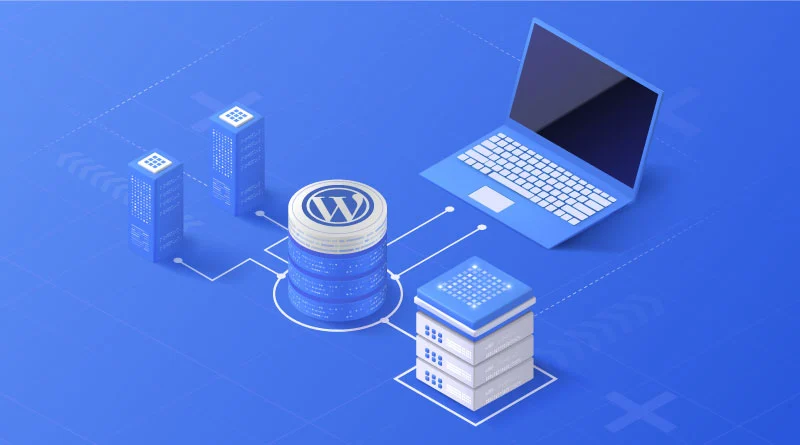
How to set up a WordPress comment box
In order to allow readers to participate in discussions, WordPress offers the option to include a comment feature in posts and pages. Setting up an easy-to-use comment box not only improves interaction but also enhances the user experience of your website. Let's take a look at how to set up a WordPress comment box. ...
How to Avoid and Solve Duplicate Content Problems on WordPress Websites
Duplicate content is a common and headache-inducing problem during SEO optimization. Not only does it affect how search engines rate your site, it can also lead to a drop in rankings. Here's a look at how to avoid and fix duplicate content issues in your WordPress website to ensure the site stays at its best...
Common Errors Encountered During WordPress Password Reset and Their Solutions
Forgetting a password or needing to reset it is a common problem when managing a WordPress website. Sometimes the password reset process may encounter various errors that prevent users from logging in successfully. Together, we will explore the common errors and their solutions during WordPress password reset to help fast...

 简体中文
简体中文  English
  日本語
日本語  Français
  Español



