





arrange in order

MailPoet manages Woo order emails and marketing emails separately!
Order notifications in the spam folder, marketing emails sent by mistake, and messy senders? Fix WooCommerce order emails and marketing emails in one go with this MailPoet separation process, and the delivery rate will be stabilized immediately.

How to set up "Auto Send Coupon for Successful Subscription" in WordPress? A Complete Hands-On Guide (from 0 to Automation)
Detailed explanation of WordPress how to automatically send coupons after successful subscription, covering WooCommerce coupon settings, subscription forms, email trigger logic and common problems, suitable for blogs and e-commerce site hands-on reference.

Complete Guide to Setting Up WooCommerce Subscription Coupons for New Users (from 0 to Automation)
This guide explains in detail how to set up WooCommerce new user subscription coupons, including auto-sending, usage restrictions and conversion optimization, to help boost first-time order conversions.

WoodMart Store Page, Category Page Performance Optimization Practical Guide
This article systematically explains the performance bottlenecks of WoodMart store pages and category pages, from page structure, image loading, Ajax interaction to Core Web Vitals optimization, to provide a set of long-term maintenance of the hands-on solution.

WordPress subscription form binding coupon process: from subscription to the complete closed loop of automatic coupon (detailed version)
Detailed explanation of the complete process of WordPress subscription form binding coupons: WooCommerce create coupons, subscription triggered auto-coupon, email delivery and SMTP configuration, Double Opt-in validation, anti-misuse and data tracking, quickly build a sustainable subscription coupon growth closed loop.

How to Translate WooCommerce Extensions with Loco Translate PRO
Learn how to create custom translations for WooCommerce extensions using the Loco Translate plugin. This article details translation steps, considerations, and best practices to ensure that translations are not overwritten when updated.

WordPress email subscription giveaway coupon how to do (super-detailed long article: subscription → automatic coupon sending → anti-scratch → track conversion)
Teach you in WordPress/WooCommerce to realize the "subscription mailbox ¡ú automatically send coupons": form setup, welcome email, generate a unique coupon, anti-scratch restrictions, SMTP delivery and the common receipt of the coupon troubleshooting, to give you a complete process can be directly on the ground.

The Best Combination Solution for WordPress Email Subscription + Auto-Coupon (Full Process from Plugin Selection to Landing)
Systematically explains how WordPress and WooCommerce can realize "Automate Coupon Delivery after Email Subscription", in-depth comparison of MailPoet, FluentCRM, AutomateWoo, FunnelKit and other plugin combinations, and provides from subscription triggering, coupon anti-abuse, to the email delivery rate ...

Not Receiving Coupons After WordPress Subscription? 7 Most Common Reasons & Complete Solutions
Not receiving coupons after WordPress subscription? This article details the 7 most common reasons, covering a complete troubleshooting method for subscription plugins, WooCommerce coupons, email delivery and server configuration.
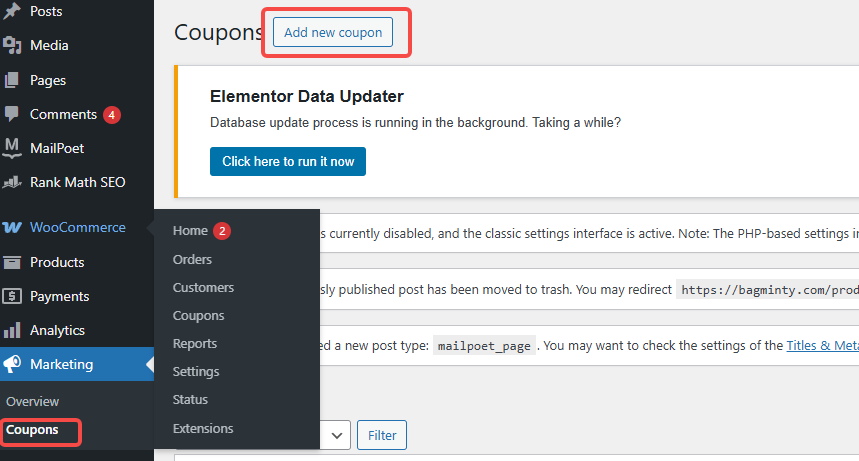
Coupon not working? Check These 5 Places First (WooCommerce General)
In WooCommerce, coupons that don't work can affect sales and customer experience. This article describes five common checkpoints to help merchants solve the problem of coupons not working and improve the effectiveness of promotions.
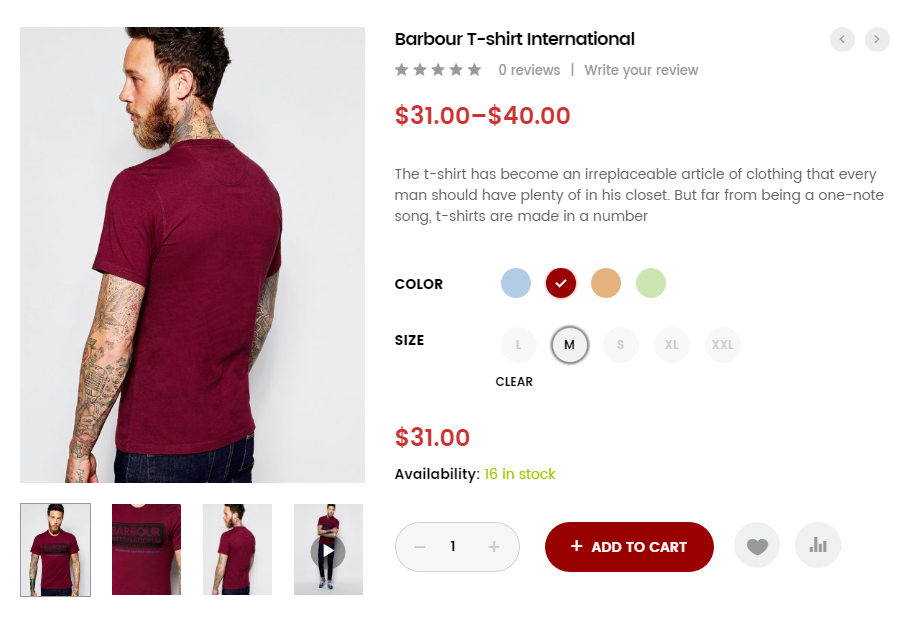
How WordPress Multi-Spec Plugin Integrates with Inventory Management System
Learn how to integrate the WordPress Multi-Spec plugin with an inventory management system to improve the efficiency of inventory management on your e-commerce site, avoid overselling and out-of-stock issues, and optimize the customer shopping experience.
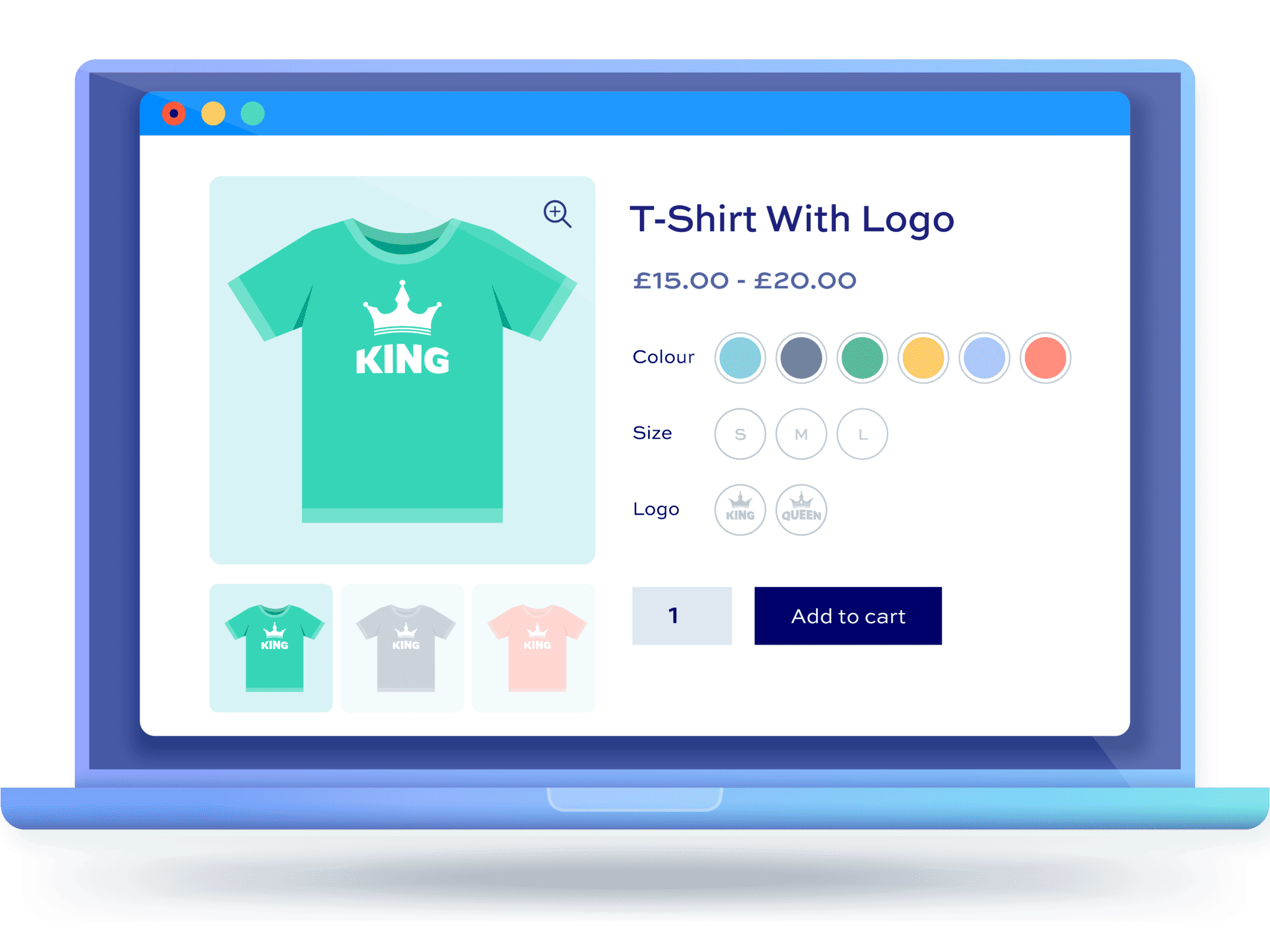
From Scratch: How to Set Up Multi-Spec and Multi-Attribute Products for WordPress Stores
This article details how to set up multi-size and multi-attribute products for your WordPress eCommerce store, helping you to enhance the shopping experience and optimize sales conversions, ensuring that each step is clear and easy to understand.

Use the Elementor plugin with WooCommerce to create the perfect e-commerce site!
Learn how to combine the Elementor plugin for external templates with the WooCommerce plugin to create a powerful and visually appealing e-commerce site that improves customer experience and conversion rates.

How to Improve the Efficiency of Your Shopping Cart and Checkout Process with WooCommerce Product Plugins
Learn how to optimize the shopping cart and checkout process with WordPress plugins to improve the customer experience and reduce cart abandonment, thereby increasing conversions and sales on your e-commerce site.
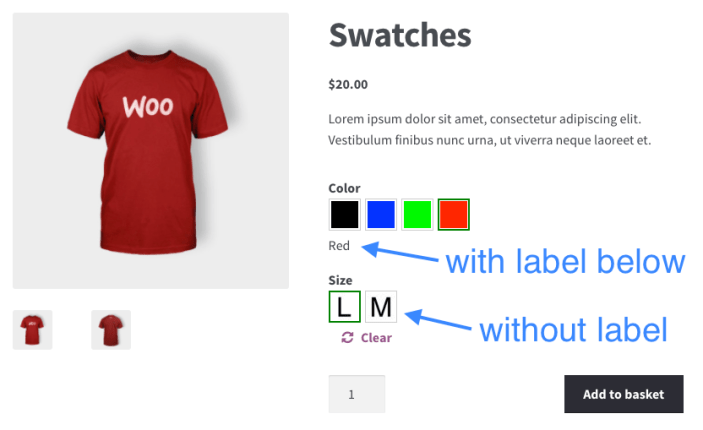
How to Ensure Product Multi-Specification Plugin Security and Compatibility in WordPress E-commerce Platforms
When building a WordPress e-commerce platform, it is crucial to choose and maintain a product multi-specification plugin. This article analyzes in detail how to ensure the security and compatibility of plug-ins to help the site run stably and improve user experience.

How to Avoid Pricing Mistakes: Tips for Setting Up the Multi-Price Feature for WordPress Products
Learn how to avoid common pricing mistakes and improve product sales performance by properly configuring WordPress' multi-price feature. This article describes multi-price setup tips and plugin usage to help e-commerce merchants improve conversion rates and customer satisfaction.
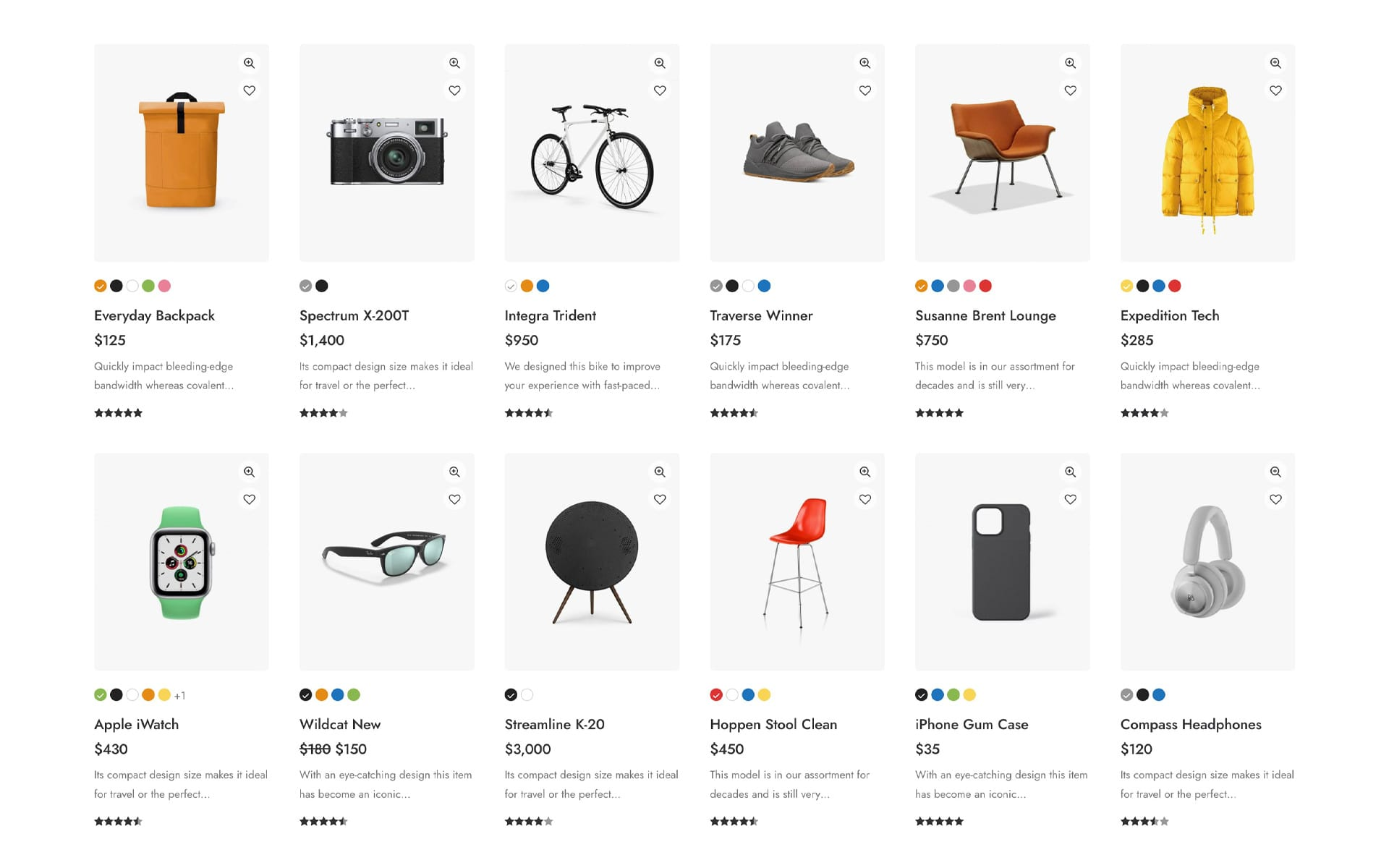
Practical Tips: How to Solve the Management of Complex Product Variants with the WordPress Product Multi-Specification Plugin
Learn how to efficiently manage complex product variants with WordPress's Multi-Specification plugin to enhance user experience, inventory management, and product pricing strategies for your e-commerce platform.

Automated Operations Essentials: A Hands-On WooCommerce Tutorial for Reducing 50% Manual Work with a Combination of Plugins
This article systematically explains how WooCommerce can realize automated operation through plug-ins in the stable order stage, covering core scenarios such as order processing, customer communication, marketing execution and inventory management. Through the real reproducible configuration ideas, to help stores reduce about 50% of manual operation cost...
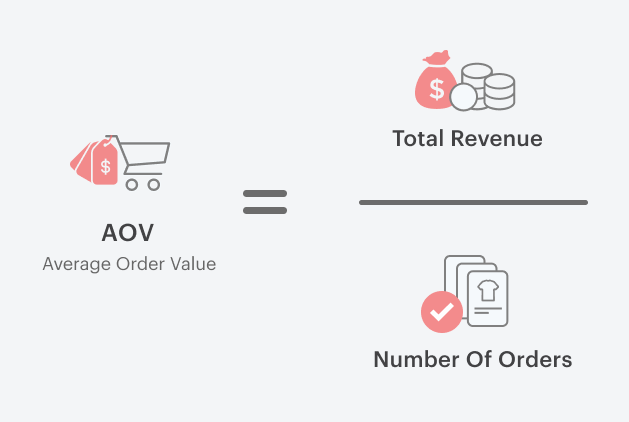
Essential WooCommerce Plugins and Implementations to Increase Customer Unit Price - A Consumer Psychology-Based Approach
This article focuses on WooCommerce e-commerce operations, systematically analyzes the core consumer psychology of increasing customer price per unit (AOV) and the way to achieve it, covering product bundling, cross-selling, free shipping thresholds, quantity discounts, checkout page add-ons, and membership subscription mechanisms, and gives a newbie site for...

Protecting Order and Customer Data: The Complete Guide to Essential Security Plugins for WooCommerce (2026 Practical Edition)
2026 WooCommerce store has become a highly data-driven business system, and order information and customer privacy are facing unprecedented security risks. This article starts from real attack scenarios, systematically explains common security vulnerabilities of WooCommerce, and provides security plug-ins that can be directly...
What must be translated for WooCommerce in a WordPress multilingual site?
WooCommerce Doing multilingual e-commerce, what must be translated to not affect orders? Product, Cart, Checkout, Order, Payment & Policy Lists + Setup Essentials all at once.
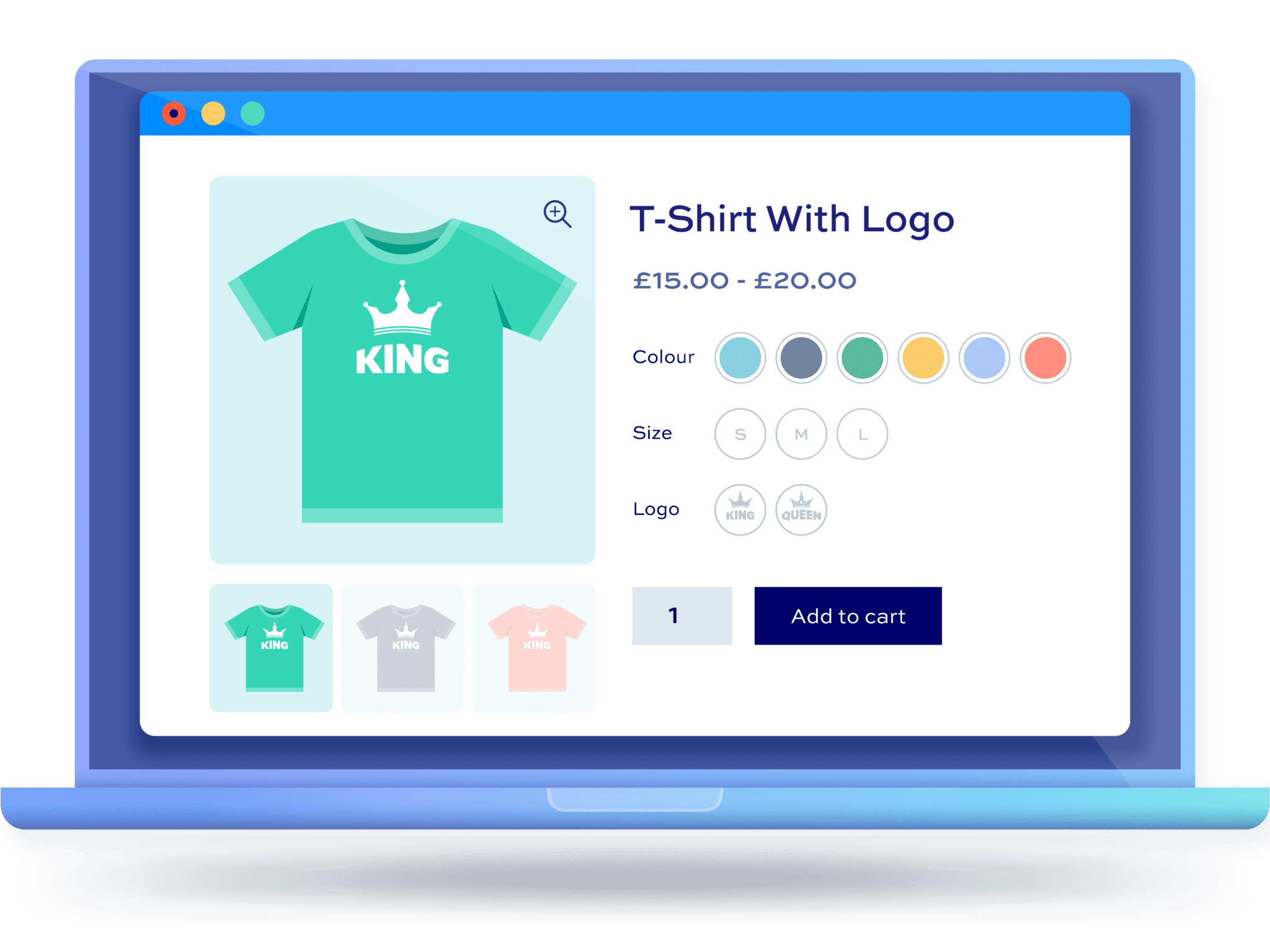
Why Using WordPress Multi-Spec Plugins is Crucial for Ecommerce Websites
Learn how WordPress Multi-Spec plugins can help e-commerce sites optimize the shopping process, enhance the user experience, and increase conversions. Choosing the right plugin makes it easy for shoppers to select product versions.
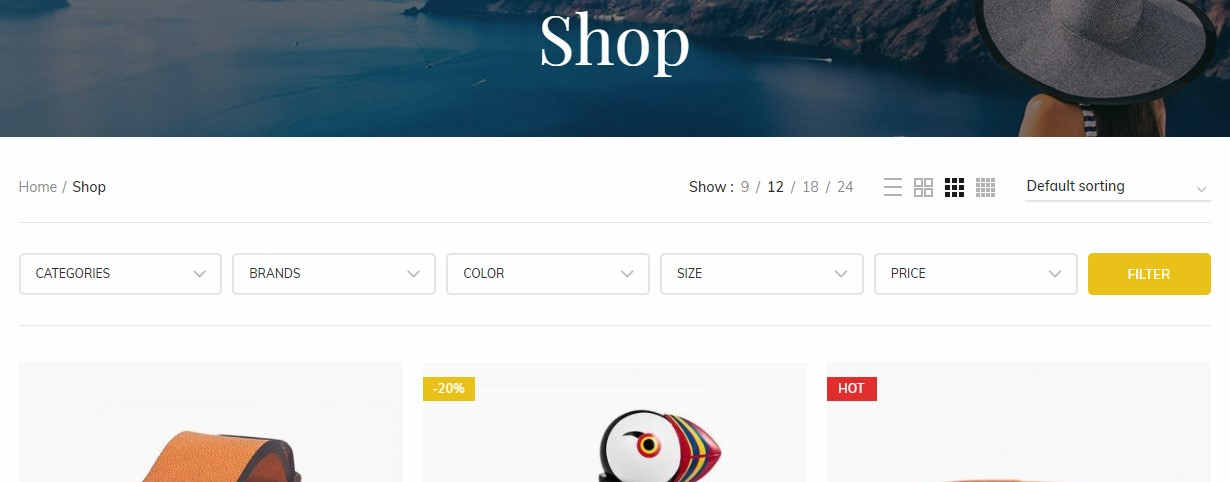
Why Does the WoodMart Filter Fail So Often? The 8 Common Problem Areas with the 90%
Filter buttons on category pages not responding? Products exist but won't show up in search results? This article dissects 8 common causes of e-commerce filter failures—from page behavior to data sources—helping you pinpoint and fix issues with minimal effort.

Multi-Price Management: How to Implement Dynamic Pricing in WordPress Products
Learn how to implement dynamic pricing on WordPress using the WooCommerce plugin to flexibly adjust pricing strategies, boost sales and inventory turnover, and enhance market competitiveness.
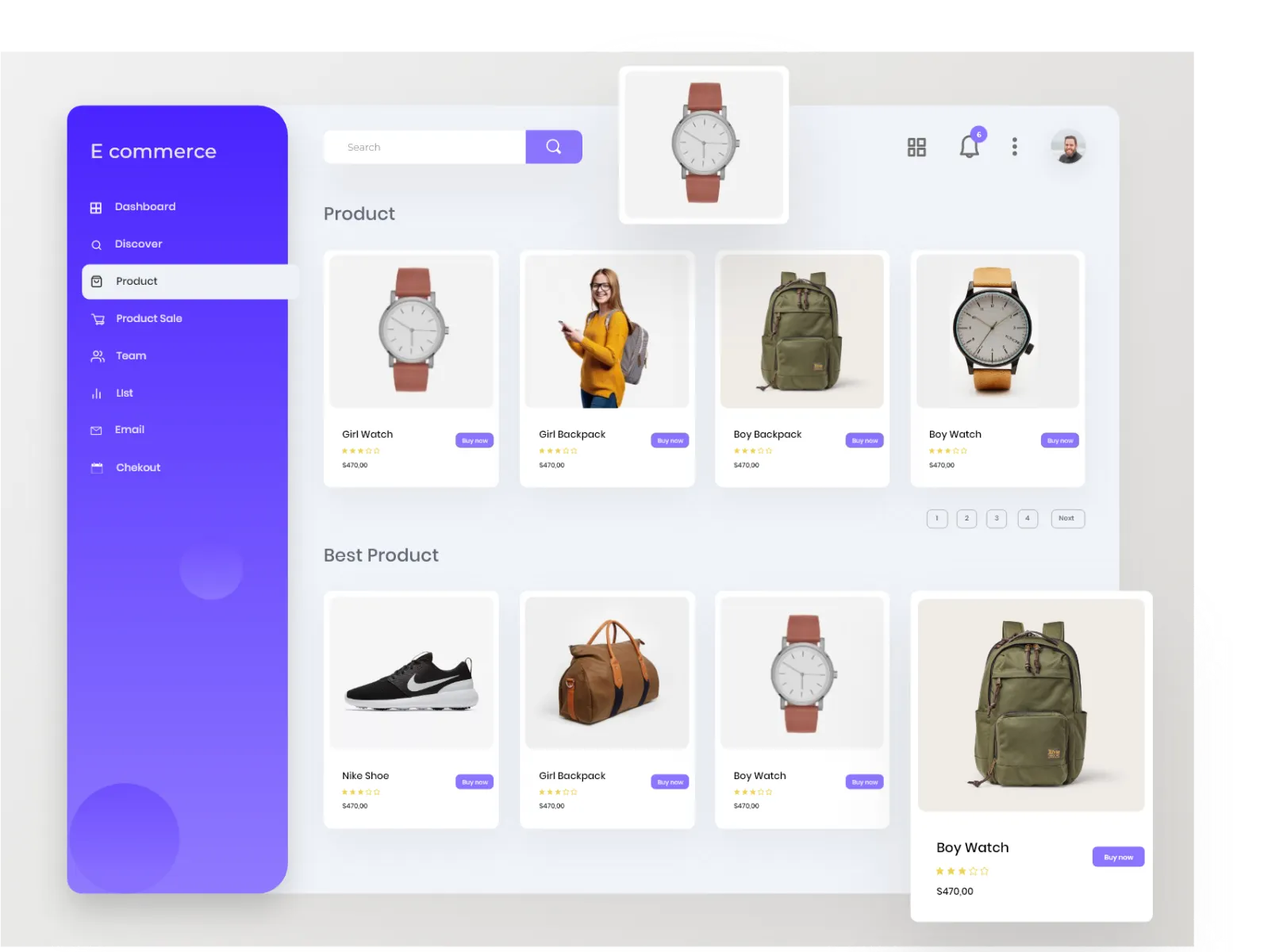
Enhancing User Experience: How WordPress Multi-Variant Product Plugins Optimize the Purchase Process
By utilizing WordPress multi-variation plugins, merchants can optimize the purchasing process, simplify user operations, and enhance shopping efficiency. This article will provide a detailed overview of several popular multi-variation plugins to help merchants improve user experience and boost purchase conversion rates on e-commerce websites.
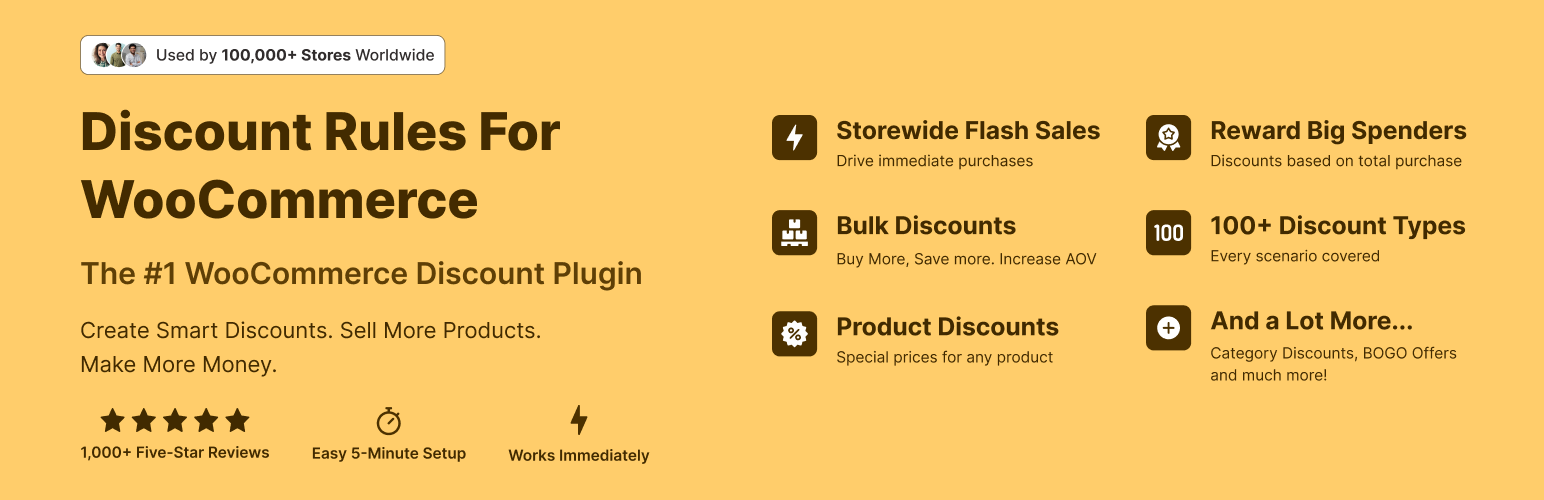
How to Set Up First Month Free/First Order Discount: Using Discount Rules as an Example
Configure WooCommerce first-order discounts and initial zero-cost offers with the free Discount Rules for WooCommerce plugin: Set up first-order conditions, 100% discounts, subscription product restrictions, anti-abuse limits, and launch self-test checklists all in one go.
How to Choose the Most Suitable WordPress Product Plugin: Achieving the Perfect Integration of Multiple Variants, Attributes, and Prices
Discover how to select WordPress plugins tailored to your store, seamlessly integrating multiple product specifications, attributes, and pricing tiers. By analyzing leading plugins, we help merchants enhance user experience and boost conversion rates.

WooCommerce E-commerce Site Acceleration: How to Configure Checkout and Cart Pages (Comparison of Both)
Accelerate WooCommerce e-commerce sites by implementing differentiated configurations for checkout and cart pages: disable page caching, optimize static resources and rules, reduce refreshes and blocking, and enhance conversion experiences.
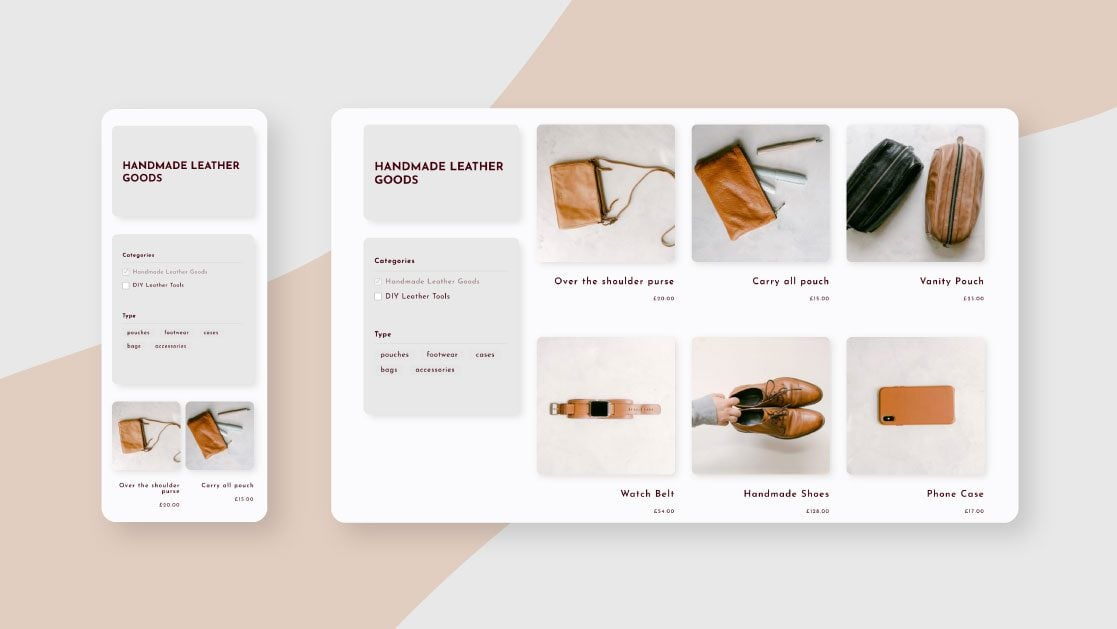
From Zero to Pro! The Complete Guide to WooCommerce Category Featured Images, Descriptions, and Slugs
A Comprehensive Guide to WooCommerce Category Settings: From Featured Images to Slugs to SEO Descriptions, Every Detail Matters for Boosting Traffic and Conversions. Want Your E-commerce Category Pages to Be More Eye-Catching and High-Converting? This Is a Must-Read!

Setting up WooCommerce categories this way is like shooting yourself in the foot—you've definitely fallen into these traps before.
Many WooCommerce sites lack traffic, and it's often due to poor category management. Uncover 7 common category mistakes and learn how to fix your structure, boost rankings, and increase conversion rates in one step!

 简体中文
简体中文  English
  日本語
日本語  Français
  Español



