





arrange in order

How WooCommerce Activates and Supports VAT VAT Rule Settings (e.g. in the EU)
Detailed explanation of how to set up VAT VAT for WooCommerce, including EU tax rates, VAT ID verification and OSS support for cross-border e-commerce sellers.

How to activate WooCommerce and set up cross-border return rules and policies
Learn how to set up clear cross-border return policies and operational procedures in WooCommerce to boost international customer trust and repurchase rates.
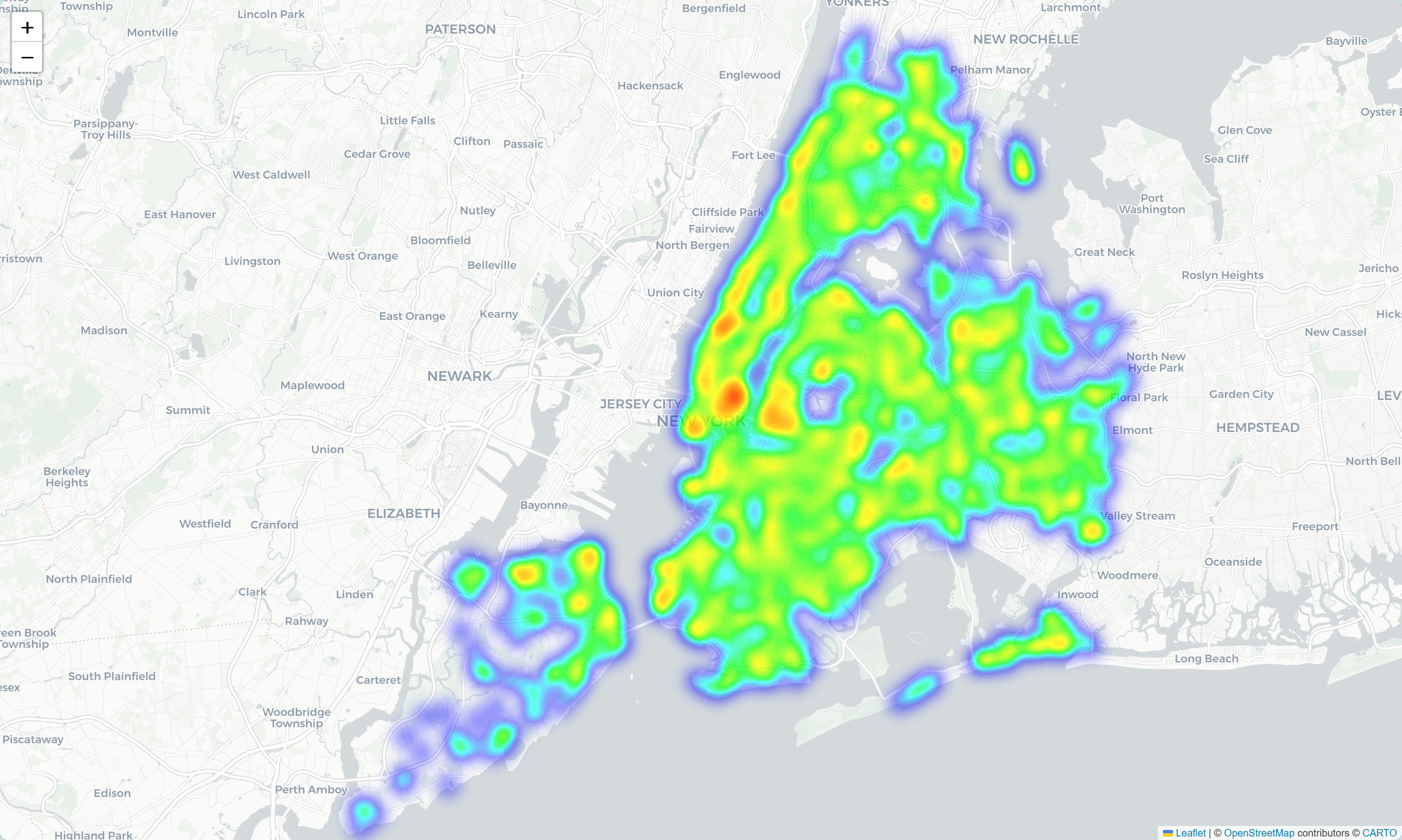
How to Enable Customer Behavior Heatmap & Analytics Tool after WooCommerce Activation
Integrate heatmap tools like Hotjar or Clarity into WooCommerce to track click, scroll, and stay behaviors to gain deeper insights into customer paths, optimize page layouts, and increase conversions.

WooCommerce How to Activate Automatic Malicious IP Blocking and Order Scraping Protection
Prevent WooCommerce stores from being interfered by malicious IP attacks and fraudulent orders by enabling auto-blocking mechanism, CAPTCHA verification and abnormal order analysis tools to enhance the security of e-commerce operations.

Beginner's Guide to Publishing Product Pages with Shopping Cart Integration for WordPress Sites
Zero base quickly master WordPress publish products and integrated shopping cart, complete configuration of WooCommerce, create e-commerce site must-read tutorials.
How WooCommerce Activates and Increases Page Load Speed in Stores: A Comprehensive Optimization Guide
Learn how to activate WooCommerce and improve page load speeds with caching, hosting, CDN, image optimization, and more to create an efficient e-commerce site.

WooCommerce Activate and Enable Advanced Product Filtering: WOOF by Category as an Example
Enable category filtering for WooCommerce with the WOOF by Category plugin to improve filtering efficiency and shopping experience.
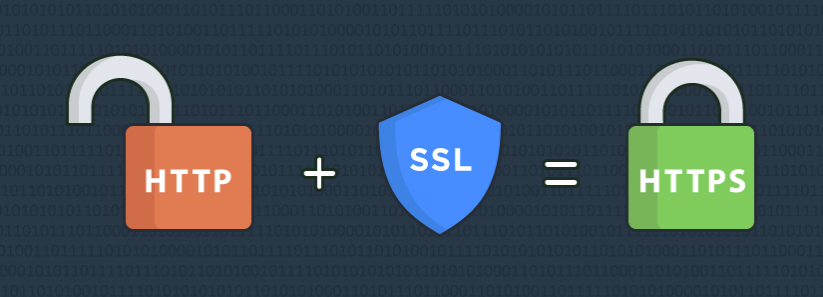
How to Secure Payments with SSL Encryption after WooCommerce Activation
Learn how to enable SSL encryption protection for your WooCommerce store to secure customer payments, improve site trust and search rankings. This article details the steps for obtaining and installing SSL certificates, configuring HTTPS, and enforcing SSL encryption to help you build a safe and secure...
How to activate WooCommerce and set up cross-border e-commerce and international delivery features
Build a cross-border e-commerce site through WooCommerce, this article explains in detail how to activate the plugin, configure international delivery, set up multi-currency and payment methods to realize global sales.

How to Optimize Store SEO and Metadata After WooCommerce Activation
Comprehensive tutorial on how to optimize your WooCommerce store's SEO and metadata with Rank Math or Yoast SEO plugin, including title descriptions, image ALTs, structured data, URL structure, breadcrumb navigation, and sitemap settings, to comprehensively improve search rankings with point...
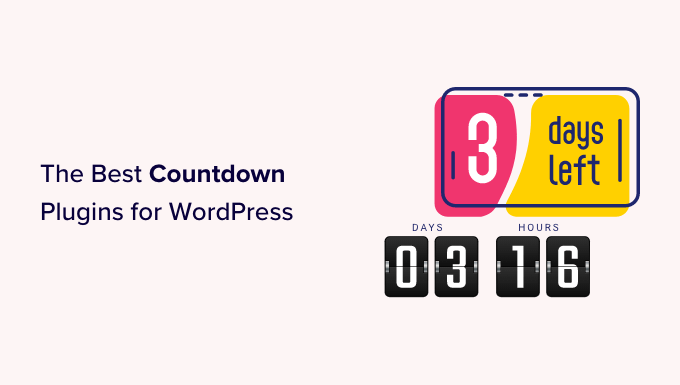
How to Activate WooCommerce and Set Up Site Notification Bars and Countdown Promotions: Create More Attractive Ecommerce Pages
Add a top notification bar and a limited time countdown to your WooCommerce store with the free plugin to draw users' attention to promotions and increase click-through rates and order conversions.

How to enable Blocksy's content block feature in WordPress?
A comprehensive explanation of Blocksy Pro content block features, from installation and activation to display condition settings, covering bulletin boards, template replacements, mobile tips and other real-world applications, to help you create a more flexible and efficient WordPress website structure.

 简体中文
简体中文  English
  日本語
日本語  Français
  Español



