





arrange in order

WooCommerce vs. Shopify: Which is better for SMB sellers?
WooCommerce or Shopify Which is better for small and medium sellers? This article provides a comprehensive comparison of features, cost, flexibility and other dimensions to choose the most suitable e-commerce website building platform.

WooPayments Online Payment Setup Steps Revealed: Turn WordPress into a Payment Machine in Seconds!
A complete overview of WooPayments features, installation, registration steps and configuration process to help WordPress stores get online quickly and enable secure payment collection.

How to test payments with a WooPayments test account and upgrade to a full account
Learn how to use a WooPayments test account to simulate the payment process without real money or personal information. Also learn how to upgrade your test account to a full account to start receiving real payments.

How to Add Products and Set Prices after WooCommerce Activation: Complete How-to Guide
This article describes in detail how to add products, set prices and manage inventory after activating the WooCommerce plugin, including different product types, promotional price settings, batch import and other operational skills to help you quickly and efficiently complete the process of online store merchandise shelves.
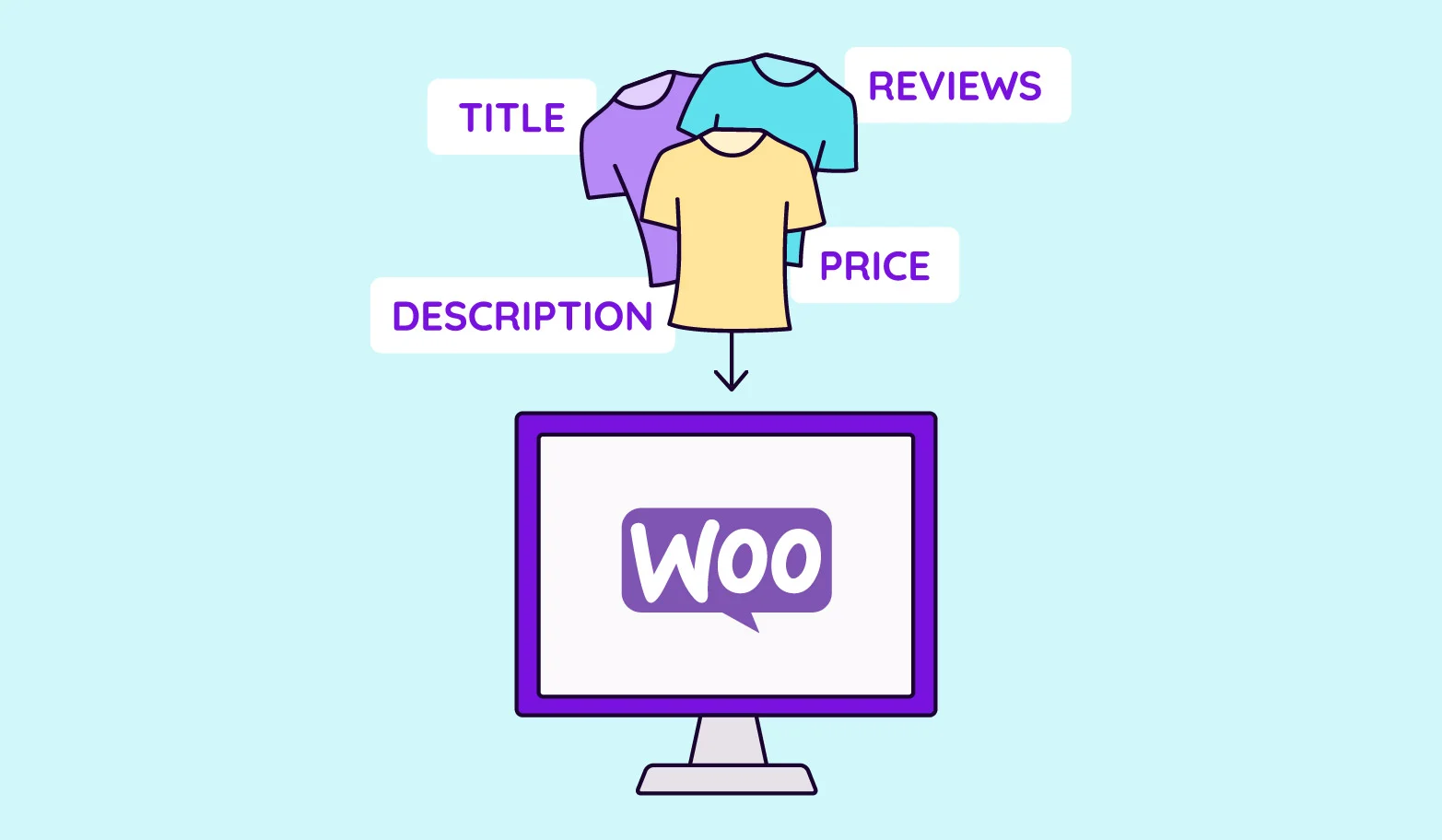
How to activate WooCommerce and set up product variants (e.g. colors, sizes): full tutorial
The detailed tutorial teaches you how to enable product variants in WooCommerce, including the creation of color, size and other attributes, variant combination generation, stock and price configuration and front-end display optimization.
How to Activate Membership Rewards System through WooCommerce: An Effective Strategy to Create User Loyalty
Learn how to enable membership points system through WooCommerce, configure points acquisition and redemption rules with the help of professional plug-ins, enhance user loyalty and repurchase rate, and create an efficient e-commerce membership incentive mechanism.
How to activate and set up custom tags and metadata with WooCommerce: a practical guide to accurately optimize product information
This article details how to activate and set up custom tags and metadata in WooCommerce, including using ACF plugin to add product fields, set up SEO titles and descriptions, front-end display methods and batch management techniques, to help you optimize your product information and improve search rankings and user experience ...

How to Activate WooCommerce and Enable Social Login: The Complete Guide
This tutorial explains how to activate WooCommerce and enable social login, support Facebook, Google and other third-party accounts with one-click login, improve conversion rate and user experience, compatible with Elementor page builder.
How to create and manage product categories and subcategories after WooCommerce activation: a complete tutorial on building a clear product structure
Detailed explanation on how to create and manage product categories and subcategories in WooCommerce, including category structure settings, menu display, gadget usage and optimization suggestions, helping e-commerce websites build a clear and efficient product navigation system.
How to Activate WooCommerce and Setup Customer Shopping History and Referrals: Full Tutorial
Learn how to activate customer shopping history and personalized recommendation features in WooCommerce, using default settings or plugins to enhance the customer experience and increase sales opportunities. Make your store smarter and more profitable with recommender systems, cross-selling & up-selling.

WooCommerce How to Activate and Configure Multi-Language and Multi-Currency Functionality (Using Free Plugin)
Easily activate multi-language and multi-currency functionality for your WooCommerce store with the free plugins Polylang and Currency Switcher for WooCommerce.

How to optimize the security of your website after WooCommerce activation (a guide to protection even for newbies)
Learn how to optimize website security after WooCommerce activation, including enabling SSL, updating plugins, setting strong passwords, double authentication, firewall plugins, backup mechanisms, and more. Newbies can also easily follow the operation, comprehensively improve the security level of the online store, protect customer data and order system...

How to enable Blocksy's content block feature in WordPress?
A comprehensive explanation of Blocksy Pro content block features, from installation and activation to display condition settings, covering bulletin boards, template replacements, mobile tips and other real-world applications, to help you create a more flexible and efficient WordPress website structure.
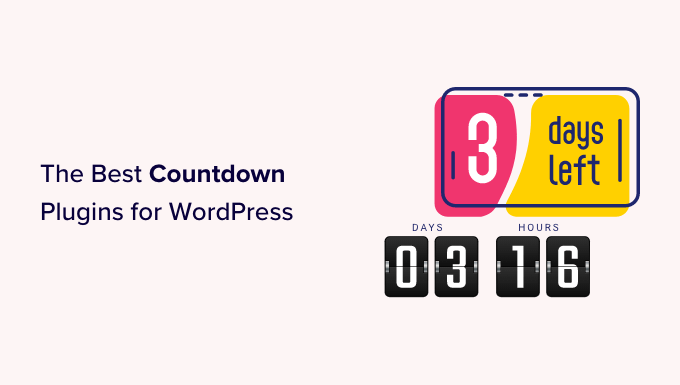
How to Activate WooCommerce and Set Up Site Notification Bars and Countdown Promotions: Create More Attractive Ecommerce Pages
Add a top notification bar and a limited time countdown to your WooCommerce store with the free plugin to draw users' attention to promotions and increase click-through rates and order conversions.

How WooCommerce Activates and Supports VAT VAT Rule Settings (e.g. in the EU)
Detailed explanation of how to set up VAT VAT for WooCommerce, including EU tax rates, VAT ID verification and OSS support for cross-border e-commerce sellers.
How cross-border e-commerce merchants can optimize global collections and settlements with Stripe
Master Stripe's multi-currency collection, smart settlement and risk control configuration to help cross-border e-commerce companies optimize payment experience, improve conversion and reduce costs.

How to Efficiently Manage Product Inventory with WooCommerce Batch Tool (Hands-on Guide to WP Sheet Editor Plugin)
With the WP Sheet Editor plugin, you can batch edit WooCommerce product inventory just like Excel, which saves time and makes it easy to manage variants and inventory status.
How do I use Stripe to share account collections across multiple sites?
Learn how to use one Stripe account to unify collections and billing across multiple sites, improving cross-site payment efficiency and security.

WooCommerce Product Page Templates Loading Slowly? Optimization Tips
Explains why WooCommerce product pages load slowly and provides system optimization solutions for themes, plugins, images, caching and CDN to improve website speed.

How to Integrate Stripe with WordPress Website for Visa Card Online Payments
Want to accept Visa card payments on your WordPress website? This tutorial explains how to sign up for a Stripe account, install the WooCommerce Stripe plugin, configure the API Key and Webhook, and validate the payment process through a test mode, so you can quickly start receiving payments online globally...

How to set up a membership system and reward points in WooCommerce?
Want to add membership levels and points reward system in WooCommerce? This tutorial teaches you how to use the plugin to set up a membership system and points redemption mechanism to improve customer loyalty and repurchase rate, and create an efficient e-commerce user growth flywheel.
Missing order emails? Figuring out these 5 key WooCommerce settings is enough!
WooCommerce emails can't be sent? Teach you to troubleshoot SMTP, hosting limitations, plugin conflicts and other 5 core issues, easy to restore email sending function!
Don't be fooled by fake reviews anymore! WooCommerce Review Management Tips
Don't let fake reviews ruin your brand! This WooCommerce review management tip teaches you to quickly filter customer reviews, reduce spam, and increase your true positive reviews and conversions across the board.

Don't Waste Your Home Page Anymore! WooCommerce 10.2 Product Rotator Doubles Your Sales!
Uncover WooCommerce 10.2 product rotation gameplay! Make the home page more elevated, the feature page more eye-catching, and the conversion rate easily skyrocket, check it out!

WooPayments Installation and Registration Guide
This post details the installation and registration process for WooPayments, including system requirements, supported countries, manual installation and account registration steps to help WooCommerce stores quickly enable payments.

How to Setup and Use Apple Pay Payment Methods in WooCommerce via WooPayments
Learn how to enable Apple Pay in WooCommerce through WooPayments, enhance the customer checkout experience, solve common problems and customize the Apple Pay button display position and style.

Build WooCommerce Product Categories This Way to Boost Both SEO and Conversion Rates
Does your WooCommerce store always look messy? The problem might be your product categories! This tutorial walks you through creating categories in the backend, planning your structure, and optimizing SEO—even beginners can easily build a professional store layout.
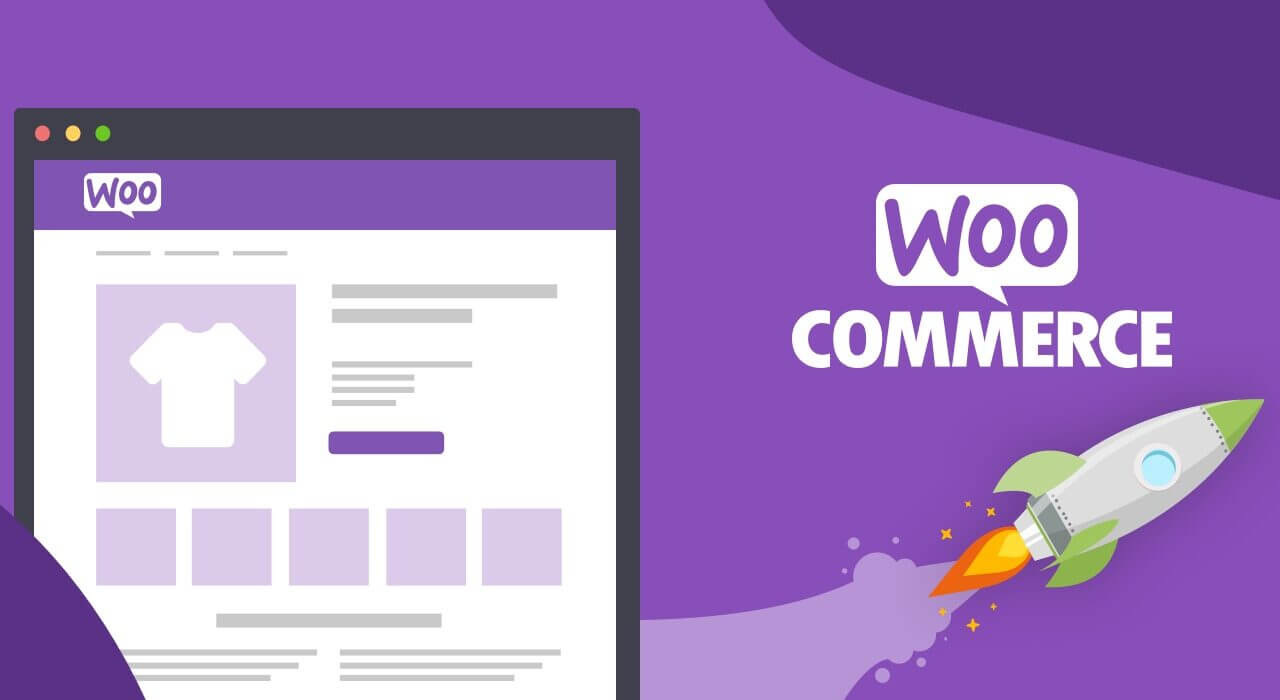
How to Choose the Most Suitable WordPress Product Plugin: Achieving the Perfect Integration of Multiple Variants, Attributes, and Prices
Discover how to select WordPress plugins tailored to your store, seamlessly integrating multiple product specifications, attributes, and pricing tiers. By analyzing leading plugins, we help merchants enhance user experience and boost conversion rates.
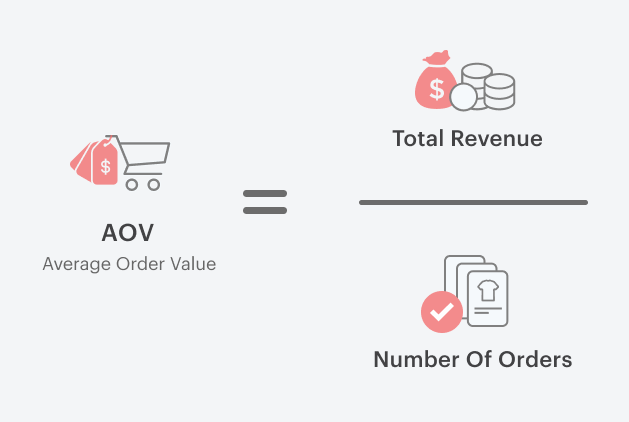
Essential WooCommerce Plugins and Implementations to Increase Customer Unit Price - A Consumer Psychology-Based Approach
This article focuses on WooCommerce e-commerce operations, systematically analyzes the core consumer psychology of increasing customer price per unit (AOV) and the way to achieve it, covering product bundling, cross-selling, free shipping thresholds, quantity discounts, checkout page add-ons, and membership subscription mechanisms, and gives a newbie site for...

Complete Guide to Setting Up WooCommerce Subscription Coupons for New Users (from 0 to Automation)
This guide explains in detail how to set up WooCommerce new user subscription coupons, including auto-sending, usage restrictions and conversion optimization, to help boost first-time order conversions.

 简体中文
简体中文  English
  日本語
日本語  Français
  Español



