





arrange in order

How to Integrate Airwallex Payment Gateway in WooCommerce
Learn how to integrate the Airwallex payment gateway in WooCommerce to streamline cross-border payment processes, reduce fees and support multi-currency payments. This article provides detailed steps and optimization suggestions to help merchants improve their global payment experience.
WoodMart Theme SEO Optimization Guide: Improving Site Structure, Loading Speed & Content Weighting
Want to improve SEO ranking of WoodMart theme? This article introduces site structure optimization, page load acceleration, keyword layout, internal link building, and outbound link promotion to help WooCommerce stores achieve higher search engine rankings and continue to attract accurate traffic.
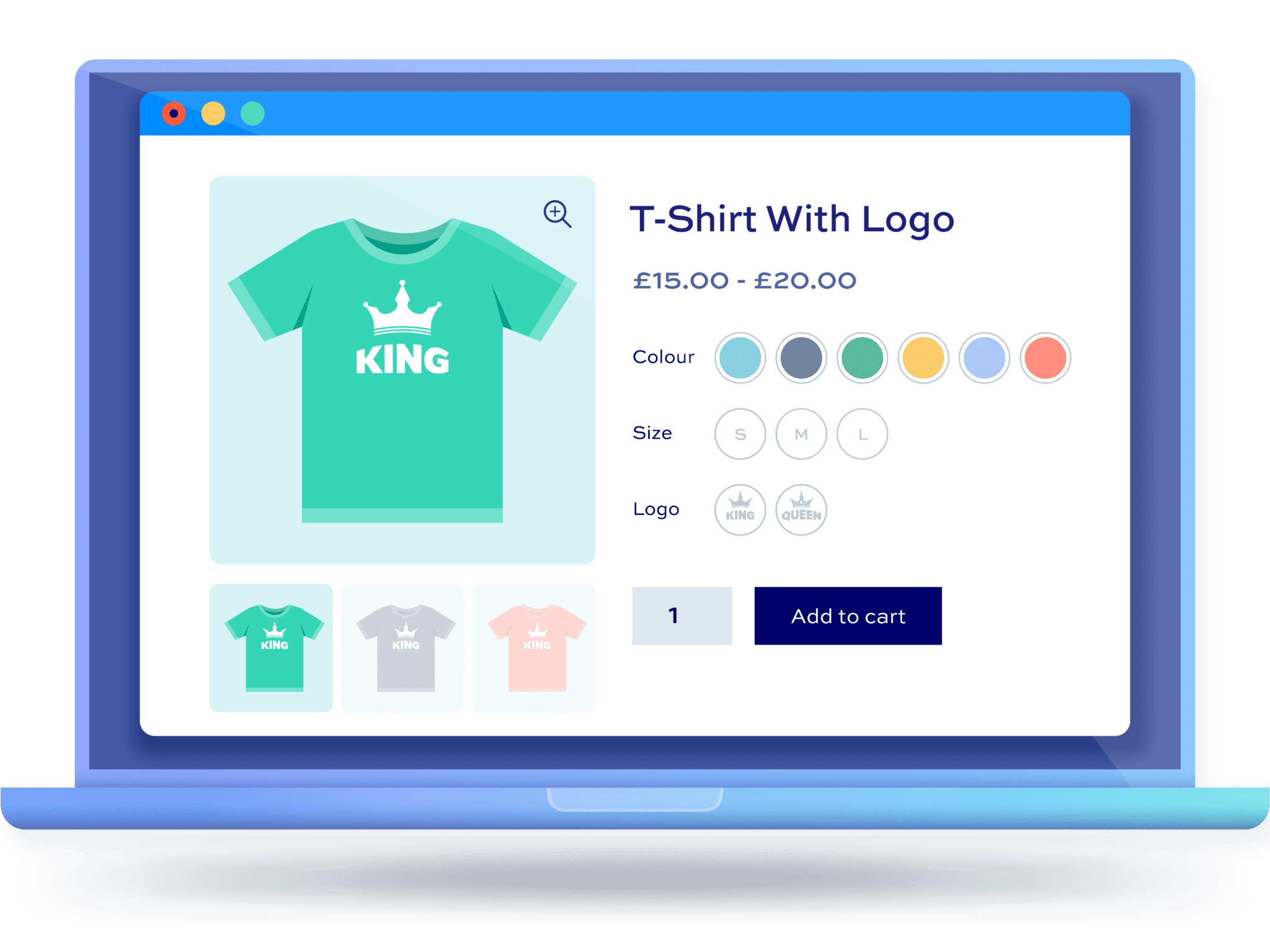
Why Using WordPress Multi-Spec Plugins is Crucial for Ecommerce Websites
Learn how WordPress Multi-Spec plugins can help e-commerce sites optimize the shopping process, enhance the user experience, and increase conversions. Choosing the right plugin makes it easy for shoppers to select product versions.
How to customize woocommerce product page (3 ways)
A comprehensive look at the key components, customization methods, and optimization techniques for WooCommerce product pages, including ways to use plugins, CSS, and code to create a better shopping experience for users and increase sales conversions.
9 Best WooCommerce Email Customization Plugins for 2025
Discover the 9 best WooCommerce email customization plugins to help you easily modify and optimize your transactional email templates to enhance your brand image and increase conversions.

WooCommerce vs Shopify: which is better for your WordPress eCommerce site?
WooCommerce vs Shopify in-depth comparison! From the function, cost, SEO to the applicable population, comprehensive analysis of which is more suitable for WordPress e-commerce site, to help you choose the right platform to open the road of efficient independent station.

How to Improve WordPress Page Building Efficiency with Kadence Blocks and the Gutenberg Editor
Discover how Kadence Blocks works seamlessly with the Gutenberg editor to enhance the page-building experience of your WordPress site. Learn how to easily create high-quality, interactive pages with its powerful design options, responsive layouts, and dynamic content features.

WooCommerce shopping cart product quantity and content of the real-time update display method
Add AJAX dynamic update function in WooCommerce shopping cart to allow customers to view the cart content and the number of products at any time. This article describes how to display shopping cart information in the navigation bar and realize automatic update through code to improve the shopping experience.
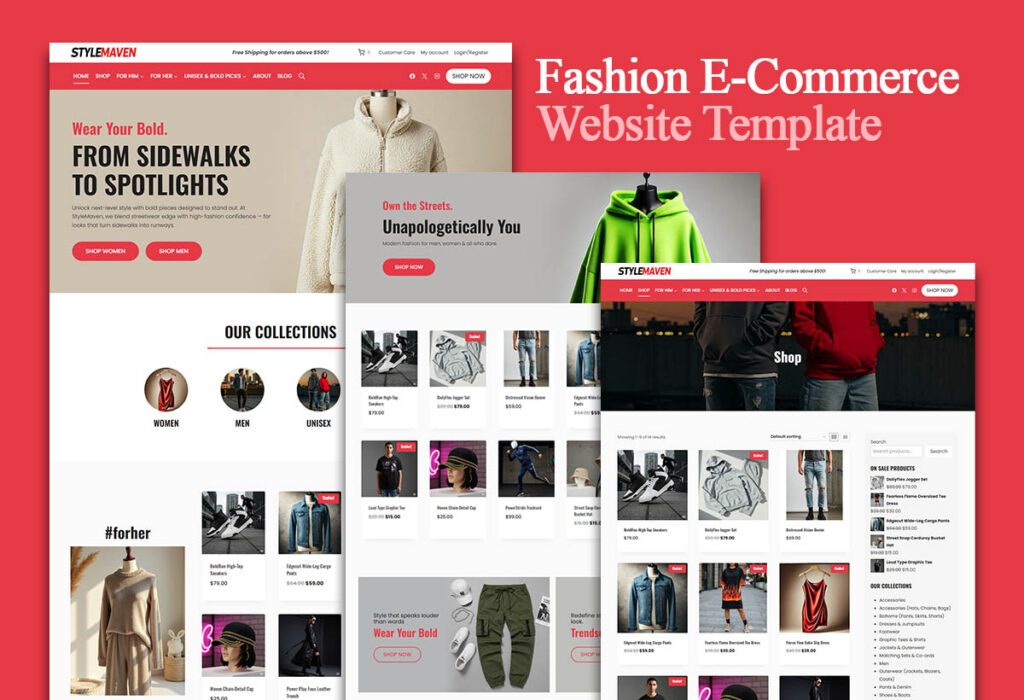
Use the Elementor plugin with WooCommerce to create the perfect e-commerce site!
Learn how to combine the Elementor plugin for external templates with the WooCommerce plugin to create a powerful and visually appealing e-commerce site that improves customer experience and conversion rates.

How to test payments with a WooPayments test account and upgrade to a full account
Learn how to use a WooPayments test account to simulate the payment process without real money or personal information. Also learn how to upgrade your test account to a full account to start receiving real payments.
How to Add Custom Currencies and Symbols in WooCommerce
This tutorial teaches you how to add custom currencies and their symbols to your WooCommerce store to enhance the shopping experience and increase user conversions. With simple steps, it makes it easy for you to manage your store's currency options.

How to customize WooCommerce product variants?
Learn how to customize WooCommerce product variables with code and plugins, including adding attributes, generating variables, optimizing performance, and resolving common issues to provide a more engaging shopping experience for your customers and improve your site's competitiveness.

 简体中文
简体中文  English
  日本語
日本語  Français
  Español



