





arrange in order

Kadence Themes with Elementor: Creating Highly Customizable Web Pages
Learn how to use the Kadence theme in conjunction with the Elementor page builder to create a highly customizable and performance-optimized WordPress website. This article will detail installation, design, optimization, and advanced feature integration to help you easily create pages that meet your needs.
WooCommerce 10.2.1 Update Released: WordPress 6.9 Compatibility & Critical Fixes
WooCommerce 10.2.1 Stable has been released, focusing on improving WordPress 6.9 compatibility, fixing AMP plugin conflicts, refund order scripts and RTL language price display issues.

Stripe Connect Platform Charging Guide: How to Set Up Automatic Commissions for Your Multi-Merchant Marketplace
I'll walk you through how to set up platform charging with Stripe Connect. By adjusting simple code parameters, you can automate commission withdrawals and optimize the flow of funds to your merchant accounts.

How to Display Categories and Subcategories in WooCommerce
Setting up product categories and subcategories in your WooCommerce store not only improves user experience, but also optimizes SEO rankings. This guide details how to show, hide, and sort WooCommerce product categories, as well as customize category display through plugins and code...

From the Ground Up: How to Quickly Install and Configure WooCommerce in a Kadence Theme
Learn how to install and configure WooCommerce from scratch in a Kadence theme to create a fully functional online store. Master theme customization, product management, performance optimization and user experience enhancement to create an efficient e-commerce platform.
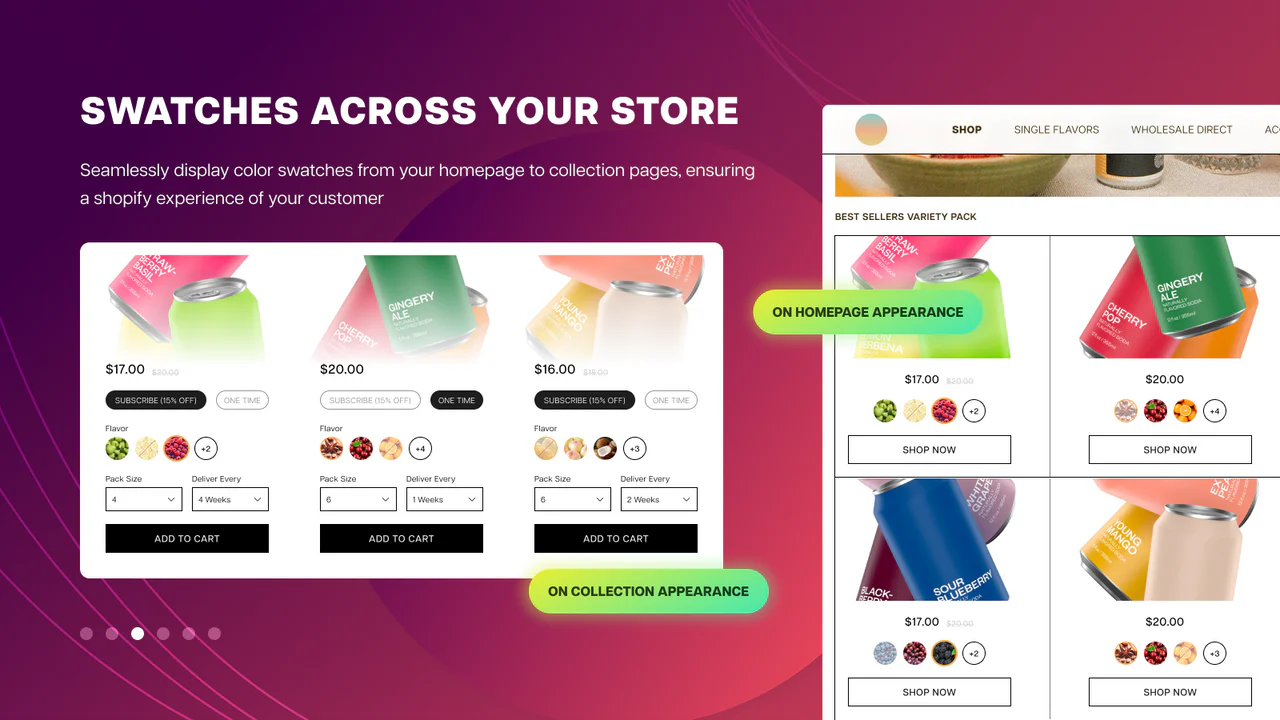
Optimization SEO: How WordPress Products with Multiple Specifications and Attributes Affect Search Rankings
Improve search engine rankings by optimizing WordPress products for multiple specifications and attributes. Learn how to improve SEO results by setting up proper URL structures, using structured data, optimizing metadata, and more.

WooCommerce REST API: Integration, Administration and Troubleshooting Guide
Achieve efficient management of your e-commerce store with the WooCommerce REST API. From API integration and testing to managing products, orders, and customers using the REST API, a comprehensive breakdown of the features and benefits of the WooCommerce API helps you save time and optimize business processes.

How to set up a membership system and reward points in WooCommerce?
Want to add membership levels and points reward system in WooCommerce? This tutorial teaches you how to use the plugin to set up a membership system and points redemption mechanism to improve customer loyalty and repurchase rate, and create an efficient e-commerce user growth flywheel.

Woodmart theme: full support for your online store
Woodmart Theme is a powerful WooCommerce theme that provides the perfect e-commerce solution. Its unlimited customization options, drag-and-drop design and performance optimization features help merchants quickly build an efficient and professional online store.
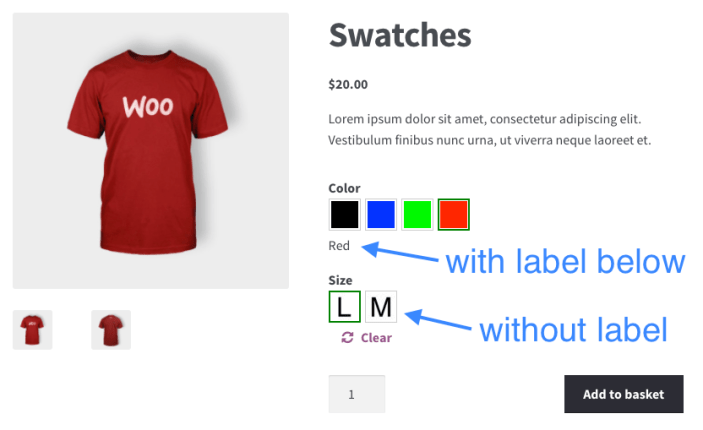
How to Ensure Product Multi-Specification Plugin Security and Compatibility in WordPress E-commerce Platforms
When building a WordPress e-commerce platform, it is crucial to choose and maintain a product multi-specification plugin. This article analyzes in detail how to ensure the security and compatibility of plug-ins to help the site run stably and improve user experience.

How to Export WooCommerce Orders in CSV or XML Format
Learn how to export WooCommerce orders to CSV and XML formats, including built-in tools and plugin methods. We also recommend several of the best WooCommerce export plugins to help you manage your order data more efficiently!
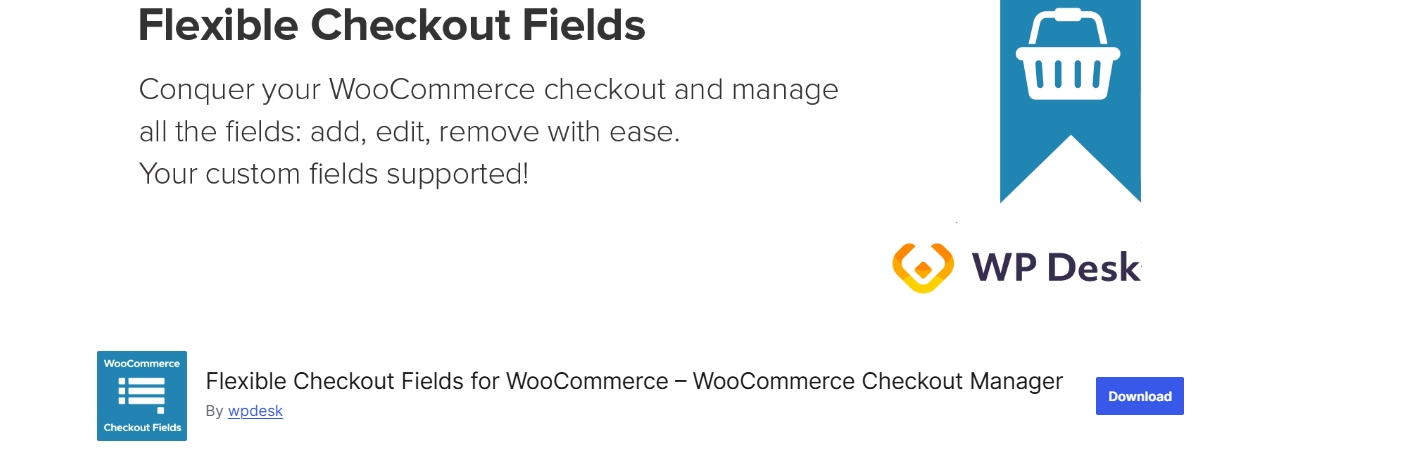
Flexible Checkout Fields Plugin Must-Have Tip: 10 Ways to Make WooCommerce Checkout Smoother (with Hands-On Guide)
Discover how to optimize the WooCommerce checkout experience, increase conversions, and reduce abandonment by streamlining checkout fields, adding conditional logic, and customizing order and validation rules with the Flexible Checkout Fields plugin.

 简体中文
简体中文  English
  日本語
日本語  Français
  Español



