



WooCommerce Plugin Page 9
arrange in order

How to Secure Payments with SSL Encryption after WooCommerce Activation
Learn how to enable SSL encryption protection for your WooCommerce store to secure customer payments, improve site trust and search rankings. This article details the steps for obtaining and installing SSL certificates, configuring HTTPS, and enforcing SSL encryption to help you build a safe and secure...

How to Enable Customer Behavior Heatmap & Analytics Tool after WooCommerce Activation
Integrate heatmap tools like Hotjar or Clarity into WooCommerce to track click, scroll, and stay behaviors to gain deeper insights into customer paths, optimize page layouts, and increase conversions.

Google PageSpeed Score Improvement 20-40: EWWW Image Optimizer Most Powerful Configuration Checklist (2025 Practical Guide)
Learn how to configure EWWW Image Optimizer to boost Google PageSpeed by up to 40 points. A complete practical guide for WordPress performance.
Does WooPayments work well? Compare it with PayPal and Stripe and see the difference immediately!
WooPayments in the end to save or step on the pit? WooPayments, PayPal, Stripe from the checkout experience, conversion rate, wind control freezes, refused to pay disputes, subscription renewals, reconciliation settlement item by item to split the comparison, to tell you the new station who to choose, how to combine the more stable, less accidents are also better collection.
How does WooPayments work? What are the "real flavor features" of WooCommerce backend?
Don't want to cut the background to crash again? This article talks about WooPayments in WooCommerce "real linkage": one-click refund, reconciliation, rejection reminder, failure reason location, which stores installed really save time, which pit don't step on.

WoodMart's Guide to Optimizing the Shopping Cart and Checkout Processes
Master WoodMart shopping cart and checkout page optimization techniques to streamline the process layout, enhance the mobile experience, and effectively improve the conversion rate of e-commerce websites.

Kadence Teaching: Kadence Shop Kit Advanced Reviews Features Explained
An in-depth look at the advanced review features in the Kadence Shop Kit, including settings for review sorting, polling, title addition, ratings distribution charts, featured reviews, and more, to help WooCommerce stores improve review presentation and interactivity.

How to Activate and Setup Multiple Shipping Options for WooCommerce: A Step-by-Step Guide to Creating a Flexible Delivery System
Learn how to activate and configure multiple shipping options in WooCommerce, covering flat rate shipping, free shipping, local pickup and the use of third-party logistics plugins. Enhance the operational efficiency and user satisfaction of your e-commerce site by flexibly setting up delivery zones and multi-warehouse shipping strategies.
How to Manage Order History and Order Export after WooCommerce Activation: A Practical Guide to Improve Operational Efficiency
Comprehensive analysis of how to manage order history and export data after WooCommerce activation, covering order status explanation, filtering techniques, plug-in recommendations and export operations, to help e-commerce sites achieve efficient order processing and data backup.

WooCommerce Active Product Filters Block User Guide
Introduces the role of the Active Product Filters block in WooCommerce, how to add it, where to recommend it, and practical tips to help optimize the product filtering process.

Ecommerce Plugin Recommendations: 5 Must-Have Tools to Boost Conversions
Featured 5 e-commerce plugin recommendations covering cart salvage, smart pop-ups, product recommendations, trust building and email marketing to improve conversion rates across the board.
Multiple Specifications, Multiple Attributes, Multiple Prices: How to Flexibly Manage Them on WordPress Product Pages
This guide explains how to manage products in WordPress using multiple specifications, attributes, and pricing options. It helps merchants streamline backend operations and improve inventory and pricing management efficiency.

Kadence Themes with Elementor: Creating Highly Customizable Web Pages
Learn how to use the Kadence theme in conjunction with the Elementor page builder to create a highly customizable and performance-optimized WordPress website. This article will detail installation, design, optimization, and advanced feature integration to help you easily create pages that meet your needs.
WooCommerce 10.2.1 Update Released: WordPress 6.9 Compatibility & Critical Fixes
WooCommerce 10.2.1 Stable has been released, focusing on improving WordPress 6.9 compatibility, fixing AMP plugin conflicts, refund order scripts and RTL language price display issues.

Stripe Connect Platform Charging Guide: How to Set Up Automatic Commissions for Your Multi-Merchant Marketplace
I'll walk you through how to set up platform charging with Stripe Connect. By adjusting simple code parameters, you can automate commission withdrawals and optimize the flow of funds to your merchant accounts.

How to Display Categories and Subcategories in WooCommerce
Setting up product categories and subcategories in your WooCommerce store not only improves user experience, but also optimizes SEO rankings. This guide details how to show, hide, and sort WooCommerce product categories, as well as customize category display through plugins and code...
From the Ground Up: How to Quickly Install and Configure WooCommerce in a Kadence Theme
Learn how to install and configure WooCommerce from scratch in a Kadence theme to create a fully functional online store. Master theme customization, product management, performance optimization and user experience enhancement to create an efficient e-commerce platform.
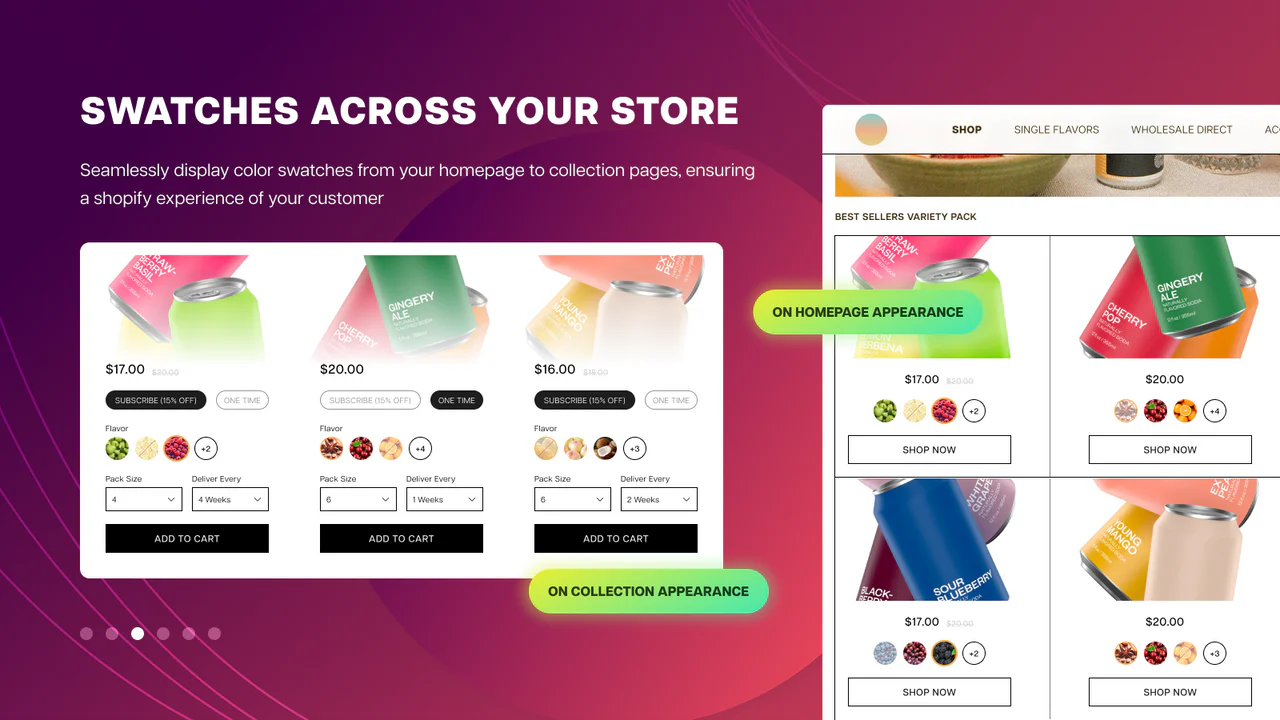
Optimization SEO: How WordPress Products with Multiple Specifications and Attributes Affect Search Rankings
Improve search engine rankings by optimizing WordPress products for multiple specifications and attributes. Learn how to improve SEO results by setting up proper URL structures, using structured data, optimizing metadata, and more.

WooCommerce REST API: Integration, Administration and Troubleshooting Guide
Achieve efficient management of your e-commerce store with the WooCommerce REST API. From API integration and testing to managing products, orders, and customers using the REST API, a comprehensive breakdown of the features and benefits of the WooCommerce API helps you save time and optimize business processes.

How to set up a membership system and reward points in WooCommerce?
Want to add membership levels and points reward system in WooCommerce? This tutorial teaches you how to use the plugin to set up a membership system and points redemption mechanism to improve customer loyalty and repurchase rate, and create an efficient e-commerce user growth flywheel.

Woodmart theme: full support for your online store
Woodmart Theme is a powerful WooCommerce theme that provides the perfect e-commerce solution. Its unlimited customization options, drag-and-drop design and performance optimization features help merchants quickly build an efficient and professional online store.
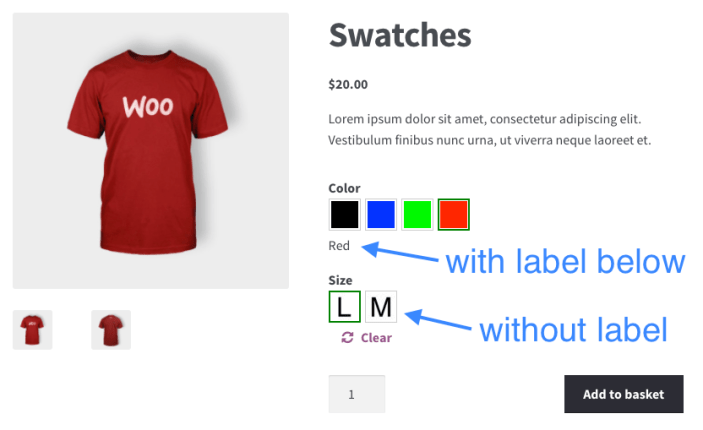
How to Ensure Product Multi-Specification Plugin Security and Compatibility in WordPress E-commerce Platforms
When building a WordPress e-commerce platform, it is crucial to choose and maintain a product multi-specification plugin. This article analyzes in detail how to ensure the security and compatibility of plug-ins to help the site run stably and improve user experience.

How to Export WooCommerce Orders in CSV or XML Format
Learn how to export WooCommerce orders to CSV and XML formats, including built-in tools and plugin methods. We also recommend several of the best WooCommerce export plugins to help you manage your order data more efficiently!
Flexible Checkout Fields Plugin Must-Have Tip: 10 Ways to Make WooCommerce Checkout Smoother (with Hands-On Guide)
Discover how to optimize the WooCommerce checkout experience, increase conversions, and reduce abandonment by streamlining checkout fields, adding conditional logic, and customizing order and validation rules with the Flexible Checkout Fields plugin.

How to Integrate Airwallex Payment Gateway in WooCommerce
Learn how to integrate the Airwallex payment gateway in WooCommerce to streamline cross-border payment processes, reduce fees and support multi-currency payments. This article provides detailed steps and optimization suggestions to help merchants improve their global payment experience.

WoodMart Theme SEO Optimization Guide: Improving Site Structure, Loading Speed & Content Weighting
Want to improve SEO ranking of WoodMart theme? This article introduces site structure optimization, page load acceleration, keyword layout, internal link building, and outbound link promotion to help WooCommerce stores achieve higher search engine rankings and continue to attract accurate traffic.
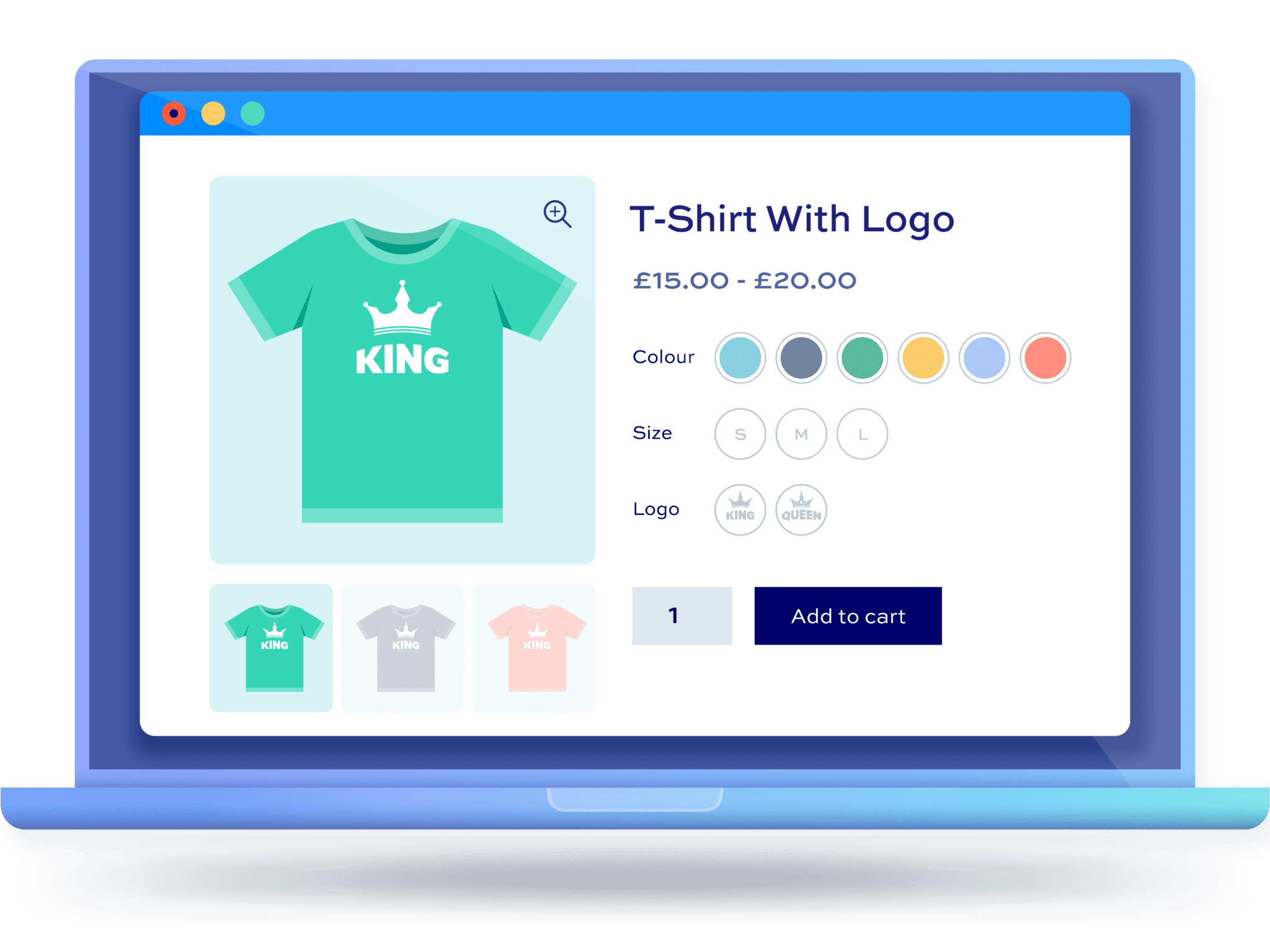
Why Using WordPress Multi-Spec Plugins is Crucial for Ecommerce Websites
Learn how WordPress Multi-Spec plugins can help e-commerce sites optimize the shopping process, enhance the user experience, and increase conversions. Choosing the right plugin makes it easy for shoppers to select product versions.
How to customize woocommerce product page (3 ways)
A comprehensive look at the key components, customization methods, and optimization techniques for WooCommerce product pages, including ways to use plugins, CSS, and code to create a better shopping experience for users and increase sales conversions.
9 Best WooCommerce Email Customization Plugins for 2025
Discover the 9 best WooCommerce email customization plugins to help you easily modify and optimize your transactional email templates to enhance your brand image and increase conversions.

WooCommerce vs Shopify: which is better for your WordPress eCommerce site?
WooCommerce vs Shopify in-depth comparison! From the function, cost, SEO to the applicable population, comprehensive analysis of which is more suitable for WordPress e-commerce site, to help you choose the right platform to open the road of efficient independent station.

 简体中文
简体中文  English
  日本語
日本語  Français
  Español



