



WooCommerce Plugin Page 11
arrange in order
How to Manage Inventory Effectively in WooCommerce
Learn about WooCommerce's inventory management features, inventory settings from individual to variable products, bulk inventory management tips, and five recommendations for efficient inventory management plugins to help store owners easily control inventory, avoid stock outs, and improve store management efficiency.

How to set up differential sales tax for different product categories in WooCommerce
Detailed tutorials teach you how to set up differentiated sales tax for different product categories in WooCommerce, including enabling tax options, creating product categories, setting tax rates, and assigning tax classes to ensure tax rules are compliant and efficient.
4 Practical Ways to Customize WooCommerce Product Pages to Boost Ecommerce Conversions
Learn how the WooCommerce site editor, plugin extensions, custom code, and page builders like Elementor give you the flexibility to create personalized product pages that boost brand image and sales conversions.

How to Customize Order Emails in WooCommerce
Learn how to customize WooCommerce email templates to enhance the personalization effect of emails, increase customer engagement, and optimize automated emails such as order processing, reminder, etc., to help improve the efficiency of store operations and customer satisfaction.

How to Customize WooCommerce Checkout Page and Add Additional Fields
Learn how to customize your WooCommerce checkout pages with plugins or code, add or remove fields, optimize the checkout process, and create one-page checkout pages to improve conversions and customer experience.

How to set up WooCommerce logs for newbies (step-by-step guide)
Get a comprehensive overview of WooCommerce logging features, including setting up and optimizing error logs and activity logs, to help you easily track down store issues, improve performance, and keep your site running smoothly.

How to add custom "Add to Cart" button in WooCommerce
Learn how to customize WooCommerce's Add to Cart button, including design, enhancements, and code implementation, to improve user experience and optimize conversions.
Eight Powerful WooCommerce Extension Plugins Recommended: Make Your E-Commerce Site More Powerful
This article recommends eight of the most useful WooCommerce extension plugins to help enhance the shopping experience, optimize the checkout process, increase sales, and ensure smooth store operations. Suitable for all WooCommerce merchants, they offer a wide range of solutions from customized checkout pages to step pricing...
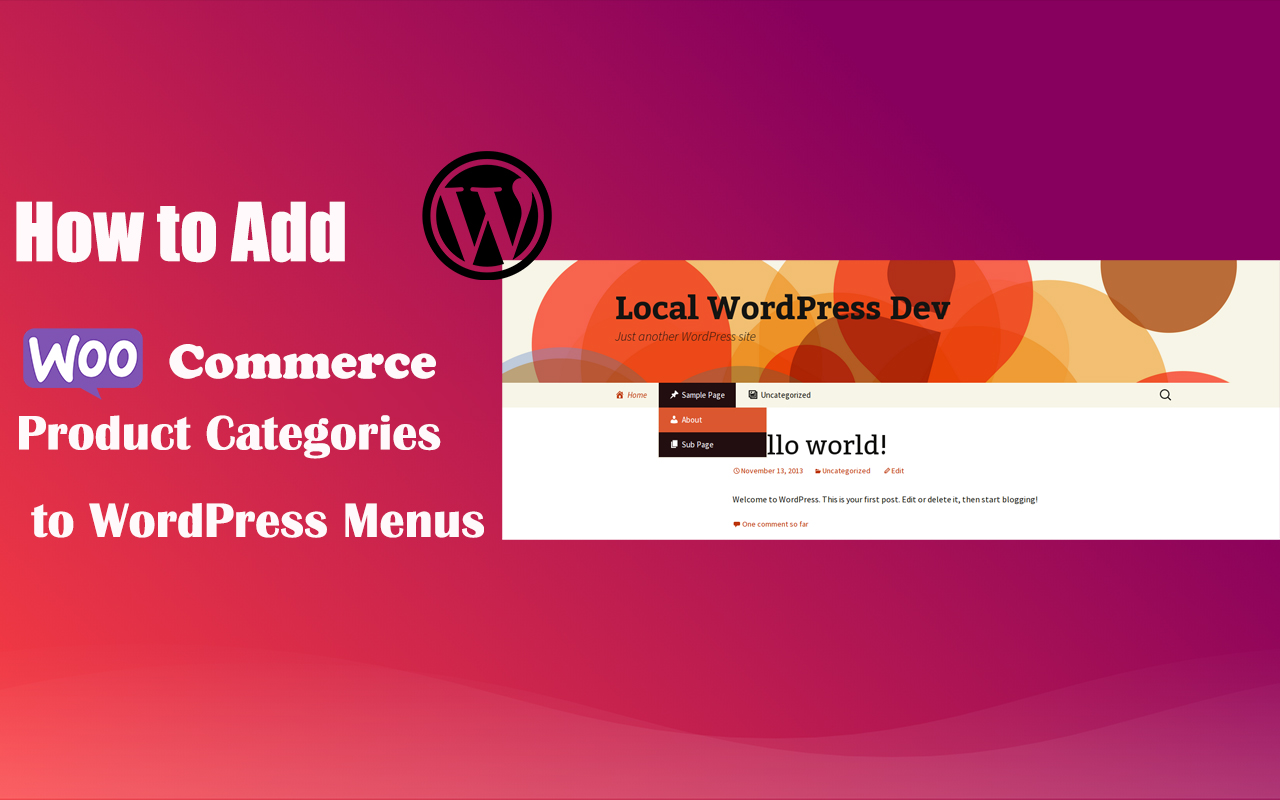
How to Add WooCommerce Product Categories to WordPress Menus to Improve User Experience and Conversions
When running a WooCommerce store, it's important to help users quickly navigate to product categories. By adding product categories to the main WordPress menu, you can simplify the user experience and make it easy for users to find the products they need. In this article, we'll detail how to add WooCommerce ...

The Easy Way: How to Add Subscriptions to WooCommerce
Learn how to add subscriptions to WooCommerce in WordPress. Easily automate billing, subscription product setup, and membership plan management with the free plugin YITH WooCommerce Subscriptions to create a stable income e-commerce system.

How to Set Up WooCommerce One Page Checkout: 3 Ways to Increase Conversions
Optimize your WooCommerce store's checkout process, reduce cart abandonment and increase conversions with the One Page Checkout feature. This guide details how to implement the One Page Checkout feature using templates, shortcodes, custom code, or plugins, as well as solutions to common problems.
How to Hide, Remove or Disable the Add to Cart Button in WooCommerce
A comprehensive guide on how to hide, remove or disable the "Add to Cart" button in WooCommerce. Whether it's for sold-out products, product catalog displays, or optimizing functionality for specific conditions, it's easy to do and gives you more flexibility in managing your store's functionality!

How do I add a "Minimum Purchase Amount" or "Cart Discount" rule to WooCommerce?
Want to boost your WooCommerce store's customer unit price? This guide explains in detail how to set minimum purchase amount limits, full discount offers and shopping cart discount rules, and recommends useful plugins to make discounts apply automatically, optimize user shopping experience and increase sales!

Zero code to quickly modify the WooCommerce front-end language: complete graphic tutorials, easy and efficient to get started!
Graphic explanation of how to change the language of the WooCommerce front-end, covering the installation of language packs, translation of residual English, troubleshooting and multi-language switching settings.

Newbie WooPayments Setup Steps: Quickly Enable Online Payments
A comprehensive overview of WooPayments' general settings, payment methods, express checkout, transactions, deposits and fraud protection features to help WooCommerce merchants properly configure and enhance their payment experience.

WooCommerce 10.0 Release Update Preview and Schedule
WooCommerce version 10.0 has entered a feature freeze and is expected to be released on 7/7/2025. Updates include front-end accessibility enhancements, shareable checkout URLs, CSV product importer support for rich text content, coupon improvements, and more.

Multi-Price Management: How to Implement Dynamic Pricing in WordPress Products
Learn how to implement dynamic pricing on WordPress using the WooCommerce plugin to flexibly adjust pricing strategies, boost sales and inventory turnover, and enhance market competitiveness.
How to make WooCommerce multilingual with a plugin
Learn how to make your WooCommerce store multilingual with the four best multilingual plugins from WPML, Weglot, TranslatePress and Polylang. Detailed comparison of features and configuration methods to help you quickly tap into the global marketplace and achieve higher conversion rates!

WooCommerce 10.2 Update Preview: A Look at the New Features and Improvements
WooCommerce 10.2 will be released on September 16, 2025, with the addition of product collection rotation, faster shopping carts, cross-selling optimization, filtering extensions and mobile build experience enhancements.

Configuration Guide for WooCommerce Cache Plugin
In websites that use WooCommerce, the use of caching plugins can effectively increase page loading speed and improve user experience. However, since pages such as shopping carts, user accounts, etc. involve dynamic user data, these pages should usually not be cached, otherwise it may lead to information exhibition...
How to Limit Comment Length in WordPress (Detailed Tutorial)
Reduce comment spam and improve discussion quality and user experience by setting maximum and minimum character limits for WordPress comments. This tutorial details how to easily implement comment length limits using plugins or code to help optimize your WordPress site.

WooCommerce 10.0 RC2 Main Update Highlights
WooCommerce 10.0 RC2 was released on June 30th, bringing optimizations to performance, security and user experience. Learn how to test the RC2 release, get an early taste of the new features and get ready.

How to Display Related Products in WooCommerce to Boost Your Store's Average Order Value (AOV)
Learn how to set up relevant products in WooCommerce, display recommended products through product pages and cart pages, and utilize up-sell and cross-sell features to enhance user experience and average order value (AOV)

How to Effectively Manage and Optimize Product Reviews in WooCommerce
Learn how to disable product reviews in WooCommerce or turn off reviews for specific products. We also provide tips for managing and optimizing the display of reviews to help improve user experience and page aesthetics.

Comprehensive analysis of WooCommerce short code: e-commerce page optimization and functionality implementation guide
Comprehensive analysis of WooCommerce shortcode basics and application methods, including product display, shopping cart and checkout page optimization, user account management and advanced customization, to provide efficient solutions for e-commerce websites.

Customizing WooCommerce Shopping Cart Pages with Elementor: The Ultimate Guide to Boosting Conversions
Customize WooCommerce shopping cart pages with Elementor to improve conversions and user experience with coupons, upsells, dynamic content, and more. Detailed tutorials, easy to follow, no code required.

How to Switch to WooPayments from Other Payment Gateways: A Complete Guide
Learn how to make a smooth switch from other payment gateways to WooPayments, minimizing the impact on your website and customers. Detailed steps cover installation, disabling old payment methods, subscription migration and more to help make the transition easy.
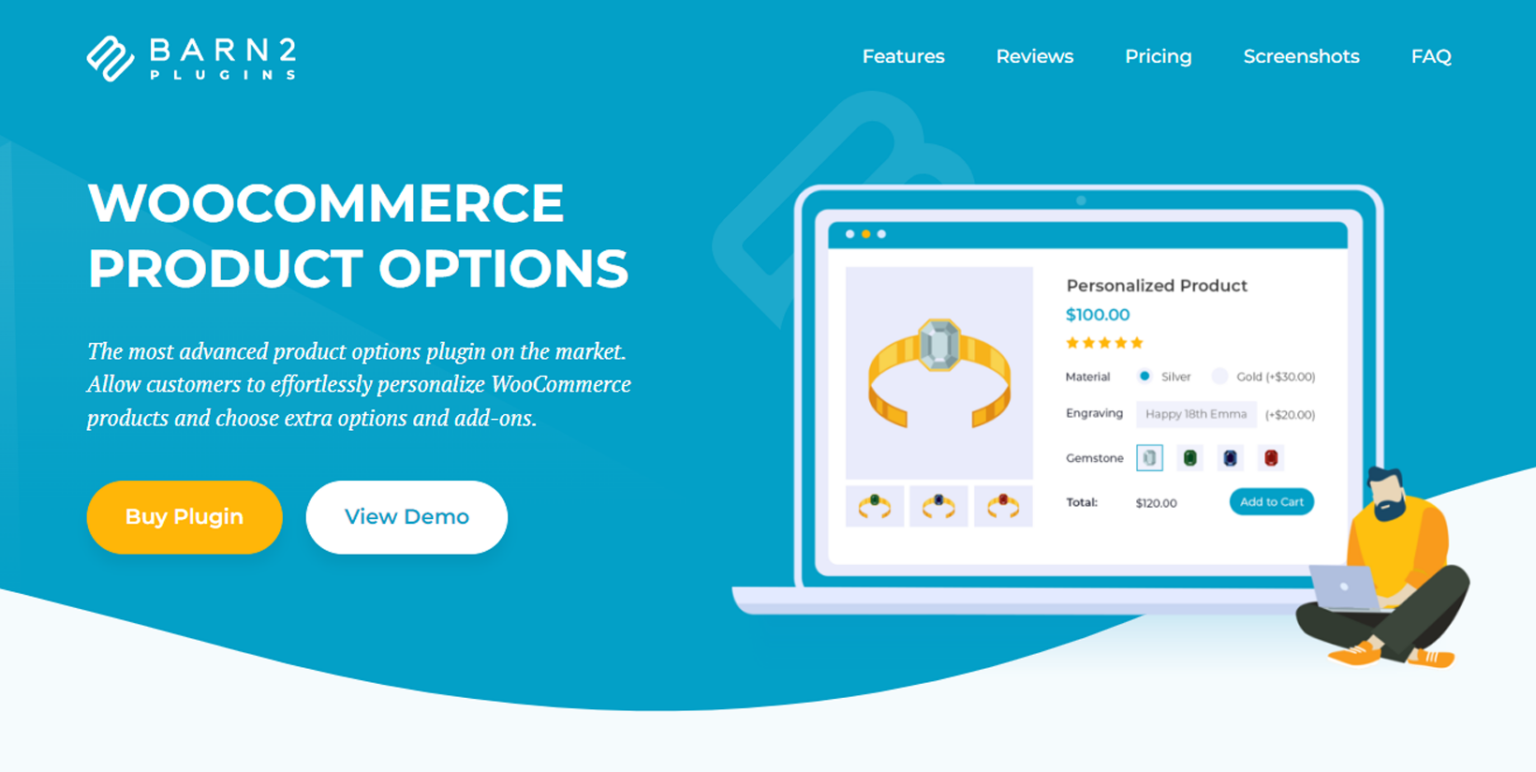
11 Plugins to Modify WooCommerce Product Pages
Discover 11 of the best WooCommerce product page customization plugins to improve conversions across the board, from optimizing layout to enhancing the customer experience. Whether it's adding custom fields, dynamic pricing, or upgrading product displays, these plugins have you covered.

From Shipping Categories to Shipping Zones: Optimizing WooCommerce Store Logistics Options Across the Board
Learn how to set up shipping categories and shipping zones in WooCommerce to improve customer experience by optimizing shipping strategies. Detailed tutorials cover how to set up fixed shipping rates, free shipping, local pickup, and more to help e-commerce merchants streamline the logistics process and increase order conversions.

How to Add Additional Product Specifications and Attributes to WooCommerce Product Detail Pages
When managing a WooCommerce store, you may come across situations where you need to add additional information to the product detail page, such as product specifications, specific attributes or technical parameters. This article will detail how to add additional product specifications and attributes in WooCommerce, as well as through plugins for...

 简体中文
简体中文  English
  日本語
日本語  Français
  Español



