



Elementor Page 2
arrange in order

Why doesn't the front-end page change after adding the Archive template?
Added the Archive template but no changes? Don't panic. This article uses an 8-step troubleshooting method to quickly pinpoint the cause: Naming paths, Cache, Template priority, Permissions, Error reporting, Function restrictions, Plugin conflicts, Permalinks. Solve frontend display issues once and for all.

Category pages not generating orders or ranking? The Archive template is quietly solving these e-commerce challenges.
Are your category pages just auto-generated? Then you're wasting traffic for nothing. This article thoroughly dissects how the Archive template solves the core e-commerce pain points of category pages failing to rank and convert.
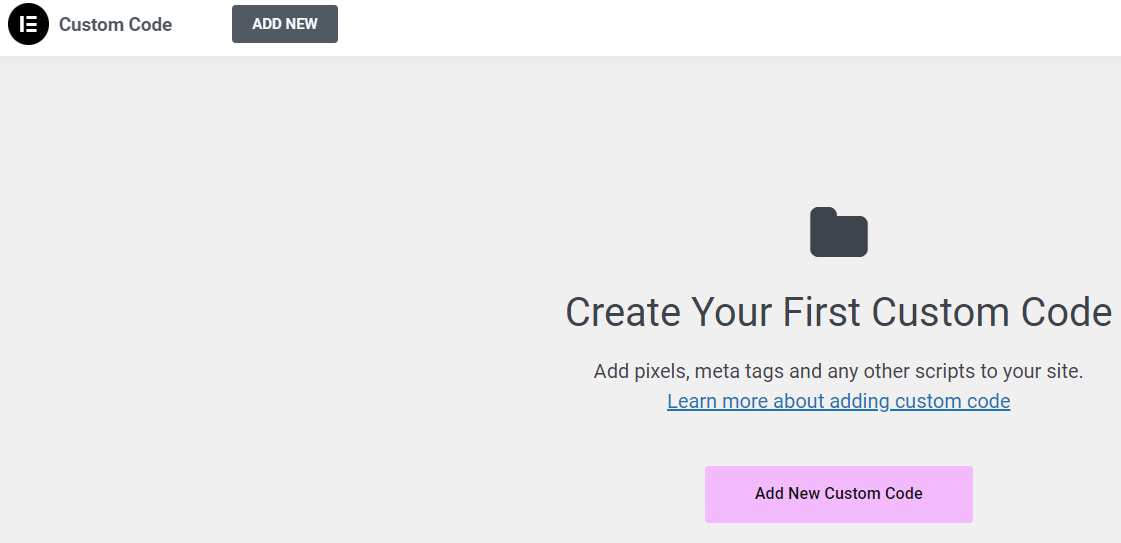
90% used the code in the wrong location: Elementor Custom Code instead of functions.php
Where should code go? Misusing Custom Code can cause chaos, while errors in functions.php lead to blank screens. This article clearly defines the true boundaries between Elementor Custom Code and functions.php, helping you avoid pitfalls and maintain your site more easily.
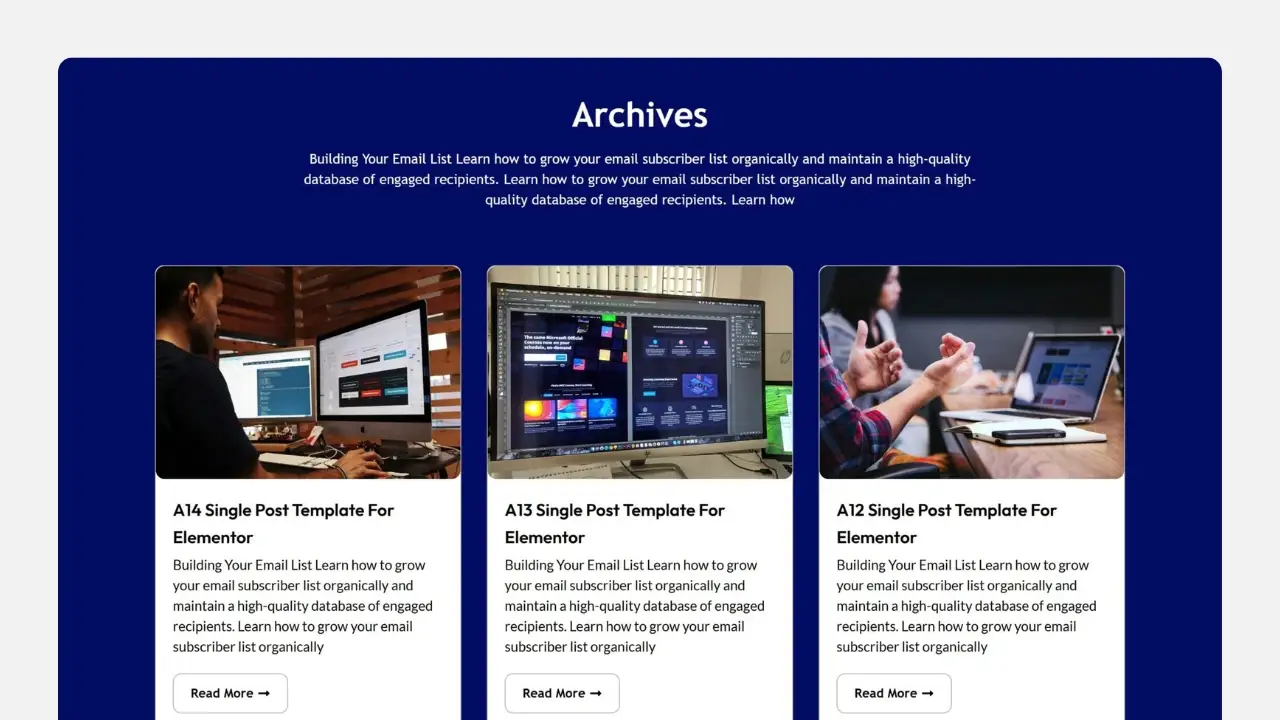
Why isn't your Elementor Archive template working? 90% users are stuck on these 5 issues.
Archive template created but no changes at all? This isn't an Elementor bug—it's caused by 5 hidden settings. We'll break down display conditions, theme priority, page types, and caching issues all at once, so even beginners can fix it quickly.
What's the Difference Between Archive Templates and Single Templates? Common Pitfalls for Elementor Beginners
Many beginners start off using Archive and Single templates incorrectly in Elementor, leading to messy category pages and broken SEO. This article thoroughly explains the differences between the two—from page logic and use cases to actual outcomes—helping you avoid these pitfalls once and for all.

How to Add a Site-Wide Announcement Bar and Top Notification Using Elementor Custom Code
Create eye-catching announcement bars with just one click using Elementor Custom Code. Boost marketing conversions, holiday campaign visibility, and site-wide notification effectiveness. Even beginners can quickly create professional alert bars.
Elementor Tables from an SEO Perspective: When Does Using Tables Benefit Rankings?
Analyzing Elementor Tables from an SEO Perspective: Advantages in Parameter Display, Content Comparison, and Structured Expression. Explaining When Tables Most Effectively Enhance Readability and Ranking Performance.

A Complete Beginner's Guide to Adding Template Archives in Elementor: Create Your Archive Page from Scratch
Want to make your website more attractive and efficient? Learn how to create powerful archive pages with Elementor to enhance user experience, optimize site structure, and boost SEO rankings! Click to get started building your archive pages now!
Elementor Tables vs Traditional HTML Tables: Which Should Beginners Choose?
Elementor tables and traditional HTML tables each have their own advantages and disadvantages. This article compares and analyzes both table solutions across dimensions such as setup complexity, styling adjustments, responsive performance, and post-launch maintenance, helping website beginners choose the approach that best suits their needs.
What is Elementor Custom Code? A Complete Feature Breakdown and Best Use Cases
Want your Elementor site to load faster and perform better? This comprehensive guide to Elementor custom code will teach you how to easily inject scripts, optimize performance, and boost SEO—truly upgrading your website.

Elementor Pro Resources: Maximizing Official Support and Community Wisdom
A comprehensive analysis of Elementor Pro's official resource system, including the knowledge base, community forum, technical support, and technical documentation, helps users maximize the software's value.

Elementor 3.31: Unlocking the New Frontiers of Web Design
Elementor 3.31 has been upgraded with variables and filters to help break through design constraints, improve efficiency, and create a freer web authoring experience.

Elementor 3.33 Update: Variable Manager, Custom CSS, Mixed Modes, and More!
Elementor 3.33 is fully upgraded: Editor V4, Variable Manager, Custom CSS, and Mixed Mode are now available, making web design faster, more stable, and more professional, so it's worth updating now.

Don't Panic! The Real Reason TranslatePress Doesn't Recognize Elementor Widgets Revealed!
TranslatePress doesn't recognize Elementor? This super-useful tutorial takes you deep into the root cause of the problem, from dynamic strings to cache interference, and shows you how to fix translation failures once and for all! Make your Elementor multilingual website smooth and accurate!

How to Install WordPress Website Templates with Elementor
Learn how to install and apply WordPress website templates using Elementor. This article explains every step of the process in detail, from plugin installation, template selection to content import, helping users to easily create a personalized website.

How to Boost International Visitors to Your Travel/Hotel Website with TranslatePress + Elementor
Your travel or hotel website isn't multilingual yet? Build a globalized website with TranslatePress + Elementor to easily boost visits and conversions!

Elementor Multilingual SEO: TranslatePress teaches you to match URLs and maps!
Want to make Elementor pages truly "visible to search" with TranslatePress? This article will teach you how to build a good URL architecture, write the right hreflang, link Sitemap, with a troubleshooting checklist and release process, a configuration of the whole site to take off!

Don't Step in the Pit Again! One article to fix all the common errors and solutions of ShopEngine!
ShopEngine Problems? This article summarizes the most common errors and solutions for newbies! From installation conflicts, templates do not take effect to checkout abnormalities and SEO optimization, the whole process of diagrams, teaching you to quickly troubleshooting, speed loading, multi-language inclusion, easy to build a high-conversion e-commerce page!

From Templates to Conversions: How ShopEngine Reinvented WooCommerce Building Logic and Became the New Standard for Ecommerce Customization?
Want to turn your WooCommerce site into a high converting site in seconds? ShopEngine is becoming a new favorite in the e-commerce world! It allows operators to create visually stunning e-commerce pages without writing code, visualizing everything from the product page to the checkout process. Lightweight, flexible and reusable, this is what 2...

Tortured by multilingual websites? TranslatePress + Elementor Pro synchronizes all modules in one click!
Struggling with Elementor's multi-language translation issues? This practical guide teaches you to use TranslatePress + Elementor Pro to synchronize forms, popups, headers and footers with one click! From setup to troubleshooting the whole process in detail, so that the website really realize seamless multi-language switching. Efficient, hassle-free,...

ShopEngine is a true flavor plugin? Core gameplay + scenarios fully disassembled
Want to make WooCommerce pages fast and sellable? This real-world hands-on with ShopEngine+Elementor builds a template and conversion components in one click, teaching you to take off easily from architecture to launch, from SEO to data!

Solving the Hello Biz Compatibility Puzzle: The Ultimate Guide to Making Your Store Work Seamlessly
Encountering Hello Biz compatibility issues? This article details common plugin conflicts, styling issues and performance optimization methods to help you easily solve the problem and improve website speed and user experience. Read it now to optimize your WooCommerce store and make your website run more efficiently!

Why is the post content widget missing from WordPress templates? Solution Explained!
Missing post content widget in WordPress template? Let us take you deeper into the cause and solution of the problem, from theme settings to plugin conflicts, to quickly fix the display problem, restore normal functionality and optimize user experience.

Uncover Hello Biz: Why it's a must-have e-commerce site builder for WordPress users, pros and cons at a glance!
Want to boost your e-commerce website conversion rate? Learn how Hello Biz combines WordPress and Elementor to create an extremely fast-loading, highly customizable e-commerce platform with a zero-burden quick launch that helps performance soar!

Why should you choose Hello Biz and Elementor for your business website? This duo makes your web pages 10x more efficient in an instant!
Want your business website to stand out from the competition? Take advantage of the powerful combination of Hello Biz and Elementor to quickly build an efficient, SEO-optimized business website, easily customize the design, enhance the user experience, and save on development costs! Click now to learn how to achieve a high...

Make your website load on the fly! How to Enable Local Loading of Google Fonts in Elementor
Learn how to enable local loading of Google fonts in Elementor to improve website performance, reduce load times, and enhance privacy protection. Comply with data regulations like GDPR to make your website faster and more secure.

Website not hot? It's probably because you're not using these advanced features of ElementsKit.
Discover the hidden features of ElementsKit that you may have overlooked! From dynamic content to SEO optimization, these tips can turn your website into a high profile in seconds, click to master it now!

Make your pages more trustworthy in a second: WordPress Review Plugin + Elementor, Gutenberg blend perfectly!
WordPress Review Plugin with Elementor and Gutenberg can easily show star ratings and user reviews, bringing higher click-through rate and conversion rate!

Webmaster Buzz: ElementsKit Implementation of FAQs, Price Lists, and CTAs
How powerful is ElementsKit? What makes countless webmasters crazy recommend it?FAQ, price list and CTA button three modules easy to deal with, the user experience and conversion rate double enhancement, quickly take a look at the practical skills!

Don't be left behind! The secret weapon that every WordPress user will be using in 2025: ElementKit!
ElementKit is becoming a must-have tool for WordPress users due to its powerful features and flexible design! Discover how it can enhance your website experience and competitiveness.

 简体中文
简体中文  English
  日本語
日本語  Français
  Español



