





arrange in order
Detailed Steps on How to Troubleshoot Elementor Display Errors
Elementor is a powerful page builder plugin, but sometimes you may encounter display errors while using it. This article will detail the steps on how to troubleshoot and resolve Elementor display errors to help you quickly restore your site's normal display. Step 1: Check the plugin...

Performance Impact of Elementor Safe Mode and How to Optimize It
Elementor is a popular WordPress page builder that offers great features and flexibility. However, enabling Safe Mode may impact site performance when debugging and problem solving. In this article, we will explore the performance impact of Elementor's safe mode and provide optimization...

Elementor Safe Mode vs. Regular Mode
Elementor, as a popular WordPress page builder, has won the favor of users with its rich features and user-friendly interface. In order to protect users in the process of building and managing websites, Elementor provides a secure mode and a regular mode. This article will ...

Common Problems and Solutions in Elementor Safe Mode
Elementor is a powerful page builder plugin, but in the process of using it, users may encounter various problems, such as blank pages (white screen of death), widget sidebars disappearing, editor loading endlessly, etc. Elementor provides a safe mode as a feature,...
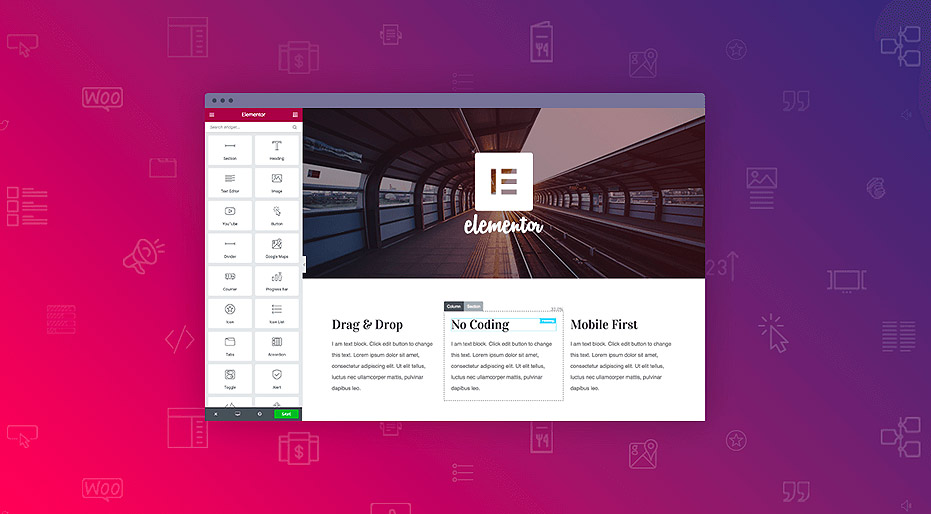
WordPress Elementor Prompts Error Cannot Save 500 Solution Guide
The 500 Internal Server Error is a common server error that is usually caused by a website's server environment. This error can cause a website to be inaccessible and affect the user experience. In this article, we will explore the common causes of the 500 error and provide solutions, especially for those using Elemen...

Elementor Safe Mode Explained: How to Enable and Resolve Issues
Elementor provides us with a Safe Mode, designed to help users solve all kinds of problems they may encounter while editing with Elementor. Whether it's a blank page (white screen of death), disappearing widget sidebars, the editor loading endlessly, or a complete lack of access to Elem...

Overcoming the Elementor White Screen of Death: A Comprehensive Guide
Overcoming technical challenges is inevitable in web development. One particular headache is Elementor's White Screen of Death (WSoD). This article details the impact of this problem and its solution. The adverse effects of Elementor's White Screen of Death ...

How to Optimize Elementor Settings for Better Performance
1. Install Elementor and Configure Settings After installing Elementor, go to Settings and configure it appropriately: General Tab: Select the post types for which you want to use Elementor. If some custom post types (CPTs) do not require Elementor, turn off...

How to use element caching to speed up page loading
Reducing page load time can increase visitor retention and improve your SEO score. Site performance can be significantly improved by using element caching. When widgets are rendered on the server, the HTML output is stored in a database. This way, the next time the element appears, it will be retrieved from the database...
How to fix Elementor loading lag: a detailed guide
Elementor simplifies the process of developing website pages in WordPress. However, you may occasionally experience Elementor getting stuck on loading screens, and sometimes widget panels may not load. These problems can come in many forms, and some users don't know what they...
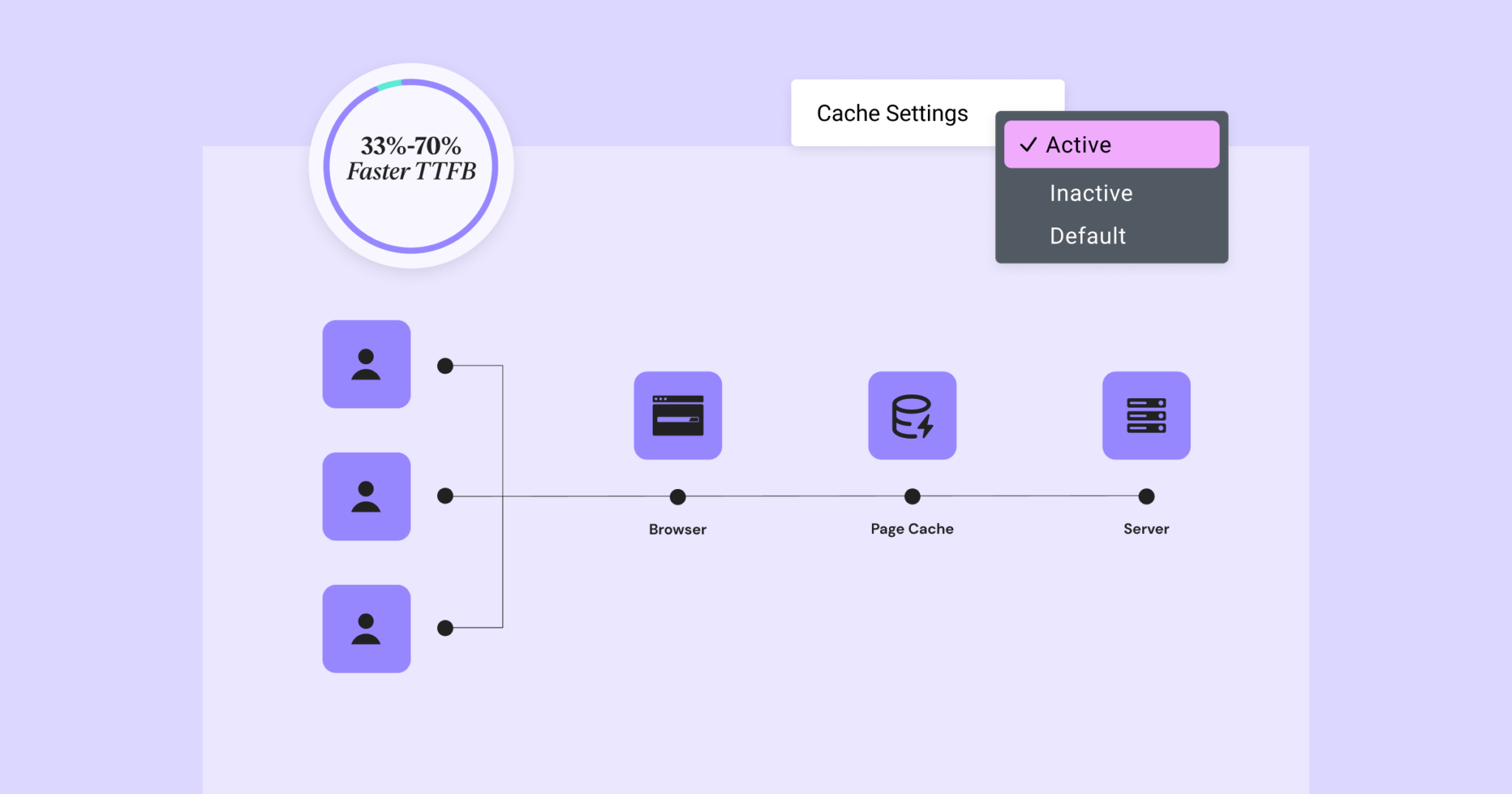
Elementor 3.22 Update: New Off-Canvas Widget and Caching Improve Site Performance
What's New: Off-Canvas Widget Elementor 3.22 introduces Off-Canvas Widget, a new professional design tool that creates interactive page layouts and enhances user experience. Features: Interactive Layout: Open and close containers by clicking on links that can...
Improve website performance across the board: update Elementor to optimize load speed, code cleanliness, and image processing
Past versions of Elementor took a big step forward in improving site performance, but this new version it adds a number of features that can speed up your site in three main ways: improved performance metrics, cleaner code, and faster image loading. While some features will...





