



Elementor Page 8
arrange in order
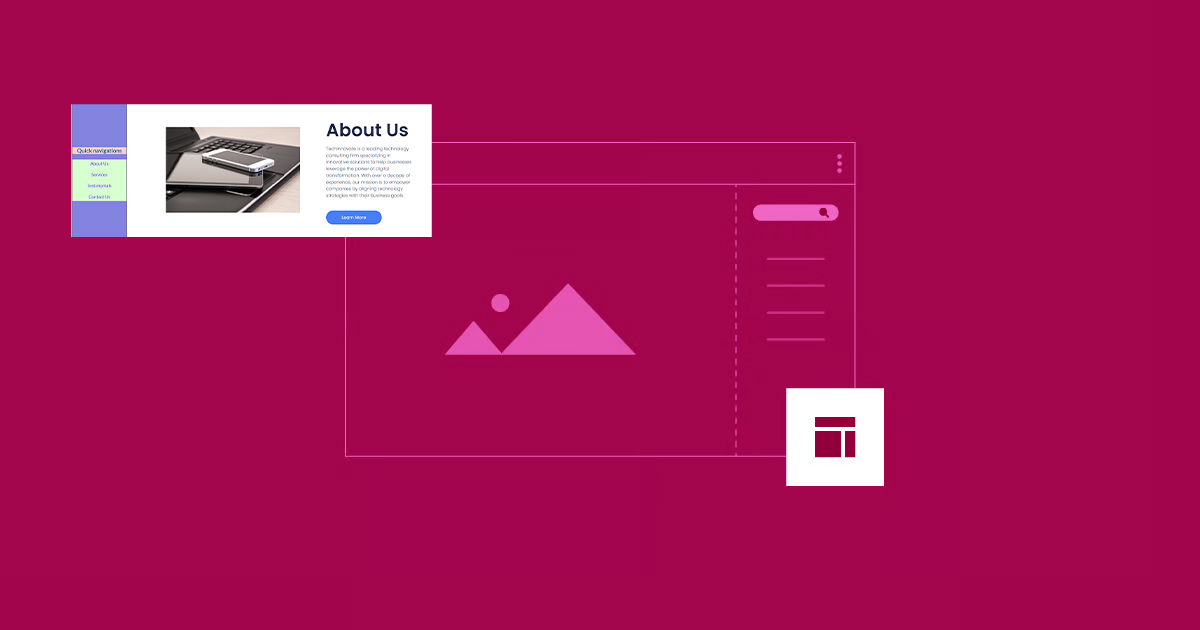
How to Create Vertical Sticky Headers with Containers in Elementor
What is a Vertical Sticky Header? Vertical Sticky Headers are a type of header bar that is fixed to the side of the page and stays visible as the user scrolls down the page, allowing easy access to other page areas or quick navigation. This design can be used in catalogs, navigation menus, link...

How to solve "Post Content widget not found" error in Elementor
In the past two days, a reader left a comment in the community (Photon Community) that he encountered a "Post Content widget not found" error when using Elementor to design a WordPress single post template. This is a relatively common problem with Elementor, which usually occurs when creating or...

How Elementor Creates and Manages Single Product Templates (Comprehensive Guide)
Learn how to create, edit and manage single product templates to standardize your product presentation. This guide covers template exporting, renaming, deleting, and other operations to help you optimize your website's product page layouts and improve user experience and SEO.
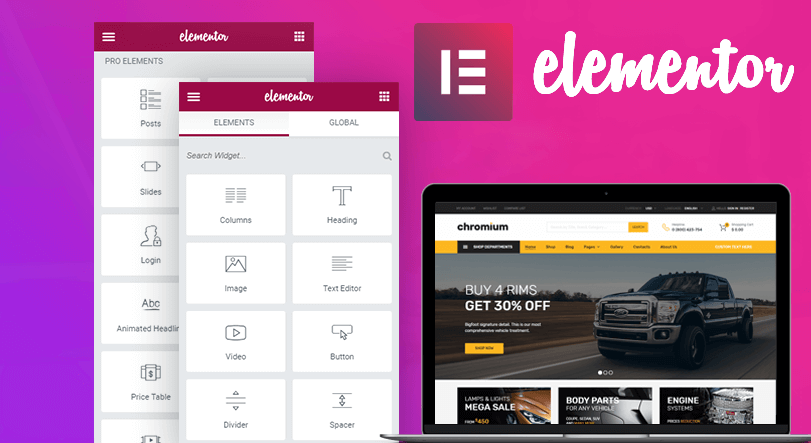
How to use the custom code feature in Elementor
Learn how to add HTML, JavaScript, and CSS custom code in Elementor to flexibly implement Google Analytics, Facebook Pixel, and other code tracking and custom styles to enhance the functionality and personalization of your WordPress website.

Implementing Dynamic Tables in Elementor: A Guide to Automatic Updates and Custom Styles
Create dynamic tables in Elementor to display real-time updated data and reduce manual maintenance workload. This article introduces using TablePress and WP Data Tables to achieve automatic data synchronization for product catalogs, inventory information, etc., which helps to improve website user experience.

Elementor 3.25 Update: CSS Optimizations, New Anchor Offset Controls and Search Widget Pagination
The Elementor 3.25 update brings continuous CSS optimization, new anchor offset controls, and real-time search paging to improve site speed, user experience, and interactivity to support site optimization.

Accelerating Animation with Elementor AI: A Tutorial
With GSAP Animation and Elementor AI, learn how to add dynamic video effects to your website to enhance the user experience, increase interactivity, immerse visitors in the scrolling process, grab their attention, and boost website conversions.

How to Create a Wave Hover Effect in Elementor Gallery: Full Tutorial
Add a wave hover effect to your Elementor gallery to bring a dynamic visual experience to your WordPress site. This tutorial covers detailed steps including image settings, custom CSS code, animation tweaks, and more.

How to Customize WooCommerce Product Pages with Elementor to Improve User Experience and Page Appeal
Customize your WooCommerce product pages with Elementor, and easily design unique layouts with drag-and-drop editors and rich widgets to enhance user experience and page appeal, all without coding!

How to Create Custom Search Results Pages with Elementor: A Complete How-To Guide
Learn how to create customized search results pages using Elementor and Elementor Pro. This tutorial explains in detail the search box settings, live search templates, configuration of the archive post widget, and how to enhance the user experience.

How to create flexible custom one-page templates with Elementor Flexbox containers: a detailed tutorial
Learn how to create custom one-page templates using Elementor's Flexbox container with detailed step-by-step tutorials to provide flexible layouts and modern designs for blog posts, product pages, or service pages, optimizing user experience and responsive results.

Customizing WooCommerce Shopping Cart Pages with Elementor: The Ultimate Guide to Boosting Conversions
Customize WooCommerce shopping cart pages with Elementor to improve conversions and user experience with coupons, upsells, dynamic content, and more. Detailed tutorials, easy to follow, no code required.

Container and Column Width Settings in Elementor: Tips for Creating Beautifully Structured Web Pages
Learn how to set the width of containers and columns in Elementor to flexibly adjust the page layout, optimize the user experience, and ensure that the page displays perfectly on a variety of devices through responsive design.
Elementor Ultimate Tutorial: From Installation to Use, Build a Professional WordPress Website Fast
This tutorial explains in detail the features, installation steps and usage of Elementor to help you quickly master Elementor, build professional-grade website pages in WordPress from scratch, and easily realize drag-and-drop design and responsive layout.

Creating Custom Post Listing Page Templates with Elementor Pro: A Detailed Tutorial
Customize WordPress article listing page templates with Elementor Pro to easily personalize the layout and optimize the user experience. This tutorial explains the steps to create templates, style adjustments, dynamic content display and display conditions to help you create a unique archive...

How to Clear Elementor's Cache to Optimize Website Performance and Keep Content Updated
Learn how to clear the Elementor cache to ensure that your WordPress site is always displaying up-to-date content and optimizing loading speeds. This article provides detailed clearing steps and FAQs to help you improve your site's performance.

The Ultimate Guide to Fully Optimizing Elementor's Website Speed: Improving Performance and User Experience
Learn how to optimize the speed of WordPress sites built on Elementor to improve performance and user experience. This guide covers CSS optimization, cache settings, database cleanup, image compression, and other advanced techniques to help improve search engine rankings and reduce load times.

How to create and customize headers and footers with Elementor Free Edition
Learn how to use the free version of Elementor and the ElementsKit plugin to easily create and customize the header and footer of your WordPress website, entirely through a visual interface, with no coding experience required.

How to Create Landing Pages in WordPress with Artificial Intelligence
Use AI to quickly create professional, high-converting landing pages in WordPress with no coding skills required. This article describes the pros and cons of AI landing pages and provides a detailed guide to Elementor to help you easily optimize SEO and increase conversions.

2025 Image Optimization Guide: essential tips to improve website speed and SEO rankings
Image optimization continues to be an important factor in website performance. This article breaks down 2025 image optimization best practices in detail, including choosing the right image format, resizing, compressing images, enabling lazy loading, optimizing metadata, and more, to help improve website speed and SEO rankings.

The Complete Guide to Elementor Forms: From Basic Setup to Optimization Enhancements for High-Converting Online Forms
Elementor Form is a powerful tool to collect user information and improve conversion rate. This guide analyzes the features of Elementor Form Widget, applicable scenarios, and provides optimization tips to help you build an efficient and interactive WordPress online form.
Common Problems and Solutions for reCAPTCHA Not Displayed in Elementor
Learn how to fix reCAPTCHA not showing up in Elementor, including checking for Google API keys, JavaScript, caching issues, plugin conflicts, and other common causes, to help you successfully fix the reCAPTCHA feature in Elementor forms.

Elementor Loop Mesh not showing up? Reasons and solutions
Understand the common reasons why Elementor Loop Grid does not display content and solve the problem with detailed troubleshooting methods. This article provides solutions to help you fix common errors such as cache issues, theme plugin conflicts and query settings to restore normal display.
Using Elementor Forms Plugin: Recommended Best Plugins and Tools
Choose the right Elementor table plugin to enhance table functionality and design. We recommend TablePress, WP Table Builder and other best plugins to help you easily create interactive, responsive and beautiful tables for different needs.
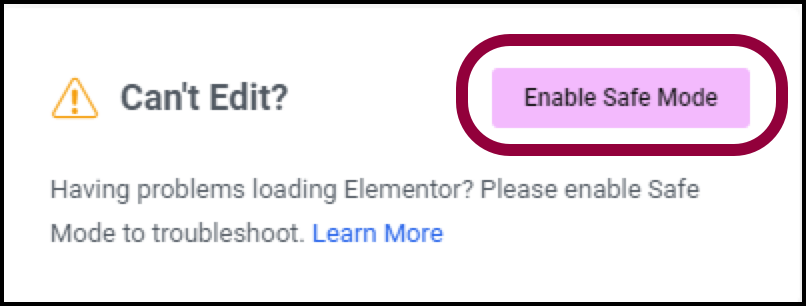
Why using Elementor Safe Mode speeds up website debugging
Learn how to speed up the website debugging process by enabling Elementor Safe Mode. This article describes how Safe Mode can be used to isolate plugin conflicts, optimize page load speeds, and reduce cache interference to improve the efficiency of Elementor page builds and troubleshooting.
The combination of Elementor templates and dynamic content: making your pages more interactive
Learn how to combine Elementor templates with dynamic content to enhance your website's interactivity and user experience. Create more vibrant, user-engaging web designs with real-time updates, social media integration, and personalized content.

What's New in Elementor: Editable Blocks, AI Logo Generator and Cleaner Product Images - April Update Highlights
Elementor's April update brings a new AI Logo generator, smart image tools, and editable blocks to help users create brand assets faster, improve the quality of product imagery, and accelerate the website design process. With these features, designers can more efficiently complete projects...

In-Depth Website Editor Comparison: Core Differences Between Elementor and Gutenberg
An in-depth look at the core differences between Elementor and Gutenberg, from design freedom and performance to future directions, to help you choose the best editor for your next WordPress project.

Elementor Transparent Fixed Header Compatibility Analysis in Different WordPress Themes
Learn how to create transparent fixed headers with Elementor in different WordPress themes. This article analyzes the compatibility of themes such as Astra, OceanWP, GeneratePress, Hello Theme and WoodMart to help you choose the most suitable theme for your ideal...

Elementor and SEO: Best Practices for Optimizing Page Structure and Loading Speed
Learn how to enhance your website's SEO performance, user experience and search engine rankings by optimizing page structure and improving load speed when building websites with Elementor.

 简体中文
简体中文  English
  日本語
日本語  Français
  Español



