



WordPress Plugin Page 2
arrange in order

How to Create Image Hotspots with Elementor's Hotspot Widget
Use HappyAddons hotspot widgets to add clickable areas to images, displaying text, links and icons to make WordPress pages more interactive and expressive.
Introducing Editor V4 Alpha: The Future of Elementor Website Building
Learn about the new features that Editor V4 Alpha introduces in Elementor, including reusable classes, interactive styles, simplified DOM structure, and fully responsive design controls to help users increase productivity and optimize site performance.

Elementor Loading Stuck/Unresponsive? Practical Tips for Optimizing Site Performance
Elementor loading lag or slow response of the editor is a common problem. In this article, we've compiled 7 practical tips from hosting environment, plugin configuration to caching strategy, to help you fully optimize Elementor performance, so that the editing experience is smoother and the website loads faster.

Adding Multi-Level Filtering to Articles and Products in Elementor Tutorial
This tutorial describes the complete procedure and setup of adding multi-level filters to articles and products in Elementor using the Unlimited Elements plugin.

Elementor Safe Mode and Automatic Backup: Important Tools for Preventing Accidental Losses
Learn how to effectively prevent data loss in page design, safeguard the integrity of design results, and improve development efficiency and security by enabling Elementor's Safe Mode and Auto Backup features.

Elementor Product Page Layout Recommendations: Tips for Increasing Conversions
Recommend a variety of Elementor product detail page layout, optimize information display and purchase path, help conversion rate increase.
Choosing the Best Plugins for WordPress: five must-have post-installation plugins
Explore five must-have plugins after installing WordPress, including Yoast SEO, Akismet, Elementor, UpdraftPlus, and WP Super Cache.These plugins help you optimize your site's SEO, security, speed, and user experience.

Plugin conflict causing Elementor loading exception? One Click Troubleshooting and Solution
Elementor can not be loaded out is likely to be due to plug-in conflicts. This article analyzes in detail the common types of conflicts, specific performance and troubleshooting methods, and provide a key to enable safe mode, console log analysis and caching plug-in exclusion settings and other solutions to help you quickly restore editor functionality ...

How to Create Click-Triggered Subscription Popups in Elementor
Detailed description of how to create click-triggered subscription pop-ups in Elementor, including template design, trigger settings, button connection and form testing.
Creating Customized Search Results Pages with Elementor Pro
Detailed tutorial teaches you to use Elementor Pro to create WordPress custom search results page, including live search, post archive display and styling, suitable for e-commerce, blogs and knowledge base sites.

Recommended Best Image Optimization Plugins for WordPress in 2025: 6 Real-World Comparisons
A selection of the 6 best WordPress image optimization plugins of 2025, real test compression effect and loading speed, help website to improve SEO ranking.
Recommended methods and plug-in combinations for free implementation of common Elementor Pro features
This article describes how to replace the common features of Elementor Pro with a free version of Elementor and a combination of plugins. The recommended free plugins can help you implement advanced features such as price lists, sliders, forms, dynamic content, and other features to create professional websites with ease.

Complete Guide to Installing WordPress Plugins with WP-CLI
This tutorial explains how to install, enable and manage WordPress plugins using WP-CLI. Learn how to simplify the plugin installation process via the command line for developers.

How to prevent malicious attacks and code injection with Elementor Security Mode?
Learn how to protect your website from malicious attacks and code injection risks by enabling Elementor Security Mode. Learn ways to improve website security, including preventing XSS, SQL injection attacks, and file upload vulnerabilities, to ensure the long-term stability and security of your organization's website.

How to achieve seamless page recovery with Elementor Safe Mode?
Elementor editor won't open? Page loading failed? With Elementor Safe Mode, you can seamlessly diagnose and fix page problems, quickly troubleshoot plugin conflicts, and realize safe and efficient page recovery operations.

Not sure what GenerateBlocks is? What website-building problems can it solve?
What is GenerateBlocks? This article systematically explains the core features of the GenerateBlocks plugin, its applicable scenarios, and the WordPress page layout and site-building issues it resolves, helping you determine whether it's worth using long-term.
Elementor Web.fwrd 2025 Year in Review: Opening a New Era of Web Authoring
Take a deeper dive into the many updates Elementor released in Web.fwrd 2025, including the AI Site Planner, Hello Biz Theme, Send Marketing Platform, and the all-new Editor V4, which helps web creators build effective websites.
Adding a Subscription Form with the Elementor Pro Form Builder (Full Tutorial)
This article demonstrates the Elementor visual form builder subscription scenarios, examples covering field configuration, button styles, MailChimp access and jump page settings, quickly get started with the basics of email marketing!

Elementor Loop Mesh not showing up? Reasons and solutions
Understand the common reasons why Elementor Loop Grid does not display content and solve the problem with detailed troubleshooting methods. This article provides solutions to help you fix common errors such as cache issues, theme plugin conflicts and query settings to restore normal display.
Elementor Editor V4 Getting Started: A First Look at the Next-Generation Editing Experience (2025 Update)
Elementor Editor V4 is new, bringing a new interface and structure layout. This article explains the steps and features of Elementor Editor V4, which is suitable for website builders to test and explore.
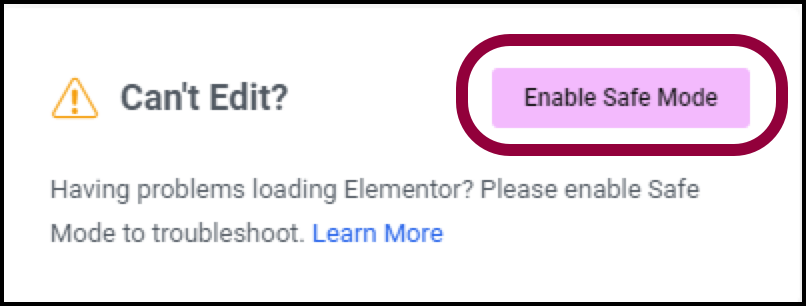
Why using Elementor Safe Mode speeds up website debugging
Learn how to speed up the website debugging process by enabling Elementor Safe Mode. This article describes how Safe Mode can be used to isolate plugin conflicts, optimize page load speeds, and reduce cache interference to improve the efficiency of Elementor page builds and troubleshooting.

How to add a Floating Bar in Elementor
Teaches you how to quickly create Floating Bar with Elementor templates for displaying promotions, announcements or chat buttons for a variety of web scenarios.

Elementor Security Mode vs. other page builders: which is better for your site?
An in-depth comparison of Elementor Security Mode with page builders like WPBakery, Beaver Builder, Divi and more to help you choose the best tool for your site. Learn about their security, ease of use, functionality, and performance features to make an informed decision.

How can Elementor Safe Mode help optimize site performance and reduce resource consumption?
Get a deeper understanding of how Elementor Security Mode can help troubleshoot plugin conflicts, reduce page resource consumption, improve loading speed, and provide a smoother, more efficient user experience and performance guarantee for WordPress sites.
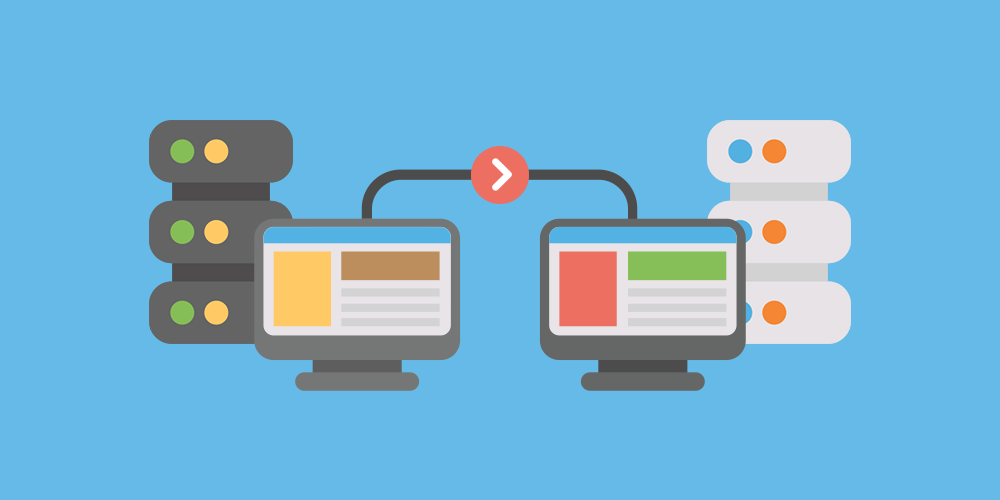
WordPress Website Backup and Tool Recommendations Before Migration
Detailed explanation of WordPress website migration before the backup focus and tools recommended, covering file and database preservation, full incremental combination, local cloud storage and practical plug-ins to help you safely and efficiently complete the migration.
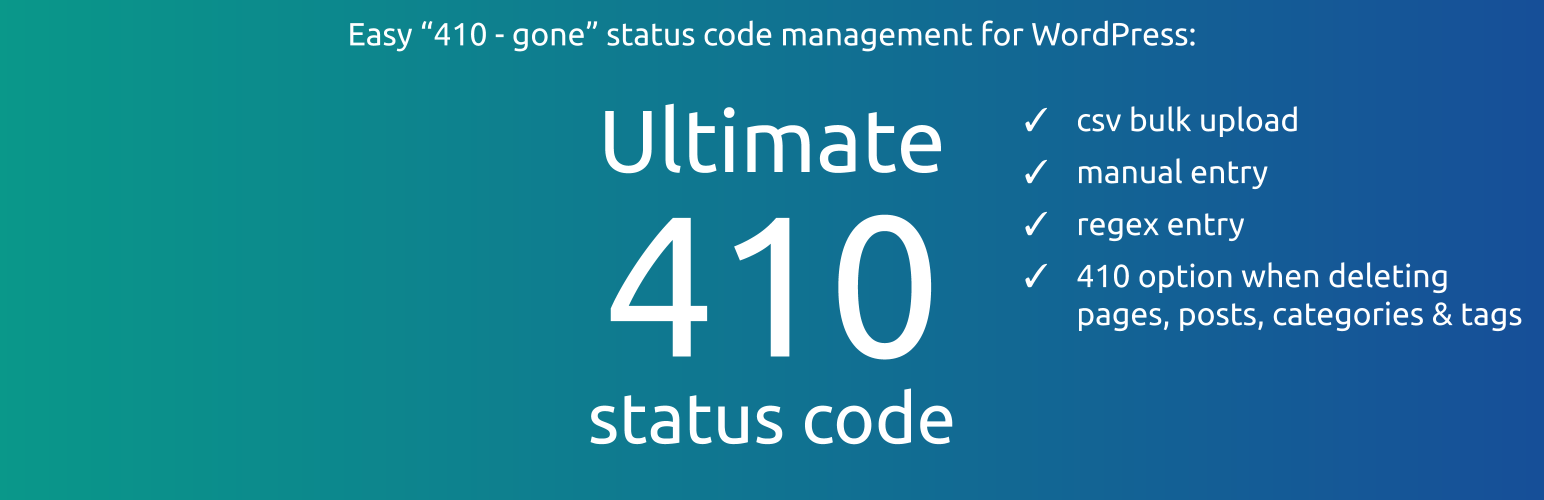
How to Manage Deleted Pages and Improve SEO with WordPress 410 Plugin
Learn how to speed up search engine updates, boost SEO performance, improve user experience, and simplify site maintenance management by using the 410 plugin for WordPress. Ideal for sites that need to permanently remove pages to help optimize overall site performance.

How to troubleshoot a server configuration issue where the Elementor editor won't open?
Elementor editor can not open may be closely related to your server configuration. This article explains the key PHP parameters that affect the loading of Elementor, REST API status and extension dependencies, and provides practical troubleshooting and optimization suggestions to help you quickly restore the editor function.
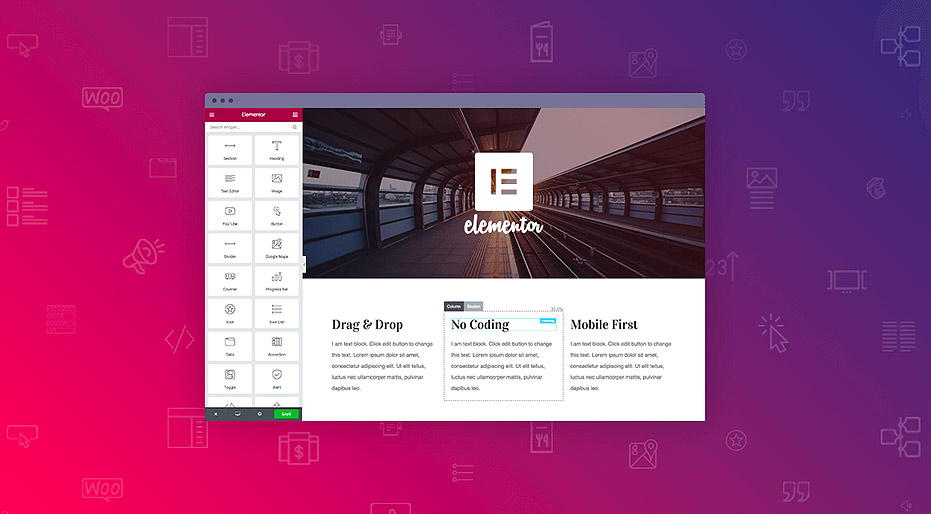
Best Practices for Elementor Secure Mode: Optimization and Troubleshooting Tips
Learn how to optimize page design, resolve plugin conflicts, and troubleshoot issues with Elementor Security Mode. This article provides practical tips and best practices to help developers increase development efficiency and improve site performance.

Creating Custom WooCommerce Product Pages: Elementor Pro Tutorials
Customize WooCommerce product pages with Elementor Pro and easily design images, prices, and button layouts to improve brand image and conversion rates.

Five Risks of Using Illegal Versions of Elementor Pro, a Web Security Issue That Can't Be Ignored
Using an illegal version of Elementor Pro poses multiple risks such as security breaches, lagging updates, missing features, etc. Be aware of these potential hazards to ensure your website's security.

 简体中文
简体中文  English
  日本語
日本語  Français
  Español



