





arrange in order

In-Depth Website Editor Comparison: Core Differences Between Elementor and Gutenberg
An in-depth look at the core differences between Elementor and Gutenberg, from design freedom and performance to future directions, to help you choose the best editor for your next WordPress project.

What's New in Elementor: Editable Blocks, AI Logo Generator and Cleaner Product Images - April Update Highlights
Elementor's April update brings a new AI Logo generator, smart image tools, and editable blocks to help users create brand assets faster, improve the quality of product imagery, and accelerate the website design process. With these features, designers can more efficiently complete projects...

WordPress CRM Plugin Comparison 2025: Features, Ease of Use & Pricing Analysis
An in-depth analysis of the best WordPress CRM plugins for 2025, covering features, ease of use & pricing, to help organizations choose the best CRM solution to improve customer management and sales effectiveness.

Choosing the Best Plugins for WordPress: five must-have post-installation plugins
Explore five must-have plugins after installing WordPress, including Yoast SEO, Akismet, Elementor, UpdraftPlus, and WP Super Cache.These plugins help you optimize your site's SEO, security, speed, and user experience.
The combination of Elementor templates and dynamic content: making your pages more interactive
Learn how to combine Elementor templates with dynamic content to enhance your website's interactivity and user experience. Create more vibrant, user-engaging web designs with real-time updates, social media integration, and personalized content.
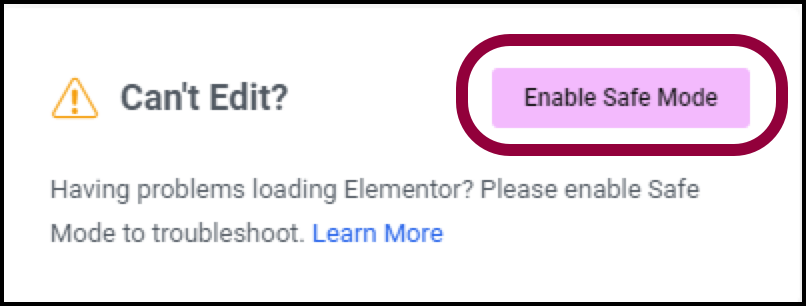
Why using Elementor Safe Mode speeds up website debugging
Learn how to speed up the website debugging process by enabling Elementor Safe Mode. This article describes how Safe Mode can be used to isolate plugin conflicts, optimize page load speeds, and reduce cache interference to improve the efficiency of Elementor page builds and troubleshooting.

Using Elementor Forms Plugin: Recommended Best Plugins and Tools
Choose the right Elementor table plugin to enhance table functionality and design. We recommend TablePress, WP Table Builder and other best plugins to help you easily create interactive, responsive and beautiful tables for different needs.
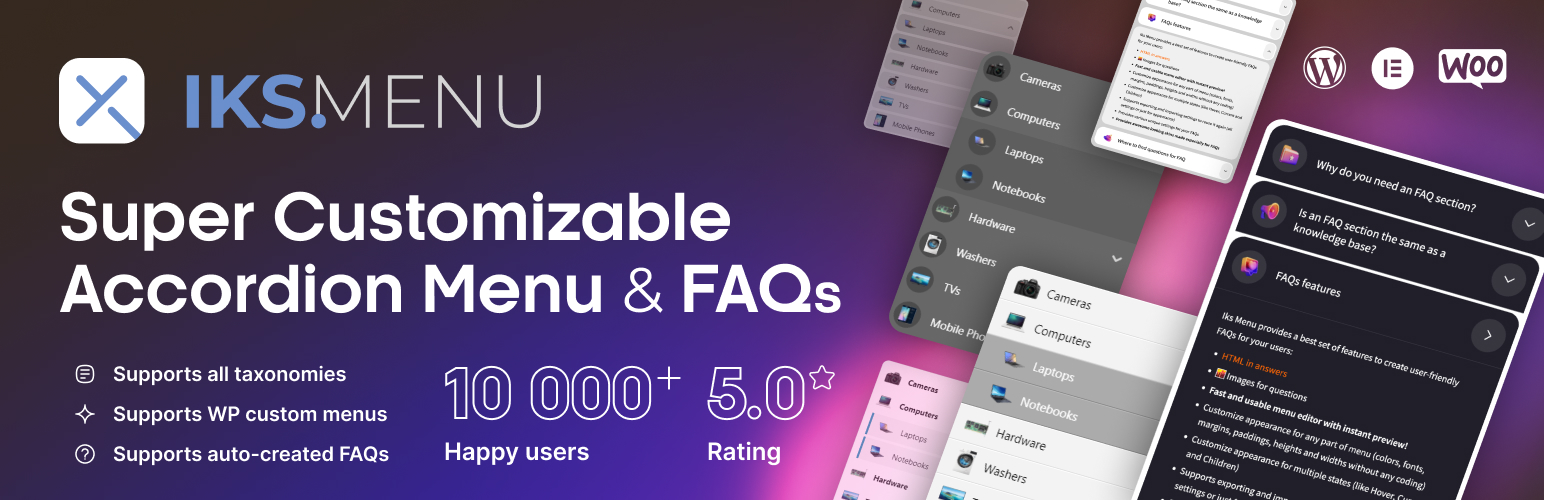
Create dynamic WordPress accordion menus with IKS Menu plugin
Learn how to create dynamic accordion menus on WordPress using the KS Menu plugin to enhance user experience and optimize site navigation. Detailed installation, customization and responsive design setup steps are provided.

How to Use WebP Images in WordPress
Learn how to use WebP images in WordPress to boost site performance, reduce file size, speed up page loads, and improve SEO rankings by installing a plugin or uploading them manually. Optimize images with the WebP format to improve user experience and load speed on mobile.
How to Manage Deleted Pages and Improve SEO with WordPress 410 Plugin
Learn how to speed up search engine updates, boost SEO performance, improve user experience, and simplify site maintenance management by using the 410 plugin for WordPress. Ideal for sites that need to permanently remove pages to help optimize overall site performance.
Common Problems and Solutions for reCAPTCHA Not Displayed in Elementor
Learn how to fix reCAPTCHA not showing up in Elementor, including checking for Google API keys, JavaScript, caching issues, plugin conflicts, and other common causes, to help you successfully fix the reCAPTCHA feature in Elementor forms.

Elementor Loop Mesh not showing up? Reasons and solutions
Understand the common reasons why Elementor Loop Grid does not display content and solve the problem with detailed troubleshooting methods. This article provides solutions to help you fix common errors such as cache issues, theme plugin conflicts and query settings to restore normal display.

 简体中文
简体中文  English
  日本語
日本語  Français
  Español



