





arrange in order

How to Easily Display Templates on WordPress Websites Using Elementor Shortcodes
Elementor is one of the most popular page builders. It offers many powerful features, one of which is the use of shortcodes. With shortcodes, you can easily embed and display Elementor templates anywhere in your WordPress site. In this article, we'll talk more about...

Creating Clean and Efficient Single-Page Websites in WordPress: A Comprehensive Guide
Sometimes, a simple design can have more impact than a complex structure. This is why single page websites are becoming increasingly popular in WordPress development. By simplifying and centralizing their design, single page websites not only provide a smoother user experience, but also more effective...
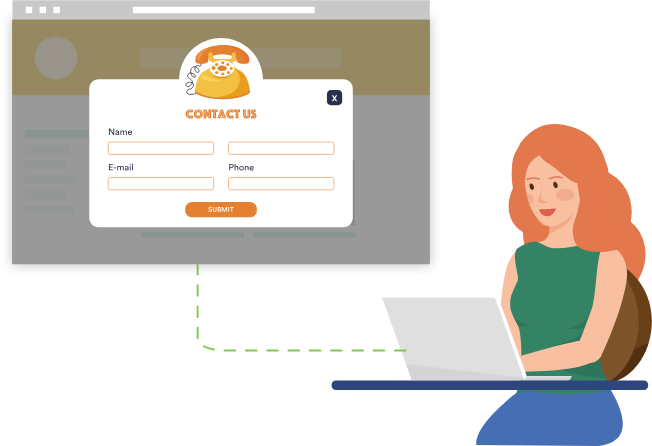
How to Add a Popup Form in WordPress
Popup forms are effective in grabbing users' attention and directing them to perform specific actions, such as signing up for a newsletter or completing a purchase, by displaying a popup window at the right time and place. In this detailed tutorial, we will guide you step-by-step on how to use WordPres...

Detailed tutorial on adding a search icon to a website menu with the Elementor plugin
In this article, we'll show you in detail how to add a search icon to your website menu with the Elementor plugin. What is the Elementor Search Icon? The Elementor Search Icon is actually a widget provided by the Elementor plugin called "Search Form". With this...

An in-depth analysis of Elementor floating buttons: a key design element to enhance website user experience
A Floating Action Button (FAB) is a common user interface element usually found on websites or mobile applications. It is characterized by hovering over the content of a page, usually fixed to a corner or edge of the page, and remains visible to the user while scrolling...

How to Set Template Conditions with Elementor: Enhancing Customization and SEO for WordPress Websites
With Elementor, you can create beautiful web pages and easily customize the layout and display of your website by setting template conditions for different pages. This article will detail how to set template conditions in Elementor to make your WordPress website more flexible...
Best WordPress CRM Plugin Recommendations and Reviews: essential tools to enhance customer management and business growth
Customer Relationship Management (CRM) Whether it's following up on leads, increasing sales, and managing interactions with customers, WordPress CRM plugins can help you streamline these tasks. In this article, we dive into 8 recommended WordPress CRM plugins to help you optimize customer...

Why is the Elementor widget grayed out?
Why are widget elements grayed out in the Elementor editor? There are two common reasons why you see widget elements "grayed out" when editing pages or content in the Elementor editor. The element has been hidden on some devices If the visibility of the element has been...
How to Successfully Translate a WooCommerce Store into Multiple Languages: A Comprehensive Guide
Expanding your WooCommerce store to attract international customers can be a key move to improve competitiveness and increase revenue, and multi-language support isn't just an option, it's become a necessity. This article will dive into how to translate your WooCommerce store into multiple languages and provide...
How to Implement Advanced Design Features in Gutenberg with Elementor Blocks
Gutenberg is a block editor for WordPress that allows users to create and edit content in the form of blocks. In order to allow users to utilize the power of Elementor in Gutenberg, Elementor has developed a program called 'Elementor Blocks for Gutenberg'...

How to Create Sticky Headers with Elementor: An Exhaustive Guide
Headers are one of the first elements users see when they visit a website, and are a key navigation tool for them to navigate the site. Sticky headers are a major trend in web design, as they keep the header visible as the page scrolls, greatly enhancing the user's...

How to Check and Fix WordPress Plugin Conflicts: A Beginner's Guide
After so many years of doing WordPress, we've encountered a lot of errors, many of which are due to plugin conflicts. Plugin conflicts can cause all sorts of problems with a website, from minor issues to complete crashes are common. Today's tutorial on how to check for WordPress plugin conflicts,...

 简体中文
简体中文  English
  日本語
日本語  Français
  Español



