



WordPress Themes Page 16
arrange in order

Kadence Tutorial: How to Create and Set Up Notification Bars in Kadence Themes
Learn how to create and set up notification bar in Kadence theme. Easily increase website conversions, advertise promotions or direct users to sign up by adding countdown timers, text content, buttons and setting the notification bar position and expiration time.
Product Features and Procedures in WoodMart Themes
This article introduces three core product features of WoodMart theme: visitor counter, sales counter and inventory progress bar, and provides detailed configuration steps to help WooCommerce store to improve page interaction and purchase conversion.
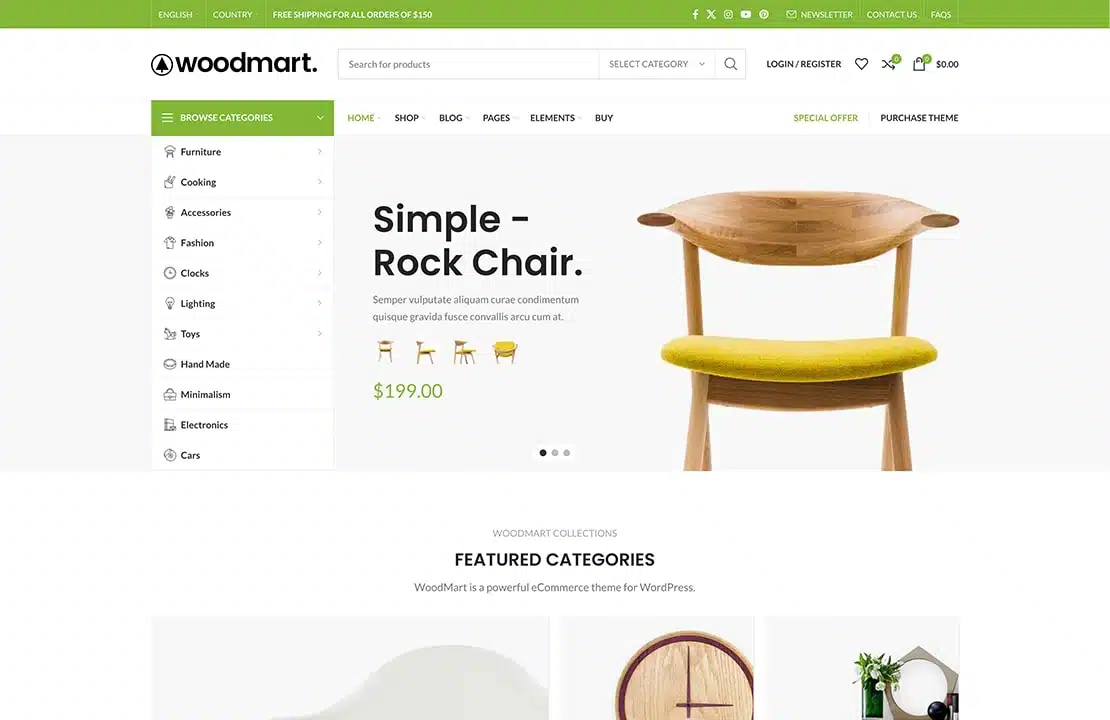
WoodMart Theme: Header Builder to create and customize website headers
This article details how to create and customize website header in Frontend mode using Header Builder for WoodMart theme. Use flexible editing methods, template selection and JSON data import to help you quickly design a header layout that meets your needs.
A guide to using the dynamic discount feature in WoodMart themes
This article details how to enable and configure the dynamic discount feature in WoodMart theme, which helps WooCommerce merchants to set different price discounts based on the purchase quantity and show them to customers through discount forms. By setting discount rules, priorities and conditions, merchants can increase sales...

2025 WordPress Theme Race: Who's Better, Avada or Astra?
Astra Themes, Avada Themes, WordPress Themes Comparison, Which is Better Astra vs Avada, WordPress Build Recommendations, Astra Pro Pricing, Avada Licensing, Elementor Compatible Themes, WordPress Performance Optimization

Kadence Teaching: A Complete Guide to Kadence Theme Sidebars
Learn how to add and manage sidebars in Kadence Theme, this article includes site-wide and individual page sidebar settings, WooCommerce sidebar configuration, and how to enable sticky sidebars to make your WordPress website layout more flexible and interactive.
WoodMart Theme with WPML Multilingual Settings
Use WPML to implement multi-language support on WoodMart theme to enhance the internationalization competitiveness of your e-commerce website. This article introduces WPML installation, translation mode, WooCommerce multi-language configuration, string translation and other key features.

Avada Theme Tutorial: How to Import Templates on Avada Theme
Newbie website builders don't need to worry! This tutorial explains in detail how to import pre-built templates in Avada theme to quickly create high-quality website pages, and comes with FAQs to help you get started with Avada theme.

WoodMart Theme WooCommerce Product Grid with Rotator Feature
Understand the WooCommerce product grid and rotation features of WoodMart theme, support custom product display, optimize page layout, and enhance the visual effect of the store. Master product filtering, paging, sorting and rotation configurations for a more flexible and efficient online sales experience.
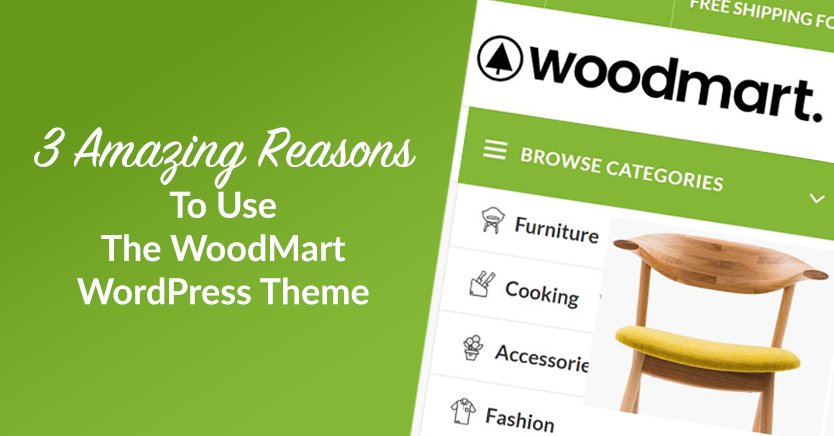
Slider Settings Guide in WoodMart Theme
WoodMart theme provides lightweight slider feature to quickly create smooth image rotation effect. This article describes how to set up a slider in WordPress, manage slideshows, adjust animation effects, optimize the layout, and through Elementor or WPBakery Page Builder to add ...

WoodMart Theme's Abandoned Cart Feature: An Effective Tool for Increasing Conversions
WoodMart Theme Abandoned Shopping Cart feature helps merchants recover unfilled orders and reduce lost sales. This article describes how to enable cart storage, email alerts, coupon incentives, and other features to boost conversions and optimize e-commerce operations strategies.

WoodMart Theme WooCommerce Estimate Delivery Feature Setting
This article details how to enable and configure the WooCommerce Estimated Delivery feature in your WoodMart theme. By setting delivery dates, configuring shipping zones, specifying skip dates, and more, stores are able to provide customers with accurate delivery time expectations, increase shopping transparency and optimize...
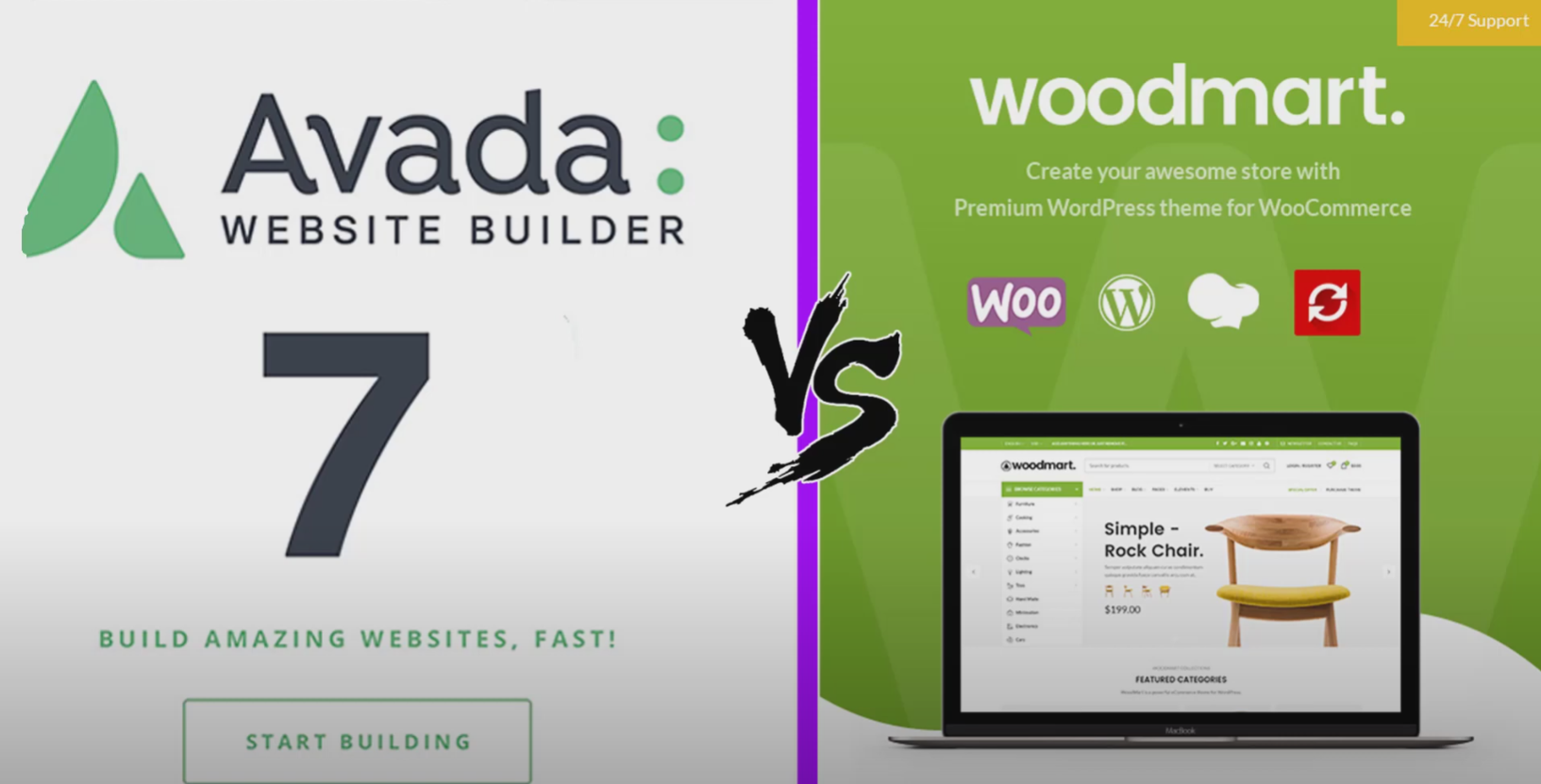
Avada vs WoodMart Theme Comparison: Which is Better for WooCommerce Ecommerce Sites?
Avada and WoodMart are the most popular WooCommerce themes on the market, each with different advantages. This article compares the page builder, performance optimization, mega menu, template library and pricing of the two to help users choose the most suitable WordPress theme to build an efficient...

How to Translate a WordPress Website Using Loco Translate Plugin with WoodMart Theme Integration
This article describes how to use Loco Translate plugin to translate WoodMart theme, including plugin installation, language settings, storage location selection and text translation steps. With Loco Translate, no need to modify the code to complete the theme localization, improve the site's multi-language adaptability ...

How to Create a Mega Menu with Elementor Builder and WoodMart Themes
This article describes how to create powerful and flexible mega menus with the Elementor builder and WoodMart theme. It includes creating navigation menus, setting up dropdown menus, adding full-width mega menus, customizing sizes, adding labels and setting up rotating product displays to help enhance web...

Kadence Blocks 3.5.0 and Kadence Blocks Pro 2.7.0 Update Analysis
Kadence Blocks and Kadence Blocks Pro receive the March 18, 2025 update, bringing new features and optimization fixes to improve design flexibility and stability. Updates include new vector illustration blocks, icon search functionality, Lottie animation fixes, and more to further enhance user...
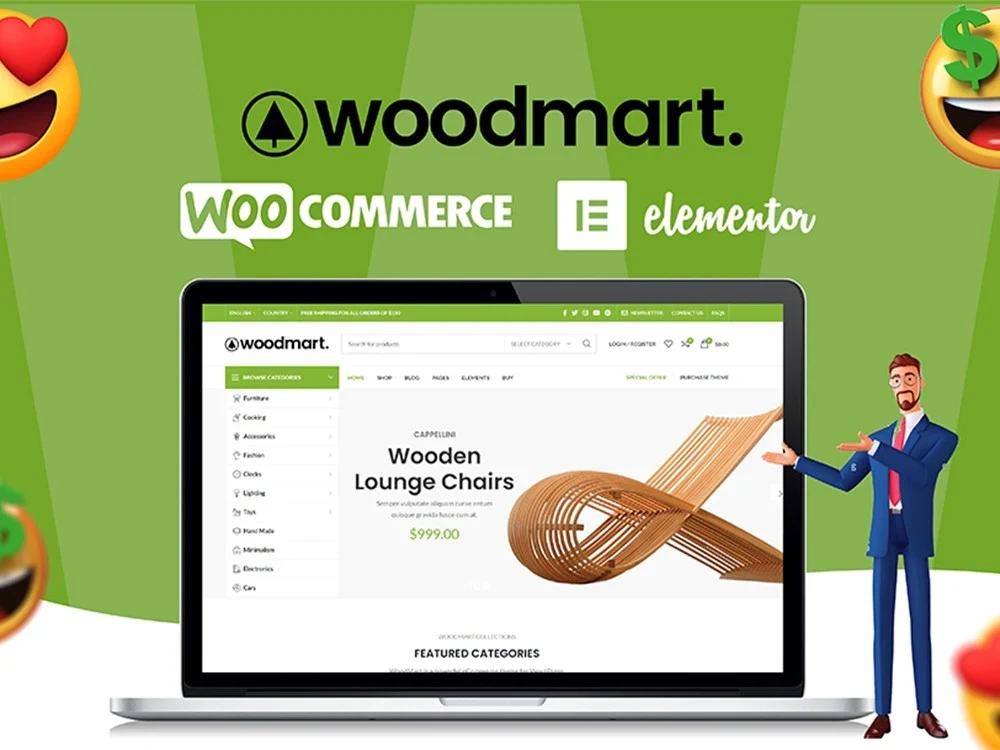
WoodMart Theme Menu Customization Tutorial
Learn how to edit and customize menus in the WoodMart theme. This article details how to create, add menu items, adjust the order, set styles, and enable responsive menu features for clear and easy-to-use website navigation.

Kadence Tutorial: How to Make Giant Dropdown Menus with Kadence Themes
Learn how to create mega dropdown menus using the paid version of the Kadence theme. This article provides detailed steps, including installing the plugin, configuring Mega Menu, using the WooCommerce shortcode, and more, to help you create a professional WordPress site navigation.

Complete guide to setting up a WooCommerce store with the Flatsome theme
Optimize your WooCommerce store with the Flatsome theme, from choosing pre-built templates and configuring category pages to optimizing the product display and checkout process, to enhance the user experience, increase conversions, and create an efficient e-commerce site.
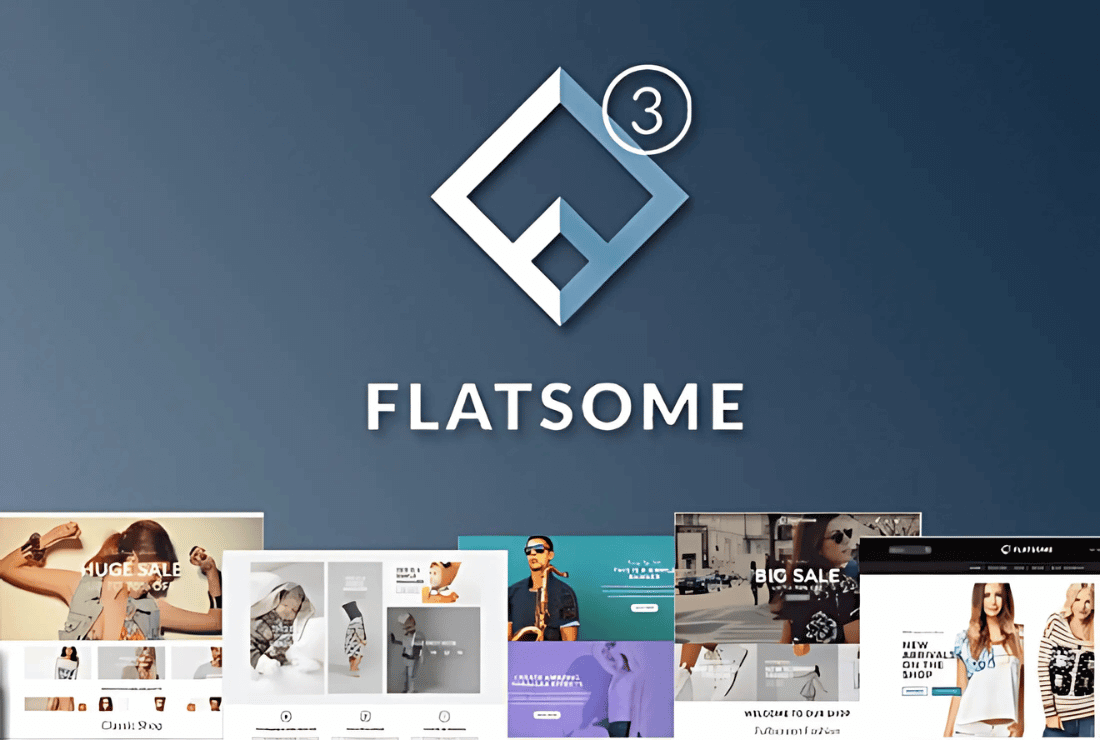
Flatsome Theme Review: Versatile WooCommerce Theme with Powerful Customization and Optimization Features
Flatsome is a powerful WooCommerce theme with rich customization features, built-in UX Builder page builder and seamless WooCommerce integration. Suitable for e-commerce websites, it offers a wide range of layouts and templates to easily help users create and manage online stores...

Flatsome Theme Review: Installation Guide and Setup Wizard in Detail
Flatsome is a powerful WooCommerce theme designed for online stores. This article provides an in-depth review of Flatsome's core features, pros and cons, and installation process to help you determine if it's right for your eCommerce needs.

Flatsome vs Astra: which WordPress theme is better for you?
Flatsome and Astra are two very popular WordPress themes. This article compares the advantages and disadvantages of these two themes in terms of e-commerce features, SEO optimization, performance, design flexibility, etc., to help you choose the theme that best suits your needs, whether it's an e-commerce store or a blog, make...
Why is Flatsome the preferred theme for WooCommerce merchants?
Flatsome is a powerful and versatile WooCommerce theme for various e-commerce stores. With its efficient performance optimization, flexible page design features and live editing tools, Flatsome helps merchants create fast, responsive and beautiful online stores.

Full tutorial on importing templates for the equipment library
Preparation steps The deployment of your Wordpress site is complete, successfully logged in, we need to click on the appearance (Appearance), as shown in the figure above: Now that the display is the default theme, we need to install the corresponding theme, click to install a new theme (Add New Theme), as follows ...

Astra Theme Integration with Beaver Builder Explained
Astra theme integrates perfectly with Beaver Builder to provide a flexible visual page building experience. This article describes in detail the installation, configuration and optimization methods to help users create a personalized website, while improving the loading speed and interactive experience.
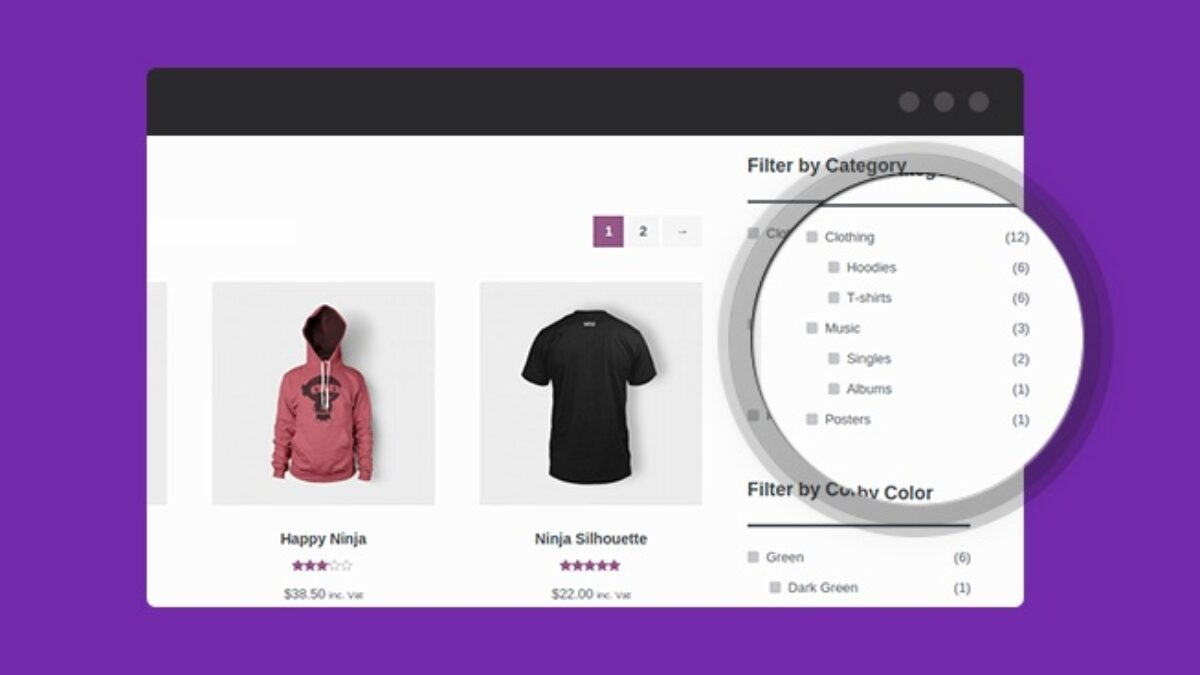
How to fix WoodMart theme filtering WooCommerce product display by color issue
When using WoodMart themes and WooCommerce, the Filter by Color feature may not display products correctly. This guide breaks down the common causes of color filtering issues and provides a complete solution, including property settings, variant adjustments, theme configuration, cache cleanup, and more...
WoodMart theme vs. other popular e-commerce theme choices
Choosing the right WooCommerce theme is crucial for e-commerce websites. This article compares four popular themes, WoodMart, Flatsome, Astra and Porto, and analyzes their performance, features and applicable scenarios to help you find the most suitable solution.

How to choose a theme after WordPress installation: key points for choosing a WordPress theme
How to pick the right theme after installing WordPress? This guide compares the functional features of Kadence, Astra, GeneratePress, and Neve, analyzes the difference between free themes and paid themes, and helps you pick the most suitable theme for your website.

How to Optimize Astra Theme for Mobile Devices: A Detailed Tutorial
Learn how to optimize the Astra theme for mobile and improve the presentation of your website on mobile and tablet devices. This article covers detailed steps from installing the theme to optimizing headers, buttons, menus, and many other parts of the site to help it adapt to various screen sizes.

How to Boost Brand Professionalism and Remove Default Logos with Astra Theme's White Label Feature
Learn how to fully customize your brand identity using the Astra theme's white label feature. This article details how to remove the Astra default branding and replace it with your own brand name to improve the professionalism of your website and provide customization to your clients.

 简体中文
简体中文  English
  日本語
日本語  Français
  Español



