





arrange in order
How to Boost Brand Professionalism and Remove Default Logos with Astra Theme's White Label Feature
Learn how to fully customize your brand identity using the Astra theme's white label feature. This article details how to remove the Astra default branding and replace it with your own brand name to improve the professionalism of your website and provide customization to your clients.
Kadence Tutorials: How to Get Started with Kadence Themes Quickly
This article describes in detail how to build a WordPress website from scratch using the Kadence theme, including installing the theme, choosing a Starter template, making color and typography adjustments, setting headers and footers, optimizing for mobile display, and other operational steps to help you quickly create a responsive,...
Detailed Tutorial on Optimizing WordPress CRM with FluentCRM
FluentCRM is a powerful WordPress CRM plugin that supports customer management, email marketing and automated marketing processes. This article describes in detail the installation, configuration, customer categorization and marketing automation of FluentCRM to improve the marketing efficiency and customer interaction rate of your business.

What makes Astra theme ideal for beginners and developers?
With its lightweight design, high compatibility and powerful customization features, Astra theme is an ideal choice for beginners and developers. This post provides an in-depth analysis of Astra's performance optimization, page builder support, pre-built templates, WooCommerce compatibility and SEO optimization capabilities to help...

Is the Astra Pro version worth it? Four key differences between the free version and the paid version!
Is Astra Pro worth buying? This article provides an in-depth analysis of the four core differences between the free version and the Pro version of Astra, including functionality scalability, e-commerce support, performance optimization, template resources and technical support, to help you choose the most suitable version according to your needs. Suitable for enterprise official website, e-commerce...
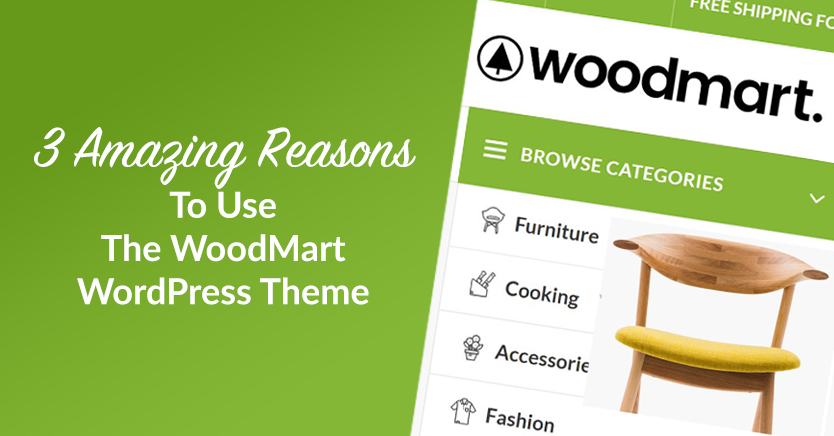
Reasons to choose WoodMart theme: advantages of WoodMart theme
WoodMart is a high-end WordPress theme for WooCommerce with powerful performance optimization, rich customization options, multi-language compatibility and excellent mobile adaptability to help sellers build an efficient e-commerce platform.

How to Quickly Install Kadence Theme: Build Your WordPress Site from Scratch
Learn how to quickly install the Kadence theme and create a professional WordPress website with customized settings. Follow our step-by-step guide to easily complete theme installation, page layout, and feature configuration to improve site performance and user experience.

Improving Kadence Theme SEO Performance: 5 Optimization Tips to Do
Learn how to optimize your Kadence theme with five practical tips to improve your website's loading speed, search engine friendliness, and user experience to help boost your website rankings.

Mobile Optimization Tips for WoodMart Themes to Boost Mobile User Conversions
Optimize the mobile loading speed, navigation interaction and conversion rate of WoodMart theme, using WebP image format, Lazy Load technology, AJAX search, cache optimization, etc., to make the website run smoother on mobile devices, and improve the user access experience and order conversion rate.

Customize Header and Footer of WoodMart Theme
Learn how to customize the header and footer of your WoodMart theme, including adjusting the layout, colors, and components using Header Builder, and editing the footer with HTML Blocks to create a more personalized and professional looking website structure.

WoodMart Theme FAQs and Solutions
When using WoodMart theme, you may encounter problems such as wrong page layout, slow loading, plugin conflicts and so on. This article provides detailed solutions, including cache cleanup, image optimization, theme update adjustment and mobile adaptation, to help improve the stability and performance of the site.

WoodMart Theme Compatibility with Elementor Issues and Solutions
When building a WordPress site using the WoodMart theme in conjunction with Elementor, you may encounter problems such as the editor not loading, misaligned layouts, missing styles, etc. This guide provides tips for optimizing PHP memory, cleaning the cache, disabling conflicting plugins, and more. This guide provides tips for optimizing PHP memory, cleaning cache, adjusting CSS resource loading, disabling conflicting plugins, etc....





