





arrange in order

How to Create a Mega Menu with Elementor Builder and WoodMart Themes
This article describes how to create powerful and flexible mega menus with the Elementor builder and WoodMart theme. It includes creating navigation menus, setting up dropdown menus, adding full-width mega menus, customizing sizes, adding labels and setting up rotating product displays to help enhance web...

Kadence Blocks 3.5.0 and Kadence Blocks Pro 2.7.0 Update Analysis
Kadence Blocks and Kadence Blocks Pro receive the March 18, 2025 update, bringing new features and optimization fixes to improve design flexibility and stability. Updates include new vector illustration blocks, icon search functionality, Lottie animation fixes, and more to further enhance user...

Slow Loading Website?5 Simple Steps to Optimize WordPress Website Speed
Learn 5 simple but effective optimization tips for boosting WordPress website loading speed, including ways to choose a lightweight theme, enable caching plugins, optimize images, use a CDN and enable GZIP compression. Boost website speed, improve user experience, and boost SEO rankings.
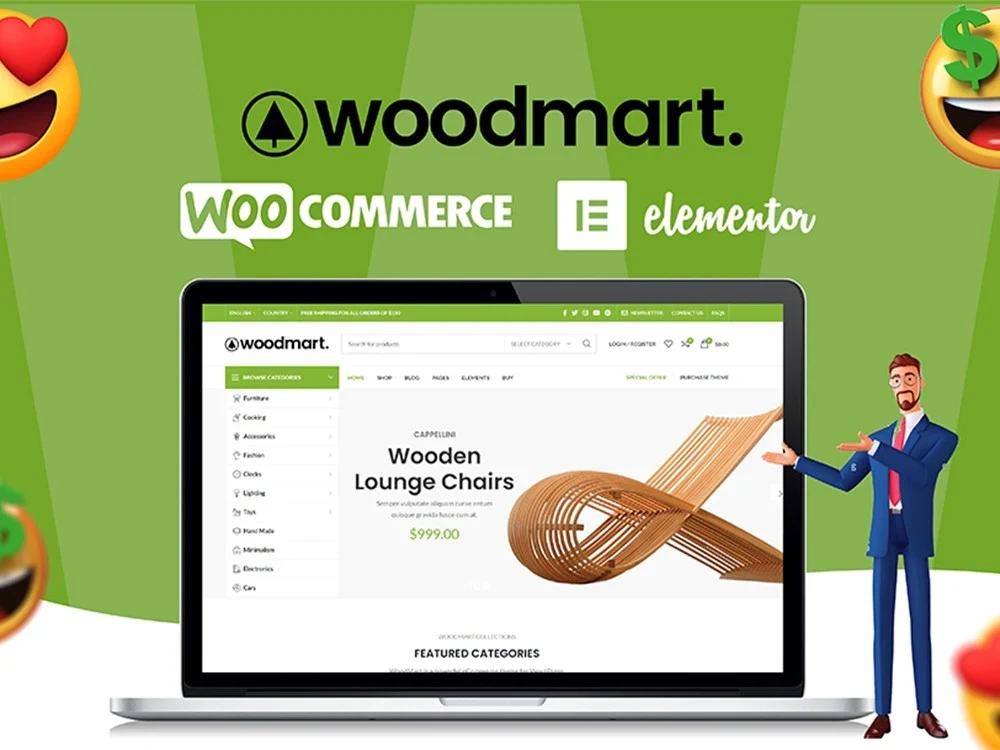
WoodMart Theme Menu Customization Tutorial
Learn how to edit and customize menus in the WoodMart theme. This article details how to create, add menu items, adjust the order, set styles, and enable responsive menu features for clear and easy-to-use website navigation.
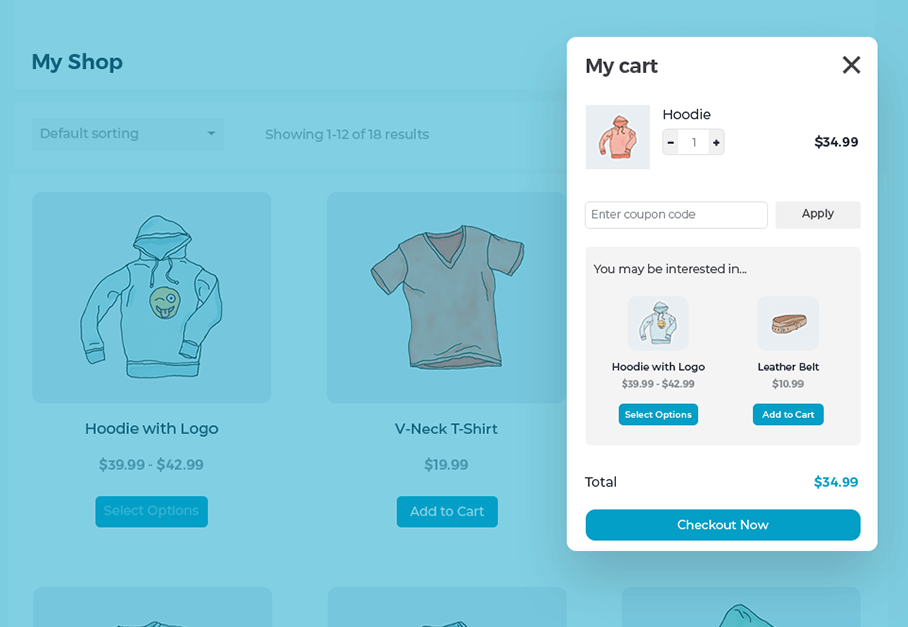
Create a Popup WooCommerce Cart with the WooCommerce Fast Cart Plugin
WooCommerce Fast Cart plugin makes shopping more convenient, supports pop-up shopping cart, fast checkout and recommended products features, reduces bouncing, optimizes the shopping process and improves the order completion rate.

How-to Tutorial: How to Integrate PayPal for Your WooCommerce Store
Learn how to integrate the PayPal payment gateway in your WooCommerce store to provide secure and convenient payment processing. This article details installation and configuration steps to help merchants improve international payment capabilities and customer trust.

Kadence Tutorial: How to Make Giant Dropdown Menus with Kadence Themes
Learn how to create mega dropdown menus using the paid version of the Kadence theme. This article provides detailed steps, including installing the plugin, configuring Mega Menu, using the WooCommerce shortcode, and more, to help you create a professional WordPress site navigation.
How to Optimize WordPress Page Slug to Improve SEO Ranking
Understand the impact of WordPress on-page slugs on SEO and get practical tips for optimizing them. Improve page rankings and click-through rates in search engines through proper Slug setup, keyword optimization, clean URLs and avoiding common mistakes.

Detailed instructions: How to make multiple domains access the same WordPress site at the same time?
This article describes how to bind multiple domain names to the same WordPress site to improve site performance, optimize bandwidth usage, enhance security, and meet the needs of multi-language and regional versions. Through the pagoda panel to add domain names, configure WordPress files and modify static resource addresses, light...

Complete guide to setting up a WooCommerce store with the Flatsome theme
Optimize your WooCommerce store with the Flatsome theme, from choosing pre-built templates and configuring category pages to optimizing the product display and checkout process, to enhance the user experience, increase conversions, and create an efficient e-commerce site.
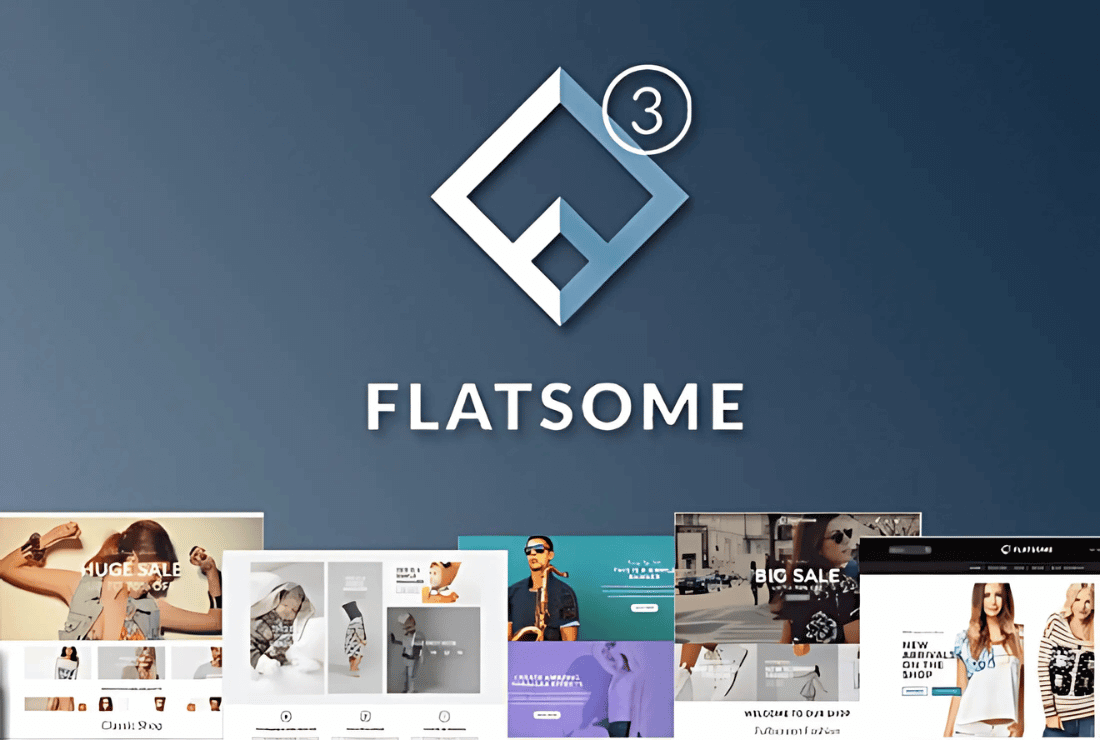
Flatsome Theme Review: Versatile WooCommerce Theme with Powerful Customization and Optimization Features
Flatsome is a powerful WooCommerce theme with rich customization features, built-in UX Builder page builder and seamless WooCommerce integration. Suitable for e-commerce websites, it offers a wide range of layouts and templates to easily help users create and manage online stores...

Flatsome Theme Review: Installation Guide and Setup Wizard in Detail
Flatsome is a powerful WooCommerce theme designed for online stores. This article provides an in-depth review of Flatsome's core features, pros and cons, and installation process to help you determine if it's right for your eCommerce needs.

 简体中文
简体中文  English
  日本語
日本語  Français
  Español



