







Gutenberg 18.9 has been released andAvailable for download! Let's go down together.What's new in Gutenberg 18.9?
![图片[1]-Gutenberg 18.9版本已更新:看看有哪些新功能?-光子波动网 | WordPress教程、Elementor教程与故障修复](https://www.361sale.com/wp-content/uploads/2024/08/2024080102175589.png)
Data views become more flexible
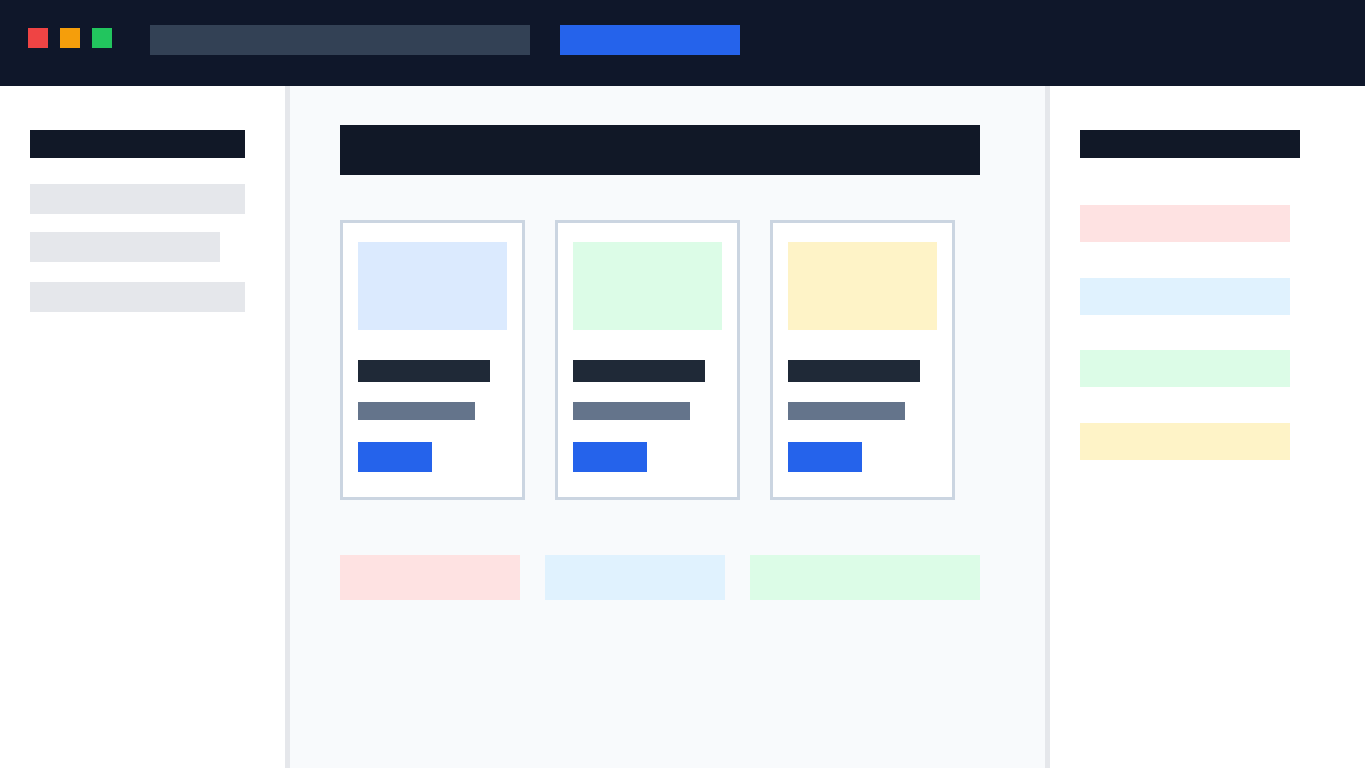
This release introduces several new features to the data view. First, you can customize the order of columns in the table view ( 63416 ) and adjust the density of the grid view ( 63367 ).
The page list view has also gotten some love, as it now displays the author's avatar next to the publish status (63309 ).
![图片[2]-Gutenberg 18.9版本已更新:看看有哪些新功能?-光子波动网 | WordPress教程、Elementor教程与故障修复](https://www.361sale.com/wp-content/uploads/2024/08/2024080102195042.png)
If you like these visual cues next to the page title, the form view now supports displaying combo fields (63236) so that features such as displaying page thumbnails next to the page title can be included in future releases.
Finally, iftrulyThose who like to fiddle with earlier features can try the new experimental Data View Quick Edit (63600). Experiments can be enabled in Gutenberg settings first!
![图片[3]-Gutenberg 18.9版本已更新:看看有哪些新功能?-光子波动网 | WordPress教程、Elementor教程与故障修复](https://www.361sale.com/wp-content/uploads/2024/08/2024080102453513.jpg)
Integration of cross-module design tools
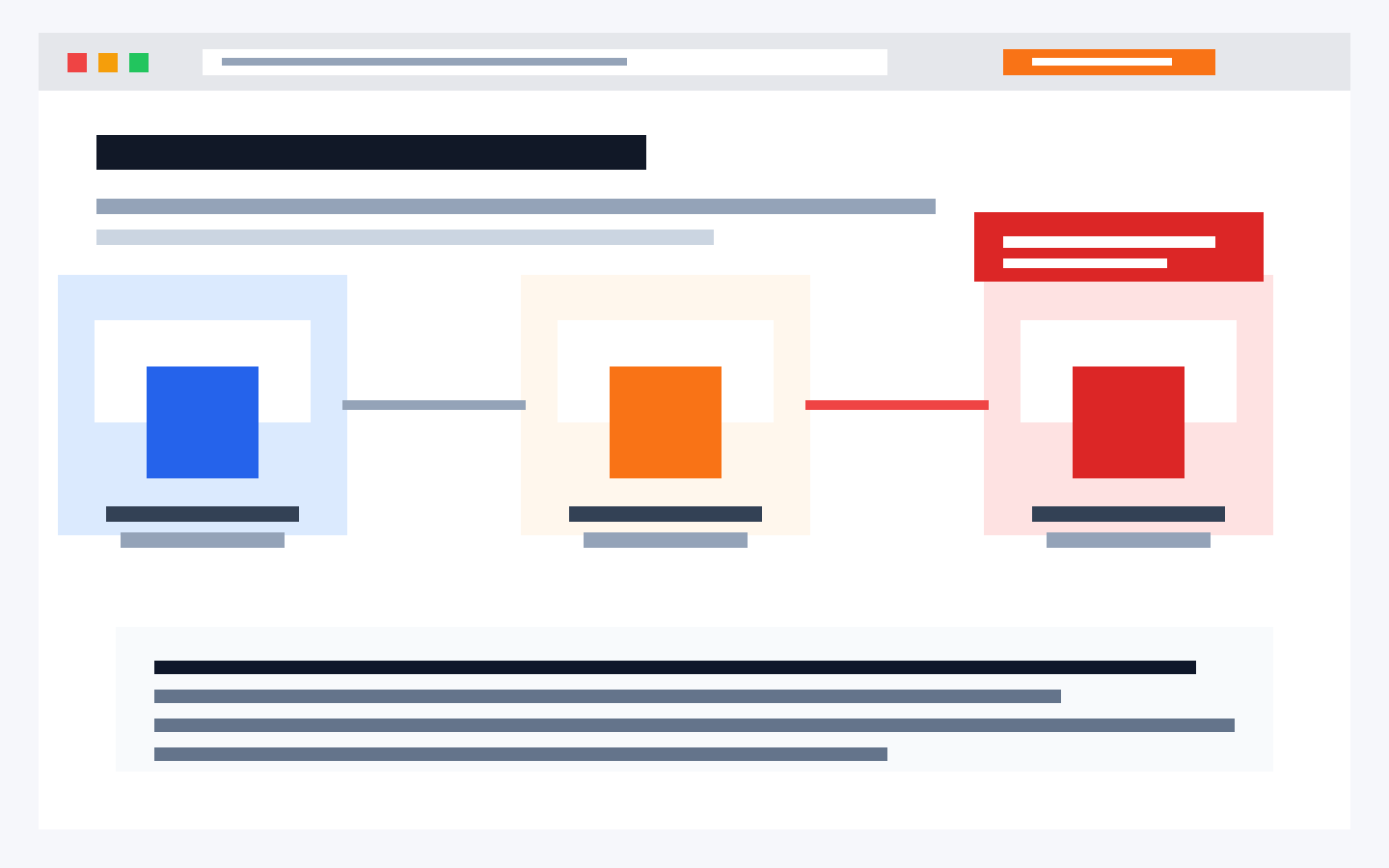
In an ongoing effort to make design tools consistent from block to block (43241), Gutenberg 18.9 provides border control support for galleries, buttons (also supports colors and fills), headings, paragraphs, citations (also supports spacing) blocks, social links, and term descriptions blocks. Similarly, image and search blocks have gained margin support.
Improved usability for editing and applying font size presets
Gutenberg 18.9 iterates the use and editing of font presets in global styles. The Global Styles interface now allows user-friendly editing of font size presets ( 63057 ). In addition, these font presets and color presets can now be selected in the Global Styles sidebar under "Browse stylesThis allows for a consistent interface and is consistent with the left sidebar style menu ( 63173 ) Alignment.
For specific updates and enhancements look atOfficial Release LogThe
![图片[4]-Gutenberg 18.9版本已更新:看看有哪些新功能?-光子波动网 | WordPress教程、Elementor教程与故障修复](https://www.361sale.com/wp-content/uploads/2024/08/2024080102545790.png)

Link to this article:https://www.361sale.com/en/15216/The article is copyrighted and must be reproduced with attribution.






![表情[wozuimei]-光子波动网 | WordPress教程、Elementor教程与故障修复](https://www.361sale.com/wp-content/themes/zibll/img/smilies/wozuimei.gif)

![表情[baoquan]-光子波动网 | WordPress教程、Elementor教程与故障修复](https://www.361sale.com/wp-content/themes/zibll/img/smilies/baoquan.gif)


 简体中文
简体中文  English
  日本語
日本語  Français
  Español


No comments