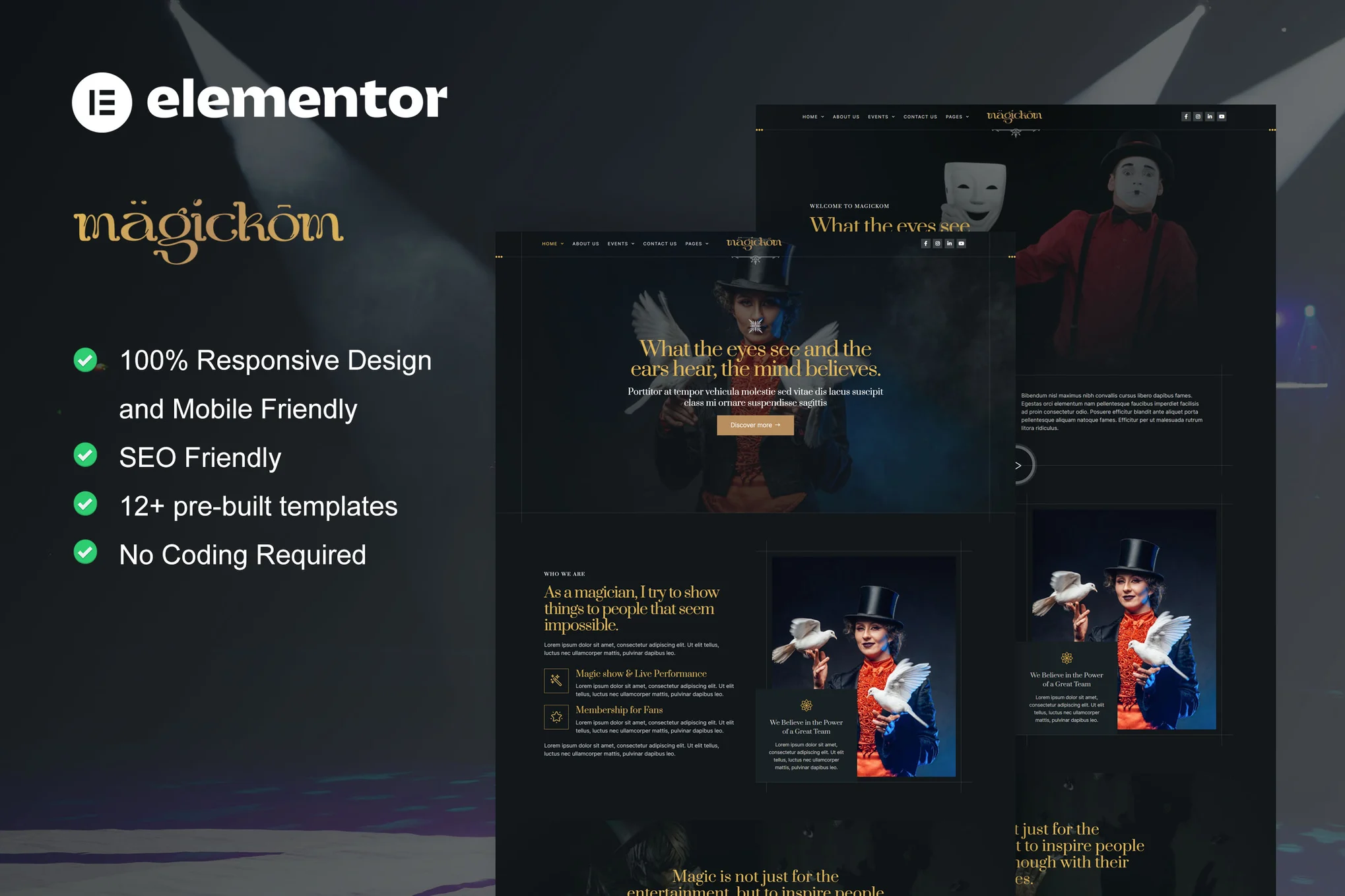





![Image [1] - Magickom Elementor template suite: create professional website for magicians and entertainment events](https://www.361sale.com/wp-content/uploads/2024/12/20241204171358208-About-us.webp)
![Image [2] - Magickom Elementor template suite: create professional website for magicians and entertainment events](https://www.361sale.com/wp-content/uploads/2024/12/20241204171400368-Blog-Archive.webp)
![Image [3] - Magickom Elementor template suite: create professional website for magicians and entertainment events](https://www.361sale.com/wp-content/uploads/2024/12/20241204171400448-Events.webp)
Magickom is a modern Elementor template suite built for magicians, performing arts, entertainment and other related businesses. Presented in a clean, professional layout style, this template suite will help you quickly build a high-quality magic show or entertainment website with no coding knowledge required, fully customizable with drag and drop from the Elementor page builder.
Template Features
- modern design: Has a clean, modern and professional layout style for magic shows and related areas.
- 100% Responsive: The templates display perfectly on various devices such as cell phones, tablets and PCs, providing a smooth user experience.
- Easy to customize: With the Elementor page builder, you can customize the content of each page by dragging and dropping components without writing any code.
- Rich pre-built templates: The kit includes over 12 pre-built page templates for common website page needs.
- Built on Elementor Pro: Compatible with Elementor Pro to unlock more advanced features and customization options.
Included Templates
- homepage
- About Us
- Contact Us
- Event Page
- common problems
- art galleries
- archives
- Error 404
- single post
- Team Page
- Ticketing page
- Global Style
- number one spot on a list
- footers
Required plug-ins
- Elementor
- Elementor Pro(optional, some functions required)
- Elementskit Lite
- Skyboot Custom Icons
Installation steps
1. Installation of the Envato Elements plug-in
- Log in to the WordPress backend and go to Plugins > Add New PluginThe
- Search in the search box Envato Elements plugin and install it.
- Activate the plug-in.
2. Uploading and importing template kits
- In the WordPress backend, click Envato Elements Menu.
- strike (on the keyboard) Upload Kitand then select Magickom template suite zip filePerform the upload.
- The plugin automatically imports and installs all necessary templates.
3. Enable required plug-ins
- Make sure the following plugins are installed and enabled:
- Elementor
- Elementskit Lite
- Skyboot Custom Icons
- If you need to use more advanced features, make sure to install the Elementor ProThe
4. Customize and edit templates
- After importing the template, go to Elementor > My Templates, select the template to be edited.
- strike (on the keyboard) compiler button to start customizing the content of each template page.
5. Setting up the home page and other pages
- leave for Settings > Reading Settings, set the home page as a static page and select the imported fig. beginning Template.
- Edit other page content in Elementor to complete the site.
caveat
- Elementor Pro: Some advanced templates and features require Elementor Pro Support.
- Thematic requirements: This template has been developed for Hello Elementor Themes are optimized, but other Elementor-compatible themes are also supported.

© Reprint statement
Author: xiesong
Link to this article:https://www.361sale.com/en/29035The article is copyrighted and must be reproduced with attribution.
THE END


















![Emoji[wozuimei]-Photonflux.com | Professional WordPress repair service, worldwide, rapid response](https://www.361sale.com/wp-content/themes/zibll/img/smilies/wozuimei.gif)

![Emoticon[baoquan] - Photon Wave Network | Professional WordPress Repair Services, Worldwide Coverage, Rapid Response](https://www.361sale.com/wp-content/themes/zibll/img/smilies/baoquan.gif)


 简体中文
简体中文  English
  日本語
日本語  Français
  Español


No comments