





descriptive
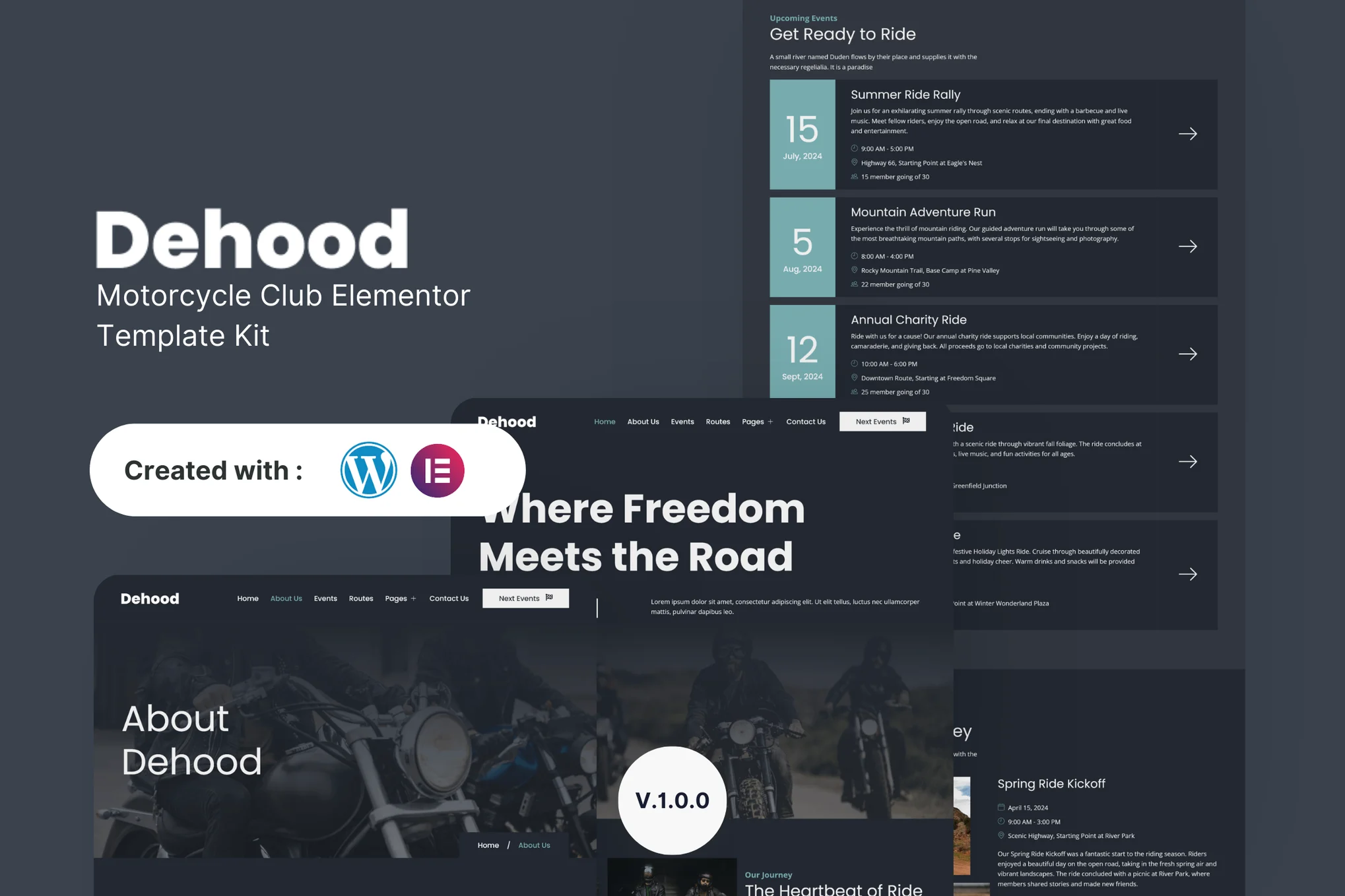
Dehood Designed to help you easily create a modern, stylish and functional motorcycle club website. Whether you are an experienced web designer or you want to create your first website as a club member, this template suite provides all the necessary tools and features.
![Image[1]-Dehood - Motorcycle Club Elementor Template Kit - Photon Flux | Professional WordPress repair service, worldwide, fast response](https://www.361sale.com/wp-content/uploads/2025/03/20250312194552415-1741779836498.png)
![Image [2] - Dehood - Motorcycle Club Elementor Template Kit - Photonwave.com | Professional WordPress Repair Service, Global Reach, Fast Response](https://www.361sale.com/wp-content/uploads/2025/03/20250312194552673-1741779843525.png)
![Image [3] - Dehood - Motorcycle Club Elementor Template Kit - Photonwave.com | Professional WordPress Repair Service, Global Reach, Fast Response](https://www.361sale.com/wp-content/uploads/2025/03/20250312194553940-1741779848834.png)
Key Features:
- 16 page designs
- Drag-and-drop page builder
- Build with Elementor Free Edition (no Elementor Pro required)
- Use of free plug-ins
- Easily and fully customizable
Templates are included:
- fig. beginning
- About Us
- maneuver
- blog (loanword)
- single article
- art galleries
- members
- political line (e.g. right revisionist road)
- Contact Us
- Join Us
- common problems
- headers
- footers
- Global Theme Styles
Required Plugins:
- Elementor
- Envato Elements
- MetForm
- ElementsKit Lite
How to use the template kit:
- Download the template kit file from Envato and make sure not to unzip it. If using the Safari browser, make sure to disable "Automatically open safe files after downloading" in your browser preferences.
- switch to Settings > Fixed Links, make sure that "Article Name" is selected.
- switch to Appearance > Themes > Add New ThemeTo ensure that it is installed and activated Hello Elementor Theme. If Elementor is not already installed, you will be prompted to install it.
- switch to plug-in (software component)Make sure you have installed and updated to the latest versions of Elementor and Envato Elements. if the template suite requires Elementor Pro, install it at this time and connect your account.
- switch to Elements > Installed KitsClick Upload Template Kit button (or click on Template Kit to view).
- To view the orange banner at the top of the page, click on the Installation Requirements to load the plugins required by the template.
- First click on Import Global Kit StylesThis will set up the site settings.
- Import the templates one by one in order, the templates will be saved in Elementor in the Templates > Saved Templates down and can be reused here.
Create page:
- switch to web page and create a new page, click Using Elementor EditorsThe
- Click on the gear icon in the bottom left corner of the builder to view the page setup and select the Elementor Full Width and hide the page title.
- Click on the gray folder icon to access My Templates tab and then import the page you want to customize.
Import Metforms:
- Import Metform block templates.
- Import the page template containing the form and right-click to enable the navigator.
- Locate and select the Metform widget and click Edit FormThe
- option newly built, keep the blank item selected, and then click Edit Form Button.
- Click on the Add Template gray folder icon.
- option My Templates Tags.
- Select the imported Metform template and click stickThe
- Once the template is loaded, customize and click Update and close, the form will appear in the template.
- strike (on the keyboard) updateThe

© Reprint statement
This article was written by Early Season
Link to this article:https://www.361sale.com/en/39082The article is copyrighted and must be reproduced with attribution.
THE END


















![Emoji[wozuimei]-Photonflux.com | Professional WordPress repair service, worldwide, rapid response](https://www.361sale.com/wp-content/themes/zibll/img/smilies/wozuimei.gif)

![Emoticon[baoquan] - Photon Wave Network | Professional WordPress Repair Services, Worldwide Coverage, Rapid Response](https://www.361sale.com/wp-content/themes/zibll/img/smilies/baoquan.gif)


 简体中文
简体中文  English
  日本語
日本語  Français
  Español


No comments