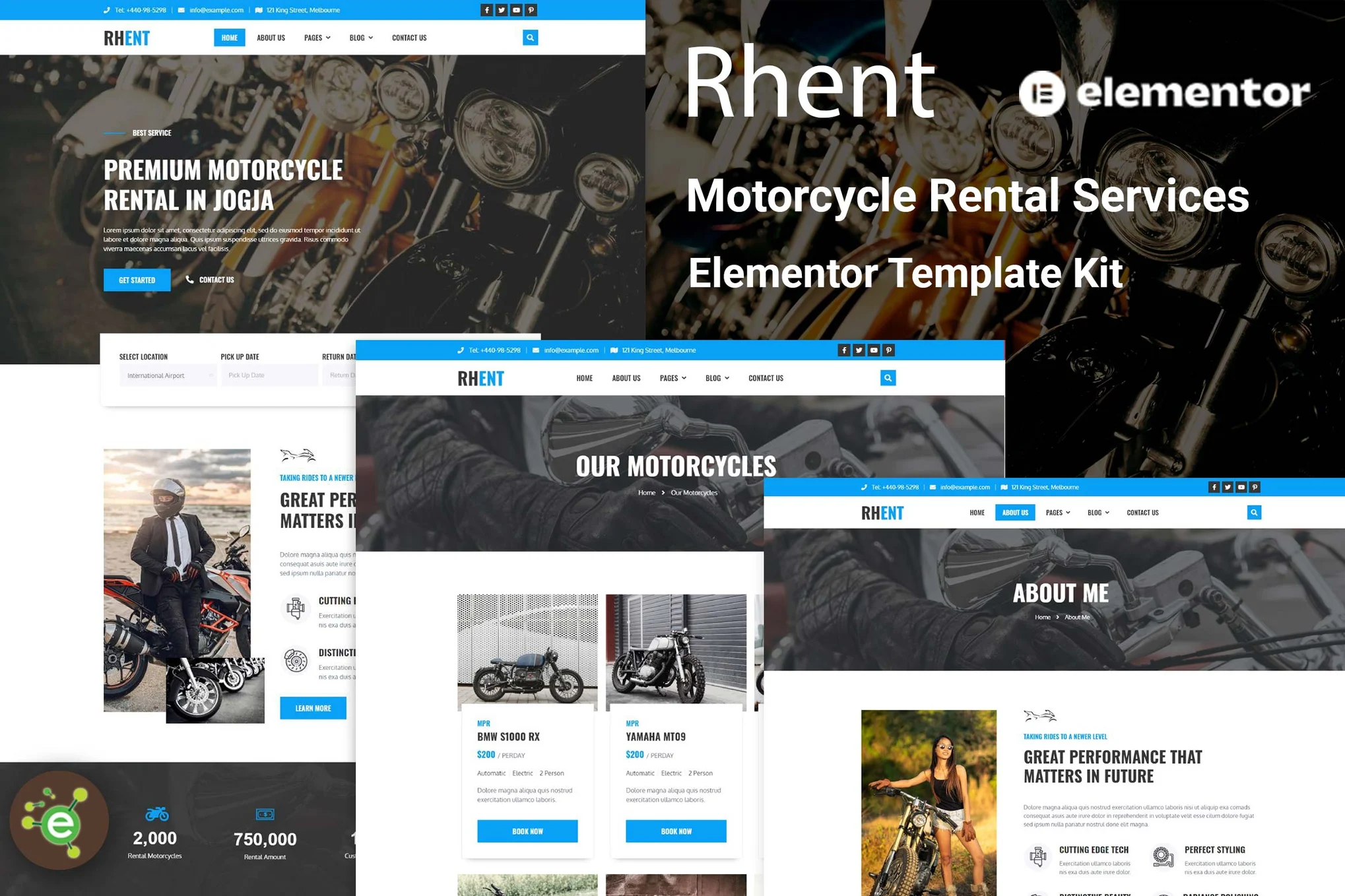






descriptive
Rhent - Motorcycle Rental Service Elementor template suite is designed for making user-friendly websites, suitable for providing pre-made web templates for important clients. It is fully responsive and adapts to a wide range of displays and resolutions from regular desktop screens to tablets, iPhones and small mobile devices. Creating a complete website is very simple and requires no coding.
Rhent - Templates
Page:
- homepage
- About Us
- Motorcycle Page
- Team Page
- Gallery Page
- Pricing Plan Page
- Booking page
- blog page
- Single blog page
- Contact Us Page
- Error 404 Page
Module:
- Header Templates
- Footer templates
- Heroes Block
- About the block
- Motorcycle block
- Team Blocks
- Gallery Block
- Pricing Plan Block
Rhent - Features
- Requires Elementor Pro
- 19 Elementor templates
- Clean, professional and unique design
- Google Fonts - easily expandable to 600 Google Fonts
- Full theme builder support
Required plug-ins (included):
- Elementor
- ElementsKit Lite
- PowerPack Lite for Elementor
Some templates and features require an Elementor Pro upgrade (not included)
How to use the template kit:
- In WordPress, install and activate the "Envato Elements" plugin from Plugins > Add New Plugin.
- Download the template kit file and do not unzip it.
- Go to Elements > Installed Kits and click the Upload Template Kit button. You can also automate the import by clicking Connect Accounts and going under Elements > Template Kits.
- Check the orange banner at the top and click Installation Requirements to load any plugins used by the suite.
- First click Import Global Styles.
- Import one template at a time. These templates are stored in Elementor under Templates > Saved Templates.
- Go to Pages and create a new page, click Edit with Elementor.
- Click the gear icon in the lower left corner of the builder to view the page settings, select Elementor Full Width and hide the page title.
- Click on the gray folder icon to access the My Templates tab and then import the pages you wish to customize.

© Reprint statement
This article was written by Early Season
Link to this article:https://www.361sale.com/en/40639The article is copyrighted and must be reproduced with attribution.
THE END


















![Emoji[wozuimei]-Photonflux.com | Professional WordPress repair service, worldwide, rapid response](https://www.361sale.com/wp-content/themes/zibll/img/smilies/wozuimei.gif)

![Emoticon[baoquan] - Photon Wave Network | Professional WordPress Repair Services, Worldwide Coverage, Rapid Response](https://www.361sale.com/wp-content/themes/zibll/img/smilies/baoquan.gif)


 简体中文
简体中文  English
  日本語
日本語  Français
  Español


No comments