





descriptive
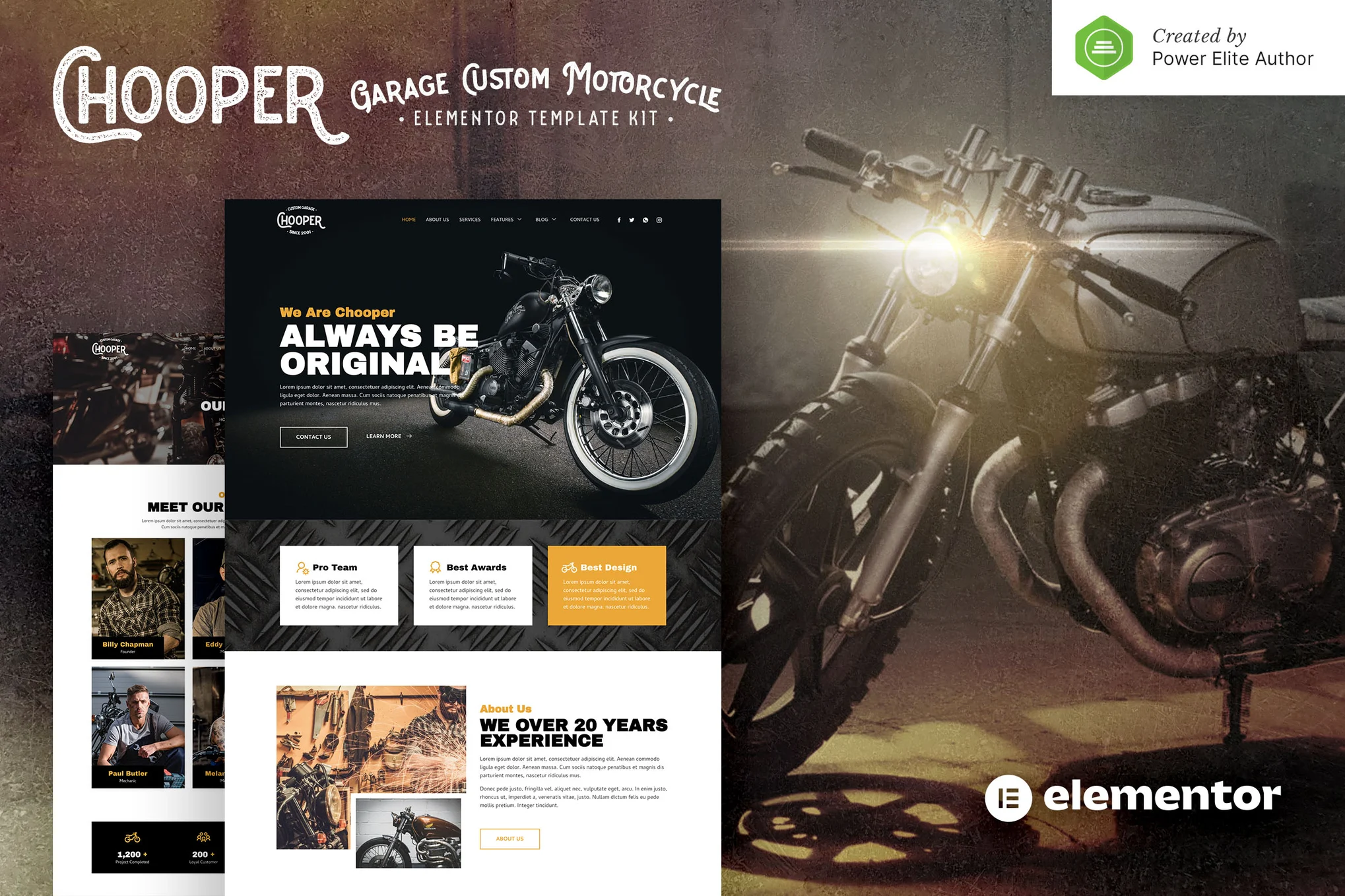
Chooper is a modern and clean Elementor template suite perfect for those who want to create professional WordPress websites for custom motorcycle workshops, garages, motorcycle stores, motorcycle services or any other automotive related business. This template features a professional design, 100% responsive layout, Retina display support and is very easy to customize as it uses Elementor without writing any code!
![Image [1] - Chooper - Custom Motorcycle Garage Elementor Template Kit - Photon Fluctuation Network | Professional WordPress Repair Service, Global Reach, Fast Response](https://www.361sale.com/wp-content/uploads/2025/03/20250314104453486-1741920192628.png)
![Image [2] - Chooper - Custom Motorcycle Garage Elementor Template Kit - Photon Flux.com | Professional WordPress Repair Service, Global Reach, Fast Response](https://www.361sale.com/wp-content/uploads/2025/03/20250314104452656-1741920198010.png)
![Image [3] - Chooper - Custom Motorcycle Garage Elementor Template Kit - photonwave.com | Professional WordPress Repair Service, Global Reach, Fast Response](https://www.361sale.com/wp-content/uploads/2025/03/20250314104452959-1741920203196.png)
Features:
- Use of free plug-ins (no Elementor Pro required)
- Modern and clean design
- 13+ ready-to-use templates
- Fully responsive layout
- Retina Display Support
- Fully customizable
- Cross-browser compatibility: Chrome, Firefox, Safari, Opera
Templates are included:
- homepage
- About Us
- service
- teams
- common problems
- blog (loanword)
- single-post blog
- Contact Us
- MetForm Contact Form
- Error 404 Page
- footer
- footers
- Global Theme Styles
Required plug-ins:
- MetForm
- Elementor
- Elementor - Headers, Footers & Modules
- Jeg Elementor Kit
How to use the template kit:
- In WordPress, install and activate the "Envato Elements" plugin from Plugins > Add New Plugin.
- Download the template kit file and do not unzip it.
- Go to Elements > Installed Kits and click the Upload Template Kit button.
- Before importing the template, make sure you click the Install Requirements button to activate the required plugin.
- For best results, it's best to import one template at a time.
- Go to Pages and create a new page, click Edit with Elementor.
- Click the gear icon in the lower left corner of the builder to view the page settings, select Elementor Full Width and hide the page title.
- Click on the gray folder icon to access the My Templates tab and then import the pages you wish to customize.

© Reprint statement
This article was written by Early Season
Link to this article:https://www.361sale.com/en/40774The article is copyrighted and must be reproduced with attribution.
THE END


















![Emoji[wozuimei]-Photonflux.com | Professional WordPress repair service, worldwide, rapid response](https://www.361sale.com/wp-content/themes/zibll/img/smilies/wozuimei.gif)

![Emoticon[baoquan] - Photon Wave Network | Professional WordPress Repair Services, Worldwide Coverage, Rapid Response](https://www.361sale.com/wp-content/themes/zibll/img/smilies/baoquan.gif)


 简体中文
简体中文  English
  日本語
日本語  Français
  Español


No comments