





present (sb for a job etc)
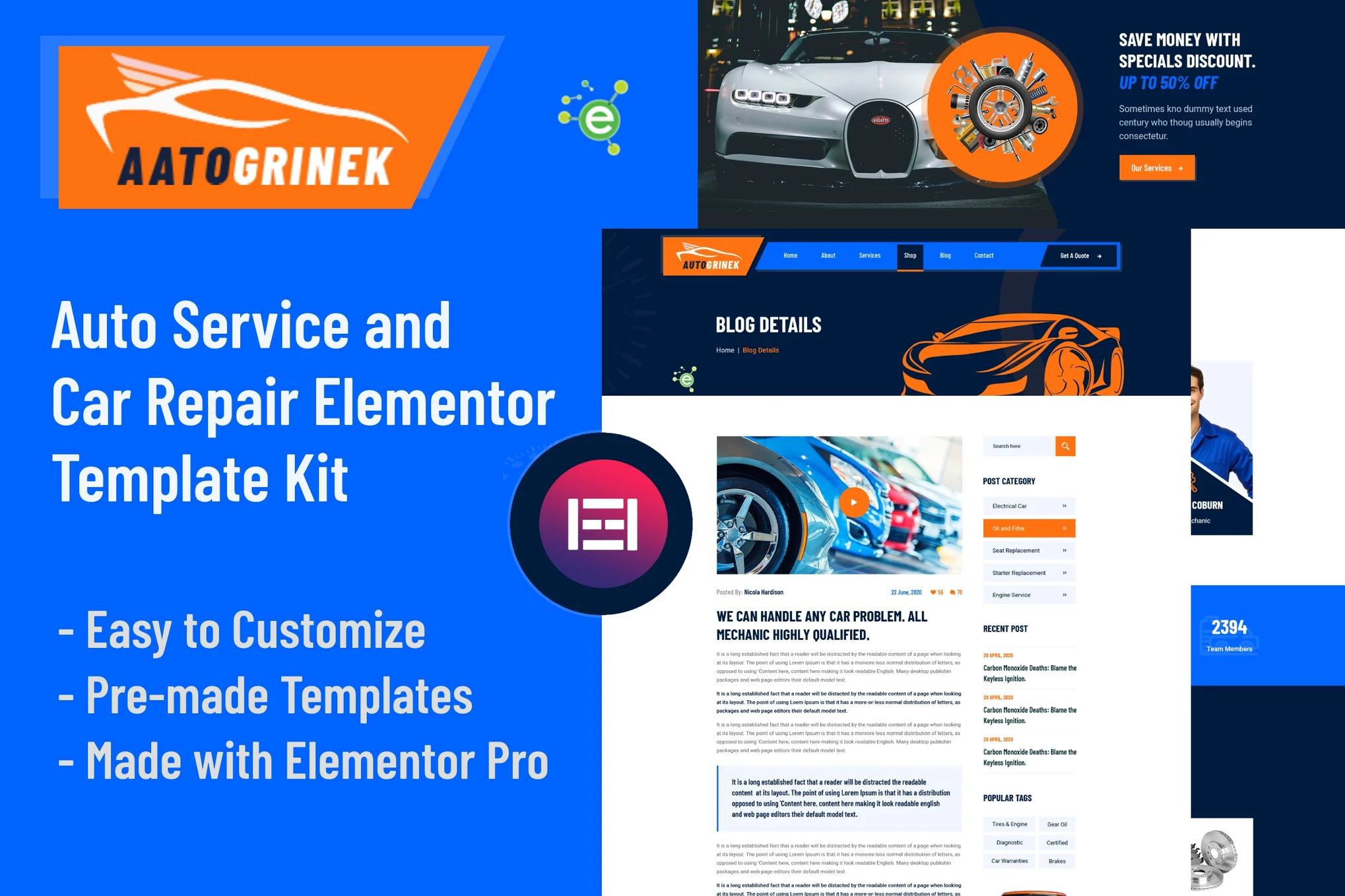
Aatogrinek is an Elementor template suite designed for automotive service and repair. It is suitable for any small business related to automotive mechanics, car washes, car repairs, garages, auto repair stores, mechanic stores, auto centers, car painting and other related services.
![Image [1] - Aatogrinek - Automotive Service & Repair Elementor Template Kit - Photon Flux.com | Professional WordPress Repair Service, Global Reach, Fast Response](https://www.361sale.com/wp-content/uploads/2025/03/20250314111339519-1741921968800.png)
![Image [2] - Aatogrinek - Automotive Service & Repair Elementor Template Kit - Photon Flux.com | Professional WordPress Repair Service, Global Reach, Fast Response](https://www.361sale.com/wp-content/uploads/2025/03/20250314111339776-1741921973328.png)
![Image [3] - Aatogrinek - Automotive Service & Repair Elementor Template Kit - Photon Flux.com | Professional WordPress Repair Service, Global Reach, Fast Response](https://www.361sale.com/wp-content/uploads/2025/03/20250314111339737-1741921978476.png)
web page
- homepage
- About Page
- service page
- Service Details Page
- product page
- pricing page
- blog page
- Single blog page
- Contact Us Page
- Error 404 Page
module (in software)
- Header Module
- footer module
- About the Module
- service module
- Team Module
- Counter Module
- Client evaluation module
- Pricing Module
- Product Modules
- Contact Form Module
Aatogrinek - Features
- Requires Elementor Pro
- 10 Stunning Template Pages
- 10 different modules
- 20 Beautiful Element Templates
- Clean, professional and unique design
- Google Fonts - easily expandable to 600 fonts
- More features!
Required plug-ins (included)
- Elementor
- ElementsKit Lite
- PowerPack Lite for Elementor
- JetWidgets For Elementor
Some templates and features require an Elementor Pro upgrade (not included)
How to install:
- In WordPress, install and activate the "Envato Elements" plugin from Plugins > Add New Plugin.
- Download the template kit file and do not unzip it.
- Go to Elements > Installed Kits and click the Upload Template Kit button.
- Before importing the template, make sure you click the Install Requirements button to activate the required plugin.
- For best results, it's best to import one template at a time.

© Reprint statement
This article was written by Early Season
Link to this article:https://www.361sale.com/en/40910The article is copyrighted and must be reproduced with attribution.
THE END


















![Emoji[wozuimei]-Photonflux.com | Professional WordPress repair service, worldwide, rapid response](https://www.361sale.com/wp-content/themes/zibll/img/smilies/wozuimei.gif)

![Emoticon[baoquan] - Photon Wave Network | Professional WordPress Repair Services, Worldwide Coverage, Rapid Response](https://www.361sale.com/wp-content/themes/zibll/img/smilies/baoquan.gif)


 简体中文
简体中文  English
  日本語
日本語  Français
  Español


No comments