





descriptive
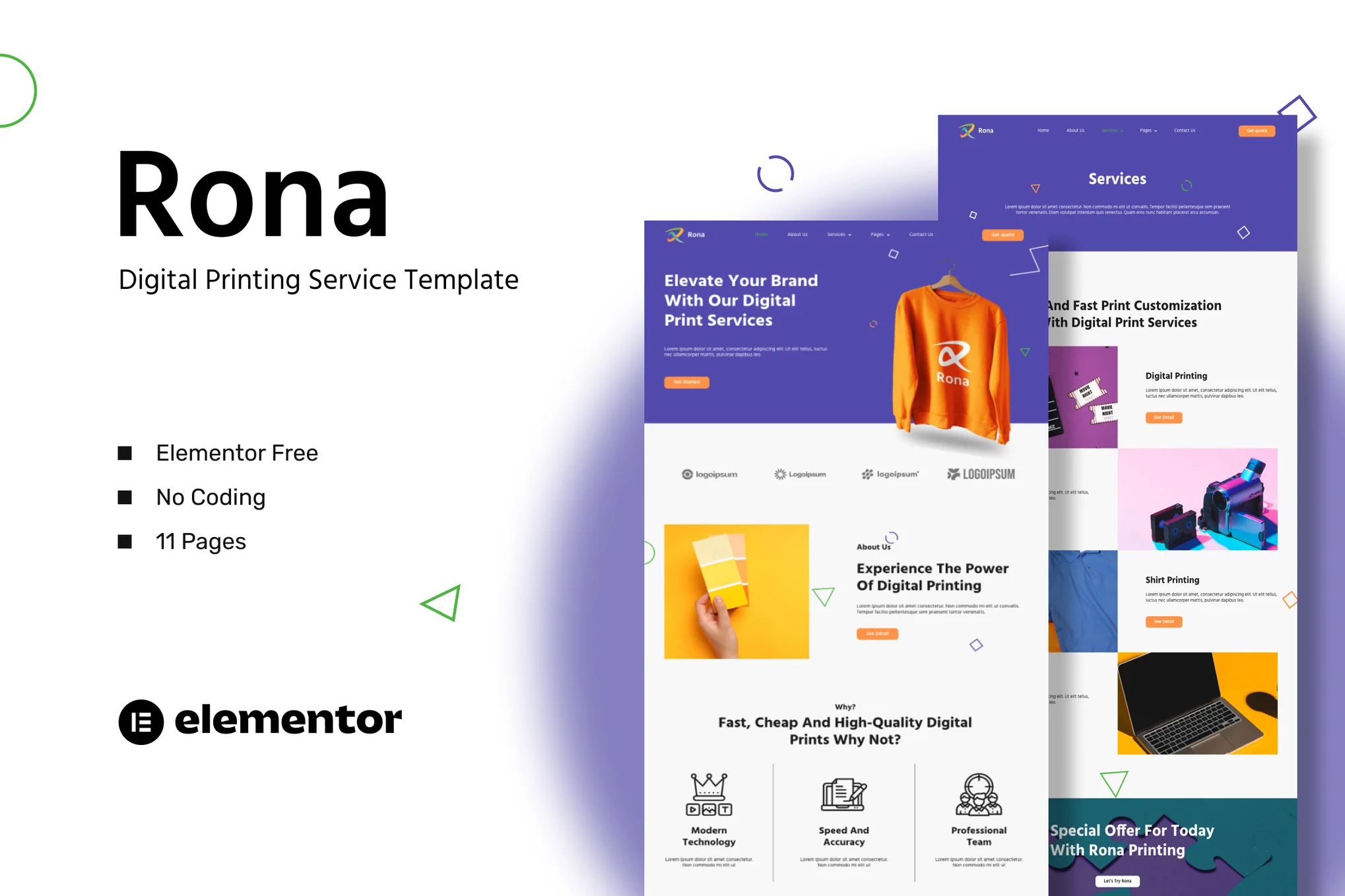
Rona - Digital Printing Services Template Pack is an Elementor template pack designed to help you create websites for your business quickly and easily using the Elementor page builder plugin. It is not a WordPress theme, the template pack contains page content for the Elementor page builder. This template pack has been optimized for the free Hello Elementor theme, but can be used with most themes that support Elementor.
![Image [1] - Rona - Digital Printing Services Template Package - Photon Flux | Professional WordPress Repair Service, Global Reach, Fast Response](https://www.361sale.com/wp-content/uploads/2025/03/20250314165738872-1741942537985.png)
![Image [2] - Rona - Digital Printing Services Template Package - Photon Flux.com | Professional WordPress Repair Service, Global Reach, Fast Response](https://www.361sale.com/wp-content/uploads/2025/03/20250314165738295-1741942544044.png)
![Image [3] - Rona - Digital Printing Services Template Package - Photon Flux.com | Professional WordPress Repair Service, Global Reach, Fast Response](https://www.361sale.com/wp-content/uploads/2025/03/20250314165738220-1741942553170.png)
specificities
- Customization without coding, using drag-and-drop visualization builder
- Customize fonts and colors in one place, or adjust individual elements separately
- Modern, professional design
- Quick Load
- Compatible with most Elementor themes
The page template contains
- fig. beginning
- About Us
- service
- Service Details
- teams
- art galleries
- set a price
- blog (loanword)
- Blog Details
- common problems
- Contact Us
Plug-ins installed with the template package
- Elementor
- ElementsKit Lite
- Elementor Header & Footer Builder
- MetForm
System requirements for installing the Elementor template package
- Memory limit: hosting servers should be 512MB
- MySQL version 5.6 or higher, or MariaDB version 10.0 or higher
- PHP 7 or higher with PHPZip extension enabled
- WordPress 6 or higher
- Support for modern browsers such as Chrome or Firefox
How to use the template package
- Install and activate the "Envato Elements" plugin in the WordPress plugins.
- Download the template package file without unzipping it
- Go to "Elements > Installed Kits" and click the "Upload Template Kit" button. You can also automate the import by clicking "Connect Account" to link your Elements subscription and then import under "Elements > Template Kits".
- Check the orange banner at the top and click on "Install Requirements" to load the plugin used by the template package
- First, click on Import "Global Kit Styles".
- Import the templates in order, they are saved in Elementor under "Templates > Saved Templates" and can be reused from here.
- Go to Page, create a new page and click "Edit with Elementor".
- Click on the gear icon in the bottom left corner of the builder to view the page settings, select "Elementor Full Width" and hide the page title.
- Click on the gray folder icon to access the My Templates tab and import the pages you want to customize

© Reprint statement
This article was written by Early Season
Link to this article:https://www.361sale.com/en/41824The article is copyrighted and must be reproduced with attribution.
THE END


















![Emoji[wozuimei]-Photonflux.com | Professional WordPress repair service, worldwide, rapid response](https://www.361sale.com/wp-content/themes/zibll/img/smilies/wozuimei.gif)

![Emoticon[baoquan] - Photon Wave Network | Professional WordPress Repair Services, Worldwide Coverage, Rapid Response](https://www.361sale.com/wp-content/themes/zibll/img/smilies/baoquan.gif)


 简体中文
简体中文  English
  日本語
日本語  Français
  Español


No comments