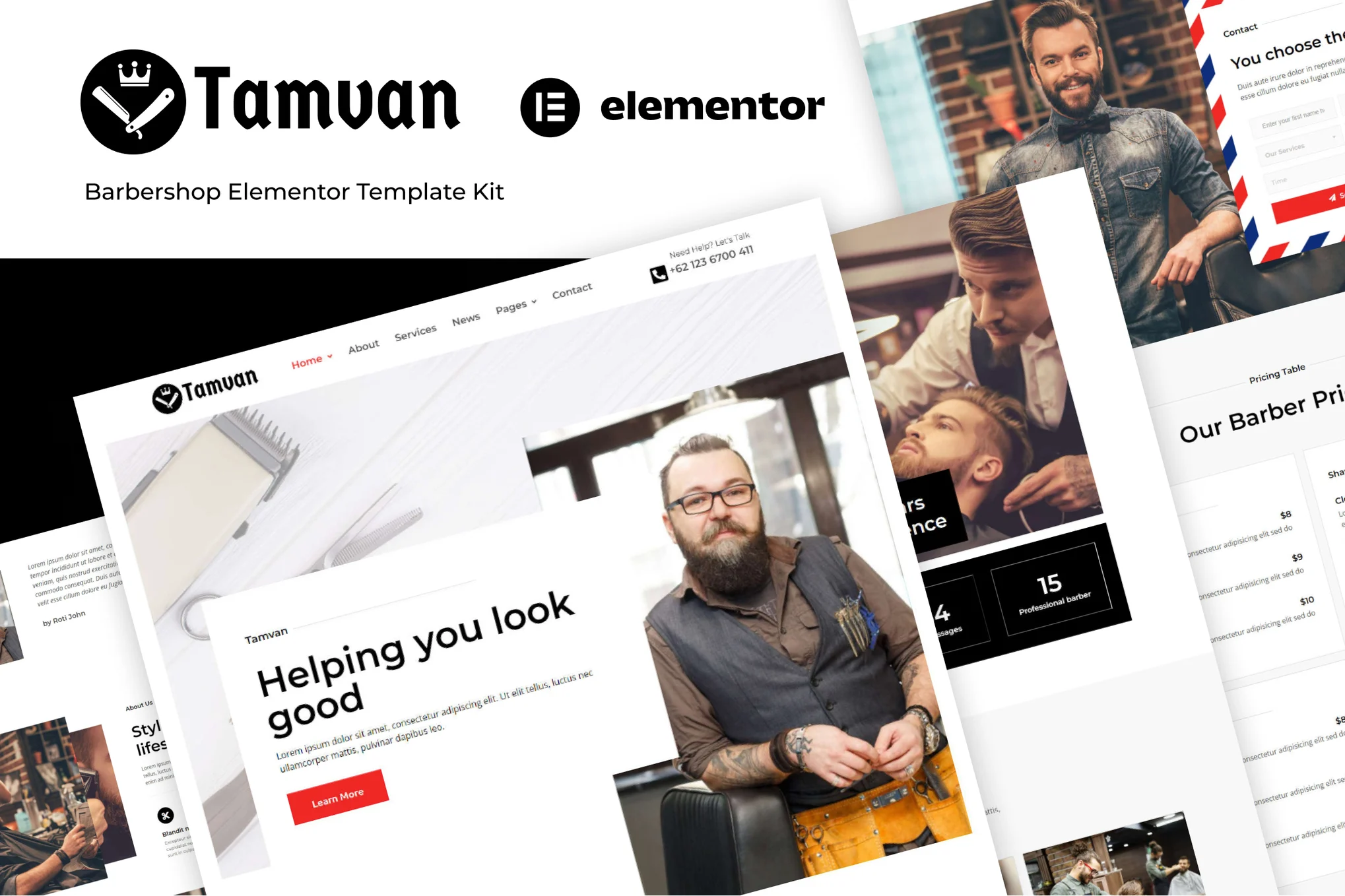







Tamvan is an Elementor template suite designed for barber stores, hair salons, tattoo design, fashion styling and other industries. The overall design is exquisite, the page layout is flexible, adapted to a variety of devices, suitable for creating a professional beauty industry website.
![图片[1]-Tamvan – 理发店 Elementor 模板套件-光子波动网 | WordPress教程、Elementor教程与故障修复](https://www.361sale.com/wp-content/uploads/2025/07/20250725163711410-03_about.webp)
![图片[2]-Tamvan – 理发店 Elementor 模板套件-光子波动网 | WordPress教程、Elementor教程与故障修复](https://www.361sale.com/wp-content/uploads/2025/07/20250725163711607-07_contact.webp)
Template page included:
Home Page (2 styles), About Us, Service List, Individual Service Pages, News, Testimonials, Price List, FAQ, 404 Page, Contact Us
Required plug-ins:
- Elementor (free version)
- Elementor Header, Footer & Blocks
- MetForm
- PowerPack Lite for Elementor
Installation Instructions:
- Install and enable the plug-in: Envato Elements
- Upload template kit (no need to unzip)
- Creating a new page, edited with Elementor
- Select the "Elementor Full Width" template and hide the page title.
- Import the template and start customizing the page content
Form import method (MetForm):
- Importing MetForm Block Templates
- Go to Page Editor, find MetForm element → Edit → Add Template → Insert Form and Customize → Save Update
Set up a site-wide header and footer:
- Importing header and footer templates
- Appearance > Header Footer → New → Set to Full Site Display
- Edit and insert the appropriate template using Elementor

© Reprint statement
This article was written by Toast
Link to this article:https://www.361sale.com/en/70301/The article is copyrighted and must be reproduced with attribution.
THE END














![表情[wozuimei]-光子波动网 | WordPress教程、Elementor教程与故障修复](https://www.361sale.com/wp-content/themes/zibll/img/smilies/wozuimei.gif)

![表情[baoquan]-光子波动网 | WordPress教程、Elementor教程与故障修复](https://www.361sale.com/wp-content/themes/zibll/img/smilies/baoquan.gif)





No comments