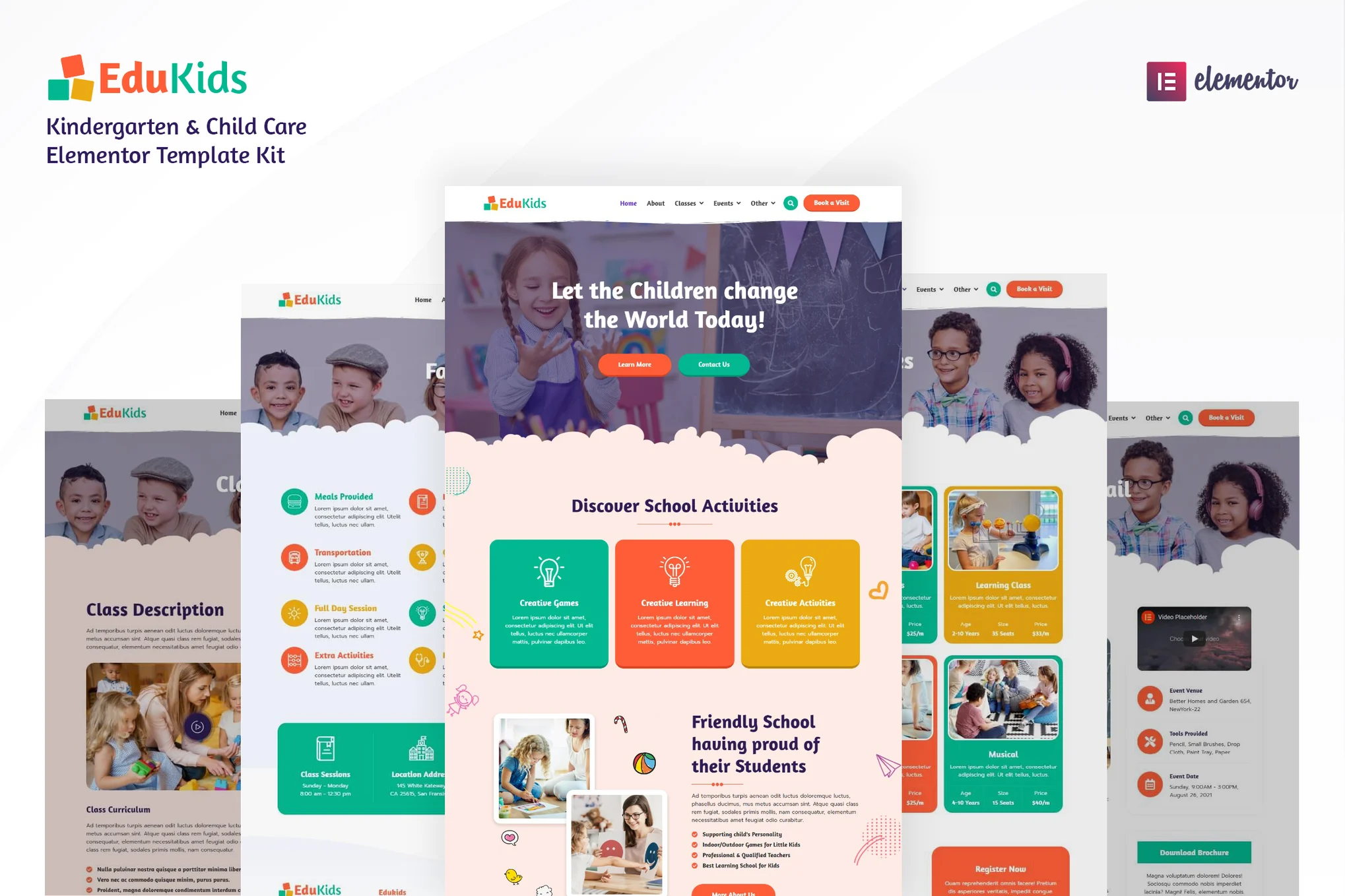





Edukids is a suite of Elementor templates created for kindergartens, early learning organizations, daycare centers, child service providers and other educational websites. With this template, you can easily create professional, informative and interesting educational websites for children without writing any code.
The template contains 20+ well-designed page templates and is compatible with Elementor page builder. You can quickly build your website with just drag and drop operations.
![Image [1] - Edukids - Kindergarten & Childcare Elementor Template Suite - Photon Flux | Professional WordPress repair service, worldwide, fast response](https://www.361sale.com/wp-content/uploads/2025/07/20250725174132162-2.avif)
Key Features
- Modern, professional visual design
- Over 20 ready-to-use page templates
- Built-in e-commerce pages and support for WooCommerce store functionality
- Fully responsive design, compatible with all types of devices
- Optimize loading speed to ensure a fast website
- All pages are visually edited, customization is flexible
- Compatible with most Elementor themes
- No coding skills required
Included page templates
- Global style settings (unified management of fonts and colors)
- home page
- About Us
- Class Overview
- Class details
- List of activities
- Details of the event
- Campus facilities
- Curricular activities for children
- Recruitment
- Position details
- Teachers' team
- Frequently Asked Questions FAQ
- Contact Us
- Coming Soon Page
- blog page
- Product Listing Page / Shop Page
- Product Detail Page
- Single-page templates (for Elementor theme builder)
- Single post template (for Elementor theme builder)
- 404 Error Page
- Search results page template (for Elementor theme builder)
- Header template
- Footer templates
Compatible Themes
- Hello Elementor
- Most of the other themes that support Elementor
Elementor Pro Feature Support
- Header construction
- Footer construction
Note: Some features require an upgrade to Elementor Pro to work (this template does not include the Pro plugin)
Required plug-ins
The following plugins are automatically installed when the template package is installed:
- Elementor
- ElementsKit Lite
- WooCommerce (for e-commerce pages)
Installation Instructions
- In the WordPress backend, go to Plugins > Install Plugins, search for and enable the Envato Elements plugin.
- Do not unzip the template files
- Go to the backend menu Elements > Installed Kits and click on "Upload Template Kit" to upload a template.
- Before importing, please click on the "Install Requirements" button to ensure that the required plug-ins are activated.
- It is recommended to import one page template at a time
- Create a new page and click "Edit with Elementor".
- Click on the gear icon in the bottom left corner of the page to set the page width to "Elementor Full Width" and hide the page title.
- Click on the gray folder icon to go to the "My Templates" tab to import and customize the page templates you need.

Link to this article:https://www.361sale.com/en/70345The article is copyrighted and must be reproduced with attribution.









![Emoji[wozuimei]-Photonflux.com | Professional WordPress repair service, worldwide, rapid response](https://www.361sale.com/wp-content/themes/zibll/img/smilies/wozuimei.gif)

![Emoticon[baoquan] - Photon Wave Network | Professional WordPress Repair Services, Worldwide Coverage, Rapid Response](https://www.361sale.com/wp-content/themes/zibll/img/smilies/baoquan.gif)


 简体中文
简体中文  English
  日本語
日本語  Français
  Español


No comments