




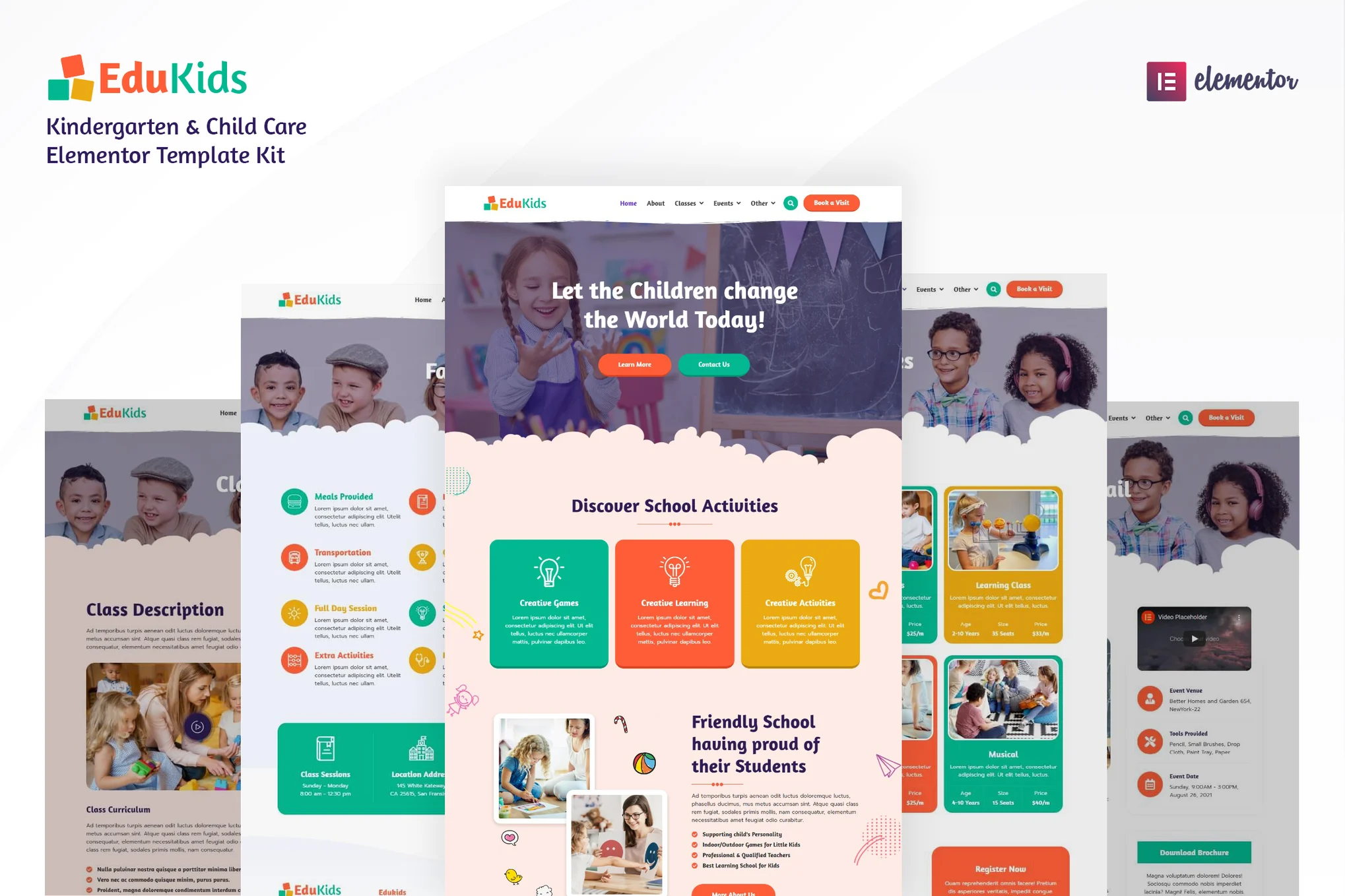
LittleLand is a suite of Elementor Pro templates for nurseries, childcare centers, preschools, kindergartens, children's playgrounds and parent-child cafes, designed in a modern and lively style, especially suitable for child development, activities and other related web projects.
Its flexible layout and multi-functional components are also suitable for website construction in other industries, helping you to easily create a complete online display platform suitable for different customer needs.
Please note: This is an Elementor page builder template kit, not a WordPress theme. It has been optimized for the Hello Elementor theme, but is also compatible with other themes that support Elementor.
![Image[1]-LittleLand - Kindergarten Elementor Pro Template Kit - Photon Flux | Professional WordPress Repair Service, Global Reach, Fast Response](https://www.361sale.com/wp-content/uploads/2025/07/20250725174643249-啊啊.avif)
Page templates include
Home page (version 1)
Home (version 2)
About Us
Blogroll
Class Introductions
Contact information 1
Contacts 2
Event Details
Event Listings
Album Showcase
common problems
price page
Course Details
single article
Teacher Details
Teachers' Team
error page
Page Block Templates
Header
Footer
Burger Menu
Template Kit Highlight Features
Includes site-wide style settings (unified management of fonts and colors)
Total 21 Elementor Page Templates
Unique and fun Lottie animated graphics
Responsive design for all devices
Simple and fresh style, clear structure and easy maintenance
Easy to use and customize
Support for major browsers including Chrome, Firefox, Safari, Edge and Opera
Use Free Google Fonts
Has been tested with a colorblind simulator to ensure a hassle-free experience
SEO Friendly
Optimized for Elementor Pro
Clear page structure, easy to change the background, colors, fonts and typography
Required plugins (automatically prompted when installing the template)
Envato Elements
Premium Addons for Elementor
Selection Lite
Elementor
Elementor Pro
Some pages and features require the Elementor Pro plugin (template does not include Pro license)
User's guide (template installation method)
Download the template file at Envato (no need to unzip)
If you are using Safari browser, please turn off the "Automatically open files after downloading" option.
Go to WordPress backend, open Fixed Links in Settings and select "Post Name" format.
Go to Appearance > Themes, install and enable Hello Elementor, if Elementor is not installed, you will be automatically prompted.
Go to the Plugins page and make sure the Elementor and Envato Elements plugins are enabled. To use the Pro features, connect to an Elementor Pro account
Go to Elements > Installed Kits to upload the template kit zip file
If the orange banner appears at the top, click the "Install Requirements" button to load the required plugins for the template.
First, import Global Kit Styles and set the site-wide styles.
Import the page templates one by one in order, these templates will be saved to Templates > Saved Templates and can be re-used
Create Page Methods
Go to Page, create a new page and click "Edit with Elementor".
Click on the gear icon in the bottom left corner of the page to set it to Elementor Full Width and hide the page title
Click on the gray folder icon to go to the "My Templates" tab and import and edit the pages you want to use.
Home page settings in Settings > Reading, select static home page and specify the template page
If using Elementor Pro, the header and footer can be customized in Templates > Theme Builder

Link to this article:https://www.361sale.com/en/70354The article is copyrighted and must be reproduced with attribution.








![Emoji[wozuimei]-Photonflux.com | Professional WordPress repair service, worldwide, rapid response](https://www.361sale.com/wp-content/themes/zibll/img/smilies/wozuimei.gif)

![Emoticon[baoquan] - Photon Wave Network | Professional WordPress Repair Services, Worldwide Coverage, Rapid Response](https://www.361sale.com/wp-content/themes/zibll/img/smilies/baoquan.gif)


 简体中文
简体中文  English
  日本語
日本語  Français
  Español


No comments