





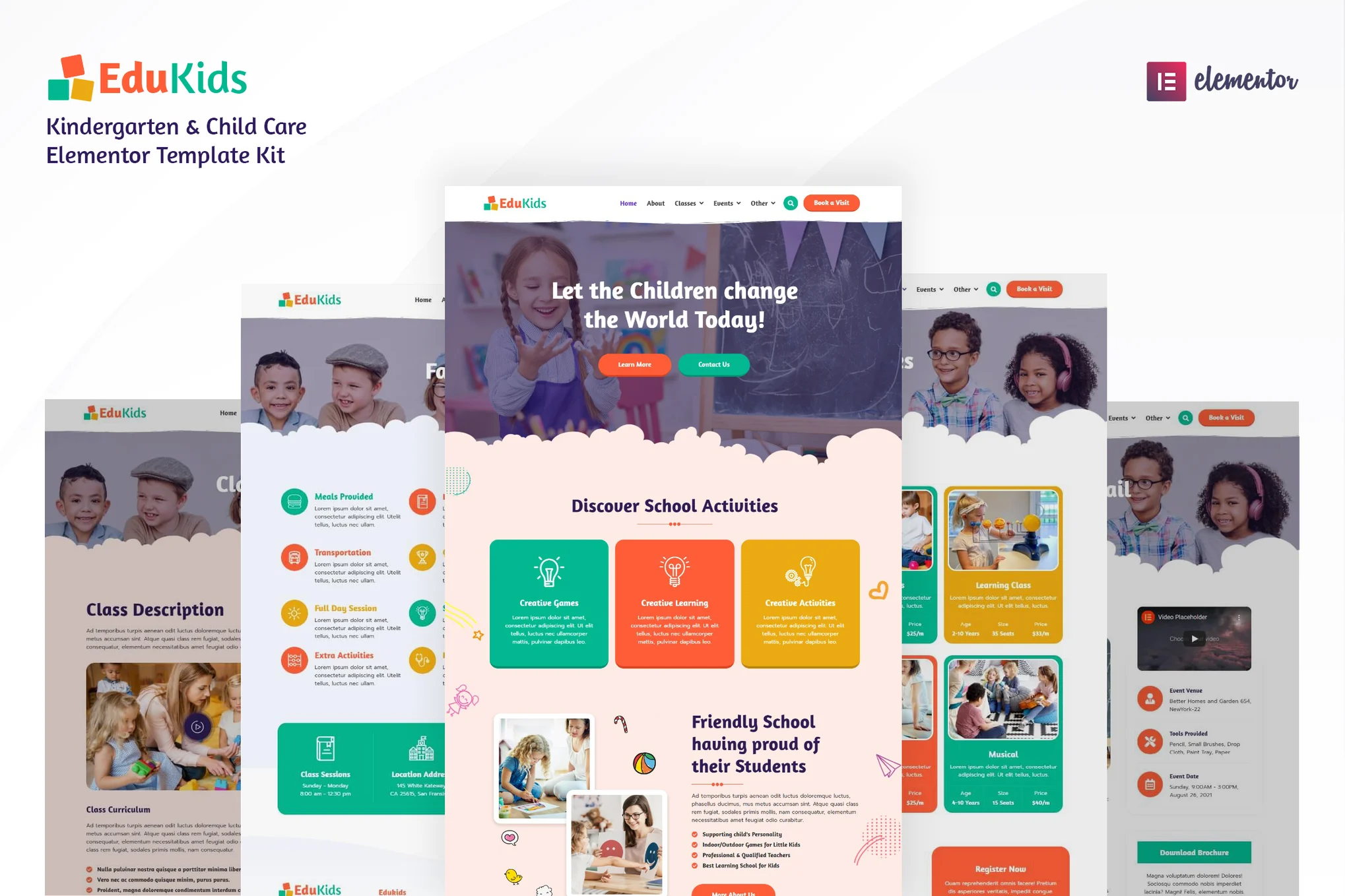
Kiddies - Kindergarten Elementor Template Kit It is a responsive, clean and customizable template for:
- nursery school
- Nursery Schools / Preschools
- Children's Classes / Interest Classes
- Children's learning centers, etc.
This template is a template suite for the Elementor page builder (Not a WordPress Theme), adapts to the free version of Hello Elementor theme and also supports most of the themes compatible with Elementor.
![Image[1]-Kiddies - Kindergarten Elementor Template Kit - Photon Flux | Professional WordPress repair service, worldwide, fast response](https://www.361sale.com/wp-content/uploads/2025/07/20250725164422866-blog.avif)
![Image [2] - Kiddies - Kindergarten Elementor Template Kit - Photon Flux | Professional WordPress repair service, global reach, fast response](https://www.361sale.com/wp-content/uploads/2025/07/20250725164422990-single-blog.avif)
✨ Template Features
- Use of free plug-ins (no Elementor Pro required)
- Modern and clean design
- responsive layout
- Fully customizable
- No programming knowledge required
📄 Built-in template page
- Header
- Footer
- Contact form
- Pre-registration form
- Subscription Form
- fig. beginning
- About Us
- Teachers
- Teaching and Learning Program
- Campus Facilities
- Pre-registration page
- Blogroll
- single-post blog
- 404 Page
- Contact Us
🔌 Required plug-ins
- Elementor
- ElementsKit Lite
- MetForm
- Sticky Header Effects for Elementor
⚙️ How to install and use
This is an Elementor template package that needs to be installed via the Envato Elements plugin, not a traditional WordPress theme.
- Install and enable Envato Elements Plug-in
- Import the template file (do not unzip)
- Import one template page at a time to avoid conflicts
- When editing a page in Elementor, click the folder icon to import the contents of My Templates.
📝 MetForm Usage
- Importing MetForm Form Templates
- Open the page and click on the area where the form needs to be added
- Select "Edit Form" → New Form → Add Template
- Insert the template and click "Update" to save.
🌐 Setting up site-wide headers and footers (using ElementsKit)
- Importing header and footer templates
- go into ElementsKit > Header Footer
- Add a new header or footer, set to "Enable site-wide"
- Edit Content → Insert Template → Settings Menu → Click Update
- The footer operates in the same way

© Reprint statement
This article was written by zzzzr
Link to this article:https://www.361sale.com/en/70302The article is copyrighted and must be reproduced with attribution.
THE END








![Emoji[wozuimei]-Photonflux.com | Professional WordPress repair service, worldwide, rapid response](https://www.361sale.com/wp-content/themes/zibll/img/smilies/wozuimei.gif)

![Emoticon[baoquan] - Photon Wave Network | Professional WordPress Repair Services, Worldwide Coverage, Rapid Response](https://www.361sale.com/wp-content/themes/zibll/img/smilies/baoquan.gif)


 简体中文
简体中文  English
  日本語
日本語  Français
  Español


No comments