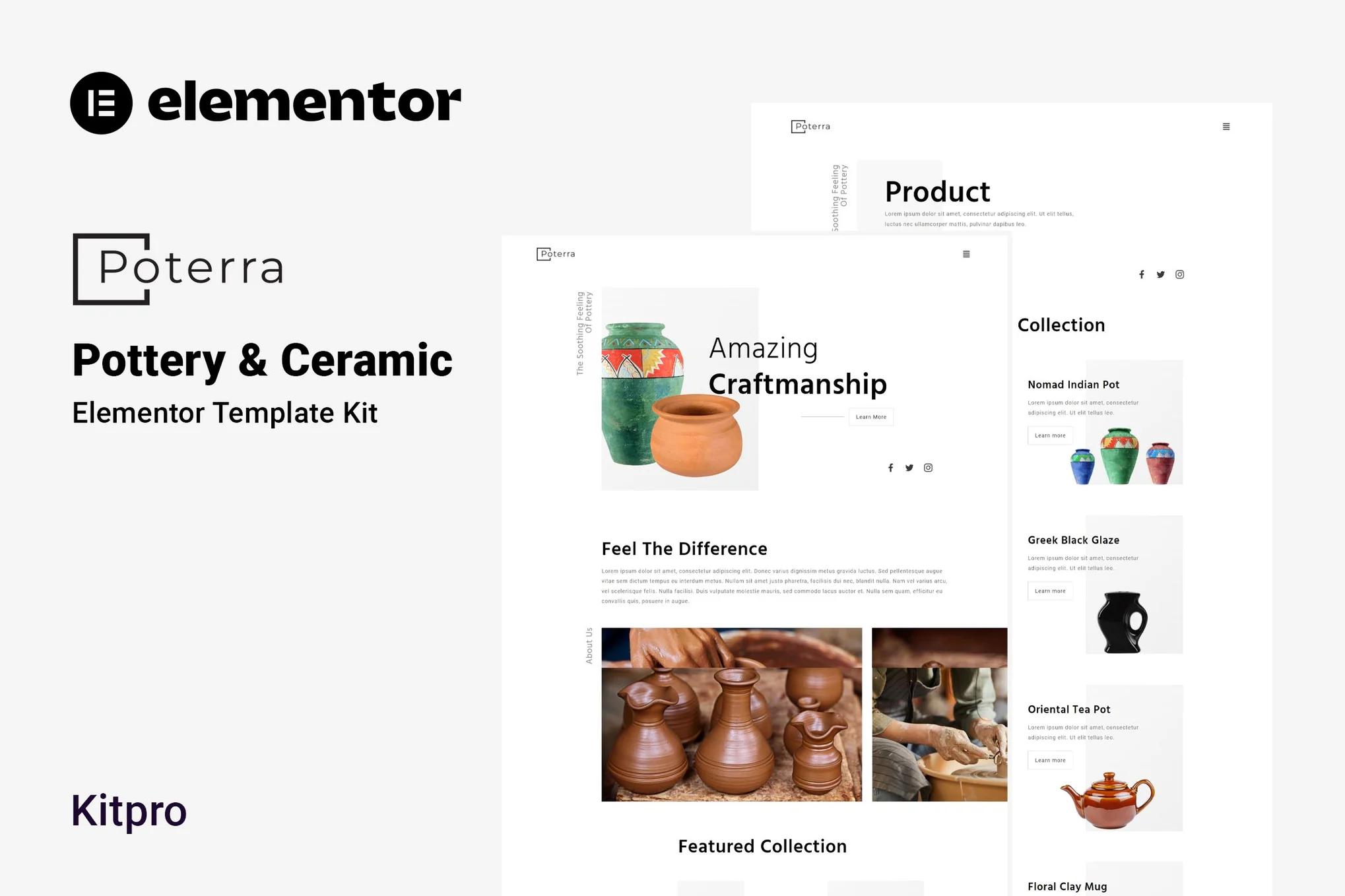





Poterra is a website template suite for pottery and ceramics studios that can be built with the free version of Elementor, no coding skills required. You can easily use drag-and-drop for page design, and it's suitable for pottery classes, ceramics displays, membership services, and many other uses.
This template suite is not a WordPress theme, but a package of page content designed specifically for the Elementor page editor. The templates have been optimized for the Hello Elementor free theme and are compatible with most themes that support Elementor.
![Image[1]-Poterra - Ceramics & Pottery Elementor Template Kit - Photon Flux | Professional WordPress repair service, worldwide, fast response](https://www.361sale.com/wp-content/uploads/2025/07/20250729174946917-0000.avif)
![Image [2]-Poterra - Ceramics & Pottery Elementor Template Kit - Photon Flux | Professional WordPress repair service, worldwide, fast response](https://www.361sale.com/wp-content/uploads/2025/07/20250729174946225-000.avif)
Template Features
- A truly zero-code visual drag-and-drop editing experience
- Fonts and colors can be set uniformly, or each component can be adjusted individually
- Modern, professional design and fast loading
- Compatible with most Elementor themes
Includes page templates
- fig. beginning
- About Us
- Courses
- Contact Us
- Team Showcase
- product page
- Member Services
- common problems
- blog (loanword)
- 404 Error Page
Using Fonts
- Hind
- Roboto
Integrated plug-ins
- ElementsKit Lite
- Jeg Elementor Kit
- Sticky Header Effects for Elementor
- Elementor Header & Footer Builder
- MetForm
Template Kit User's Guide
- Search for and install the "Envato Elements" plugin in the WordPress backend [Plugins > Install Plugin].
- Download the kit file (no need to unzip)
- Go to [Elements > Installed Kits] and click the "Upload Template Kit" button.
- Click on "Install Dependency Plugin" in the orange banner at the top of the page.
- Import Global Kit Styles first.
- Then import each page template one by one, the templates will be stored in [Templates > Saved Templates].
- Go to New Page in Pages and click "Edit with Elementor".
- Click on the gear icon in the lower left corner to set it to "Elementor Full Width" and hide the page title.
- Click on the gray folder icon to open "My Templates", select the pages you need to import and start customizing!
Import MetForm2Go Form Instructions
- Import the MetForm module template first
- Then import the page template that contains the form and right-click in the page to enable the navigator
- Find and select the MetForm widget and click "Edit Form".
- Select "New" and click "Edit Form" to enter the form editor.
- Click on the gray folder icon to go to the "My Templates" tab
- Select the imported form template and click "Insert" (select "No" for page setup).
- Customize the form when it is loaded and click "Update and Close" when you are done.
- Click "Update" on the page to save the changes.
Setting the Header (using the Jeg Elementor Kit plug-in)
- Go to Jeg Elementor Kit > Header Templates.
- Click "Add New Header"
- Set the condition to "Site-wide display" and click "Create".
- Click on the gray folder icon to import the header template
- Just customize and save

© Reprint statement
This article was written by zzzzr
Link to this article:https://www.361sale.com/en/71124The article is copyrighted and must be reproduced with attribution.
THE END








![Emoji[wozuimei]-Photonflux.com | Professional WordPress repair service, worldwide, rapid response](https://www.361sale.com/wp-content/themes/zibll/img/smilies/wozuimei.gif)

![Emoticon[baoquan] - Photon Wave Network | Professional WordPress Repair Services, Worldwide Coverage, Rapid Response](https://www.361sale.com/wp-content/themes/zibll/img/smilies/baoquan.gif)


 简体中文
简体中文  English
  日本語
日本語  Français
  Español


No comments