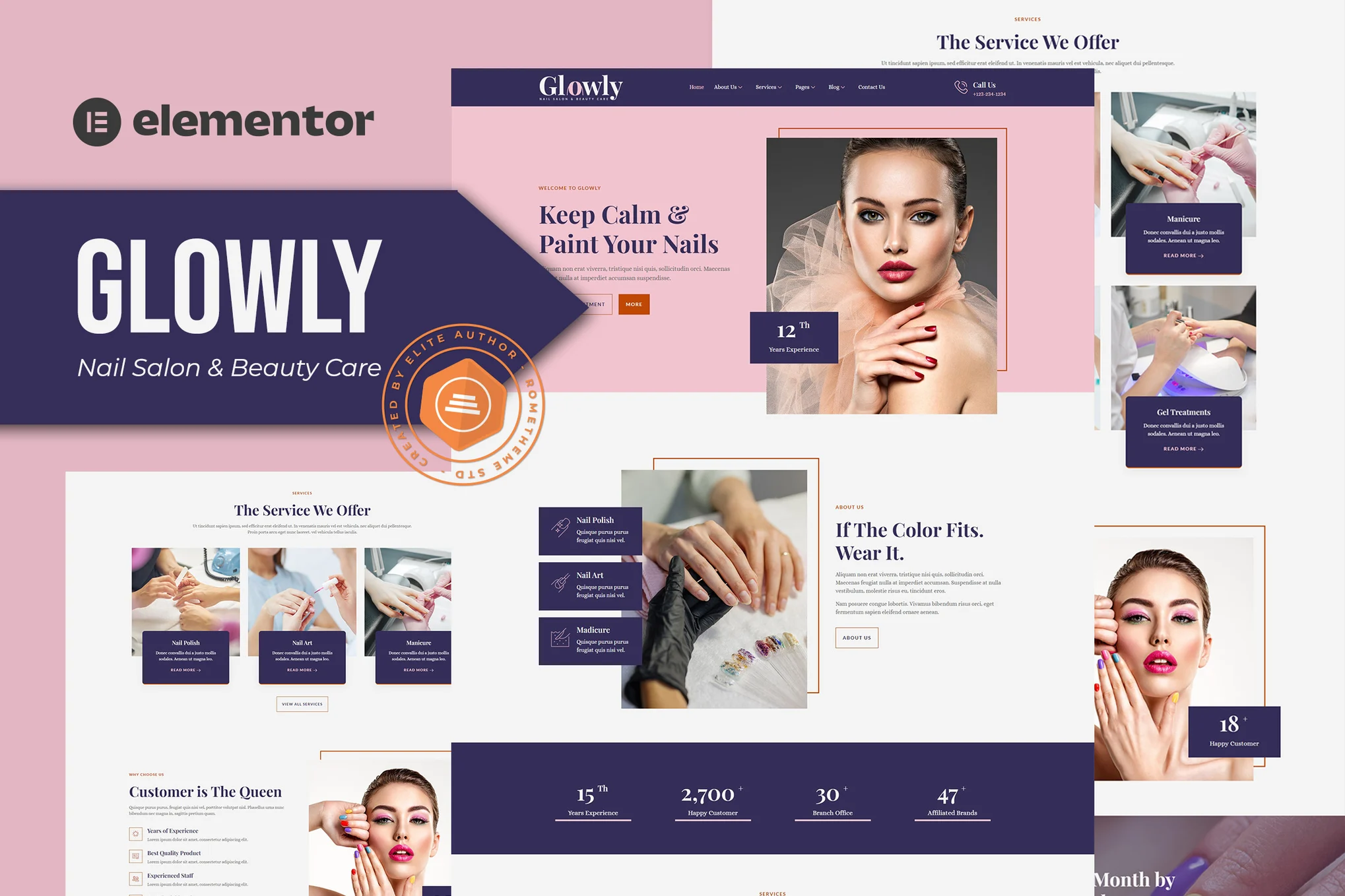





Glowly is an Elementor template suite for nail salons, nail art, beauty care and other related industries, containing 15+ pre-built page templates with clean, modern, responsive and fully customizable designs for all devices and major browsers.
![Image [1] - Glowly - Nail & Beauty Care Elementor Template Kit - Photon Fluctuation Network | Professional WordPress repair service, global reach, fast response](https://www.361sale.com/wp-content/uploads/2025/07/20250730110551652-10-Blog.avif)
![Image [2] - Glowly - Nail & Beauty Care Elementor Template Kit - Photon Fluctuation Network | Professional WordPress repair service, worldwide, fast response](https://www.361sale.com/wp-content/uploads/2025/07/20250730110551261-7-Pricing.avif)
This package is for the Elementor page builder and is recommended for use with the Hello Elementor free theme, and is also compatible with other themes that support Elementor.
Template Features:
Compatible with major browsers: Chrome, Firefox, Safari, IE9-IE11
Use of free plug-ins (no Elementor Pro required)
100% Responsive layout with HD display support
Visual drag-and-drop editing, no programming required
Uniformly set fonts and colors, support fine tuning
15+ pre-built templates, ready to use
Clean and modern design with flexibility to adapt to a variety of website needs
Includes page templates:
fig. beginning
About Us
Team Introduction
service page
Service Details
Online Appointment
Price program
common problems
blog (loanword)
Article Details
404 Error Page
Contact Us
footer
footers
Required plug-ins:
Elementor
ElementsKit Lite
MetForm
Instructions for use:
- Install and enable "Envato Elements" plugin in WordPress backend plugins
- Download the template package (ZIP format), do not unzip it!
- Go to Elements > Installed Kits and click "Upload Template Kit" to upload a template.
- Click on the orange banner at the top "Install Requirements" to install the required plugin.
- Introducing Global Kit Styles
- Import each template in turn (saved in Elementor > Templates > Saved Templates)
- Create a new page and click "Edit with Elementor".
- Select "Elementor Full Width" from the gear icon in the bottom left corner of the page and hide the page title.
- Click on the gray folder icon and go to "My Templates" to import the desired pages for customization.

Link to this article:https://www.361sale.com/en/71397The article is copyrighted and must be reproduced with attribution.












![Emoji[wozuimei]-Photonflux.com | Professional WordPress repair service, worldwide, rapid response](https://www.361sale.com/wp-content/themes/zibll/img/smilies/wozuimei.gif)

![Emoticon[baoquan] - Photon Wave Network | Professional WordPress Repair Services, Worldwide Coverage, Rapid Response](https://www.361sale.com/wp-content/themes/zibll/img/smilies/baoquan.gif)


 简体中文
简体中文  English
  日本語
日本語  Français
  Español


No comments