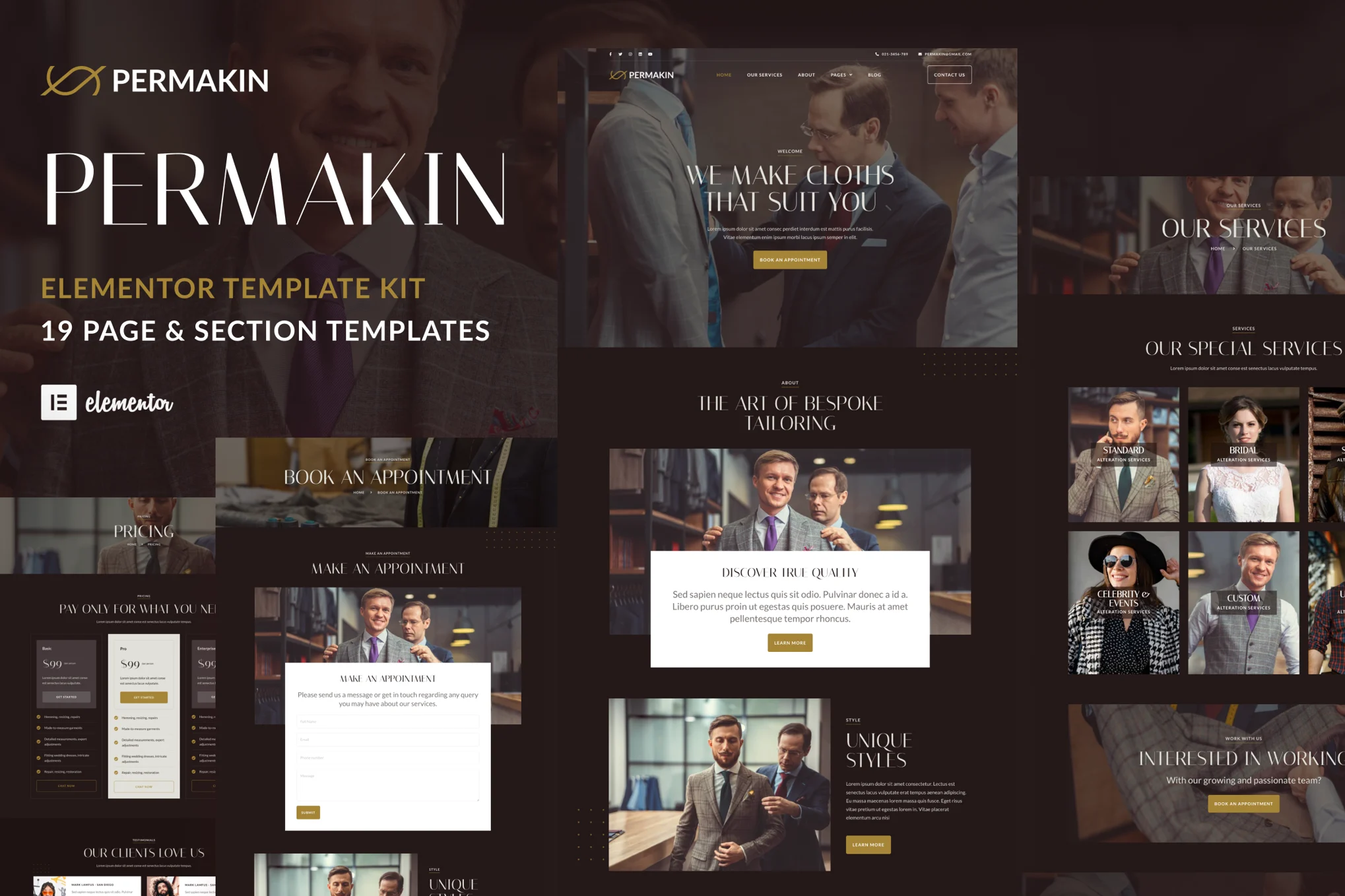





Permakin is an Elementor template suite for tailoring, sewing and garment alteration businesses, helping you build professional websites on WordPress that showcase craftsmanship and personalized service. Whether you specialize in custom suits or everyday clothing alterations, Permakin can help you improve your brand image and attract more customers.
![Image [1] - Permakin - Professional Tailor & Garment Alterations Elementor Template Kit - Photon Flux.com | Professional WordPress Repair Service, Worldwide, Fast Response](https://www.361sale.com/wp-content/uploads/2025/07/20250730111121107-permakin-features.avif)
![Image [2] - Permakin - Professional Tailor & Garment Alterations Elementor Template Kit - Photon Flux.com | Professional WordPress Repair Service, Worldwide, Fast Response](https://www.361sale.com/wp-content/uploads/2025/07/20250730111121337-permakin-elementor.avif)
The kit contains 19 carefully designed templates that focus on highlighting your professional craftsmanship, attention to detail and unique style. Each page is a fusion of tradition and innovation, giving your online presence an artisanal appeal.
Permakin has a fully responsive layout that ensures that the website is perfectly rendered on devices such as desktop, tablet or mobile, providing a smooth and elegant browsing experience for customers.
With the Permakin template suite, let your customers feel the charm of your tailor-made service from the first glance, and immediately start the road to your exclusive tailor brand.
Note: Some templates and features require the Elementor Pro plug-in (sold separately, not included in the kit).
Template List:
- Global Style
- Global Header
- Global Footer
- fig. beginning
- About Us
- Service
- Price program
- Reservation page
- Store Locations
- Contact Us
- common problems
- Testimonials
- Team Introduction
- Blog Details Page
- Blogroll
- Blog Archive
- Coming Soon Page
- 404 Page
- Popup templates
Installation Instructions:
- Install and enable "Envato Elements" plugin in WordPress backend plugins
- Download the template package (ZIP format), do not unzip it!
- Go to Elements > Installed Kits and click "Upload Template Kit" to upload a template.
- Click on "Install Requirements" at the top to install the required plug-ins.
- It is recommended to import only one template page at a time to ensure the best results.

Link to this article:https://www.361sale.com/en/71403The article is copyrighted and must be reproduced with attribution.












![Emoji[wozuimei]-Photonflux.com | Professional WordPress repair service, worldwide, rapid response](https://www.361sale.com/wp-content/themes/zibll/img/smilies/wozuimei.gif)

![Emoticon[baoquan] - Photon Wave Network | Professional WordPress Repair Services, Worldwide Coverage, Rapid Response](https://www.361sale.com/wp-content/themes/zibll/img/smilies/baoquan.gif)


 简体中文
简体中文  English
  日本語
日本語  Français
  Español


No comments