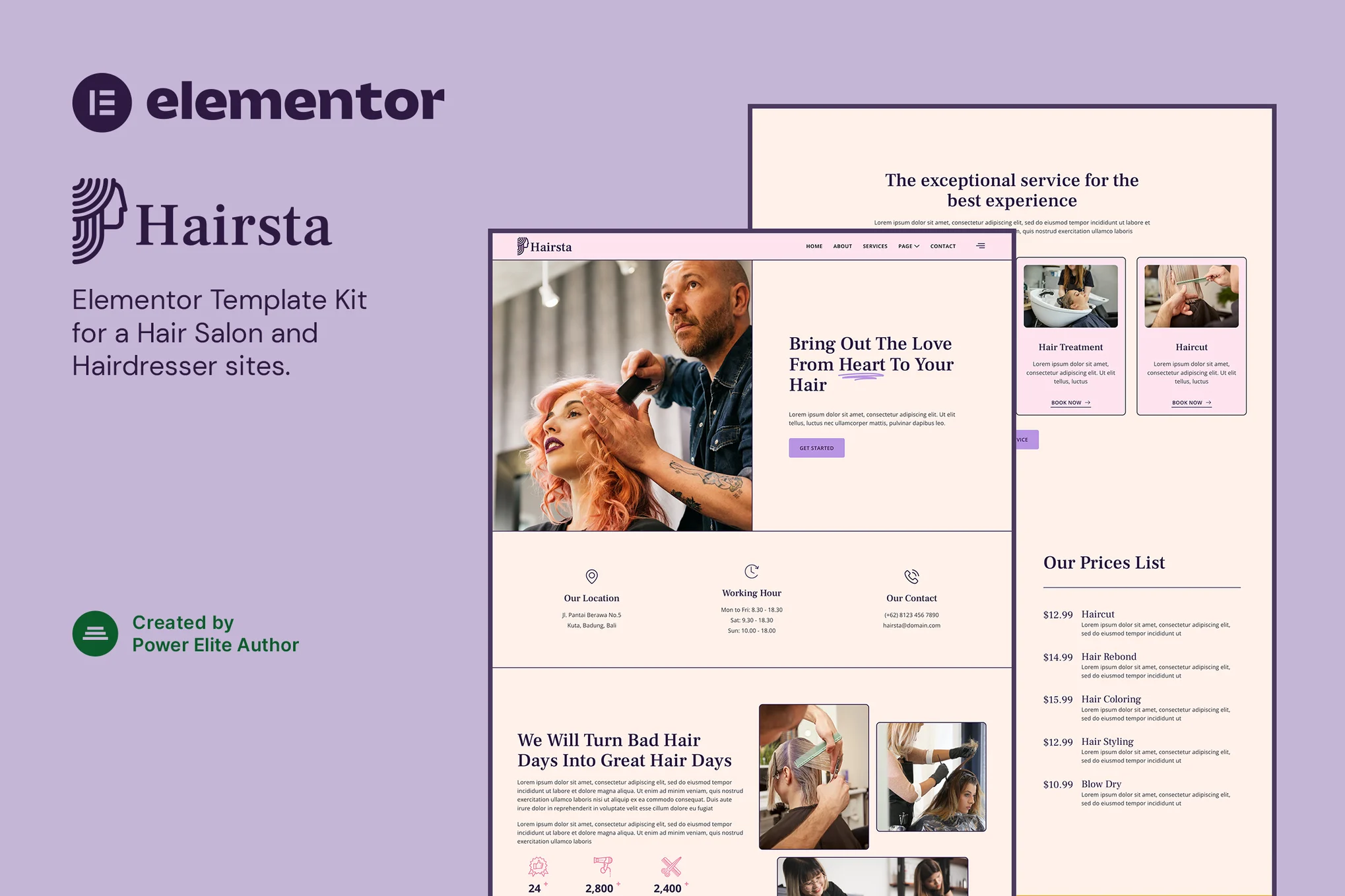







Hairsta is a modernly designed and freshly styled Elementor template suite for hair salon, hair stylist and other beauty related service websites. It's easy to build a professional website without writing any code. The suite includes 16+ pre-built templates that can be imported to create complete websites in no time.
![图片[1]-Hairsta – 美发沙龙 Elementor 模板套件-光子波动网 | WordPress教程、Elementor教程与故障修复](https://www.361sale.com/wp-content/uploads/2025/07/20250731091635790-Hairsta-Single-Post.webp)
![图片[2]-Hairsta – 美发沙龙 Elementor 模板套件-光子波动网 | WordPress教程、Elementor教程与故障修复](https://www.361sale.com/wp-content/uploads/2025/07/20250731091635763-Hairsta-Services.webp)
Template Features
- Use of free plug-ins (no Elementor Pro required)
- Modern and clean design
- Responsive layout, compatible with all types of devices
- Supports Retina HD display
- Freely customizable
- Support for major browsers (Chrome, Firefox, Safari, Opera)
Includes page templates
- fig. beginning
- About Us
- Service Introduction
- Team Introduction
- Reservation page
- common problems
- Blogroll
- Blog post details
- 404 Page
- Contact Us
- MetForm Appointment Form
- MetForm Contact Form
- footer
- footers
- Side pop-up menu
- Global Style
Required plug-ins
- Elementor
- Jeg Elementor Kit
- MetForm
Installation Instructions
- Install and enable the "Envato Elements" plugin in the WordPress backend.
- Upload the downloaded template kit (no need to unzip)
- Click Upload Template in [Elements > Installed Kits].
- Follow the prompts to install the required plug-ins
- Import Global Kit Styles first, then import page templates one by one (at Templates > Saved Templates)
- Creating a new page and editing it with Elementor
- Set the page to Elementor Full Width and hide the page title.
- Click on the folder icon and select the template you want to insert to start customizing the page
This package adapts to Elementor and is recommended for use with the Hello Elementor theme.

© Reprint statement
This article was written by Toast
Link to this article:https://www.361sale.com/en/71577/The article is copyrighted and must be reproduced with attribution.
THE END














![表情[wozuimei]-光子波动网 | WordPress教程、Elementor教程与故障修复](https://www.361sale.com/wp-content/themes/zibll/img/smilies/wozuimei.gif)

![表情[baoquan]-光子波动网 | WordPress教程、Elementor教程与故障修复](https://www.361sale.com/wp-content/themes/zibll/img/smilies/baoquan.gif)


 简体中文
简体中文  English
  日本語
日本語  Français
  Español


No comments