






Plugins are an essential component in the process of building an e-commerce website. Different plugins provide merchants with a variety of functions such as payment, logistics, inventory, promotions, and so on. However, many people find that the more plugins there are, the easier it is to slow down the loading speed of the website. This directly affects the patience and conversion rate of visitors. Therefore, it is important to compareE-commerce plug-inThe performance, especially the loading speed, has become one of the most important concerns for merchants.
![Image [1] - E-commerce plugin performance comparison: who loads faster](https://www.361sale.com/wp-content/uploads/2025/09/20250930103540659-image.png)
Why is loading speed important?
The loading time of a website can directly affect the shopping experience. E-commerce platforms need to be fast and responsive in order for customers to smoothly complete browsing, ordering and paying. If loading is slow, shopping cart abandonment rates go up. Comparing the performance of different plugins can help developers choose the right tool to avoid slowing down their website.
Common types of e-commerce plug-ins
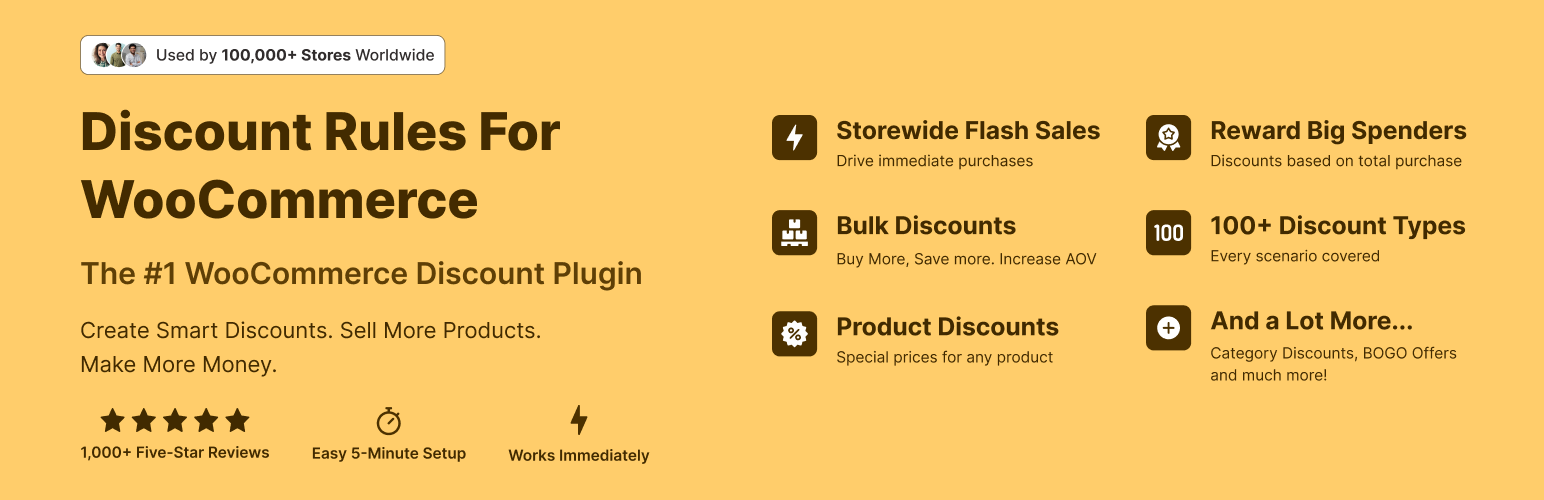
Payment Plug-ins
Payment plugins usually call third-party interfaces. For example, credit card payments,PayPal, Apple Pay, etc. As it involves external requests, it is easy to cause delays if the plugin is not optimized enough.
![Image [2] - E-commerce plugin performance comparison: who loads faster](https://www.361sale.com/wp-content/uploads/2025/09/20250930103601886-image.png)
Logistics Plug-in
Logistics tracking and freight calculation require calls to external services. An efficient logistics plugin will use a caching mechanism to reduce duplicate requests and decrease waiting time.
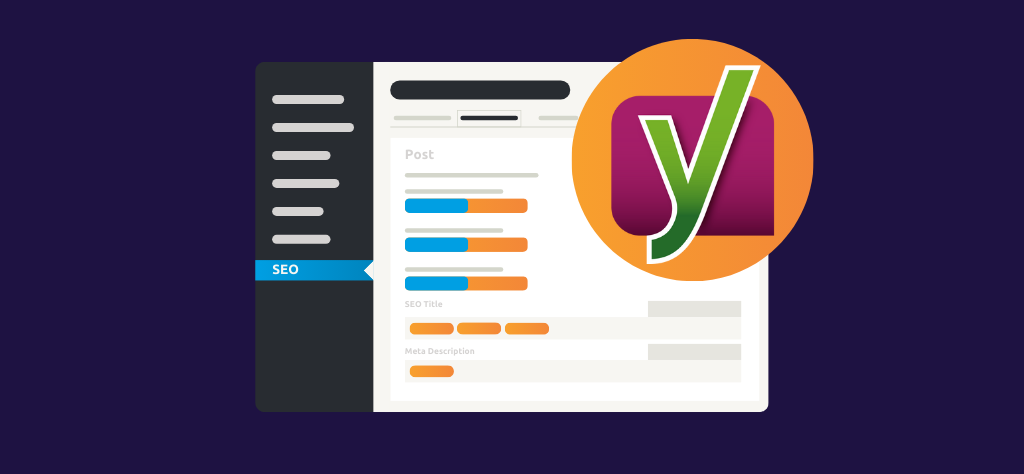
SEOWith marketing plug-ins
These plugins mainly deal with page optimization and traffic statistics. Some plug-ins have huge functionality and take up more resources, so you need to focus on comparing the performance differences.
Page builder plugin
Drag-and-drop page editing tools are very popular in e-commerce websites. However, some plugins can load a lot of scripts and style files, which can affect the speed of the first screen.
Key indicators for performance comparison
- loading time
Measure the impact of the plugin on page speed. The shorter the better. - Number of requests
How many HTTP requests are launched when the plugin runs? Too many requests tend to cause delays. - Resource size
CSS and the smaller the JS file size, the faster it loads. - compatibility
Does it work without conflicts with the theme and other plugins. Plugins with poor compatibility tend to slow down the overall speed. - Cache utilization
Whether local caching is supported, and whether duplicate calls to external resources can be reduced.
Common e-commerce plug-ins comparison case
![Image [3] - E-commerce plugin performance comparison: who loads faster](https://www.361sale.com/wp-content/uploads/2025/09/20250930104231144-image.png)
Plug-in A: Lightweight Design
- Small file size
- Low number of requests
- Faster loading speeds for small to medium sized stores
Plug-in B: Full functionality
- Integrated payment, logistics, coupons and many other functions
- Larger files, more requests
- Possible speed degradation in highly concurrent environments
Plugin C: Focus on Optimization
- Specifically optimized for performance
- Provides delayed loading and resource merging functionality
- Not as comprehensive as Plugin B, but better overall speed performance
How to choose the right e-commerce plugin?
- Streamline the number of installations according to business needs
Don't be greedy and prioritize the installation of the features you really need. - Follow the official documentation and update logs
Plugins with active updates are usually better optimized. - Testing different plugin combinations
Install each in a test environment and observe the change in loading speed. - Use of speed measurement tools
For example, Google PageSpeed Insights or GTmetrix, you can visualize the performance impact of plug-ins.
![Image [4] - E-commerce plugin performance comparison: who loads faster](https://www.361sale.com/wp-content/uploads/2025/09/20250930103644525-image.png)
Tips to improve loading speed
- Use caching plug-ins to reduce server stress
- Enabling Content Delivery Networks (CDNs) to shorten data transmission distances
- Merge and compress resource files to reduce page size
- Regularly check and remove useless plug-ins to keep the system lightweight
summarize
E-commerce websiteThe success of the program is not possible without efficient plug-in support. But the choice of plugins does not only depend on the number of features, but also on the performance performance. The faster the loading speed, the higher the customer's dwell time and conversion rate will be. When comparing plugins, merchants should combine factors such as loading time, resource size and compatibility to pick the most suitable solution for their business.

Link to this article:https://www.361sale.com/en/78104/The article is copyrighted and must be reproduced with attribution.














![Emoji[wozuimei]-Photonflux.com | Professional WordPress repair service, worldwide, rapid response](https://www.361sale.com/wp-content/themes/zibll/img/smilies/wozuimei.gif)

![Emoticon[baoquan] - Photon Wave Network | Professional WordPress Repair Services, Worldwide Coverage, Rapid Response](https://www.361sale.com/wp-content/themes/zibll/img/smilies/baoquan.gif)


 简体中文
简体中文  English
  日本語
日本語  Français
  Español


No comments