






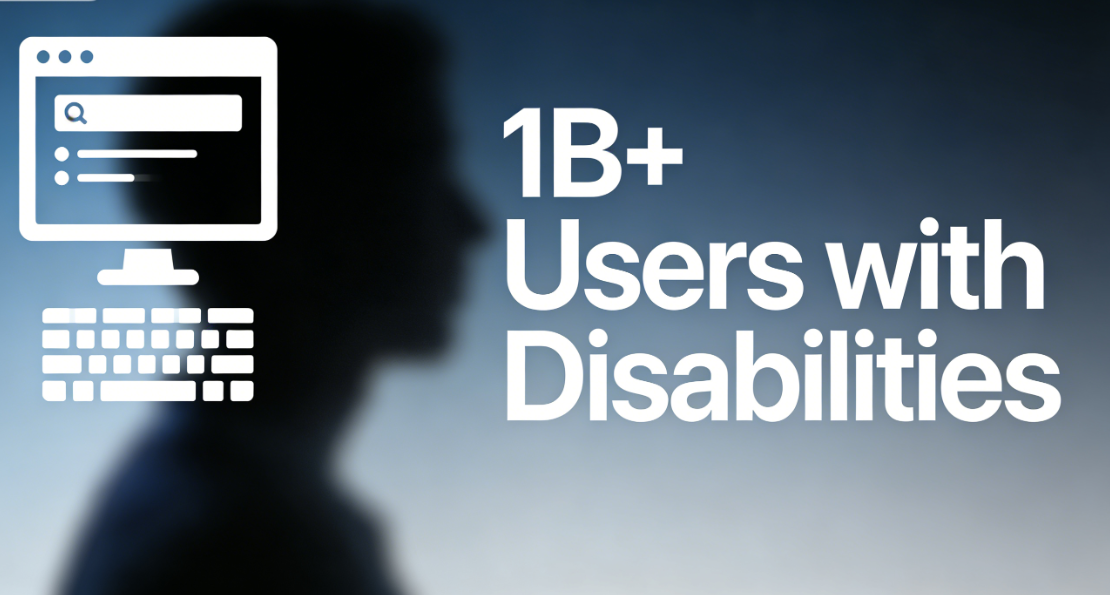
Web accessibility has evolved from an optional consideration to a mandatory technical standard under global legislative frameworks such as WCAG 2.1 and EN 301 549. Data reveals that over 1.3 billion people with disabilities worldwide rely on assistive technologies to access the web, yet approximately 98% of website homepages contain accessibility flaws.Traditional page-building tools often generate code that fails to meet semantic standards, forcing development teams to spend an average of 30% hours on manual fixes.
Nexter BlocksAdopting a radically different design paradigm, its architecture treats accessibility as a native core rather than an afterthought. The tool systematically generates code-level compliance withWCAG 2.1 Level AA StandardsThe HTML structure covers over 851 common accessibility checkpoints, reducing the time required for development teams to achieve compliance by approximately 70%.
I. Automated Integration of Semantic HTML Structure and ARIA Attributes
High-quality accessibility begins with clear, correct HTML semantics. The core strength of Nexter Blocks lies in its block templates, which output semantically rich markup by default.
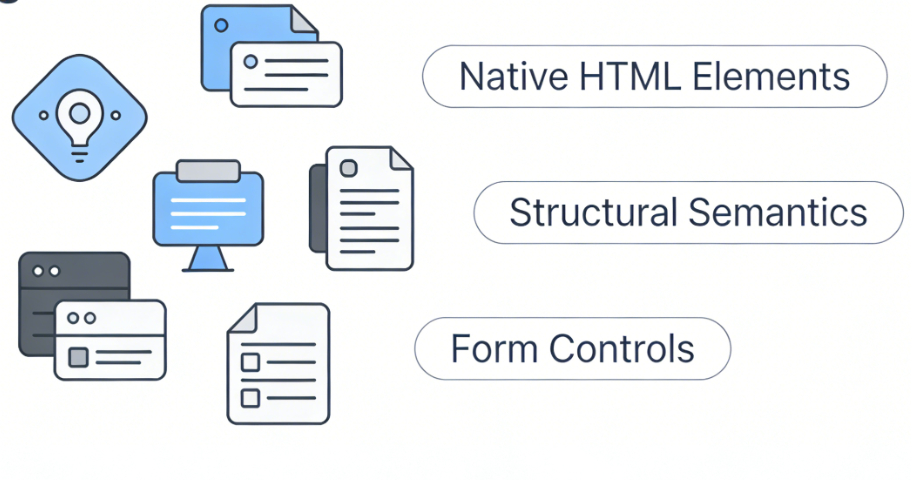
1.1 Use appropriate native HTML elements
Many visual builders rely on large amounts of meaningless<div>respond in singing<span>Element simulation complicates layouts, creating interpretation barriers for assistive technologies. Nexter Blocks takes a different approach:
- Semanticization of Structural ElementsFor the navigation area, tool output
elementalFor headers and footers, useThe main content area is packaged inThese native HTML5 elements provide screen readers with a clear document outline and landmark navigation. - Standard Implementation of Form ControlsForm elements (such as input fields, dropdown menus, and radio buttons) automatically generate correctly associated
,<input>Complete HTML structure with proper types and required attributes. This ensures form controls are correctly identified, labeled, and fully operable via keyboard.
1.2 Intelligent and Prudent Application of ARIA Attributes
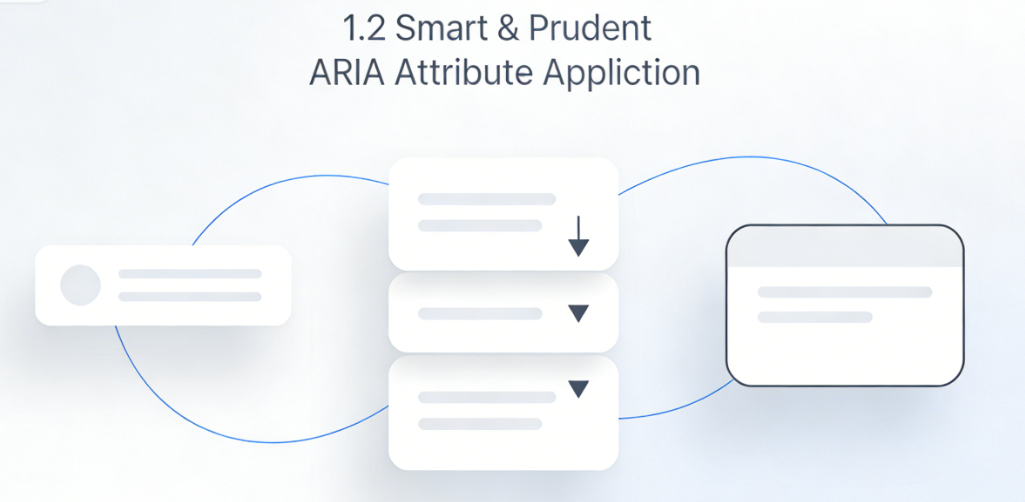
When nativeHTML SemanticsWhen insufficient to describe the state of complex interactive components, the Accessible Rich Internet Application (ARIA) attributes become necessary. Nexter Blocks applies a prudent strategy in this regard.
- Automatic dynamic componentARIA ManagementFor interactive components such as tabs, accordions, and modals, block templates automatically inject necessary ARIA attributes, such as
aria-controls,aria-expanded,aria-labelledbyrespond in singingroleDefinition. When a component's state changes (such as opening a modal), the relevant ARIA attributes (such asaria-hiddenwill automatically update without requiring developers to manually write JavaScript for synchronization. - Avoid ARIA AbuseAdhere to the principle of "using native HTML first," adding ARIA only when additional semantics are genuinely required. This restraint avoids the common pitfall of ARIA conflicting with native semantics—an issue frequently encountered in manual coding or low-level builders.
II. Accessibility Assurance at the Interaction and Perception Level
Accessibility concerns not only code semantics but also interaction logic and visual presentation. Nexter Blocks provides a built-in safeguard mechanism for this purpose.
2.1 Comprehensive Keyboard Navigation and Focus Management
For users unable to use a mouse, the keyboard serves as the primary navigation tool.
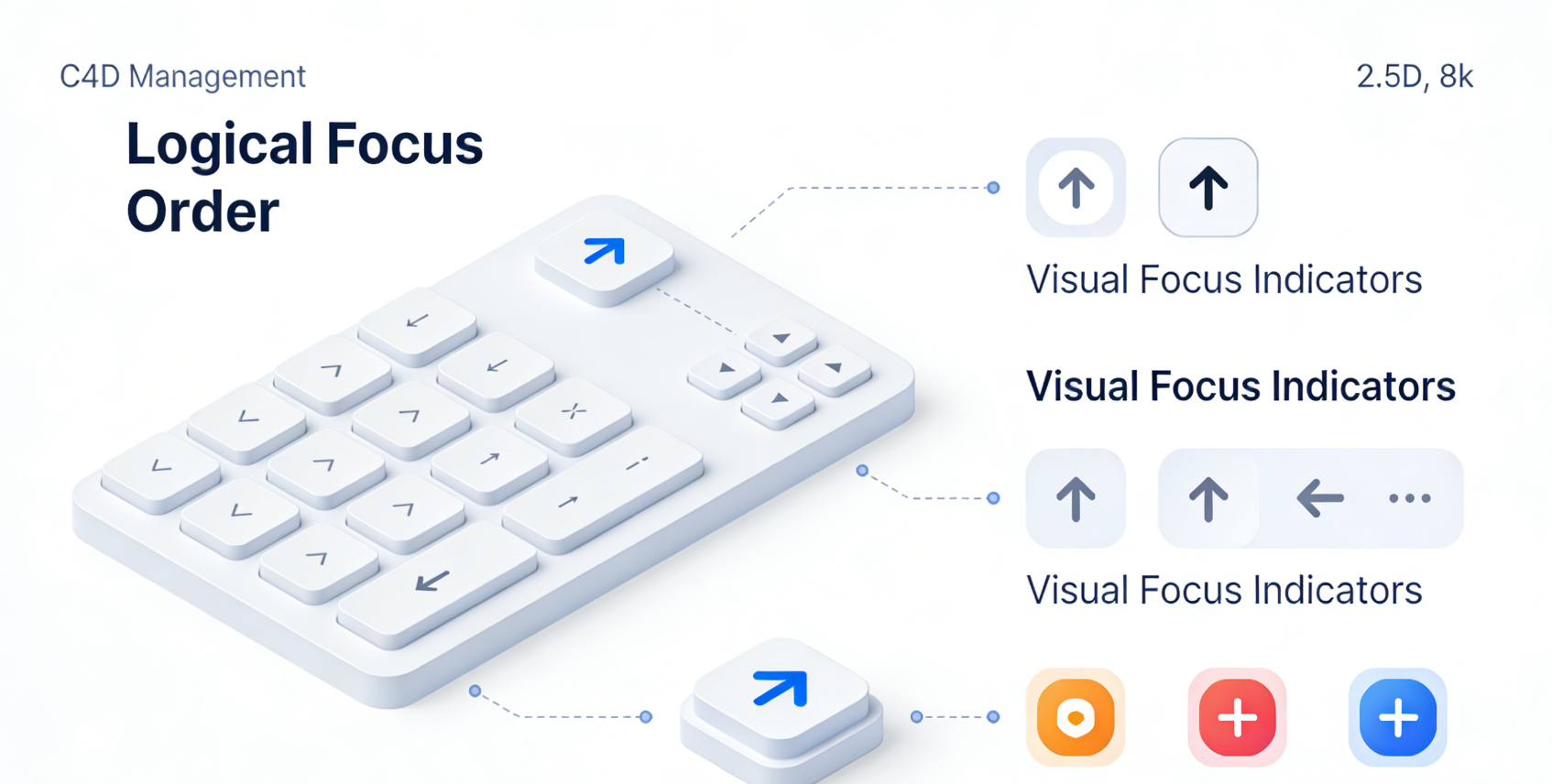
- Logical Focus SequenceThe layout generated by blocks is based on the DOM flow, ensuring the focus order naturally aligns with visual reading logic. For custom interactive components, focus is confined within the component's internal cycle and intelligently returns to the triggering element when the component closes.
- Visual Focus IndicatorAll interactive elements (links, buttons) feature clearly visible CSS focus styles by default. These styles meet minimum color contrast requirements, ensuring keyboard users can clearly identify their current location while navigating.
2.2 Color Contrast and Visual Design Accessibility
Visual accessibility is crucial for users with color blindness or low vision.
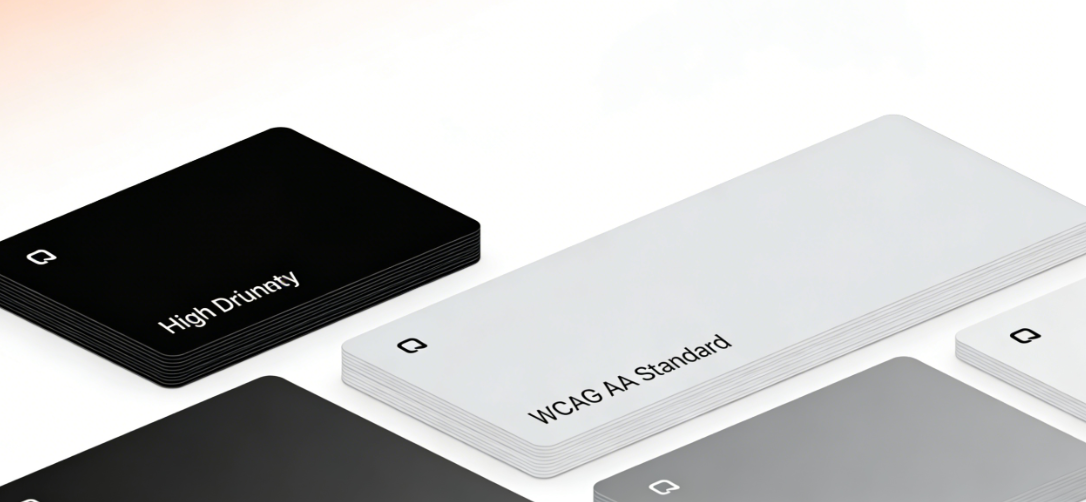
- Contrast Constraints in the Global Style SystemNexter Blocks' global color system encourages and assists designers in selecting color combinations that meet contrast requirements. The color picker displays real-time contrast ratios and provides visual alerts for combinations that fail to meet WCAG AA standards (text 4.5:1, large text 3:1).
- Substitutability of Text and ImagesImage blocks must include descriptive captions.
altFor decorative images, the system provides a one-click option to mark them as "decorative," which outputs an emptyaltAttributes prevent screen readers from unnecessarily reading aloud. Text blocks use relative units by default, supporting browser font scaling functionality.
III. Developer Workflow and Test Integration
Nexter Blocks' accessibility design is not only reflected in front-end output but also integrated into development and quality control processes.
3.1 Real-time Accessibility Prompts in the Block Editor
When building pages, content editors can receive real-time guidance.
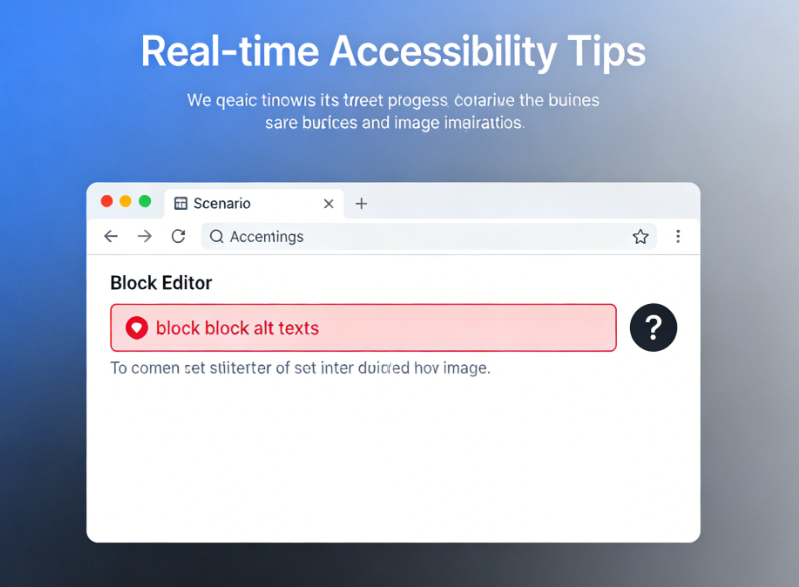
- Required field validation in the Properties panelIn the settings panel of an image block or form block,
altText orlabelFields are explicitly marked as critical for accessibility. The editor will prompt users to complete this information. - Structure Preview and Outline ViewSome advanced modes may provide a simplified view of the document outline, helping editors understand the current page's heading hierarchy and ensure logical clarity.
<h1>until (a time)<h6>The use of.
3.2 Compatibility with Professional Testing Tools and Processes
Nexter Blocks' clean, standardized code output paves the way for professional testing.
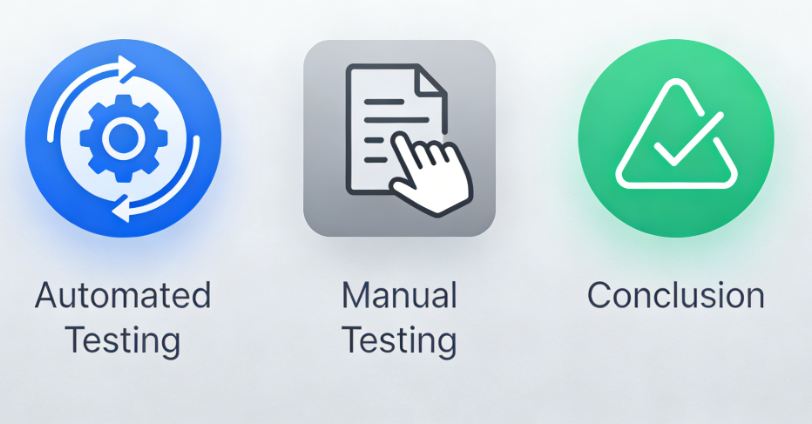
- A Friendly Foundation for Automated TestingThe generated code features a clear structure and is highly compatible with automated accessibility testing tools such as axe-core and Lighthouse. Developers can easily integrate these tools into their continuous integration/continuous deployment (CI/CD) pipelines to perform regression testing on pages built with Nexter Blocks.
- Provide clear code for manual testingWhen manual screen reader testing is required (e.g., using NVDA or VoiceOver), testers work with semantically correct HTML that has all attributes intact. This enables a more efficient testing process and allows for more precise issue identification.
Conclusion: Building Digital Products with Social Responsibility and Technological Vision
Choosing Nexter Blocks as a website building tool signifies more than just a boost in productivity. It represents a commitment to proactively placing inclusive design principles at the core of product development. By translating complex accessibility standards into default, automated code output, this tool not only mitigates legal compliance risks but, more importantly, makes creating digital experiences that are open and welcoming to everyone—regardless of their abilities or the technology they use—a scalable standard practice.
This "born accessible" design philosophy is not only a testament to excellent engineering practices but also a social responsibility and technological imperative for building an equitable, inclusive online environment. For teams seeking to create websites with broad impact, professional standards, and future regulatory compliance, the native accessibility support provided by Nexter Blocks forms a robust and reliable foundation.

Link to this article:https://www.361sale.com/en/82152/The article is copyrighted and must be reproduced with attribution.



















![Emoji[wozuimei]-Photonflux.com | Professional WordPress repair service, worldwide, rapid response](https://www.361sale.com/wp-content/themes/zibll/img/smilies/wozuimei.gif)

![Emoticon[baoquan] - Photon Wave Network | Professional WordPress Repair Services, Worldwide Coverage, Rapid Response](https://www.361sale.com/wp-content/themes/zibll/img/smilies/baoquan.gif)


 简体中文
简体中文  English
  日本語
日本語  Français
  Español


No comments